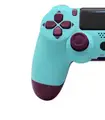
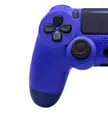
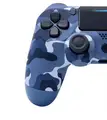
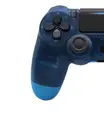
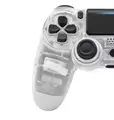
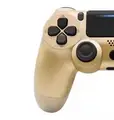
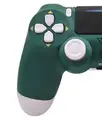
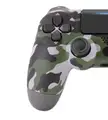
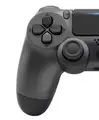
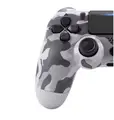
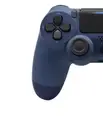
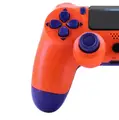
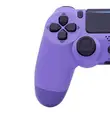
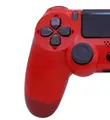
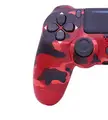
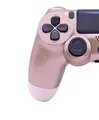
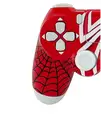
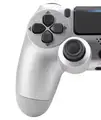
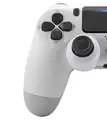
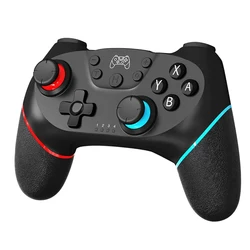
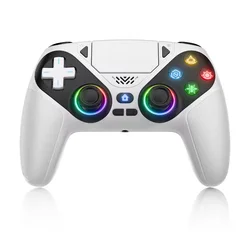
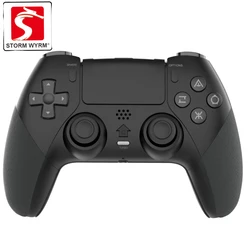
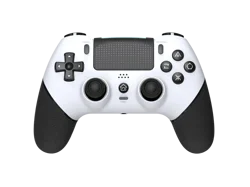
📶 Elevate Your Gaming Experience with the Wireless Gamepad Controller
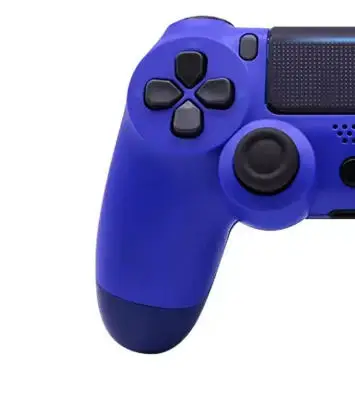
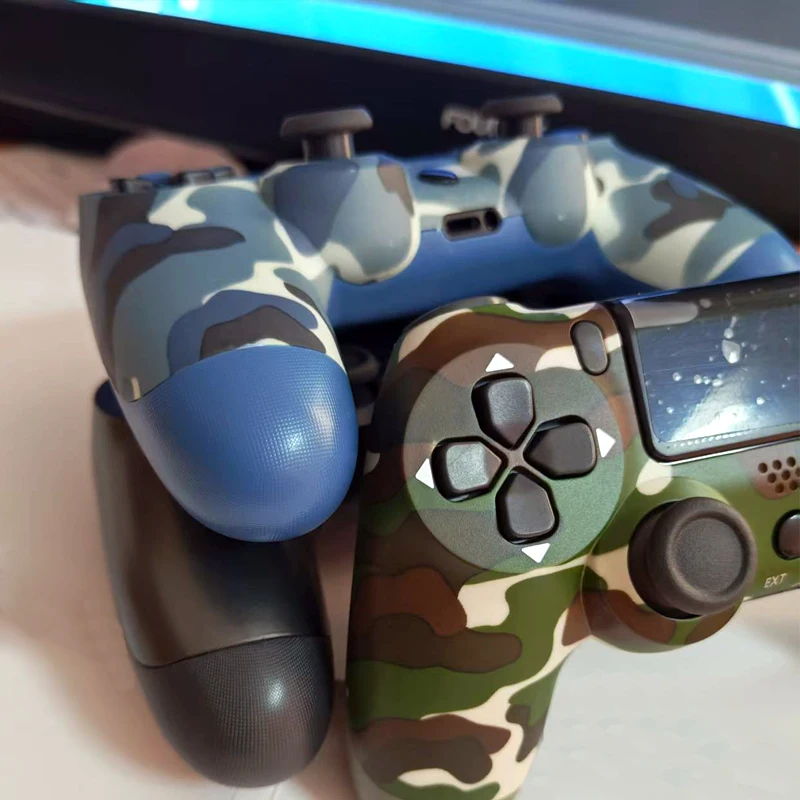
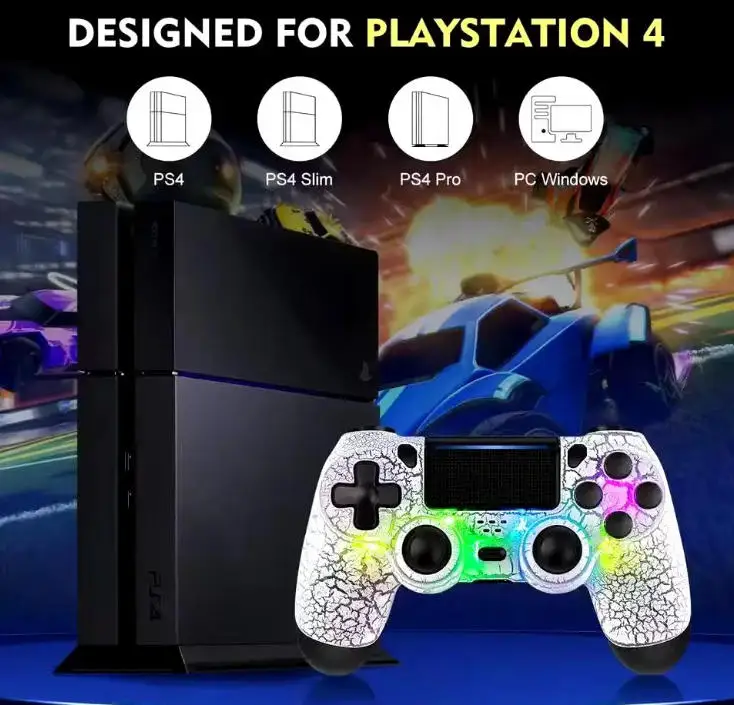
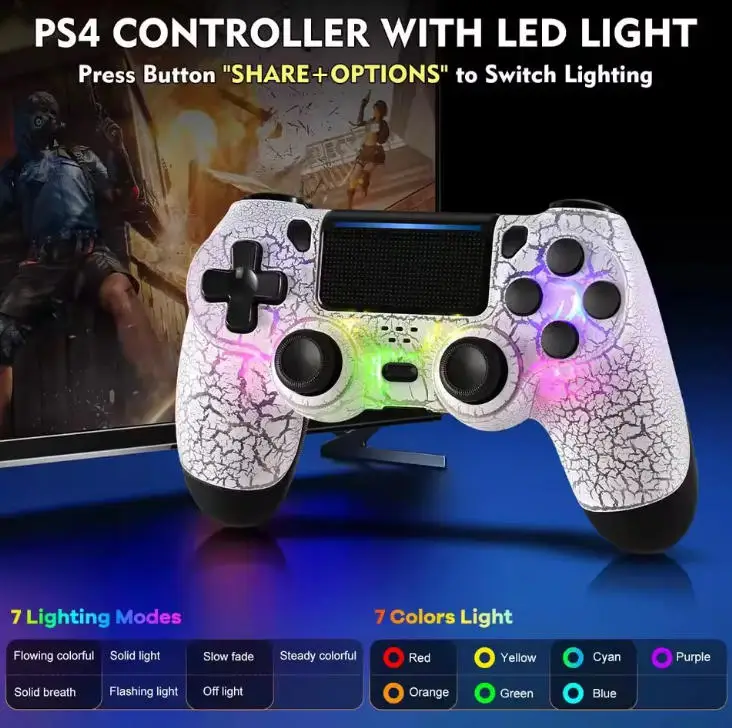
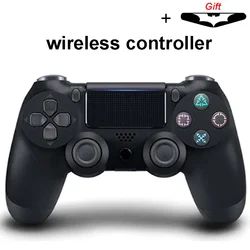
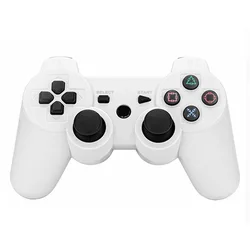
📏 Discover unparalleled gaming freedom with our advanced Wireless Gamepad Controller designed specifically for PS4, PS4 Slim, PS4 Pro, PCs, and compatible devices. This high-performance controller incorporates an array of exciting features that enhance your gaming sessions and immerse you in every action-packed moment.
🔧 Key Features:
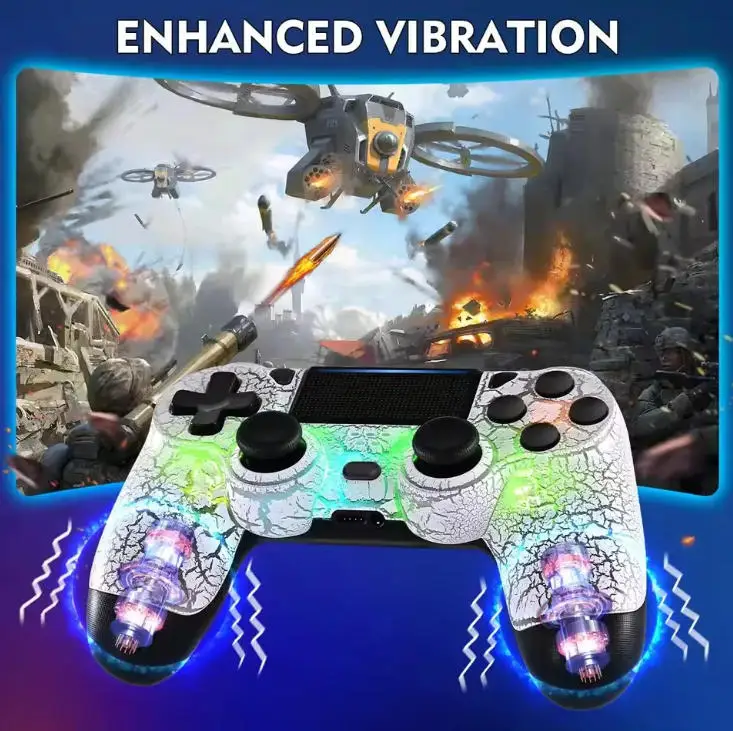
- All-in-One Functional Design: This full-featured game controller comes equipped with a touchpad, integrated audio capabilities, external function options, and dual vibration feedback, creating a versatile gaming environment.
- Enhanced Audio Experience: Featuring a built-in speaker and a stereo headset jack, this controller offers multiple audio options, allowing you to immerse yourself in the rich soundscapes of your games.
- Long-lasting Power: With a robust 600mAh lithium battery, you can enjoy extended gameplay without the worry of interruption, fully optimizing your gaming marathons.
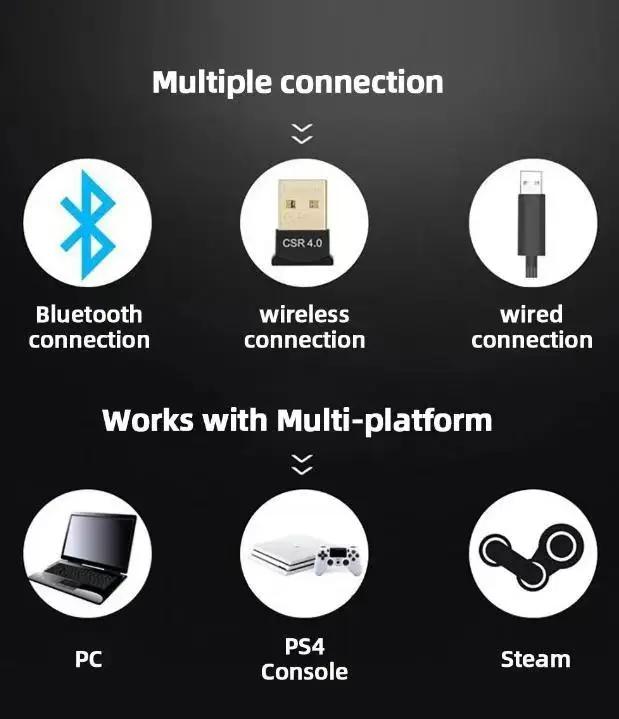
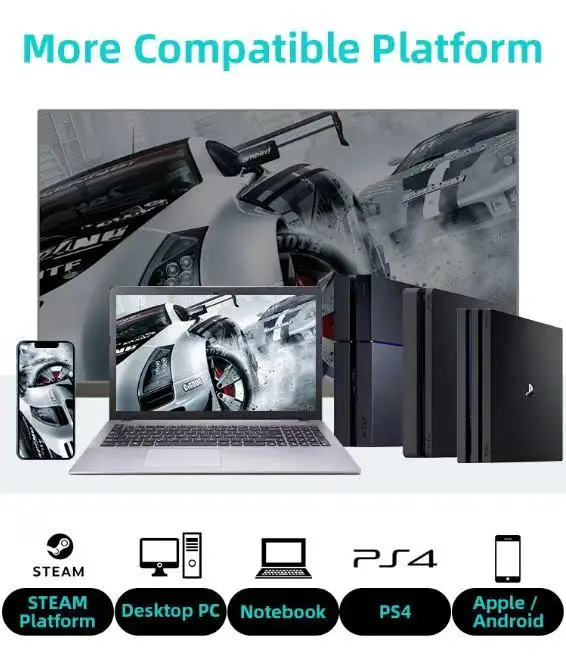
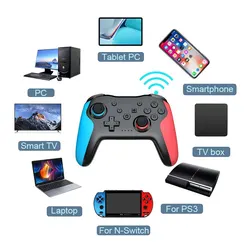
- Comprehensive Compatibility: Compatible with PlayStation 4, PlayStation 4 Pro, PlayStation 3, mobile devices, and PCs running Windows 7, 8, or 10, as well as various gaming platforms like Steam, making it an essential tool for any gamer.
🔊 Included in the Package:
- Wireless Gamepad Controller x 1
- USB Charging Cable x 1
- Instruction Manual x 1
📶 Frequently Asked Questions:
- Can the controller connect via Bluetooth to mobile devices? Yes, it is compatible with iPhones, Android phones, and iPads through Bluetooth.
- Is this controller suitable for multiple operating systems? Absolutely! It supports iOS, Android, PS3, PS4, and Windows operating systems.
- Can I use this controller on a computer? Yes, it can easily connect to your computer.
- Does the gamepad work with all mobile and computer games? It is compatible with games that support peripheral gamepads, so be sure to check compatibility first.
- Will it function with all PS4 games? Yes, this controller operates just like the original Sony PS4 controller, providing full access to all games in the PS4 lineup.
- How can I connect the gamepad to my computer? Simply download the required driver for the gamepad, which is the same as the driver for Sony's controllers.
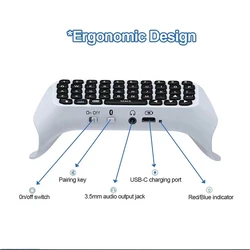
- How do I activate Bluetooth pairing? To pair via Bluetooth, press and hold both the PS and SHARE buttons simultaneously for about 3 seconds until the indicator light begins to flash rapidly.
- Can I connect headphones or speakers to the controller? Yes, the headphone jack allows you to connect either headphones or speakers effortlessly.
🔘 Make every gaming session unforgettable with our Wireless Gamepad Controller, designed to deliver the ultimate in performance and versatility. Get ready to level up your gameplay!