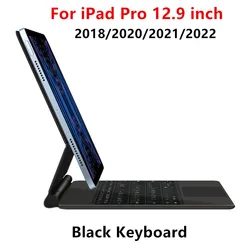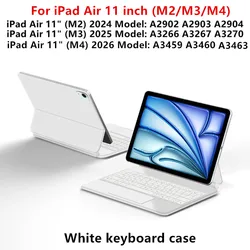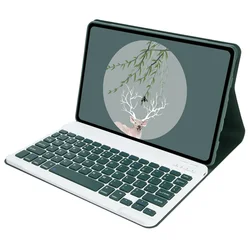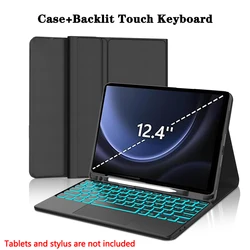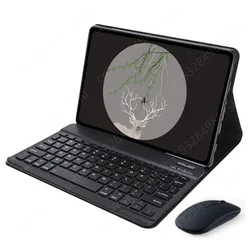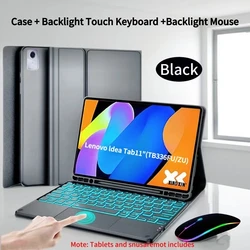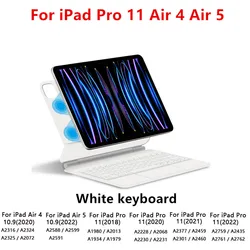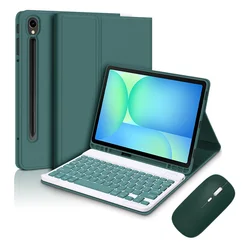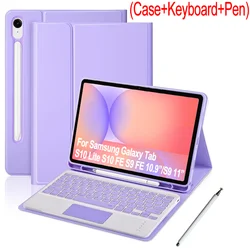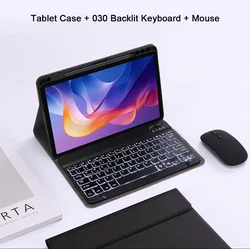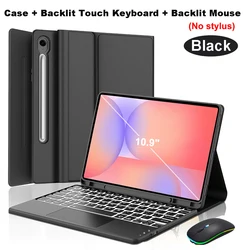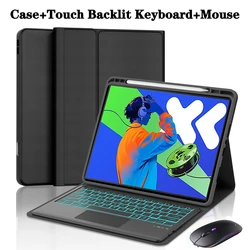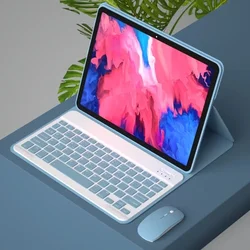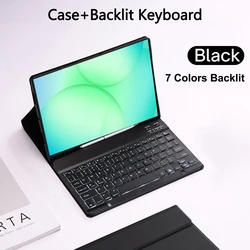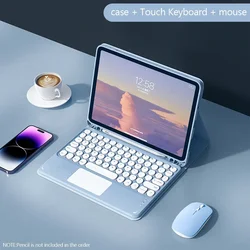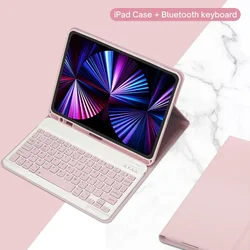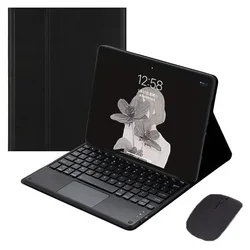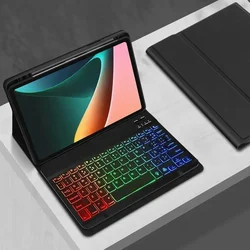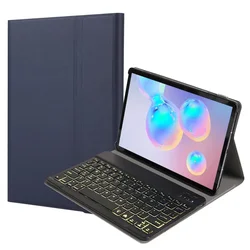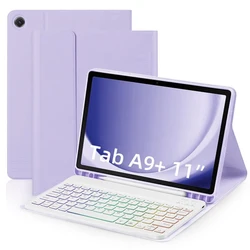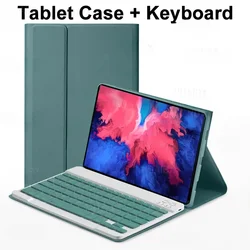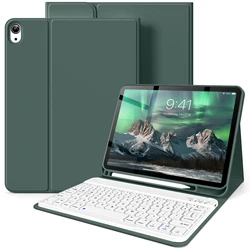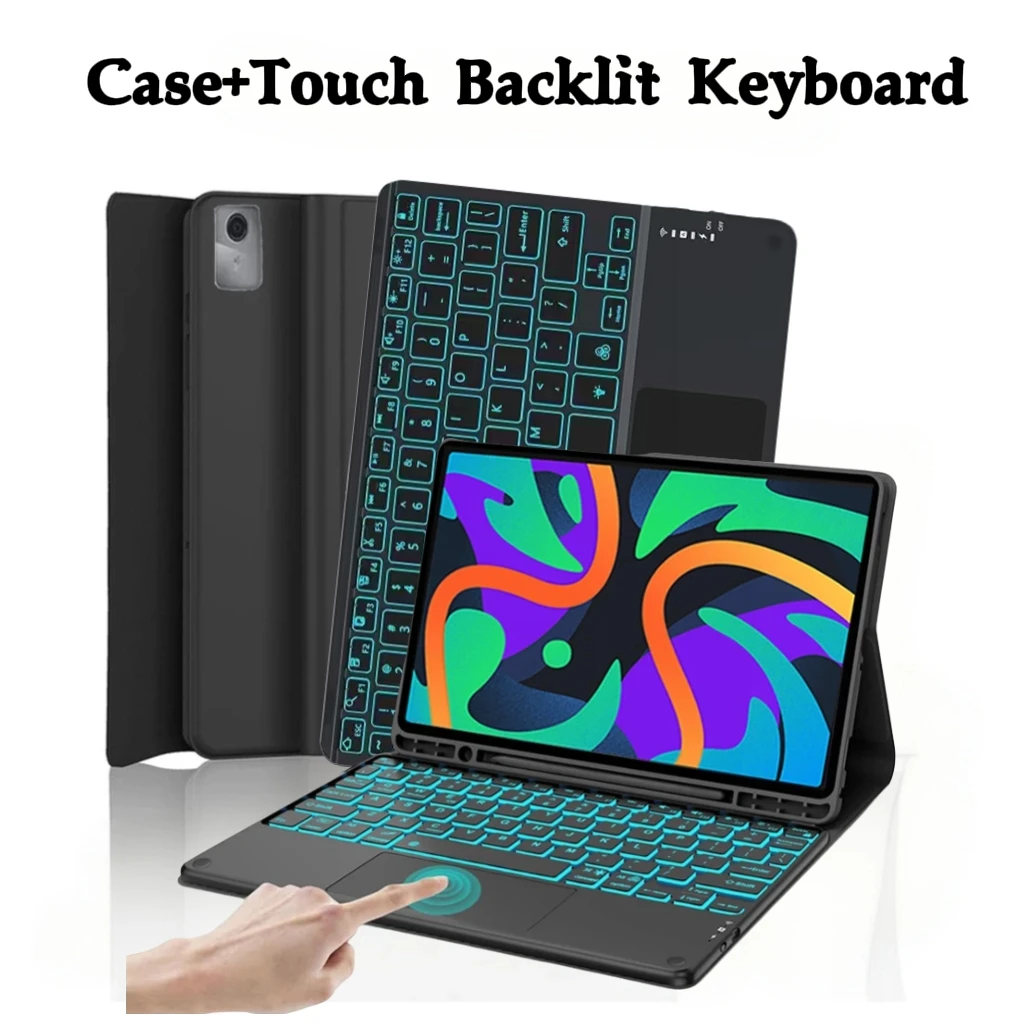
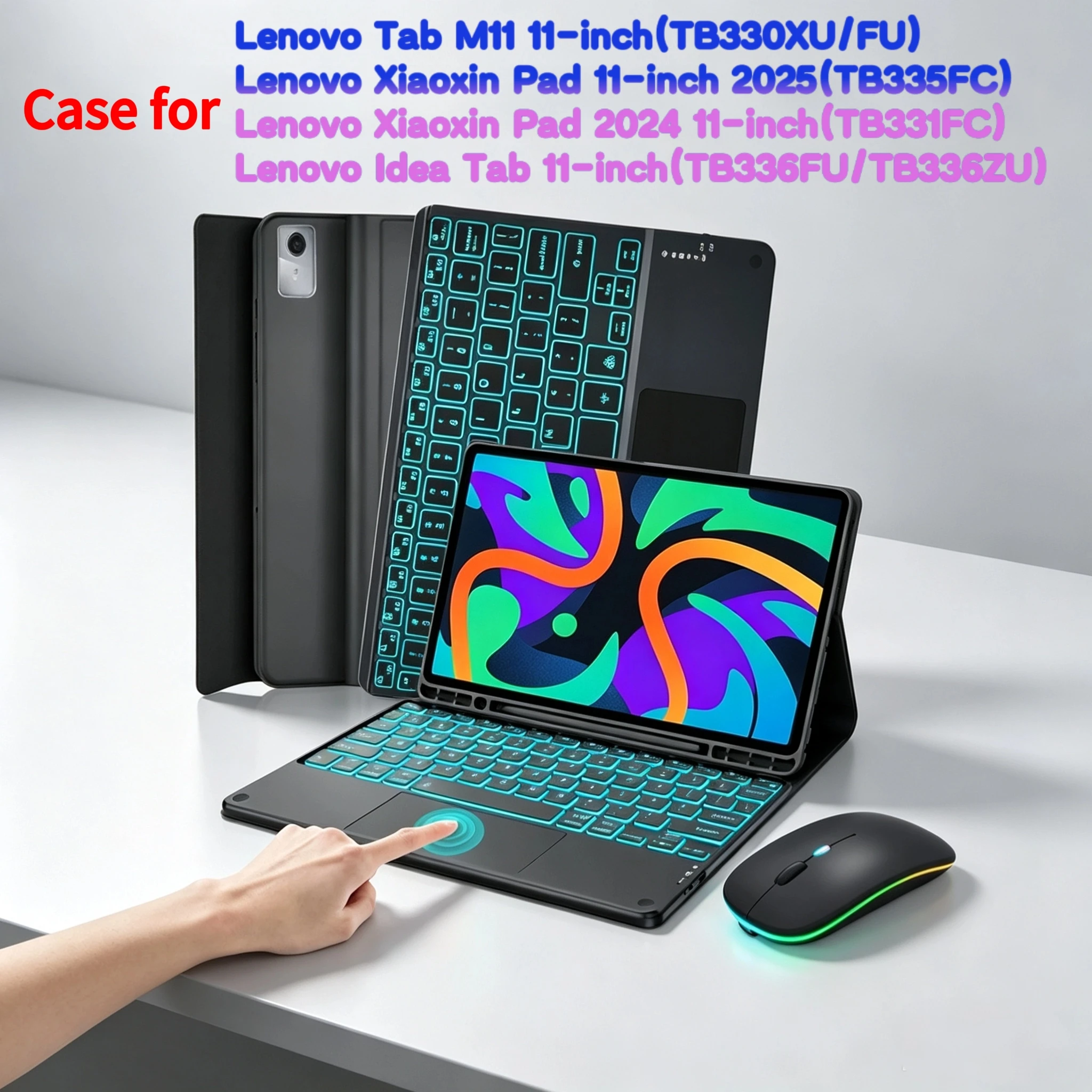
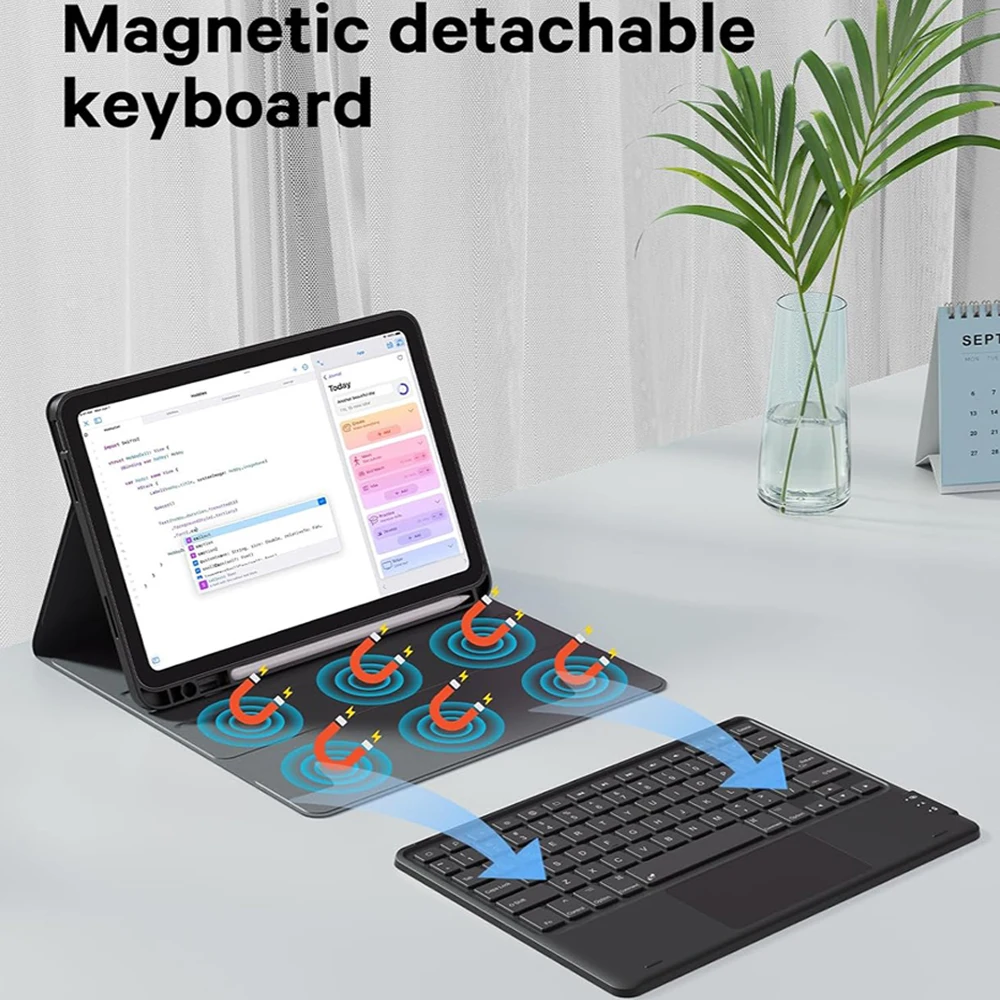
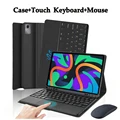
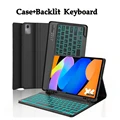
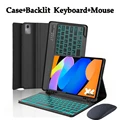
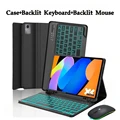
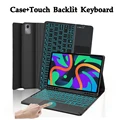
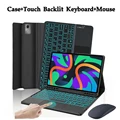
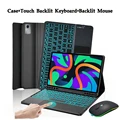
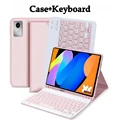
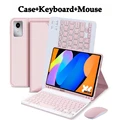
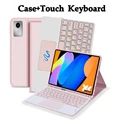
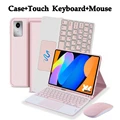
🧭 This high-quality case for the Lenovo Xiaoxin Pad 11-inch (2024, 2025) and Lenovo Tab M11 features an innovative detachable keyboard and a convenient pen slot, making it the ideal accessory for productivity and creativity on-the-go. Specifically designed for compatibility with the following models:
🎯 Model Verification: To ensure a perfect fit, please confirm your tablet model before purchasing by checking the back of the device or navigating to Settings > About to find the model number listed there.
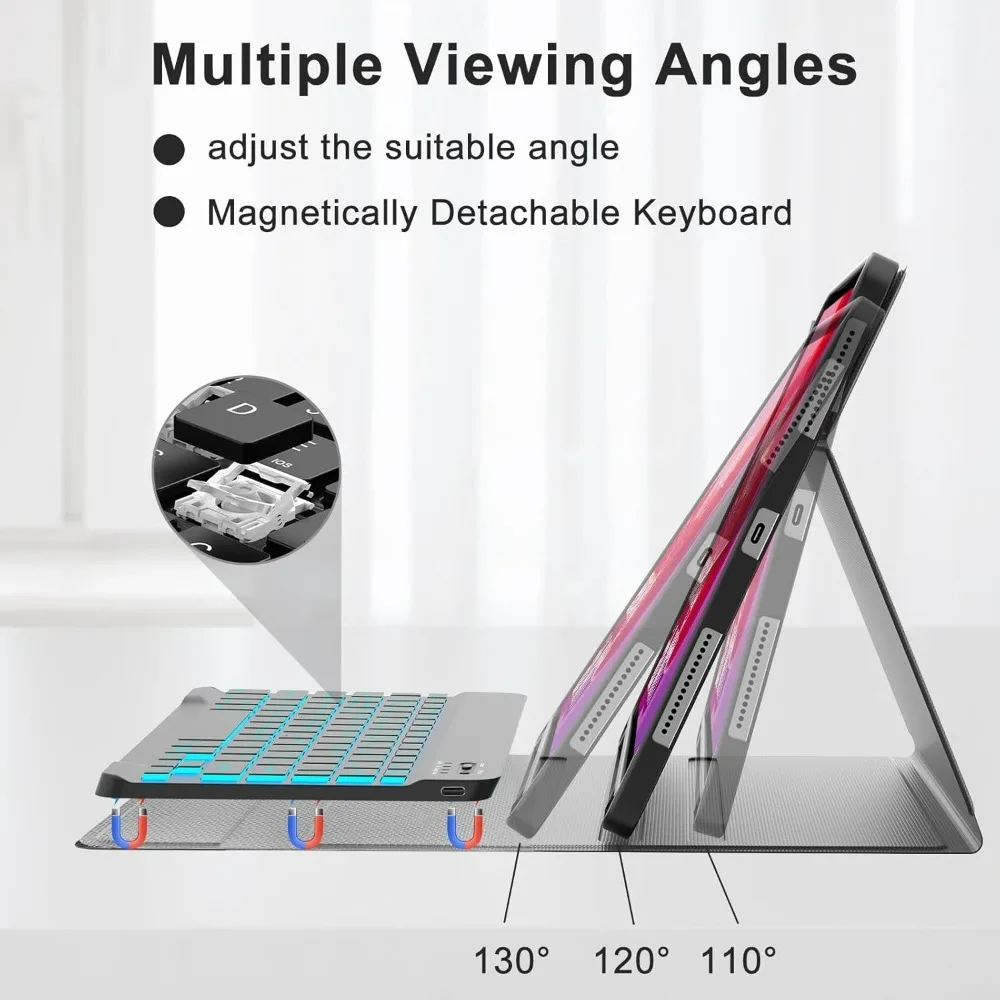
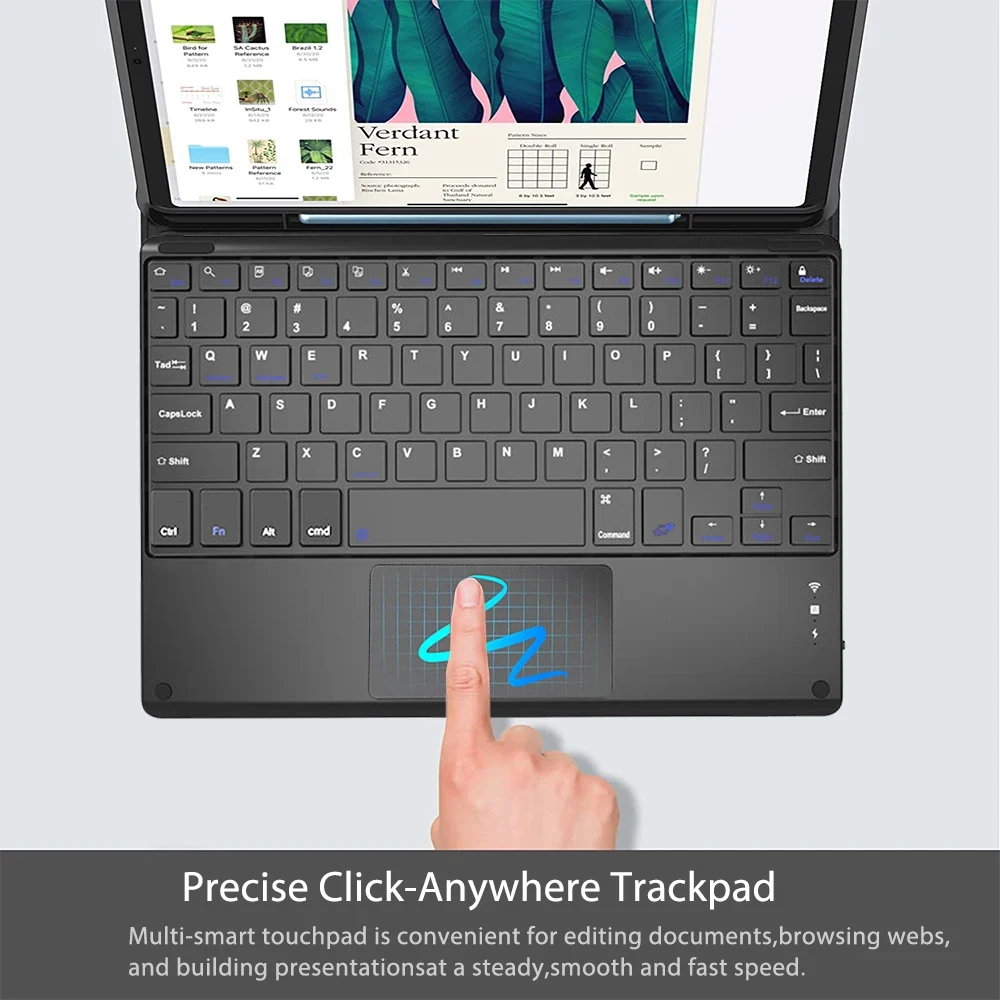
🧩 Designed with functionality in mind, this case not only safeguards your tablet but also enhances your user experience. The detachable keyboard allows for seamless typing, making it easy to shift from tablet mode to a laptop-like setup, ideal for writing emails, drafting documents, or taking notes in class. The integrated pen slot provides a dedicated space for your stylus, ensuring you’ll have it handy whenever inspiration strikes.
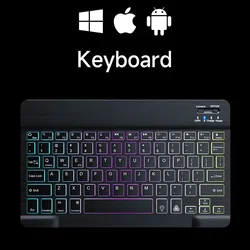
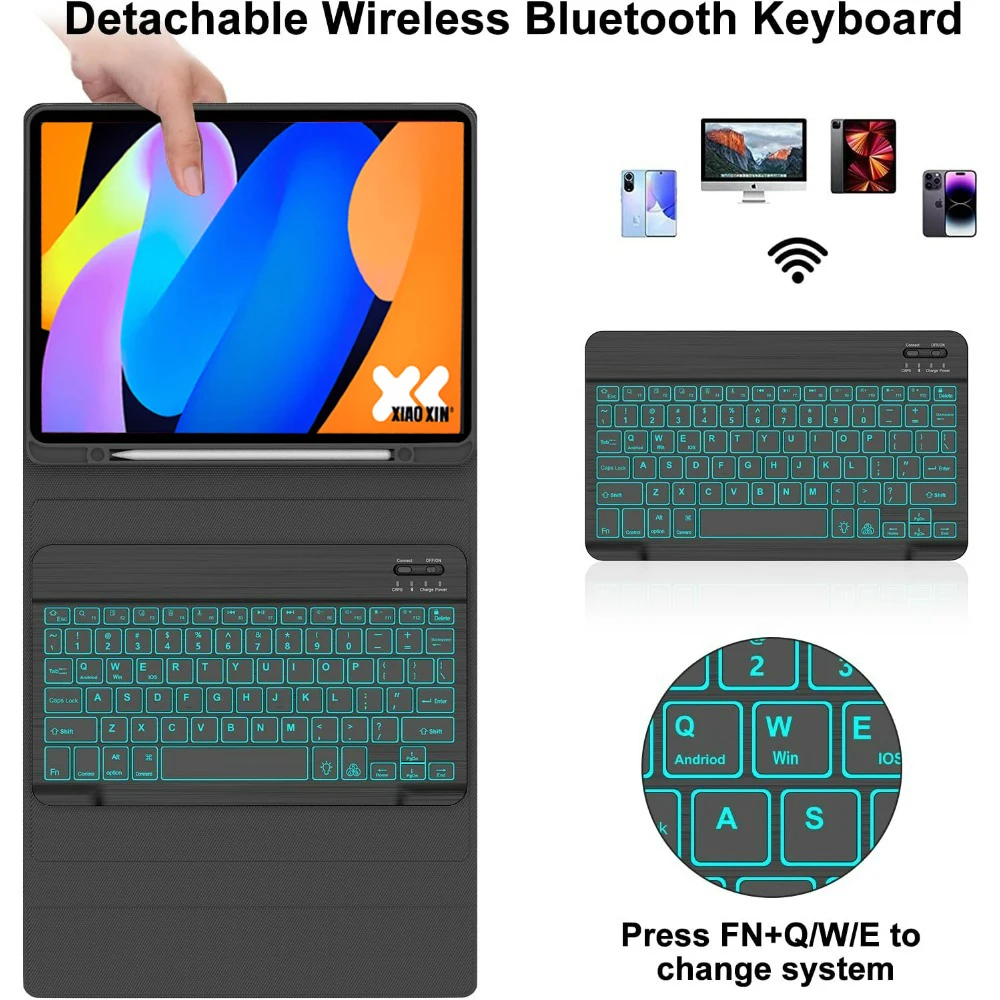
⚙️ Keyboard and Mouse Connectivity: Connecting your keyboard and mouse is a straightforward process. Start by connecting your mouse via Bluetooth by switching it to the "Bluetooth" mode and then locating it in your device’s Bluetooth settings. To connect the keyboard, turn it on and follow the same procedure. Enjoy the efficiency of a touchpad keyboard by simply pressing Fn+C to connect.
🔵 FAQs: If you're new to Bluetooth peripherals, here are some common questions and solutions:
🔘 1. Connecting the Mouse for the First Time: If this is your first connection, hold the left mouse button, right button, and scroll wheel simultaneously for 3-5 seconds to initiate pairing.
🔵 2. Different Scroll Directions: Note that the scrolling behavior differs between USB and Bluetooth connections; adjustments may be necessary based on your preference.
💍 3. Switching Operating Systems: Easily toggle between Android, Windows, and iOS modes using Fn+Q for Android, Fn+W for Windows, and Fn+E for iOS, ensuring optimal compatibility with your chosen system.
🧰 4. Troubleshooting Keyboard Input: If your keyboard appears to display mismatched characters, reset the keyboard after confirming your device settings align with the appropriate language and system settings.
🛡️ This versatile case offers not just protection, but also a thoughtful design that enhances functionality, making it the perfect addition for anyone who relies on their Lenovo tablet for work or play.
If this item arrives after the delivery date given at checkout, you will be emailed a £5.00 credit voucher to use on your next order