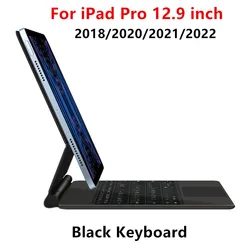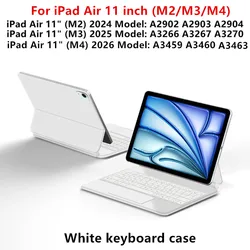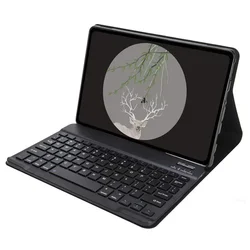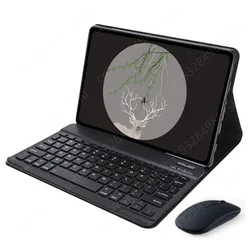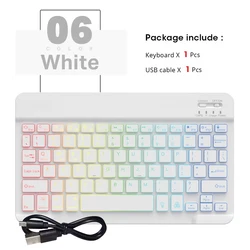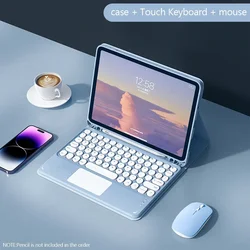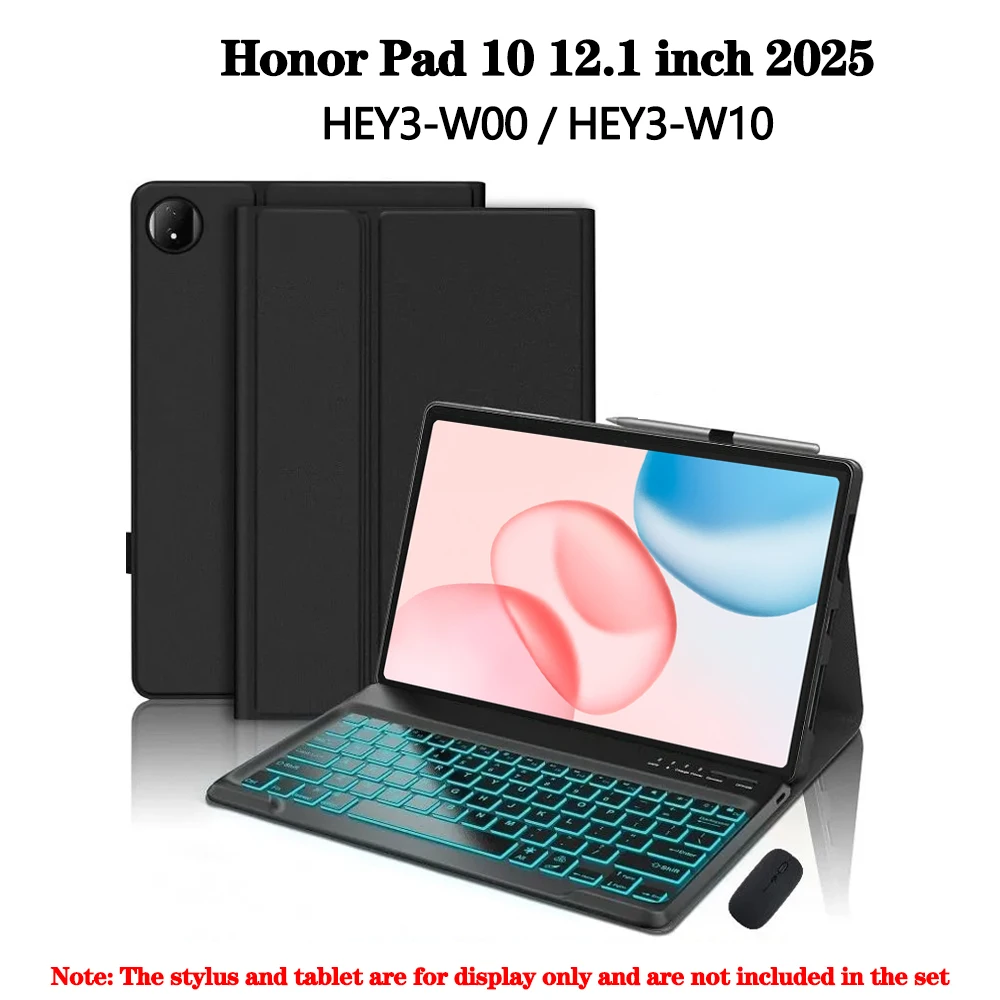
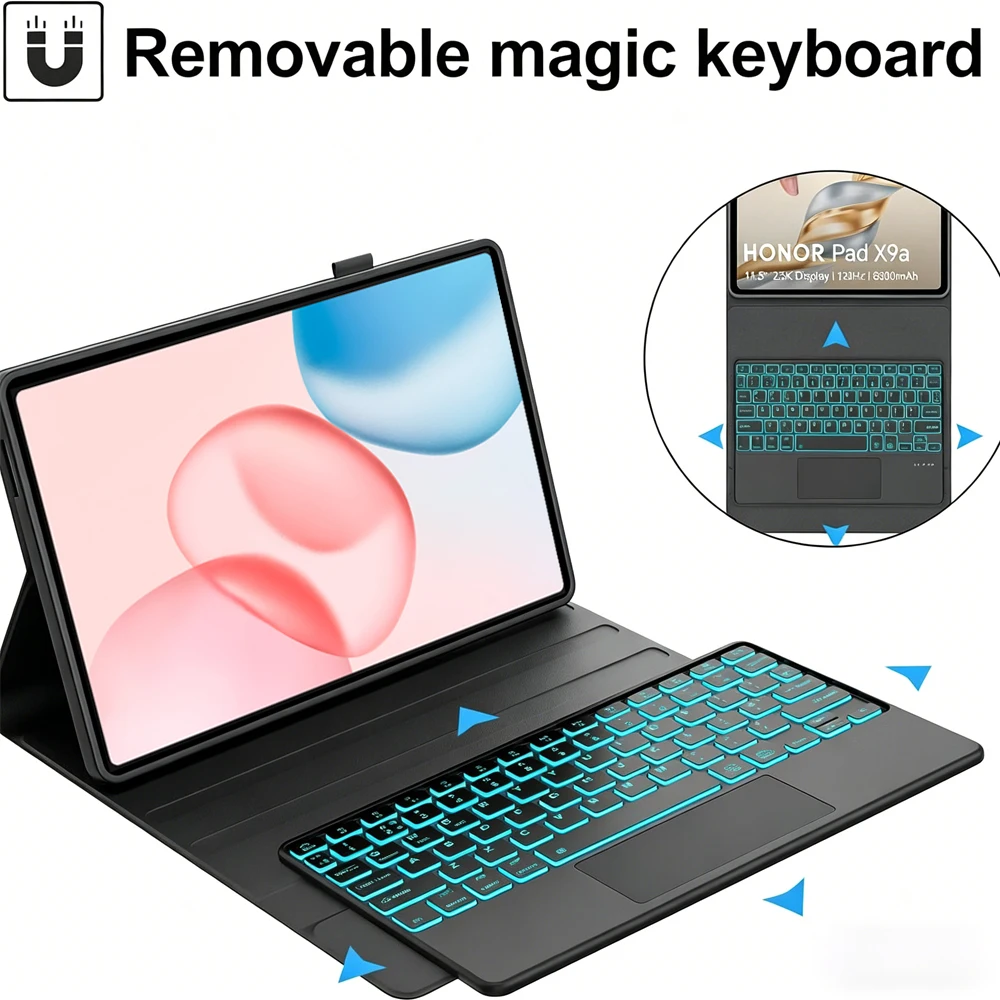





Product Overview:
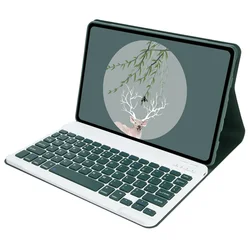
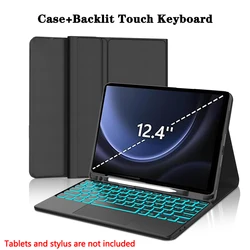
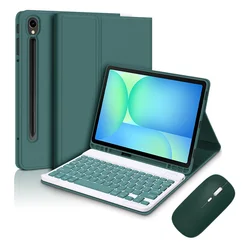
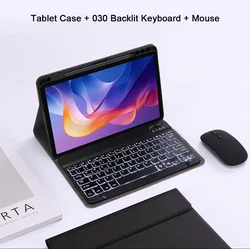
💎 This premium case is specifically designed for the HUAWEI Honor Pad 10, 12.1 Inch (2025), compatible with the HEY3-W00 and HEY3-W10 models. Crafted with precision, this keyboard cover not only offers robust protection but also enhances your tablet experience by transforming it into a versatile workstation.
Compatibility Confirmation:
🎯 To ensure a perfect fit for your device, you can easily verify your tablet model. Simply check the back of your tablet or navigate to "Settings," click on "About," and locate your model number. Make sure to select the correct case based on your model number to guarantee optimal functionality.
Product Contents:
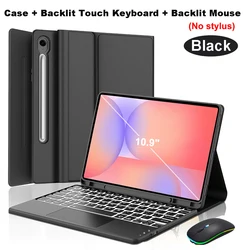
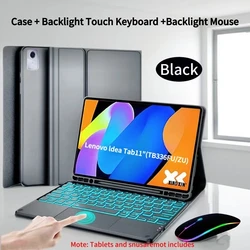
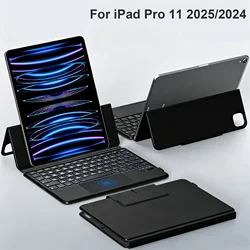
Please note that this purchase does not include the digital tablet or stylus. The description serves as a guide; kindly refer to the actual product for accurate color representation.
📶 Wireless Connectivity:
Connecting your keyboard and mouse is straightforward:
💍 Frequently Asked Questions:
🔘 1. What should I remember when connecting the mouse for the first time?
To connect your mouse for the first time, simultaneously press the left button, right button, and scroll wheel for about 3-5 seconds.
🔵 2. Is the scroll direction of the mouse the same for USB and Bluetooth connections?
No, they differ. With a USB connection, the scroll wheel moves in the same direction as a traditional computer mouse, while the Bluetooth connection operates inversely.
3. How do I switch between different systems?
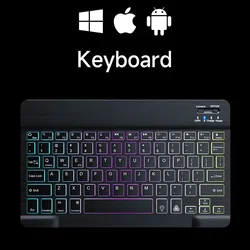
Use the following key combinations to switch systems before connecting your tablet: Fn+Q for Android, Fn+W for Windows, and Fn+E for iOS.
💍 4. Why are the letters on the Bluetooth keyboard appearing incorrectly?
Double-check your settings to ensure the keyboard language is set to English. Disconnect and ignore the connected device, then reconnect, choosing the correct system with Fn commands. If issues persist, reset the keyboard by pressing L, S, and Z simultaneously.
🧰 5. How do I set up an input method for different language keyboards?
For instance, on a Samsung tablet, navigate to "Settings" > "System" > "Language & Input" to add a new keyboard. Follow similar steps for other operating systems, adapting to the specifics of your device.
🧰 6. How can I change the scroll wheel's direction on the device?
To adjust the scroll wheel direction, open "General" > "Trackpad & Mouse" in your settings, and toggle the "Natural Scrolling" option.
🧩 This versatile case not only ensures the safety of your Honor Pad but also enriches your productivity, making it an essential accessory for any user.
If this item arrives after the delivery date given at checkout, you will be emailed a £5.00 credit voucher to use on your next order