

Phone Cases
Chargers and Cables
Gaming
Gadgets
Tablet and iPad Cases
Your Account
Language
Business
Phone Data
Contact Us
4.3 Google Shopping Rating Over 2 million customers since 2013 Based in the UK Free delivery order over £30+

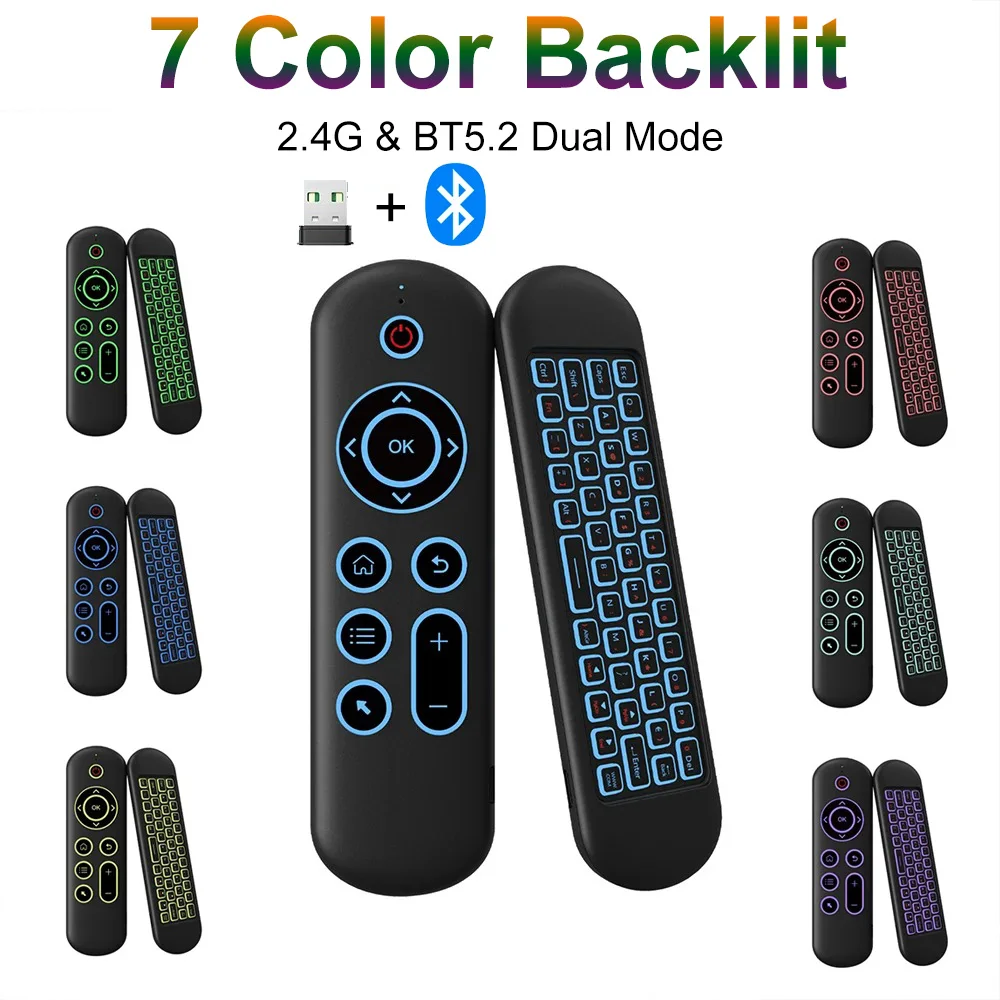
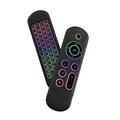
Enhanced Wireless Air Mouse and Mini Keyboard with Voice Control and Backlit Remote (M5 Backlight)

Enhanced Wireless Air Mouse and Mini Keyboard with Voice Control and Backlit Remote
Colour: M5 Backlight
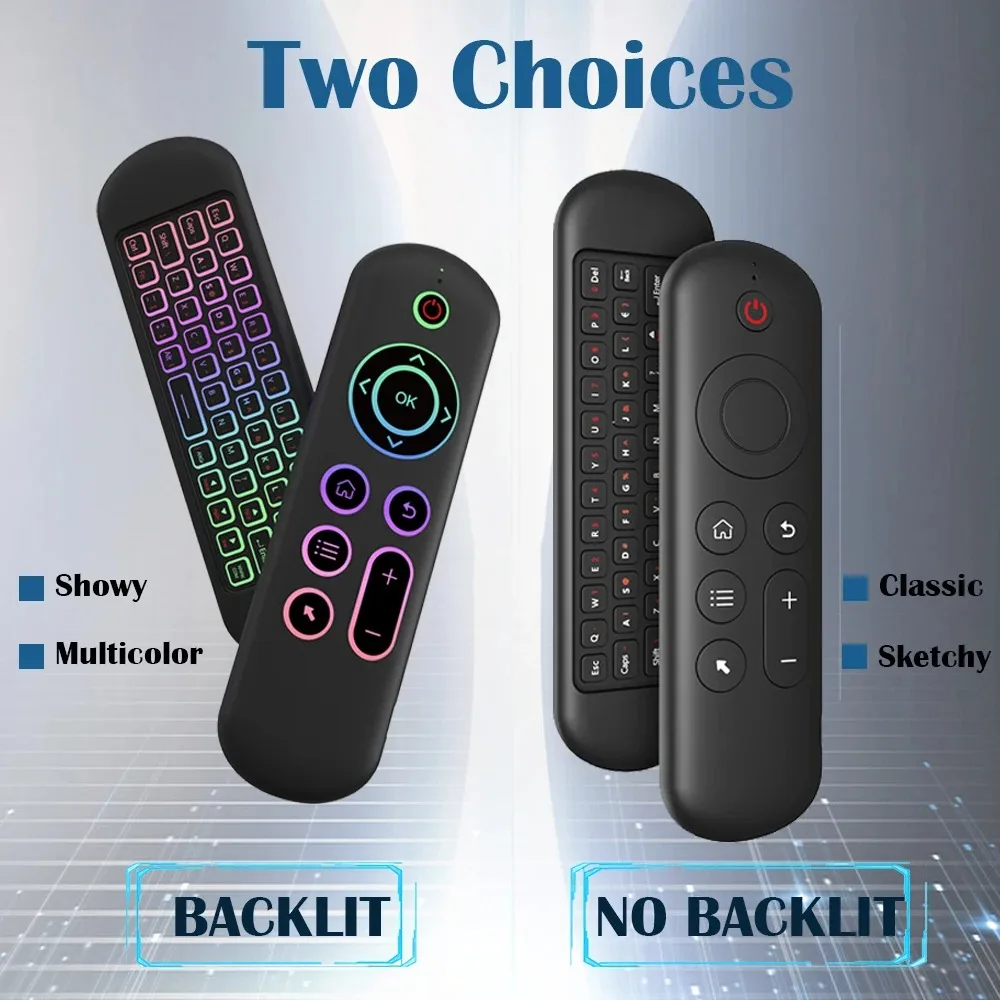
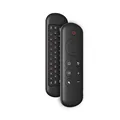
G10S PRO BT M5 Backlight M5 No Backlight

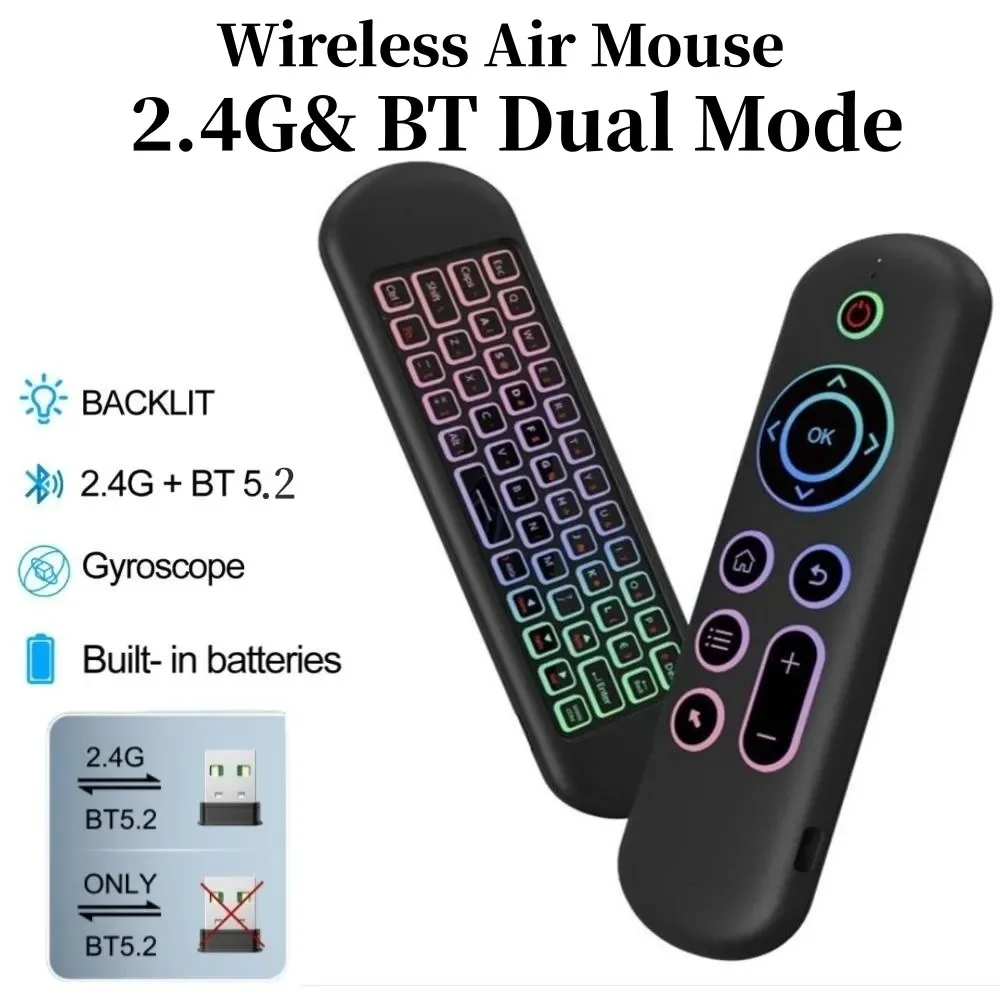
📶 Introducing the 2.4GHz Wireless M5 Air Mouse with Bluetooth 5.2 Mini Keyboard: This multifunctional remote control is designed to enhance your home entertainment experience and streamline your interactions with a variety of devices. Say goodbye to cluttered remotes and embrace the convenience of this all-in-one controller for your PC, Android, Windows, Mac OS, and Linux systems.

Specifications:

  • Remote Control Distance: Operate up to 10 meters away for total freedom of movement.
  • Charging Port: Features a Micro USB port for effortless recharging.
  • Dimensions: Compact design measuring 155 x 45 x 9 mm, making it easy to hold and store.
  • Lightweight: Weighs only 58g, ensuring that it is comfortable for prolonged use.
  • Wireless Modulation Mode: Utilizes GFSK for enhanced performance.
  • Modulation Frequency: Operates within the range of 2.4 to 2.4835GHz, ensuring a stable connection.
  • Number of Keys: Equipped with 58 keys for a fully functional remote experience.

🪶 Modes of Operation:

🪶 2.4G Mode: Effortlessly set up by connecting the USB receiver into your device’s USB port. Within moments, typically just 20-60 seconds, you’ll be able to navigate with ease. If pairing does not occur initially, simply press the [OK] and [BACK] buttons to initiate pairing, indicated by the LED light’s flashing.

💍 Bluetooth 5.2 Mode: Enjoy the latest Bluetooth technology by activating the Bluetooth function on your main device. By pressing and holding the [OK] and [RETURN] keys, you’ll enter pairing mode indicated by flashing LEDs. Easily connect by selecting the air remote’s name (e.g., BT-REMOTE) from the search results on your device. Once connected successfully, control the mouse pointer with simple hand movements in the air. For re-establishment of connections, expect swift reconnection times between 3-5 seconds. Note that it only retains pairing information for one device, ensuring a straightforward user experience.

🔧 Enhanced Features of the G10S Pro:

  • Voice Search Function: Simplify searches by speaking directly into the microphone, allowing for hands-free operation.
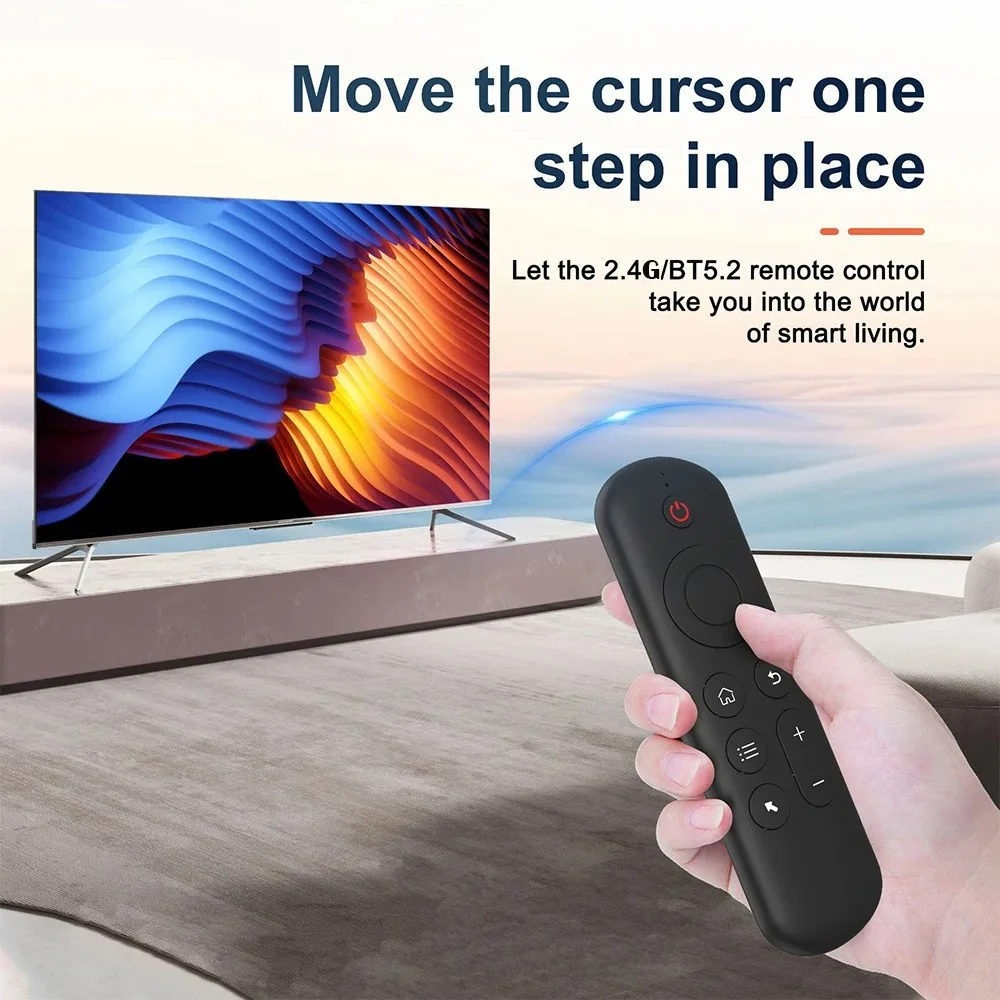
  • Air Mouse & Gyroscope Function: The incorporation of advanced gyroscopic sensors enables seamless control in both horizontal and vertical orientations.
  • IR Learning Function: Program your device by learning from existing remotes, specifically designed for the 'Power' button.

🔘 Discover the perfect blend of functionality, convenience, and technology with the 2.4GHz Wireless M5 Air Mouse and Bluetooth 5.2 Mini Keyboard, and elevate your digital experience today.