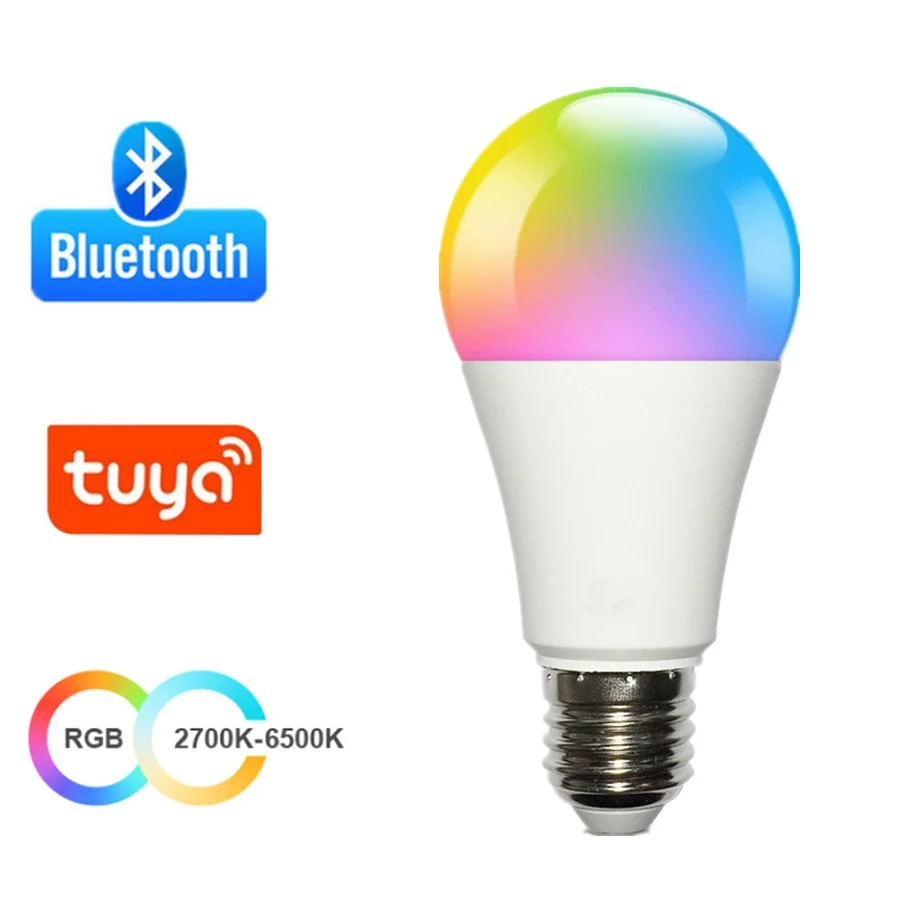
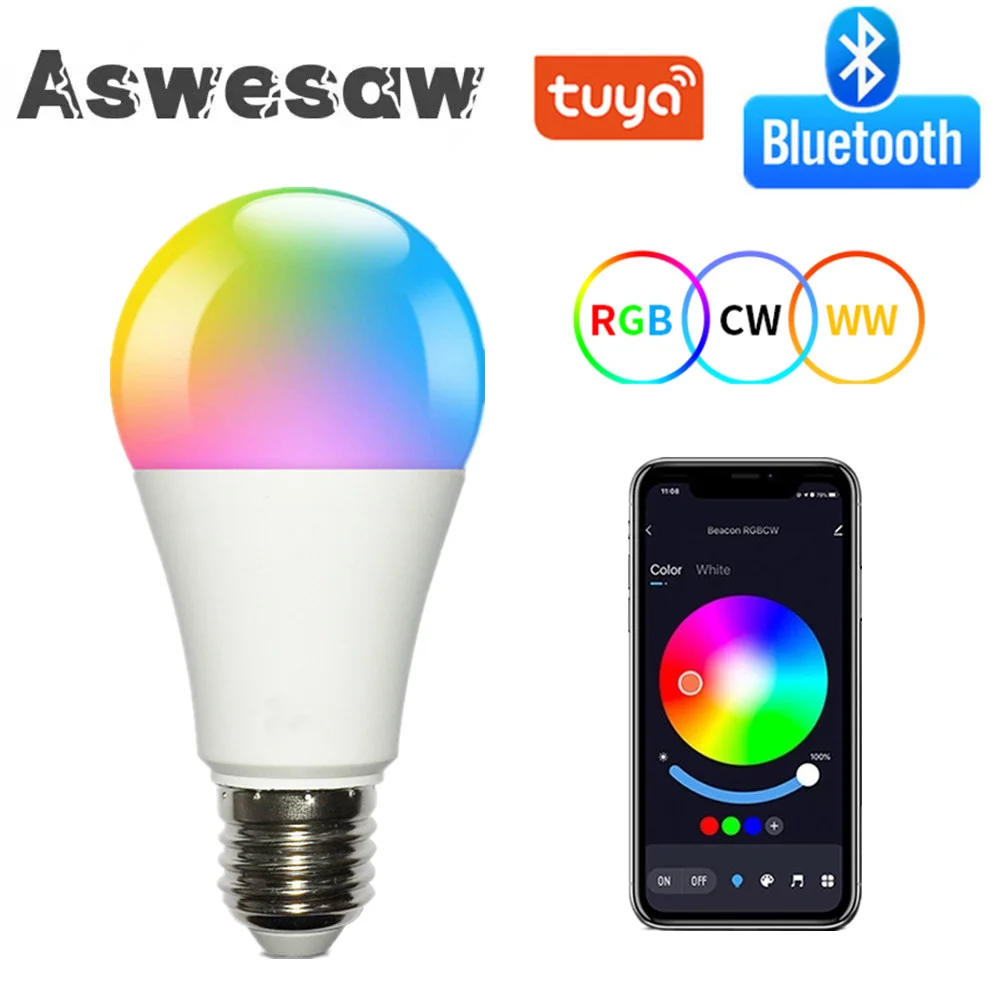
📶 Introducing the Wireless Bluetooth 4.0 Smart Bulb
🧠 Transform your living space with our latest Wireless Bluetooth 4.0 Smart Bulb, designed for ultimate convenience and versatility. This smart LED bulb not only offers a traditional E27 socket design but also comes equipped with advanced technology that allows you to control it effortlessly through the Tuya or Smart Life app. Experience exceptional lighting that fits perfectly into your modern lifestyle.
Specifications:
- Product Name: Bluetooth Smart Bulb
- Socket Type: E27
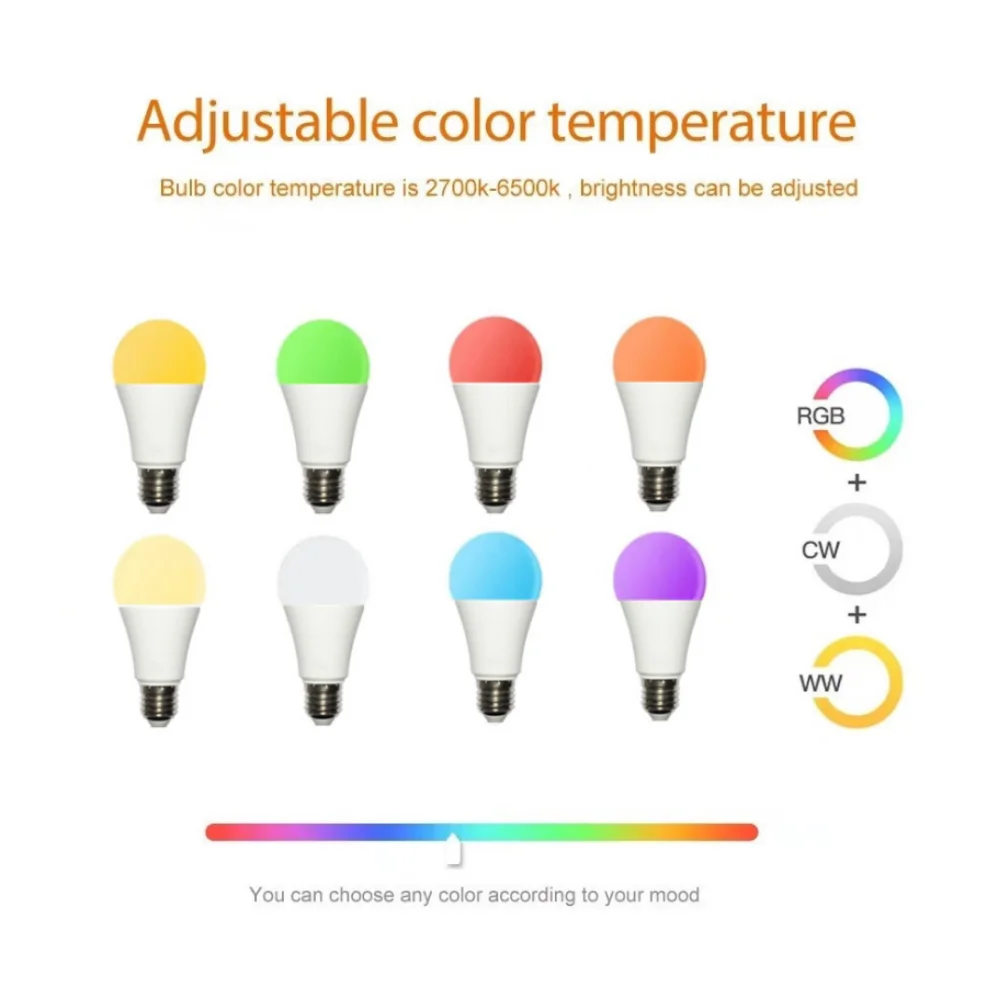
- Color Temperature: RGB + Warm White + Cold White
- Voltage: AC85-265V
- Wattage: 15W
- Compatible Apps: Tuya / Smart Life
🔧 Features:
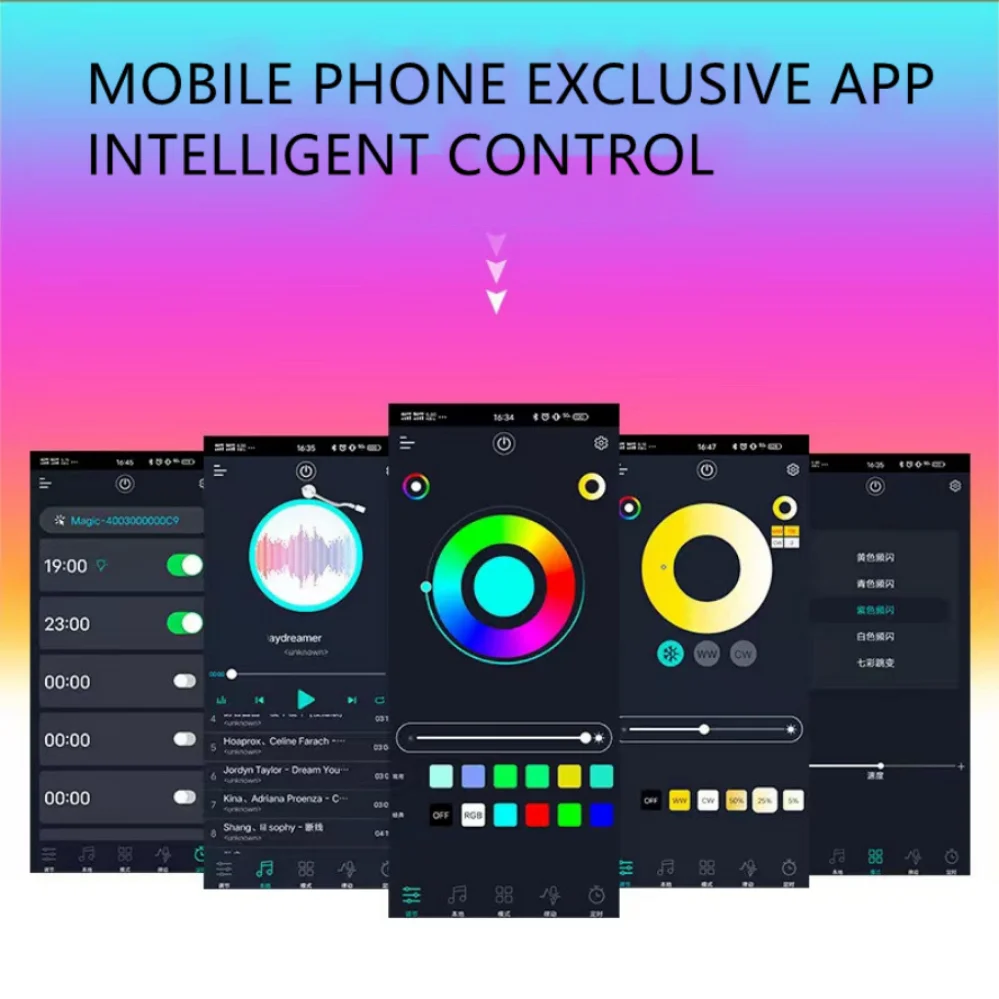
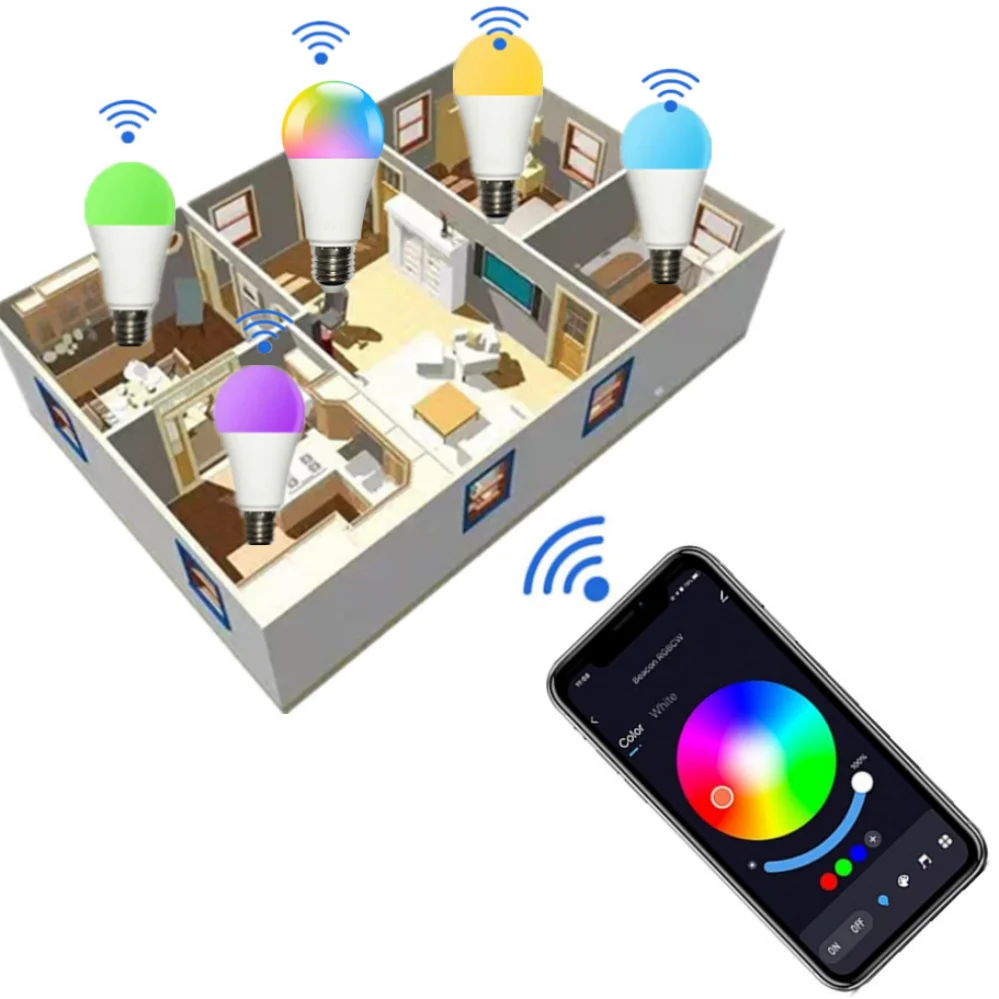
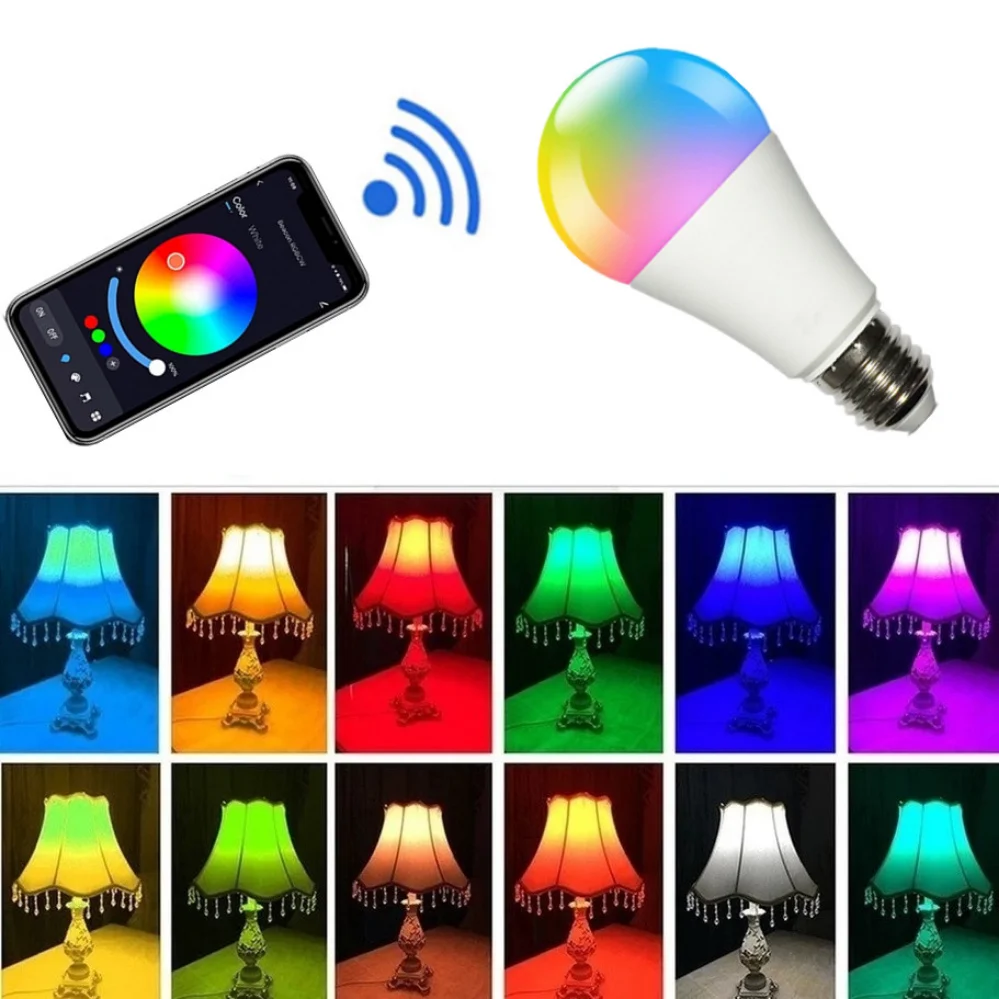
- APP Remote Control: Control your bulb with ease from anywhere using the Tuya or Smart Life app. Turn the bulb on or off, adjust brightness, and change colors to suit your mood or occasion.
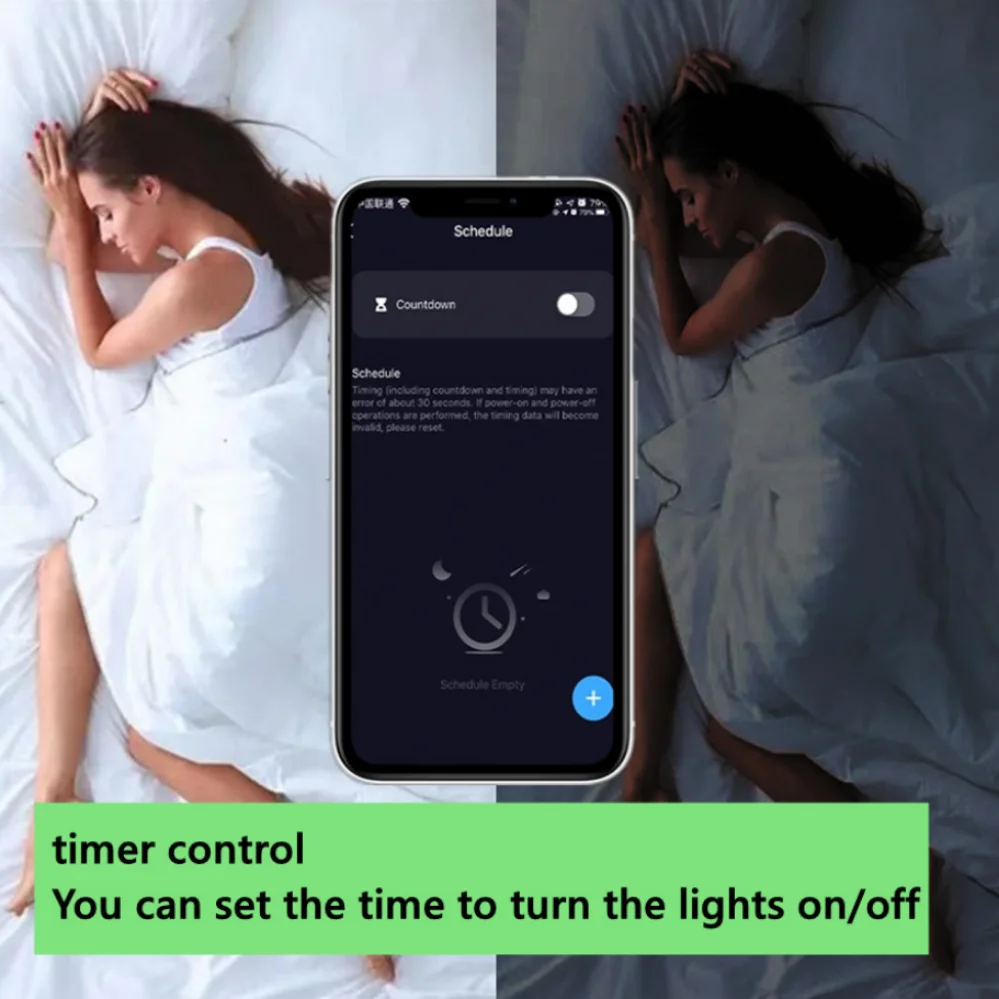
- Timing Function: Schedule your lighting with the built-in timer function, allowing the bulb to automatically turn on or off at designated times for added convenience.
- Sharing Options: Share control of the smart bulb with family and friends, making it easy for everyone to enjoy personalized lighting experiences.
- Vibrant Color Selection: Choose from an astonishing palette of 16 million colors, enabling you to customize your ambiance effortlessly. Adjust the color temperature from a warm 2700K to a cool 6500K to achieve the perfect lighting for any situation.
- Music Sync: Create an immersive atmosphere by synchronizing the bulb’s brightness with your favorite music. Transform any room into a dynamic dance floor or a serene sanctuary, whether in your living room, kitchen, or bedroom.
- Group Control: Manage multiple lights simultaneously by creating groups within the app, allowing for streamlined operation and enhanced lighting coordination throughout your home.
🪶 Connecting Your Bluetooth Smart Bulb:
👌 To enjoy the features of your Bluetooth smart bulb, simply follow these easy steps:
- Download the Tuya or Smart Life app by scanning the QR code or searching for it in your app store.
- Register a new account or sign in with an SMS verification code.
- Enable Bluetooth on your mobile device.
- In the app, select "Add Device", then choose "Lighting" and "Light Source BLE".
- Prepare your bulb by making it blink: turn it on and off five times, then leave it in the on position and turn it off on-off-on-off-on.
🤖 Resetting the Bluetooth Smart Bulb:
🔍 To reset the bulb and clear its pairing code, turn the bulb on and off consecutively nine times until the light flashes.
🧩 Elevate your lighting experience today with the Wireless Bluetooth 4.0 Smart Bulb and explore a world of vibrant colors and customizable settings!