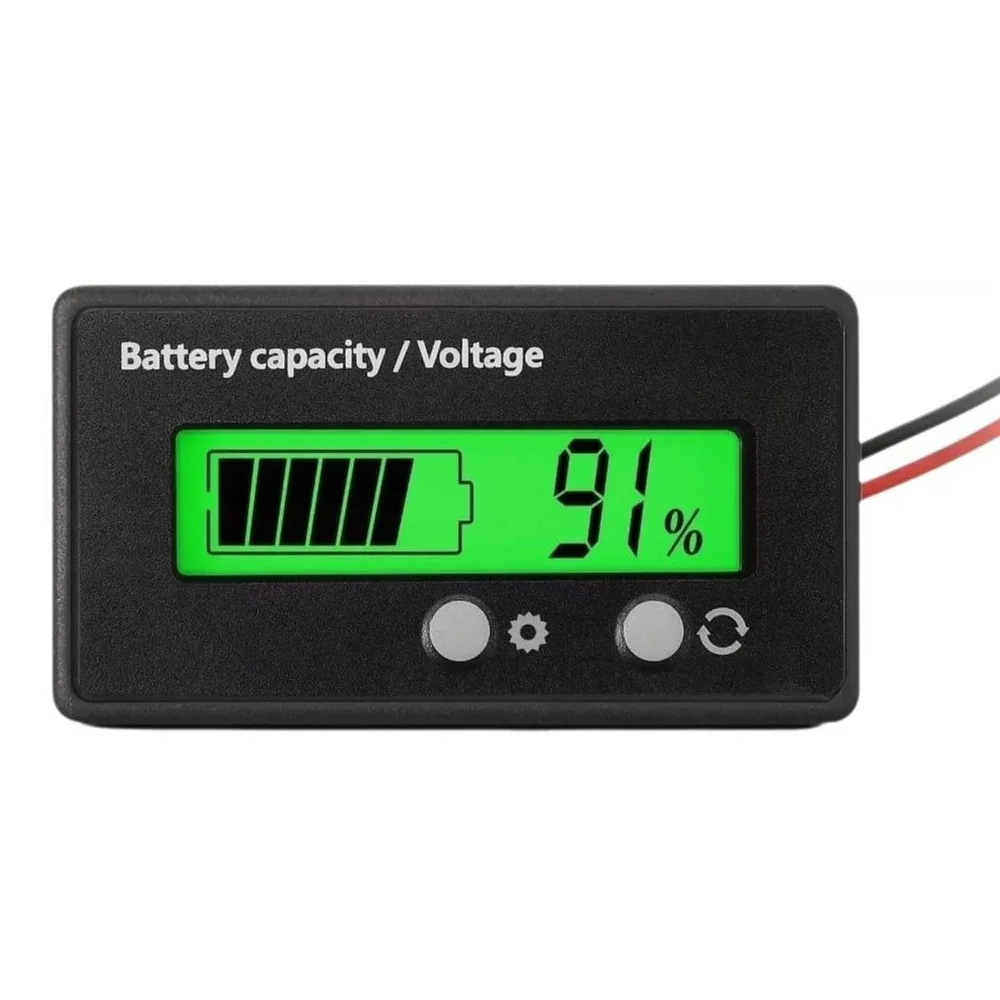
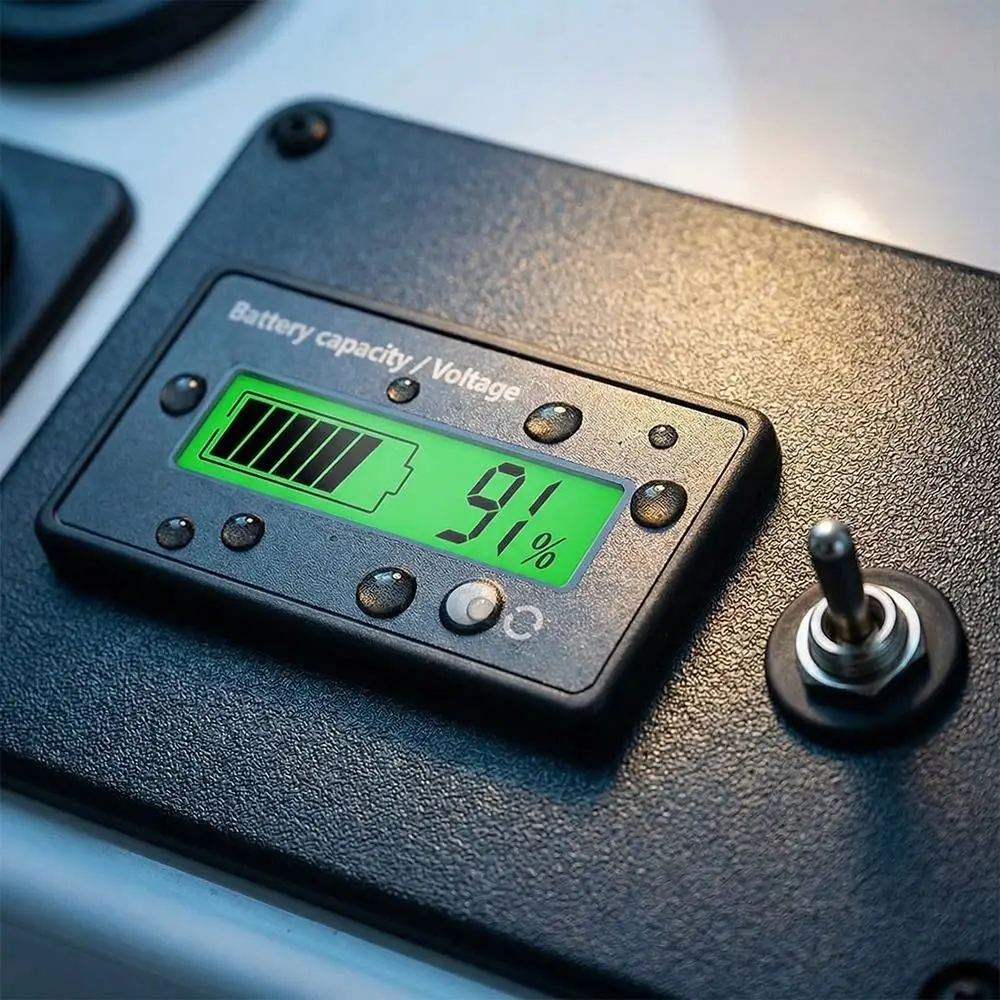
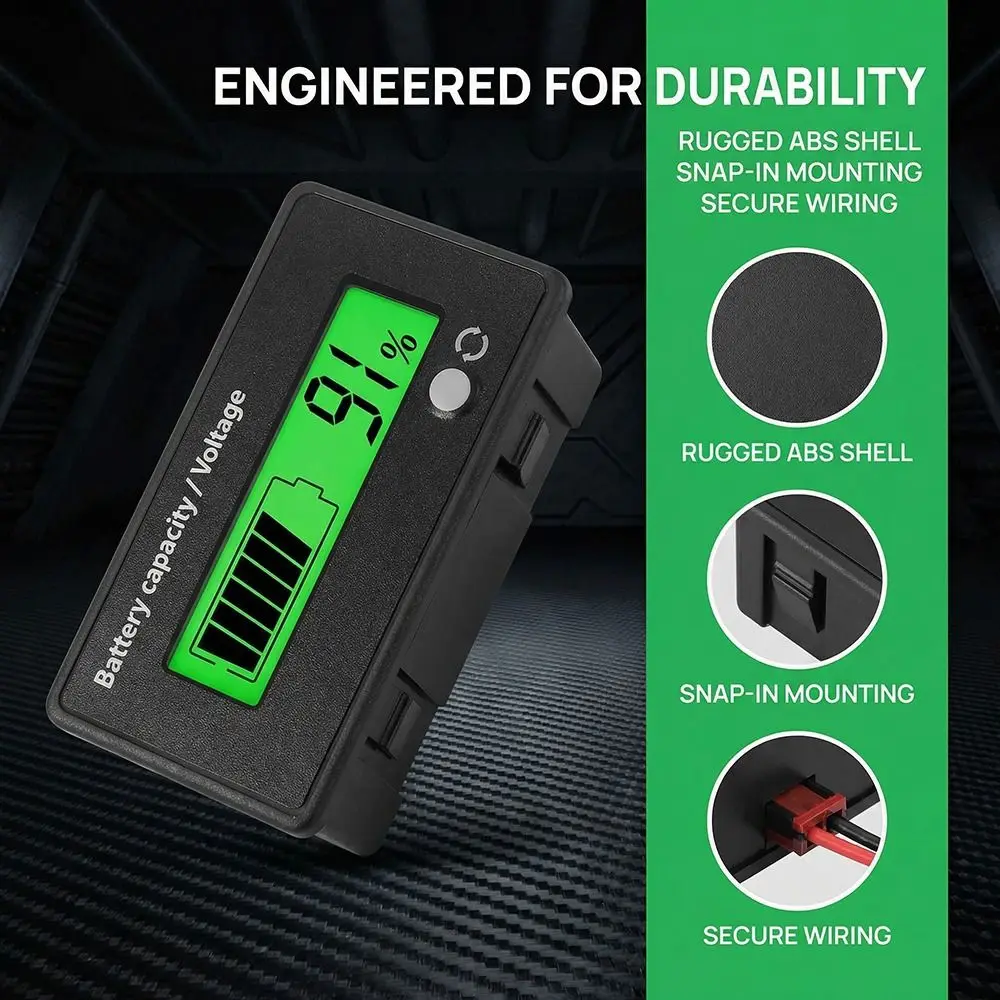
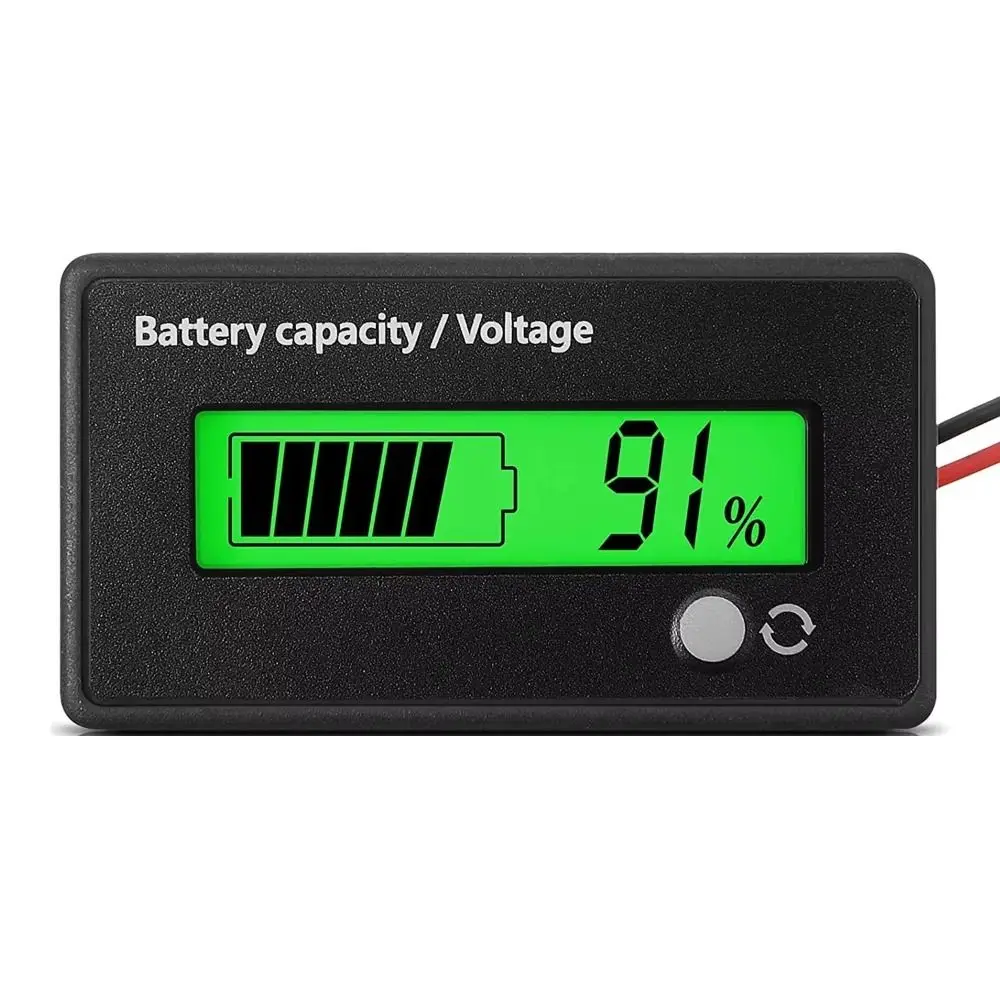
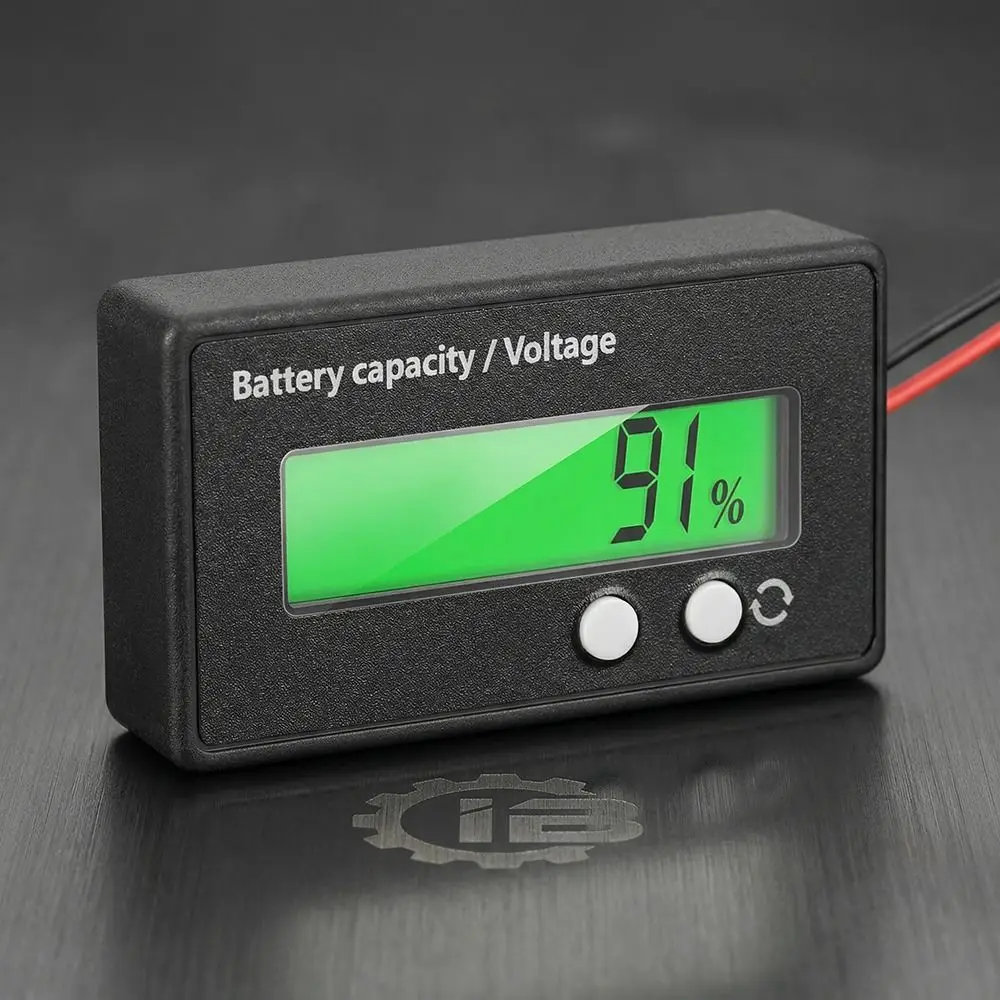
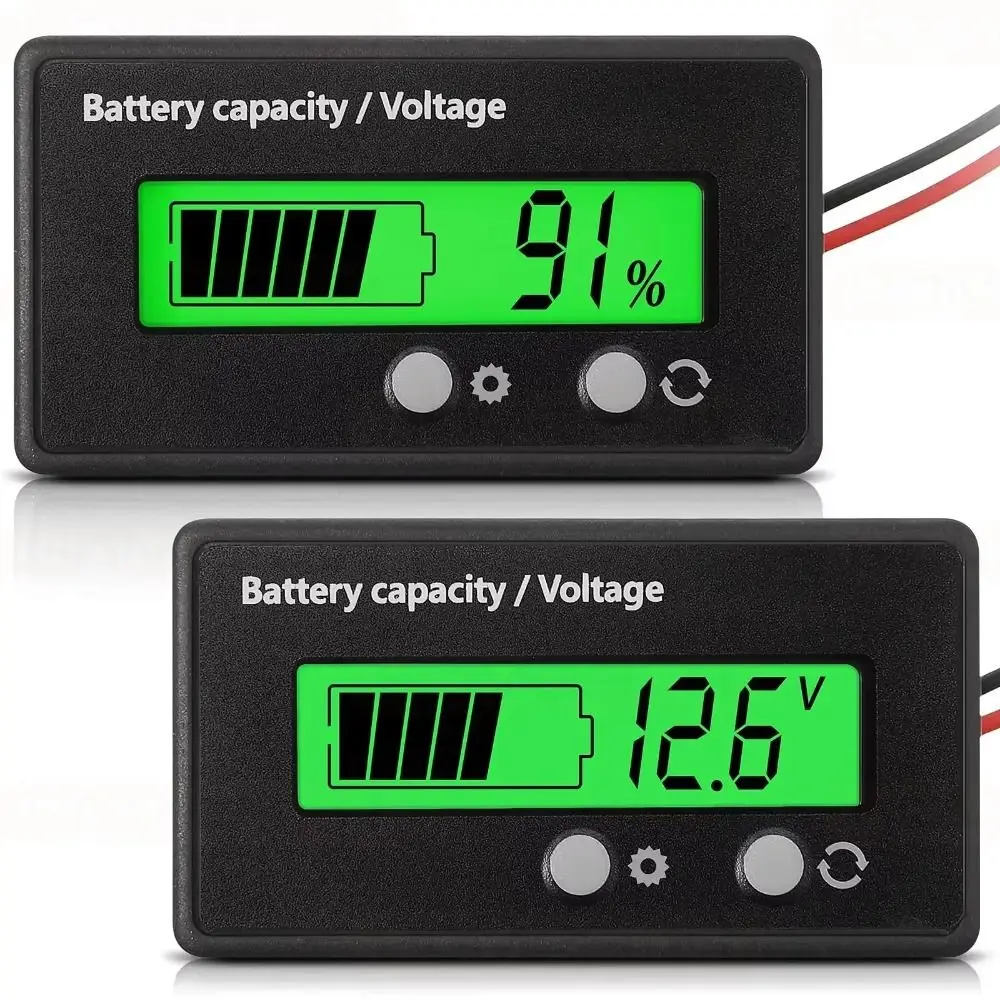
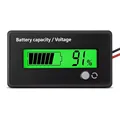
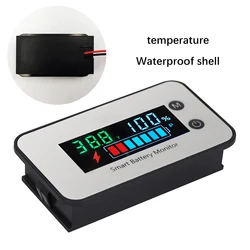
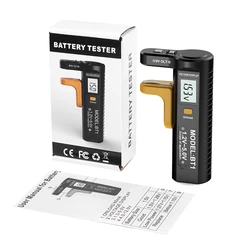
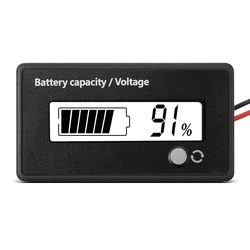
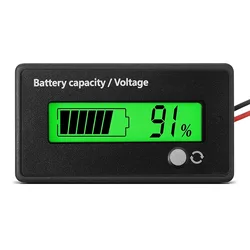
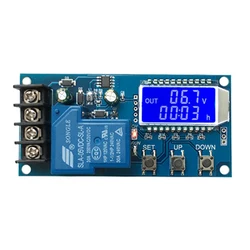
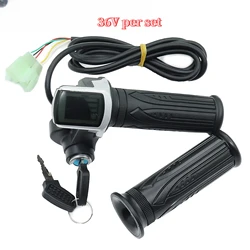
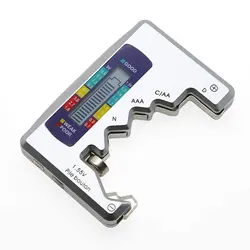
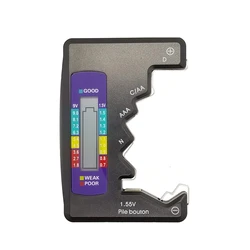
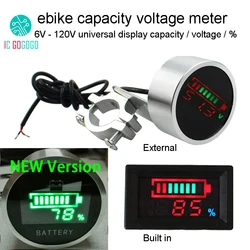
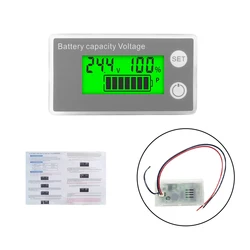
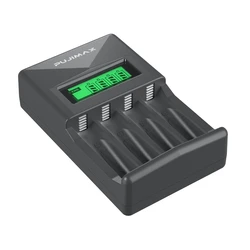
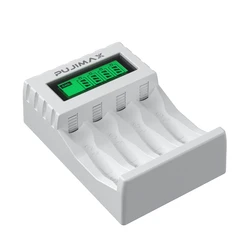
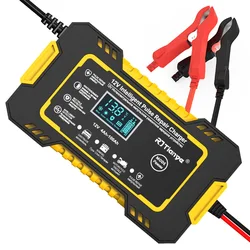
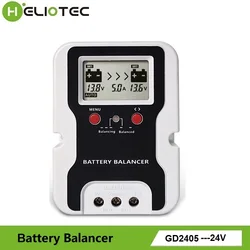
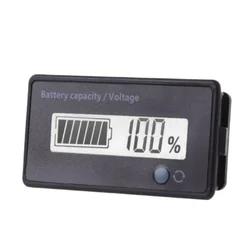
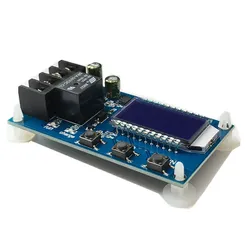
🔍 Product Overview: The Battery Capacity Indicator is a cutting-edge device designed to accurately measure and display the remaining energy levels in various types of batteries. This compact voltage meter features a clear LCD screen that provides instant readings of battery capacity, allowing users to monitor their batteries with ease and precision.
🔧 Key Features:
- Versatile Compatibility: This battery indicator supports a wide range of battery types, including 6V, 12V, 24V, 36V, 48V, 60V, and 72V lead-acid batteries, as well as lithium batteries consisting of 3 strings up to 24 strings.
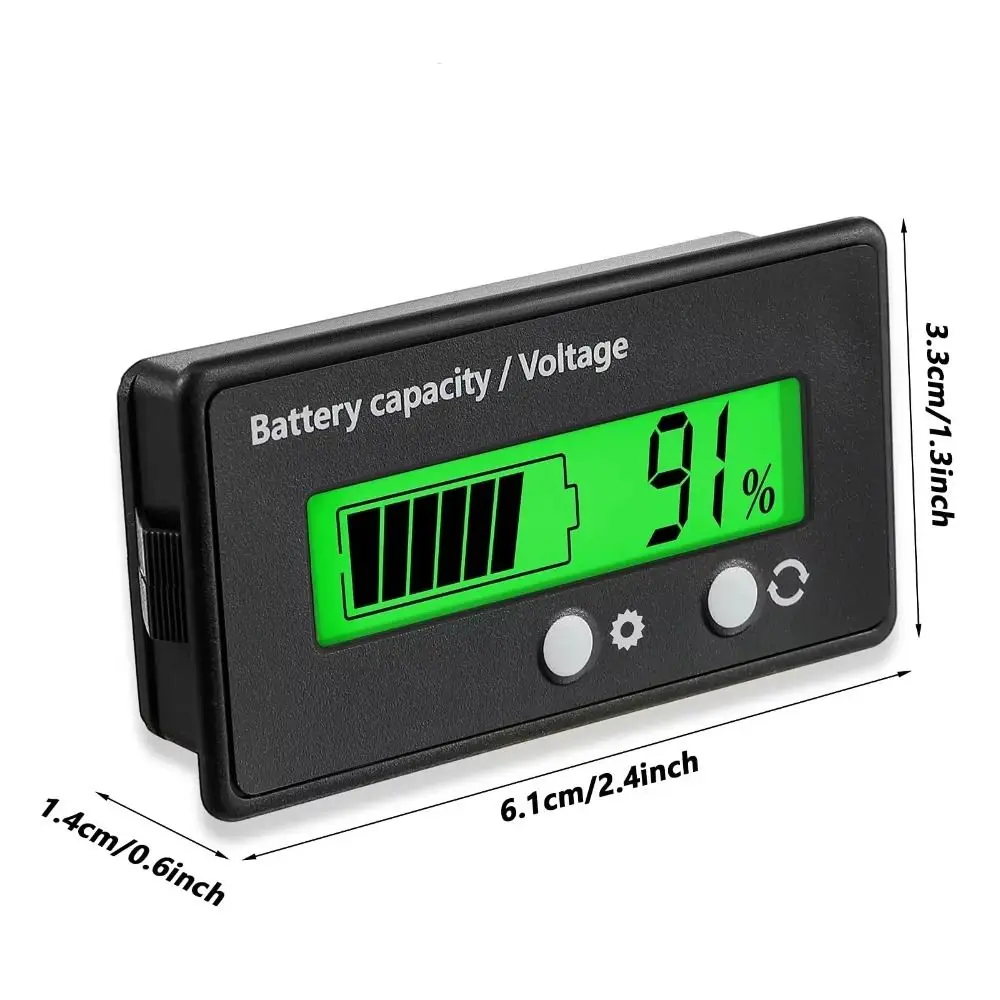
- Compact Design: Measuring just 6.1 cm x 3.3 cm x 1.4 cm (2.40 in x 1.30 in x 0.55 in), this battery gauge is easy to integrate into various setups without taking up much space.
- Real-Time Monitoring: Equipped with an alarm function, this battery indicator notifies users when battery levels reach critical thresholds, ensuring that you are always aware of your battery status.
📦 Installation and Customization:
🎯 Setting up the Battery Capacity Indicator is straightforward, allowing for quick adjustments to fit your specific battery configuration:
- Start by disconnecting the power supply. Press and hold the setting key, then power on the device. Once the screen illuminates, release the key to display the current settings.
- To switch battery specifications (P/L/F), simply short press the setting key. The options available are:
- P: 12 V lead-acid
- L: 3.7 V Li-ion ternary battery
- F: 3.2 V Li-Iron Phosphate battery
- Next, short press the function key to set the number of battery strings. For fine-tuning, hold the function key and use the setting key to choose between increasing or decreasing the number of strings.
- For advanced settings, long press the function key to access the advanced setting page. You can select various modes (S 1-S 5) by short pressing the setting key and toggle functionalities by pressing the function key.
⚡ Important Notes:
- Please be aware that the actual color of the item may vary slightly from what is displayed on your monitor due to different lighting conditions.
- Allow for minor discrepancies in measurements, as manual measurement deviations can occur.
- Conversion: 1 cm equals approximately 0.39 inches.
💍 Enhance your battery management capabilities with the Battery Capacity Indicator, a reliable tool for monitoring battery health and ensuring optimal performance.