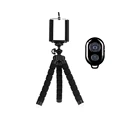
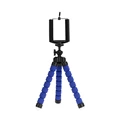
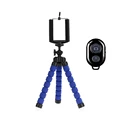
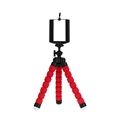
Introducing the Ultimate Tripod for your Mobile Photography
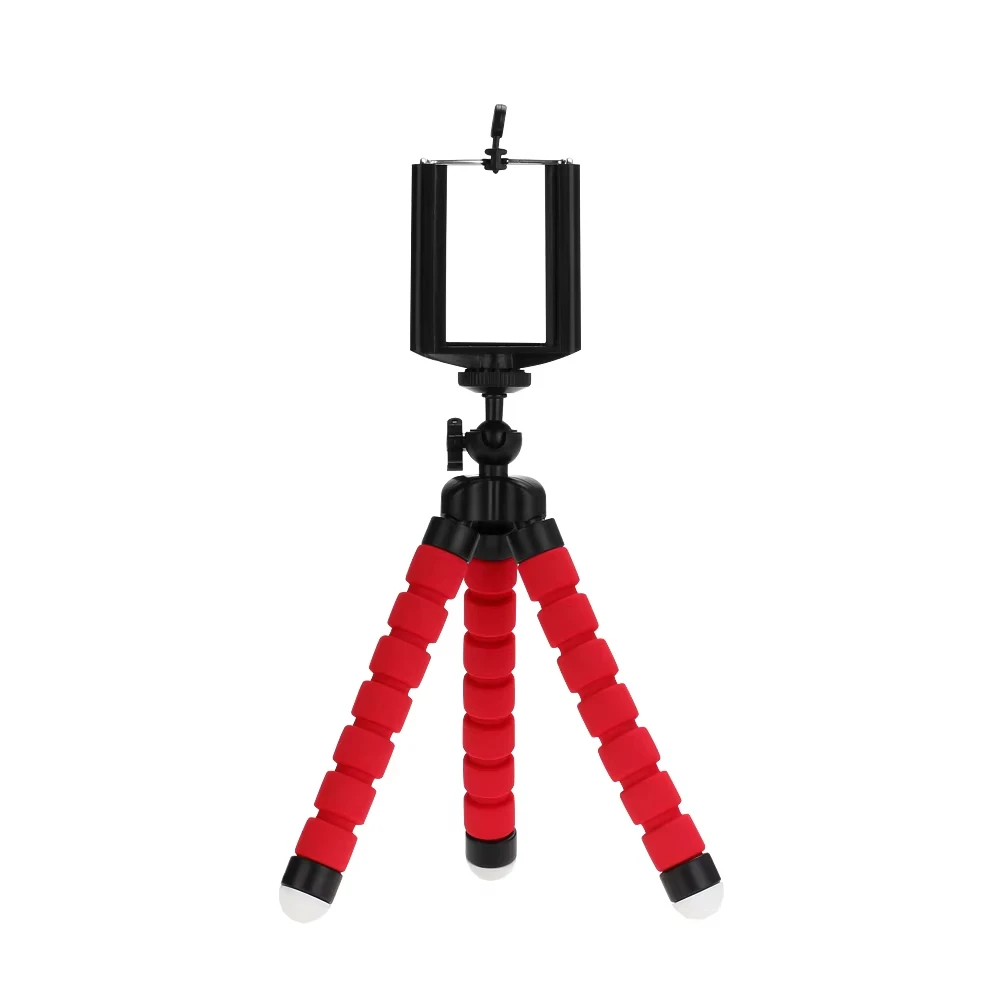
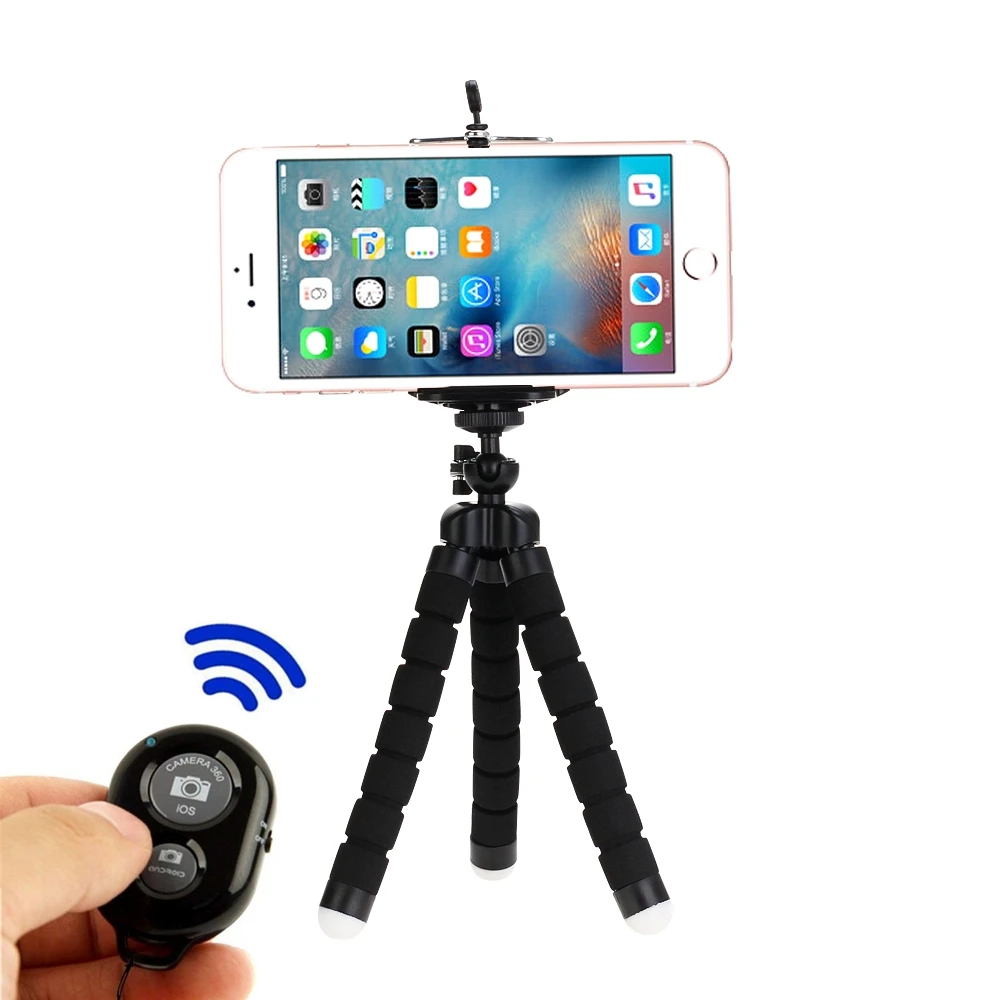
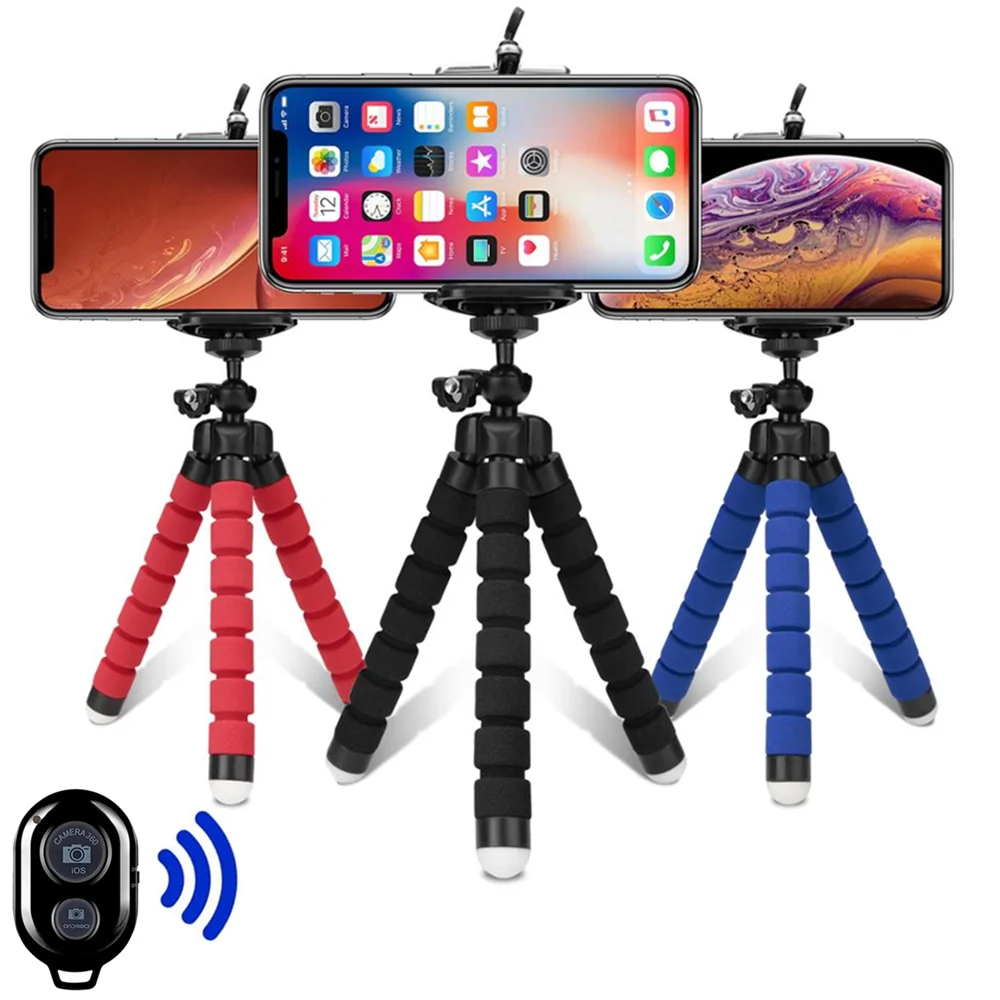
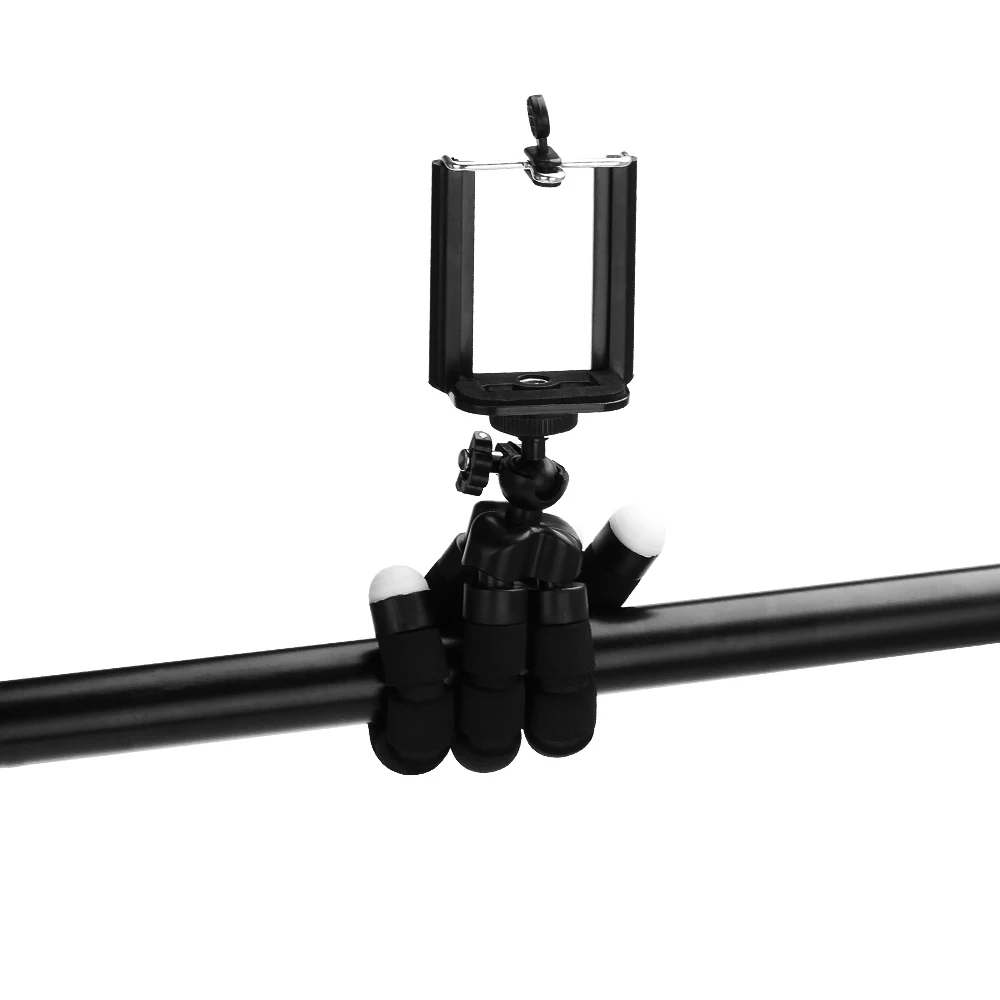
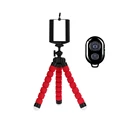
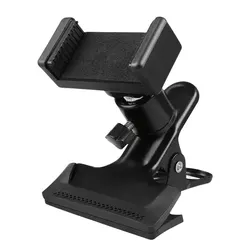
⚡ Enhance your mobile photography experience with our versatile tripod, designed specifically for smartphones and mobile cameras. This adapter holder is perfect for those who seek to elevate their photo quality by providing stability and flexibility. Whether you’re shooting landscapes, portraits, or time-lapses, this tripod ensures that you capture the perfect shot every time.
🔧 Key Features:
- Universal Compatibility: This tripod features a standard 1/4-inch - 20 screw thread, making it compatible with a wide range of cameras and equipment, including digital cameras.
- Adjustable Holder: Our innovative holder accommodates mobile phones with widths ranging from 2.0" (5.5 cm) to 3.5" (8.50 cm), allowing for a snug and secure fit.
- Complete Flexibility: Constructed from durable hard plastic, this tripod provides maximum flexibility, enabling you to adjust and position your phone in any orientation for the best angle.
- Sturdy Support: With gray rubberized rings and feet, this tripod offers excellent grip and stability on various surfaces, allowing you to achieve perfectly level shots even on uneven ground.
- Compact and Lightweight: Weighing only 60g and measuring 150 x 35 x 35mm, this mini tripod is portable and easy to carry, making it ideal for travel enthusiasts.
- Impressive Load Capacity: Despite its lightweight design, this tripod can support a maximum weight of 275g, accommodating a variety of smartphones and compact cameras.
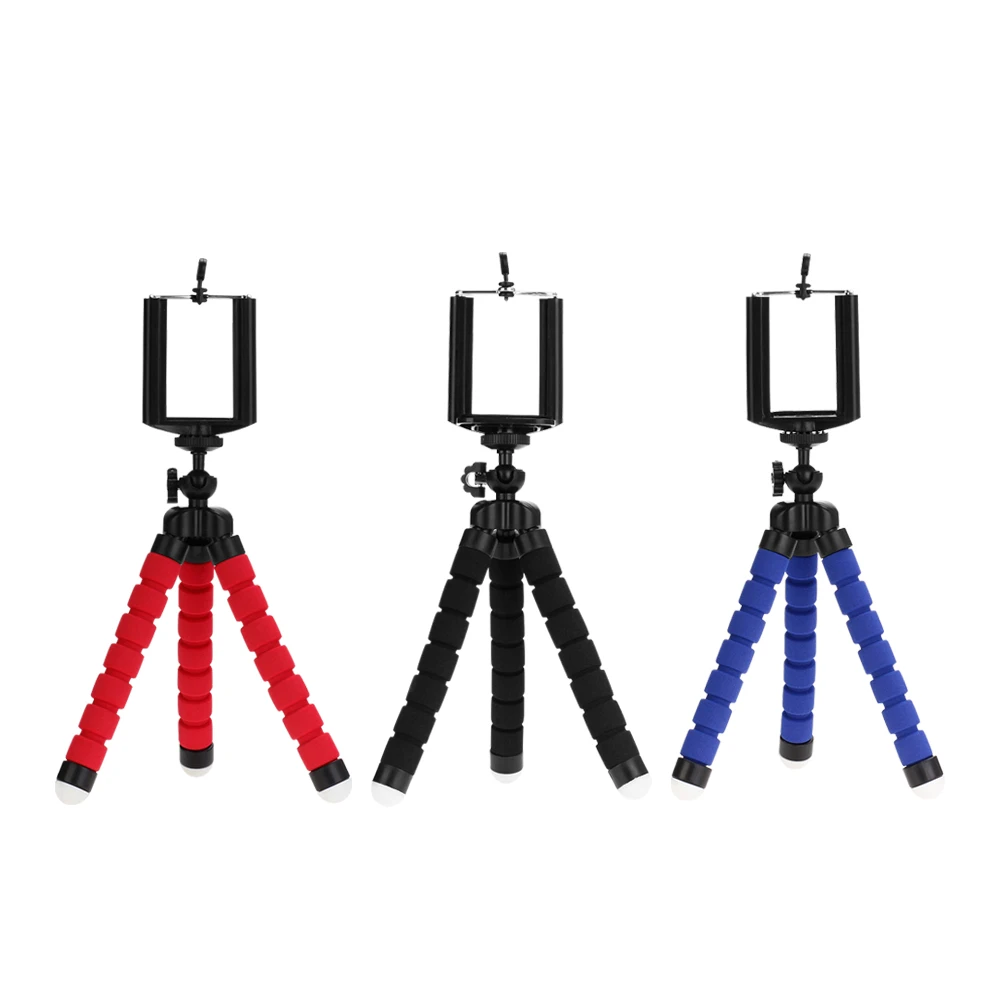
- Stylish Color Options: Available in sleek black or striking black/red combinations to suit your personal style.
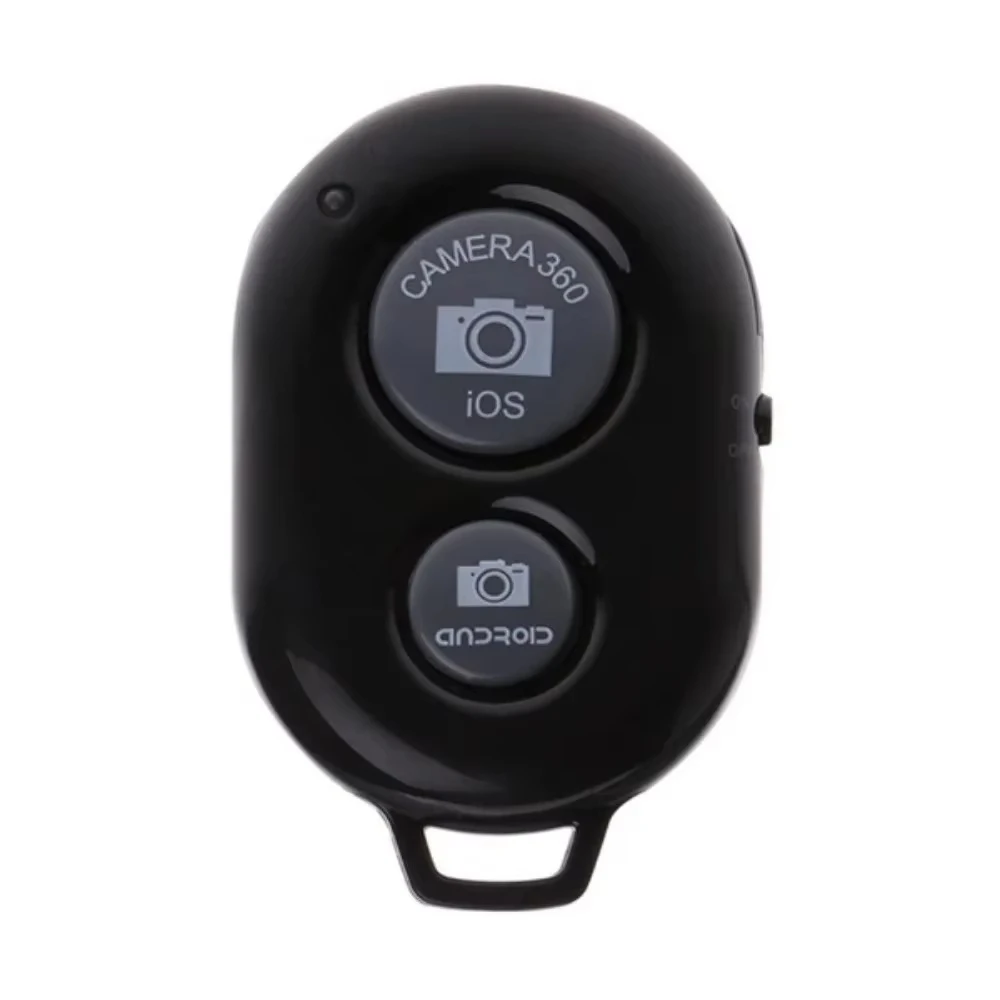
🛡️ Remote Shutter Instructions:
👌 Please note that the remote shutter battery is not included due to shipping restrictions. Follow these easy steps to use your remote shutter:
- Insert the CR2032 battery and press the power button to activate; the LED will flash.
- Press the Bluetooth pairing key to enter pairing mode (the LED will flash slowly).
- Pair with your mobile device; the LED will turn off once successful.
- Long press the configuration key to complete setup; the LED will light up, indicating readiness.
- The remote will enter a dormant state after five minutes of inactivity. To preserve battery life, manually turn it off when not in use.
- You can charge the remote using a PC or mobile power adapter: the LED will turn on during charging and will go out once fully charged.
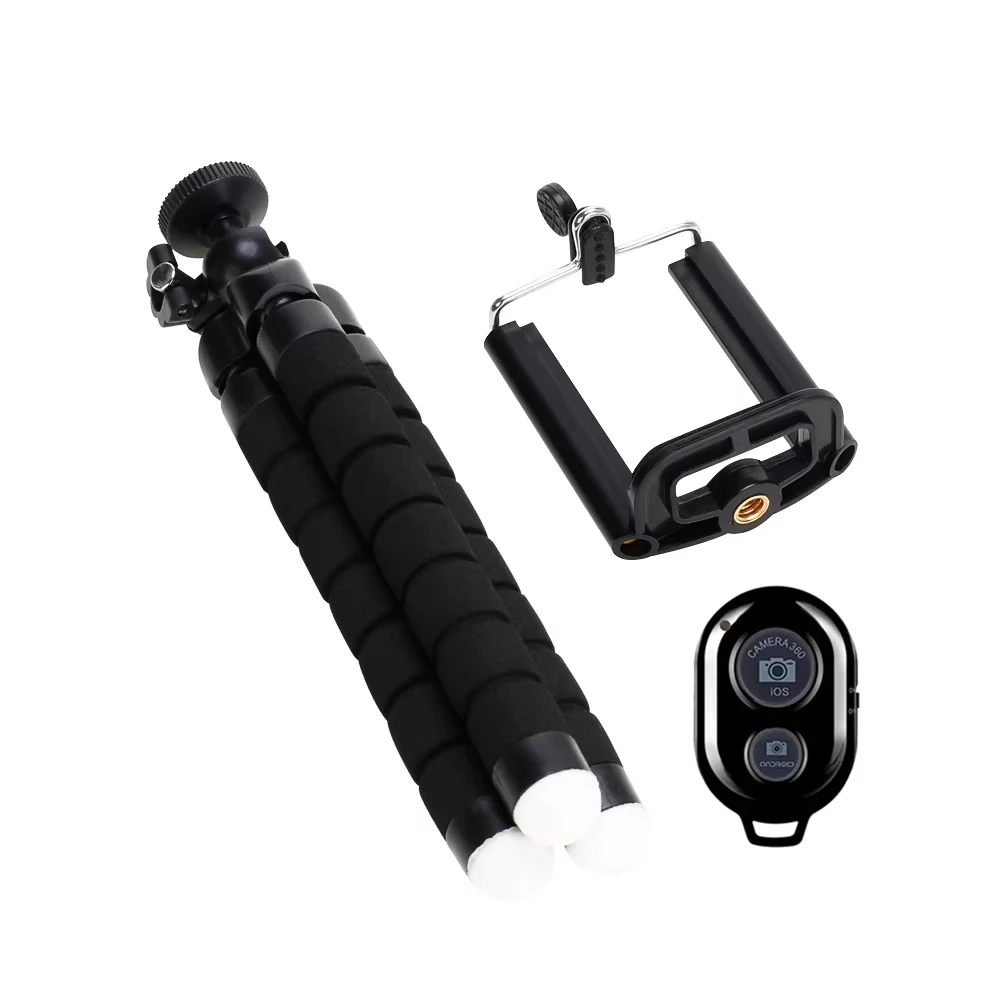
🔘 Package Includes:
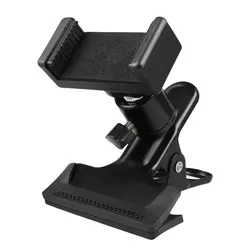
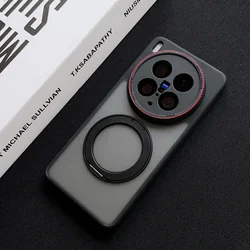
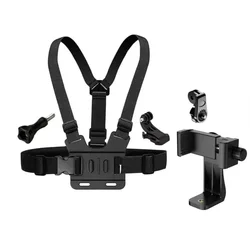
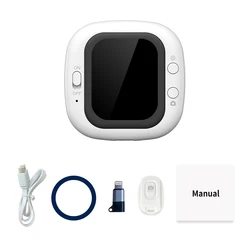
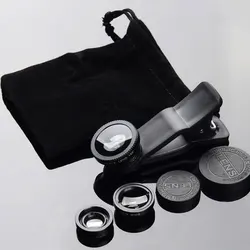
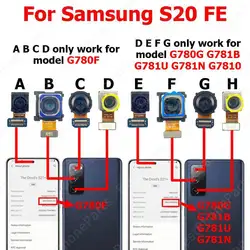
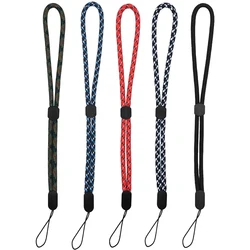
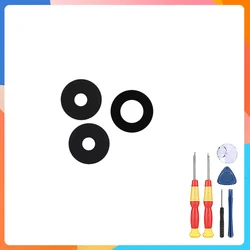
📦 Please refer to the detailed image provided for package contents when selecting your options.
💎 Transform your photography skills with our premium smartphone tripod and capture stunning images with ease!