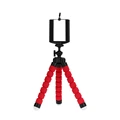
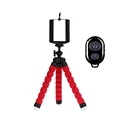
📷 1/2pcs Tripods for Phone: Versatile Mobile Camera Holders
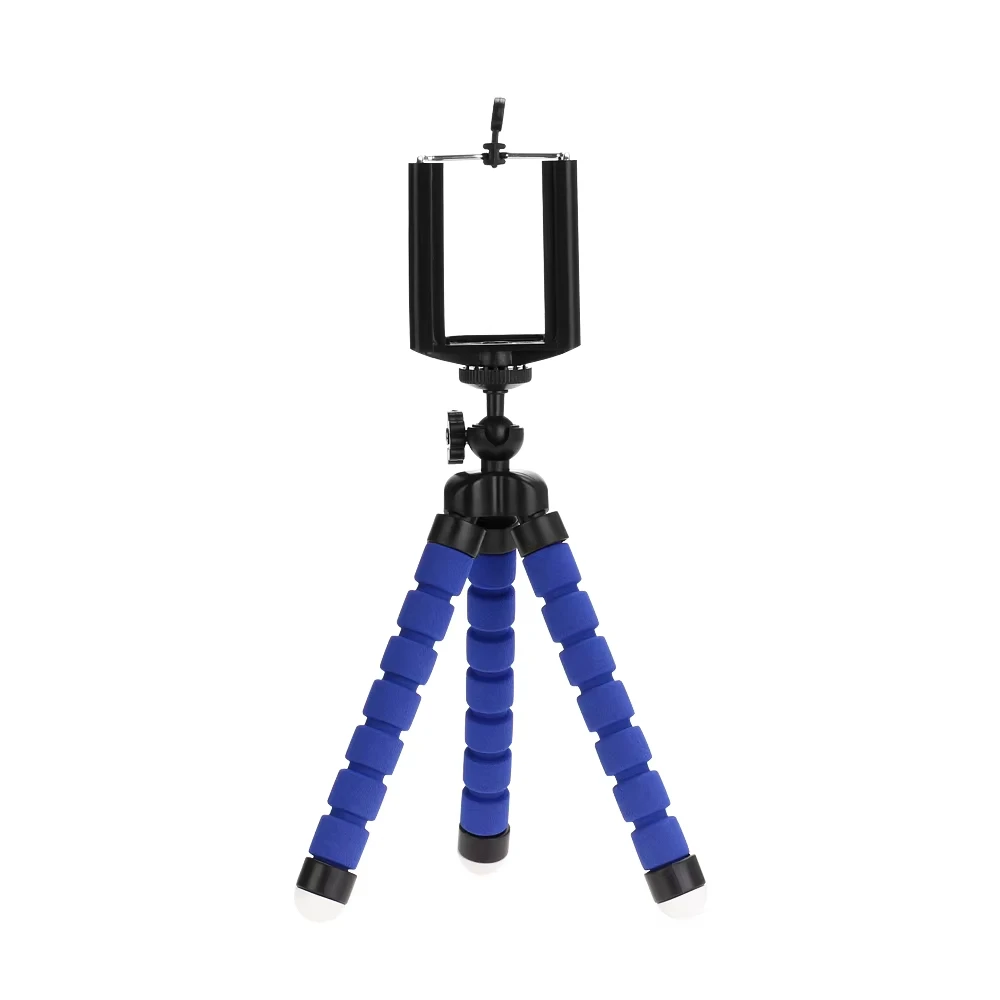
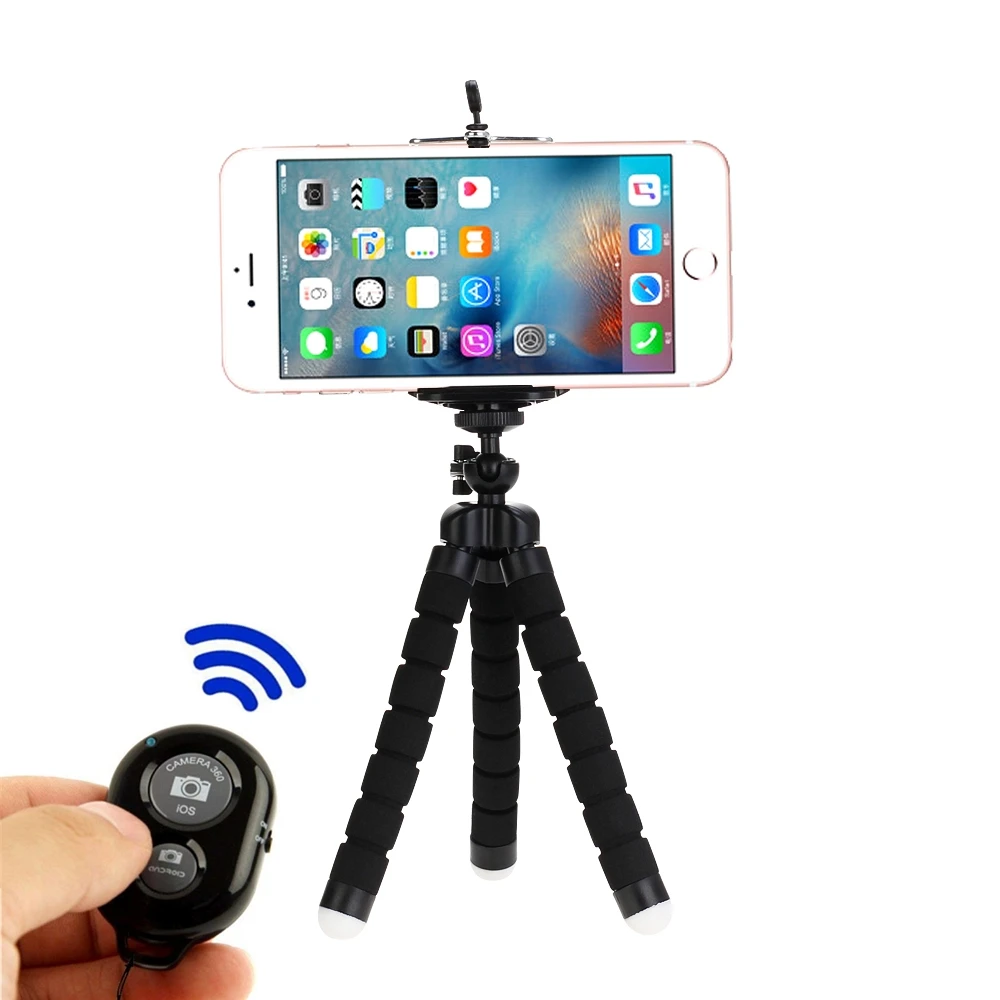
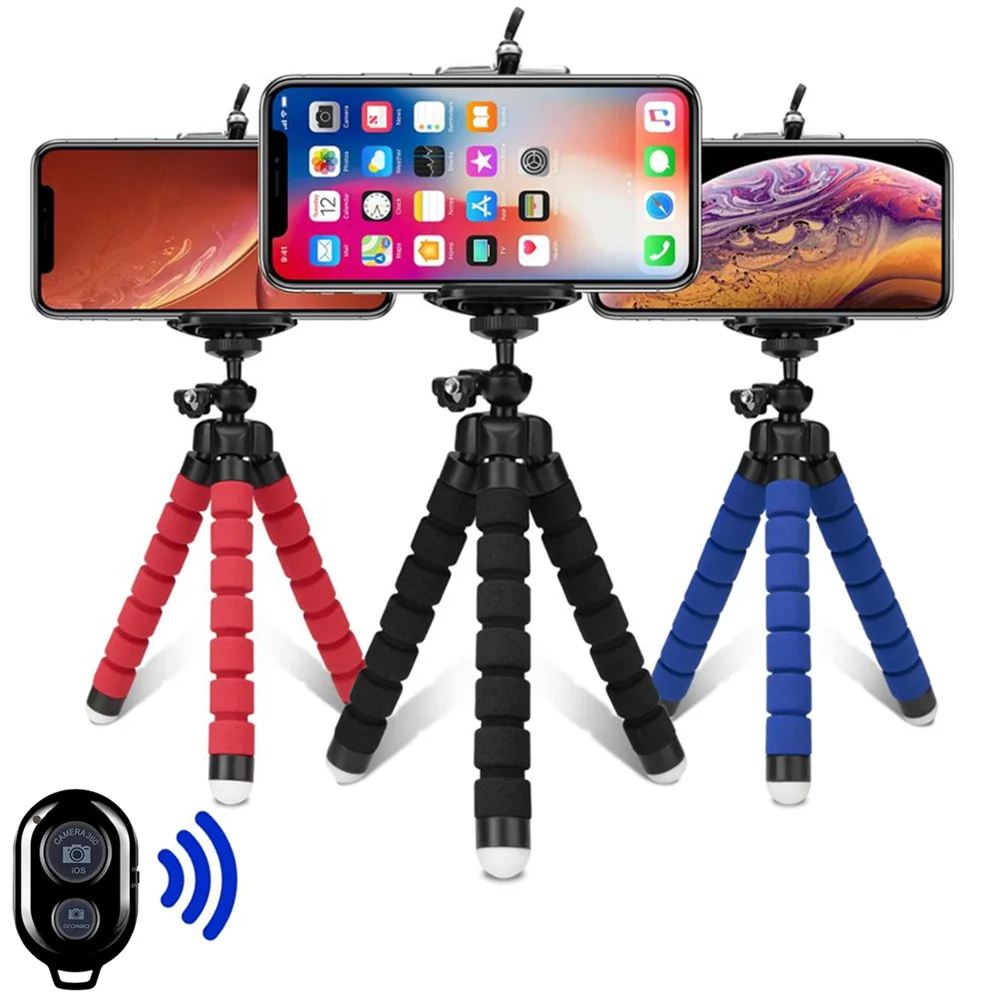
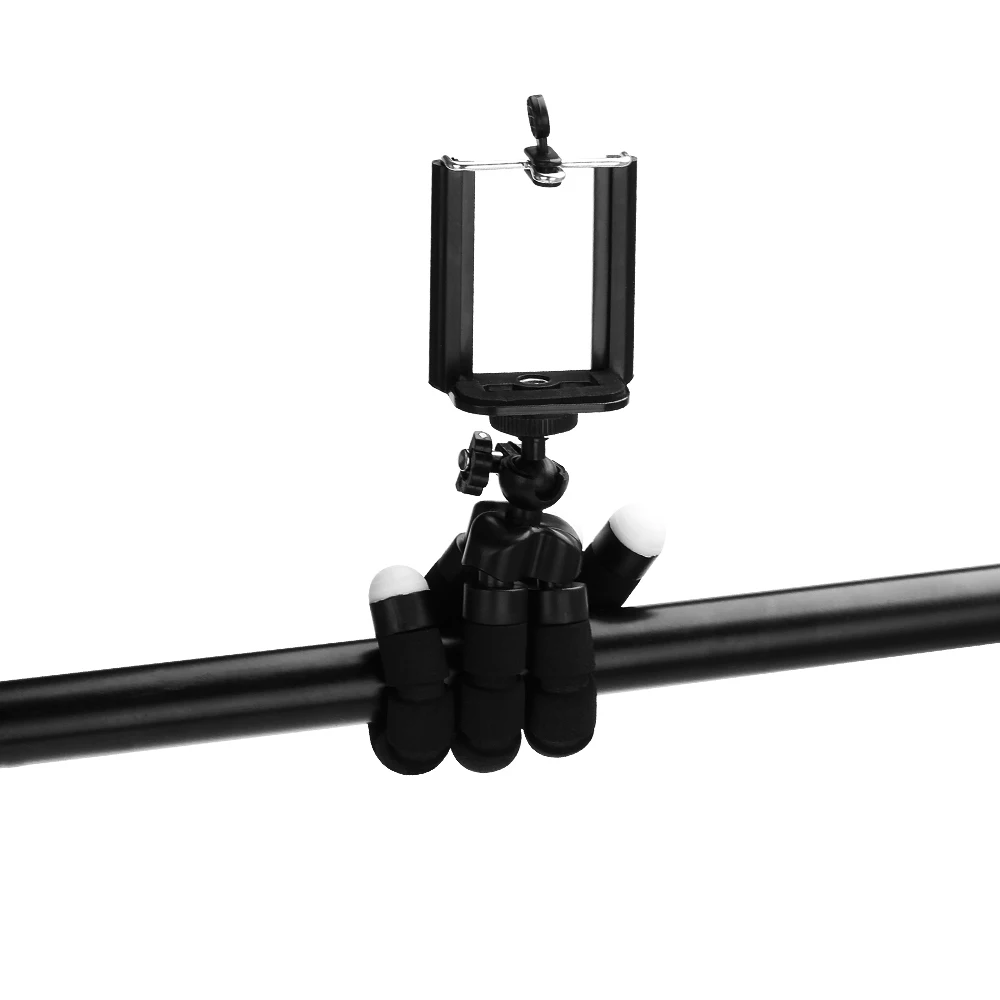
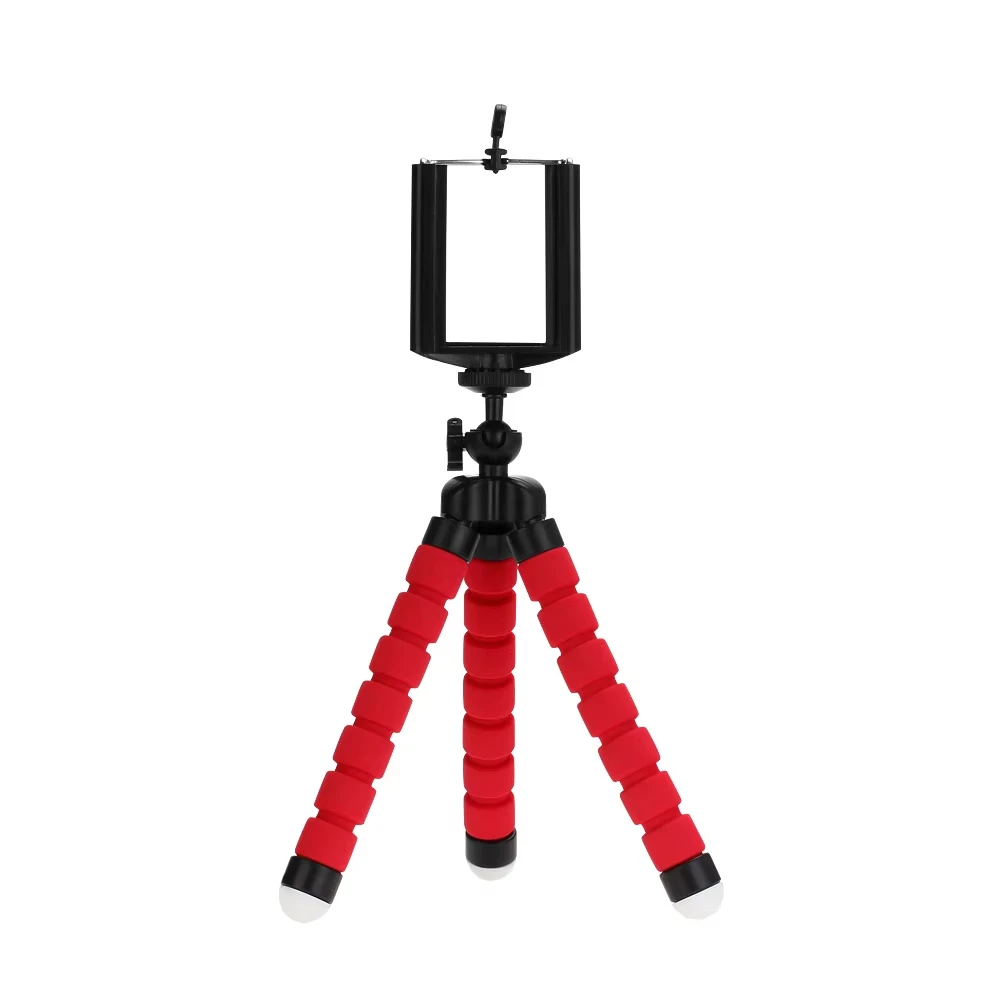
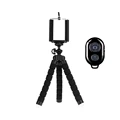
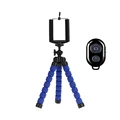
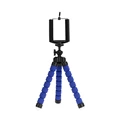
📦 Elevate your photography game with our multifunctional tripods designed specifically for mobile phones. These compact and versatile tripods serve as a smartphone holder, enabling you to capture stunning photos and videos with ease. Perfect for any content creator or casual user, the tripods feature an innovative octopus-style design that adapts to various surfaces, ensuring stability and flexibility in any environment.
🔧 Product Features:
- This unique adapter adds a convenient screw hole to your mobile device, allowing easy attachment to monopods or tripods.
- Compatible with phones ranging in width from 2.0" (5.5 cm) to 3.5" (8.5 cm), it provides a snug fit for most smartphone models.
- The universal 1/4-inch -20 screw link attachment is compatible with all cameras, making it a versatile accessory for your photography toolkit.
- Crafted from hard plastic, this tripod boasts complete flexibility for a variety of shooting angles.
- Equipped with gray rubberized rings, feet, and cushions to enhance grip and protect your devices.
- The removable link attachment features a lock release button for additional convenience.
- Designed to stabilize your camera on uneven surfaces, ensuring level shots every time.
- Lightweight at only 60g and compact dimensions of 150 x 35 x 35mm, making it easy to carry on your adventures.
- Supports a maximum weight of 275g, accommodating a wide range of smartphones and cameras.
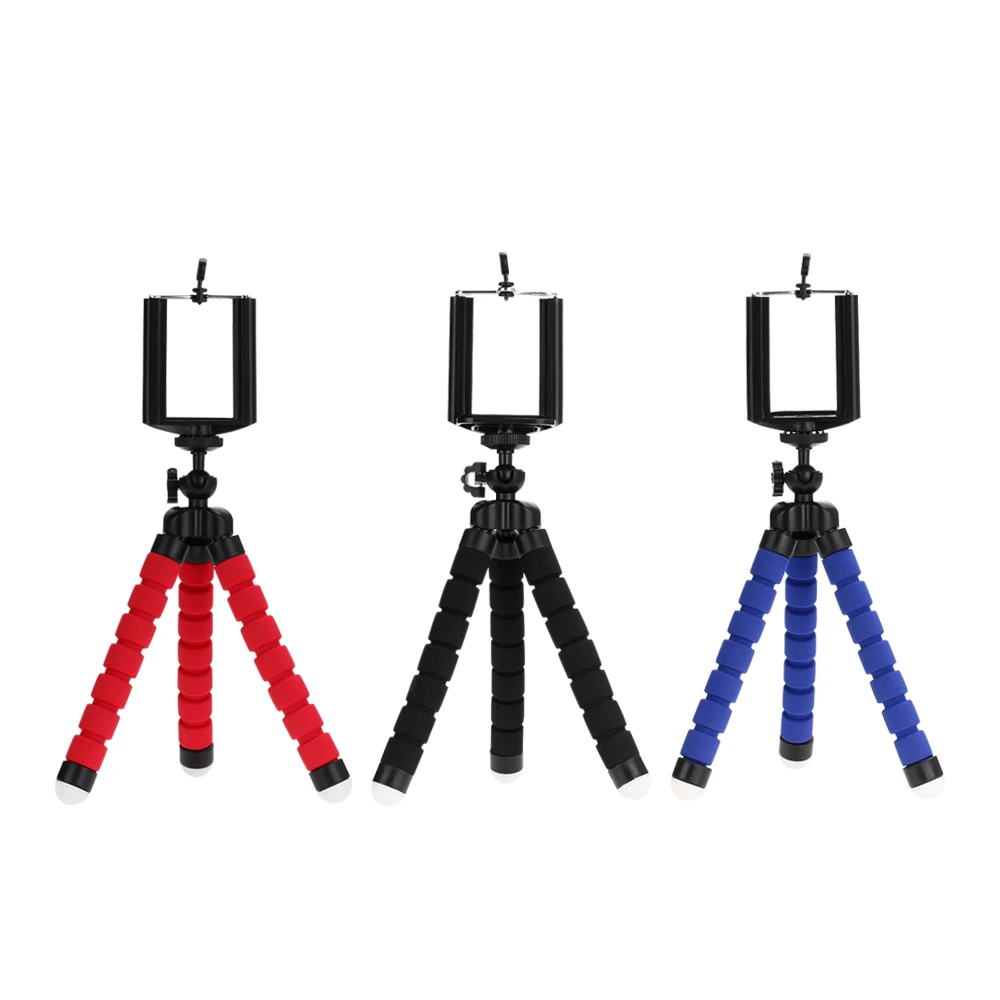
- Available in sleek color options: Black, Black, and Red.
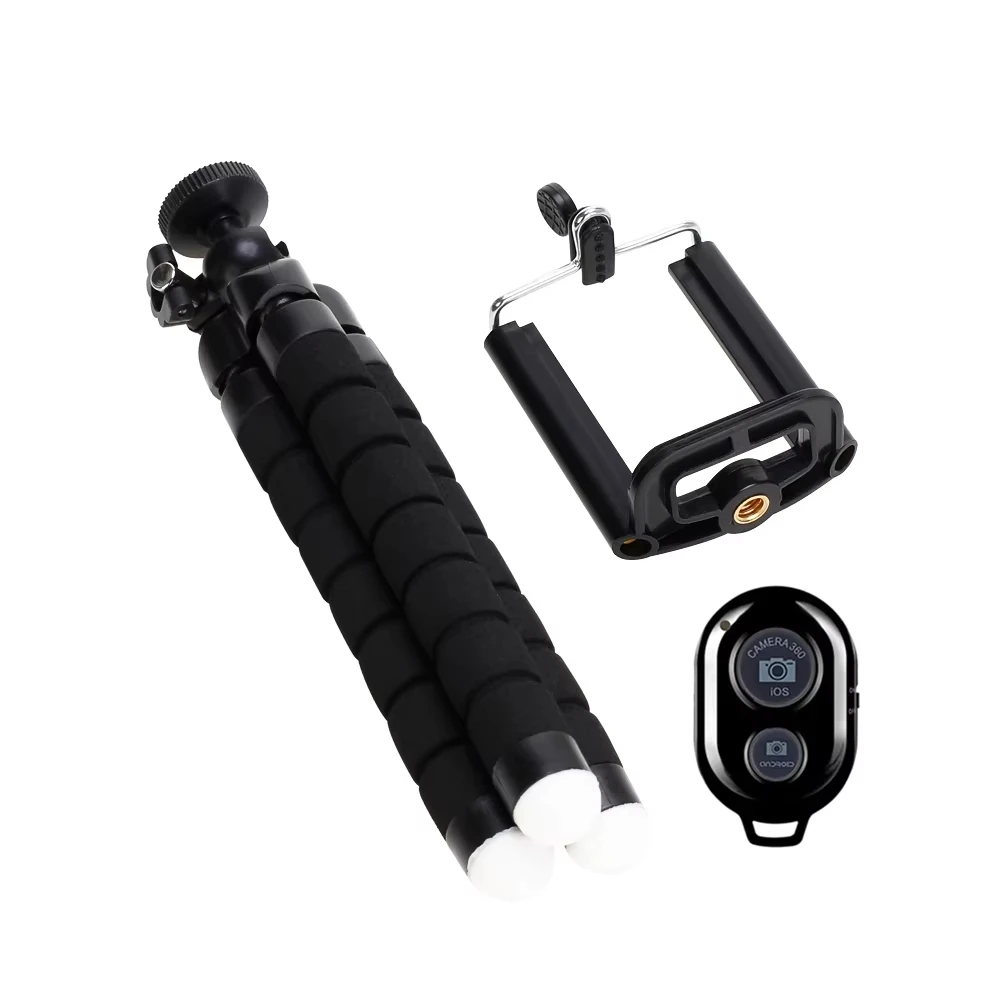
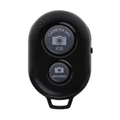
🕊️ Remote Instructions: (Please note that the remote shutter does not include the battery.)
- Insert a CR2032 battery and press the power button. The LED will flash to indicate activation.
- To pair via Bluetooth, press the pairing key, and the LED will flash slowly, indicating it's ready to connect.
- Use your mobile device to search for and match the Bluetooth connection. The LED will turn off once paired successfully.
- To configure, long press the relevant button, and the LED will illuminate, signalling that the product is now ready for use.
- If not in use for five minutes, the product will automatically enter a dormant state to conserve battery life. Press the power button to turn it off when not in use.
- Recharge with PC devices or a mobile power adapter; the LED indicators will show charging status.
🔘 Package Includes: Refer to the detailed product images for further options.