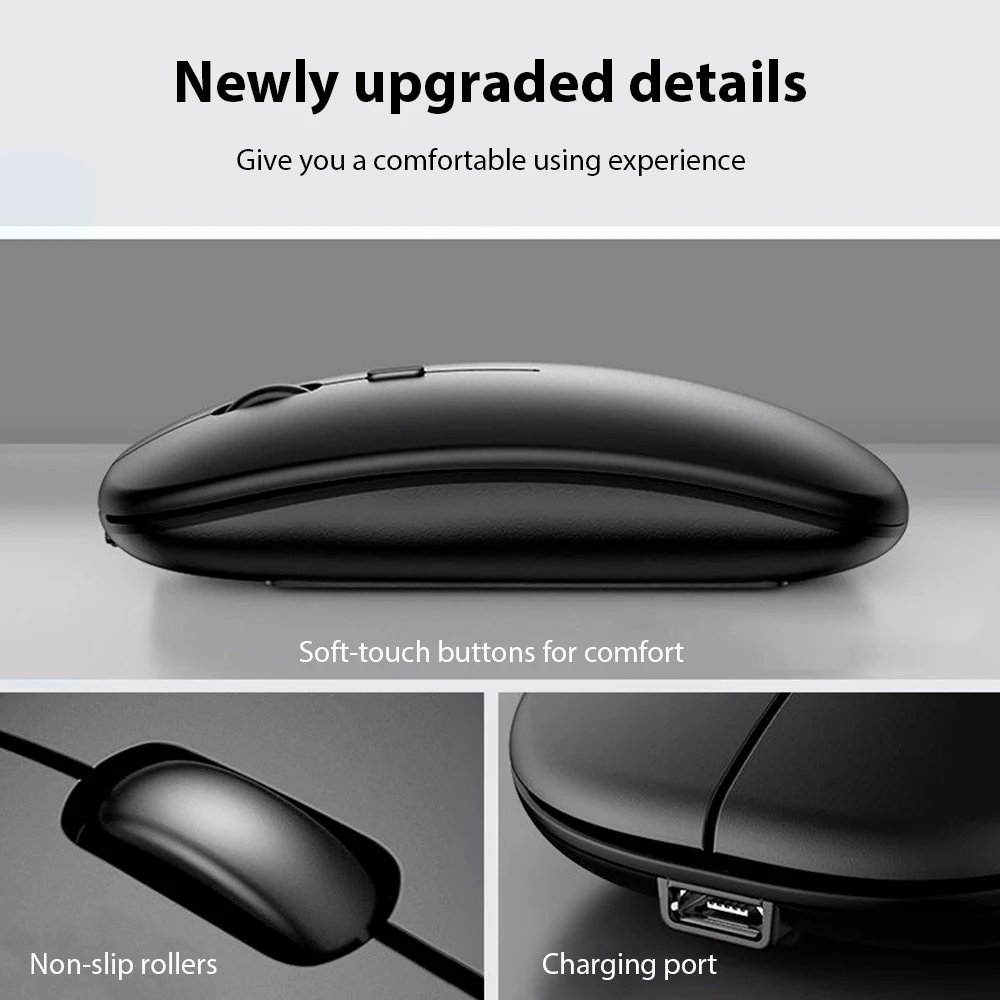
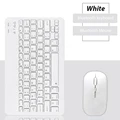
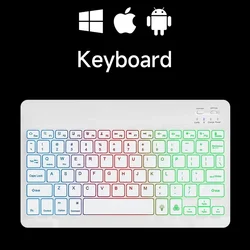
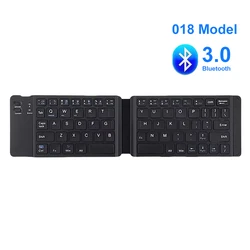
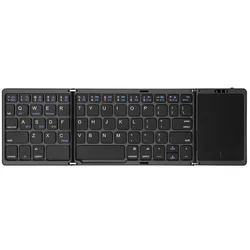
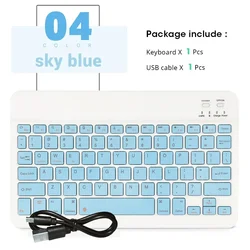
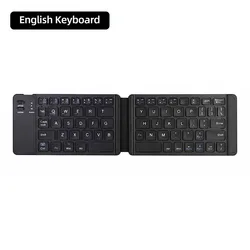
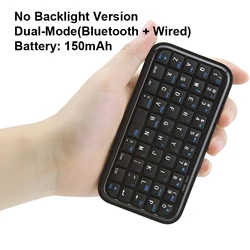
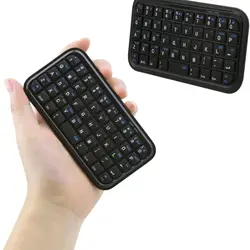
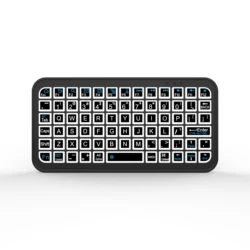
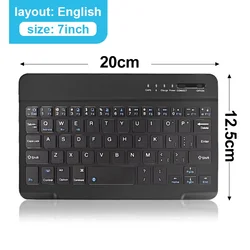
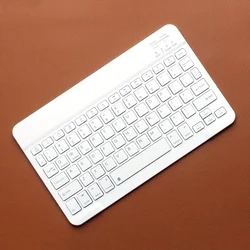
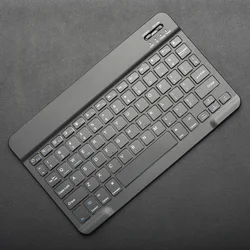
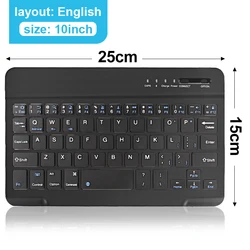
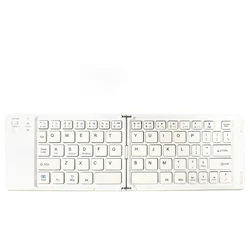
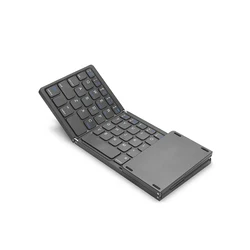
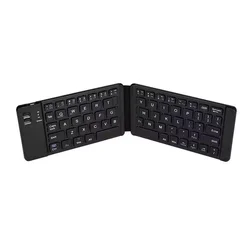
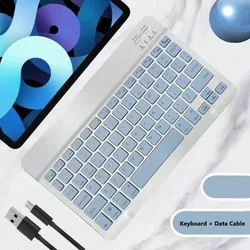
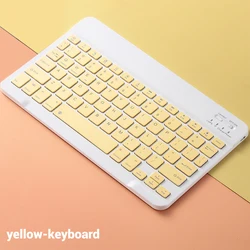
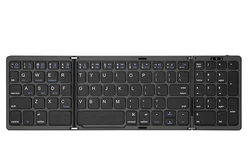
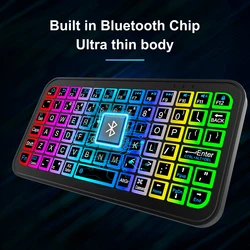
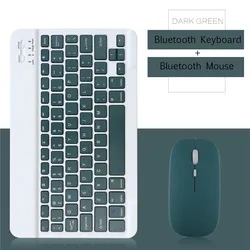
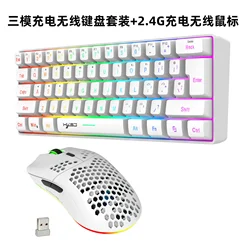
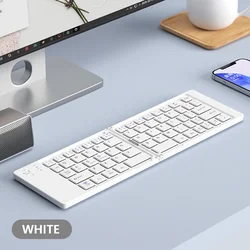
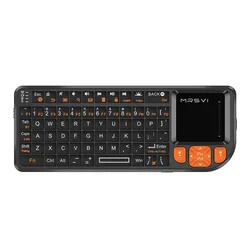
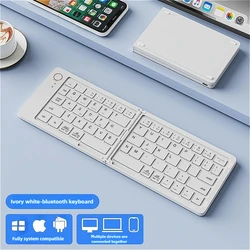
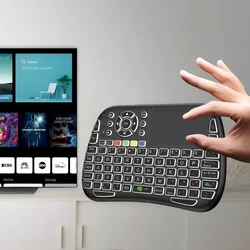
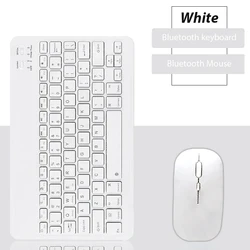
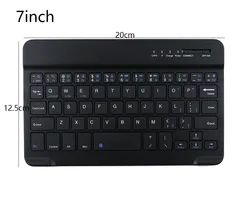
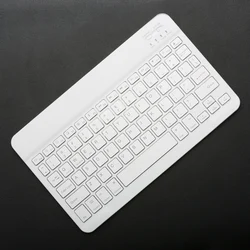
📶 Product Name: Bluetooth Wireless Keyboard
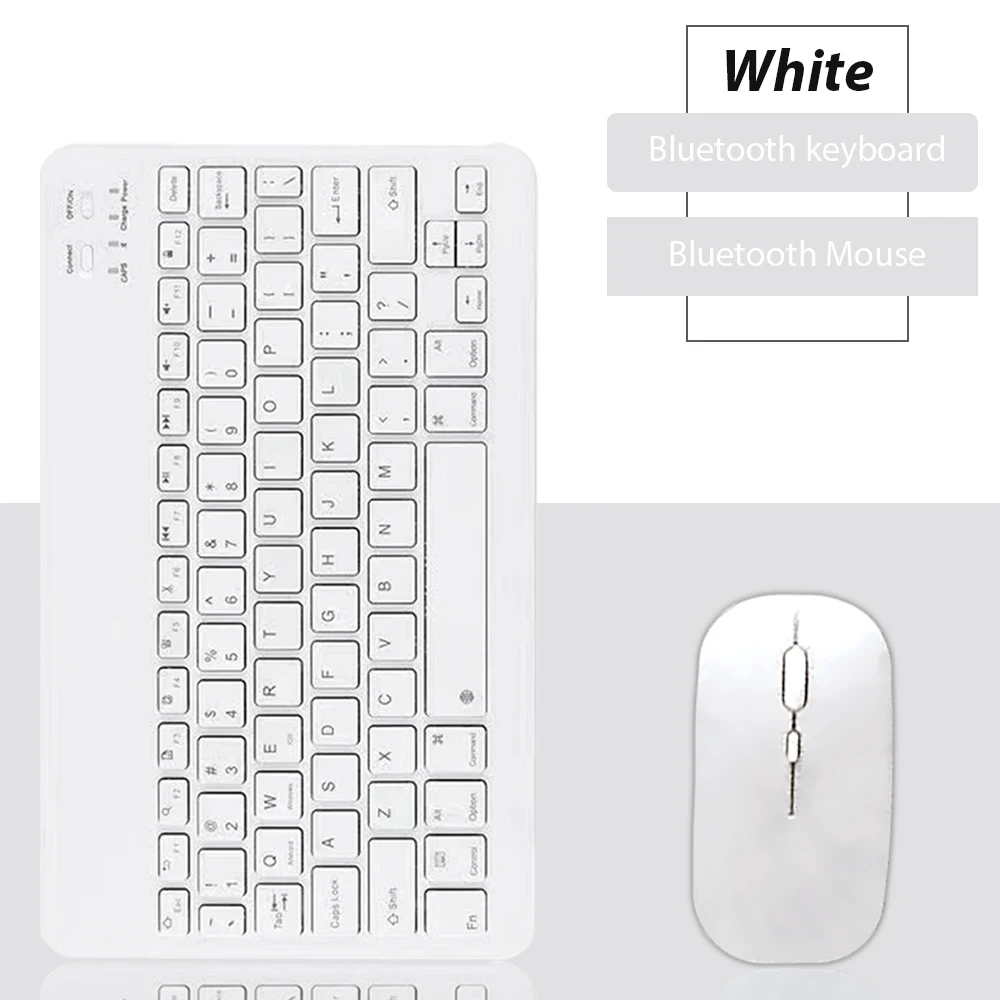
⚫ Available Colors: Black, White, Pink, Purple, Green, Sky Blue, Dark Green
🔧 Product Features:
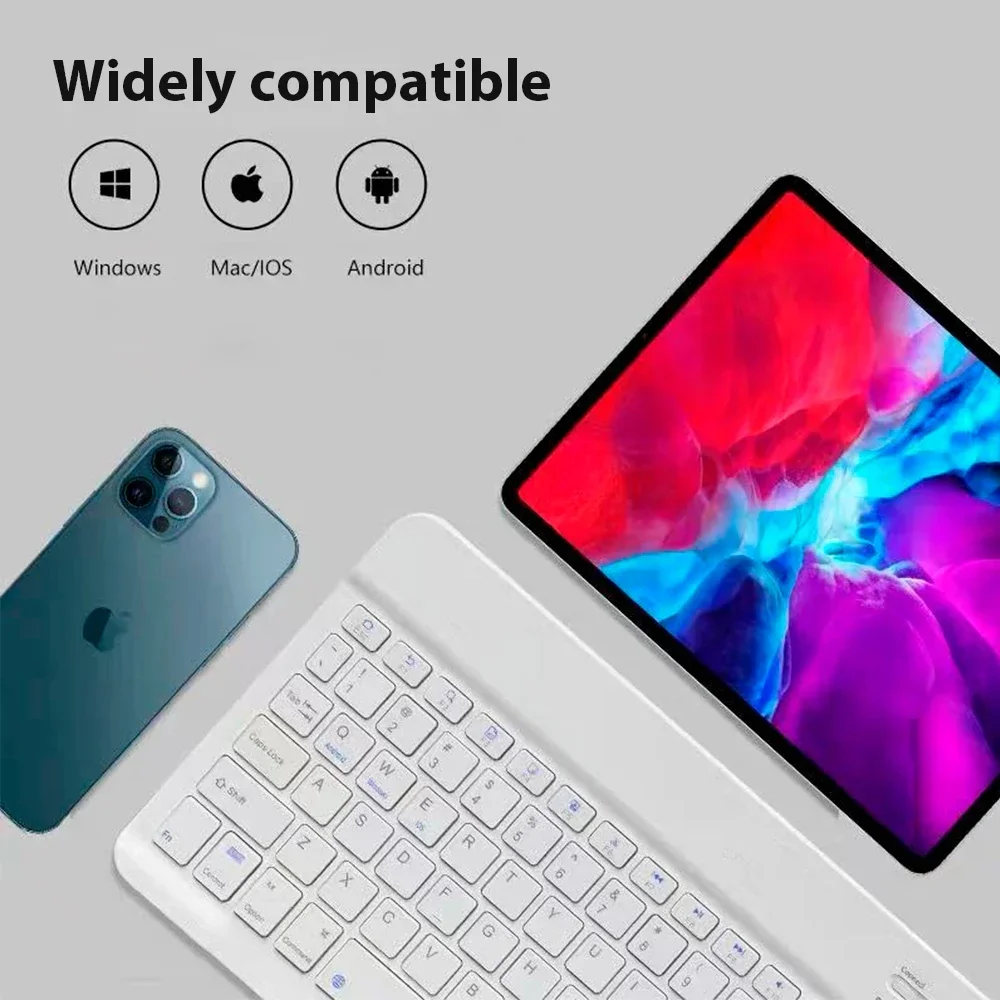
- Broad Compatibility: This versatile keyboard supports a range of operating systems, including iOS, Android, macOS, and Windows, making it compatible with various devices. Whether you are using iPads, iPhones, Bluetooth-enabled tablets, laptops, or mobile phones—such as the iPad Air, iPad Mini, iPad Pro, or iPhone Xs Max—this keyboard ensures seamless connectivity. (Please note: devices lacking Bluetooth capability will require a Bluetooth receiver, sold separately.)
- Ultra-Slim, Lightweight & Portable: Designed with convenience in mind, this ultra-slim and lightweight keyboard is the ideal choice for those who require a portable solution for their work or leisure activities. Its compact form factor makes it particularly well-suited for business travel and on-the-go use.
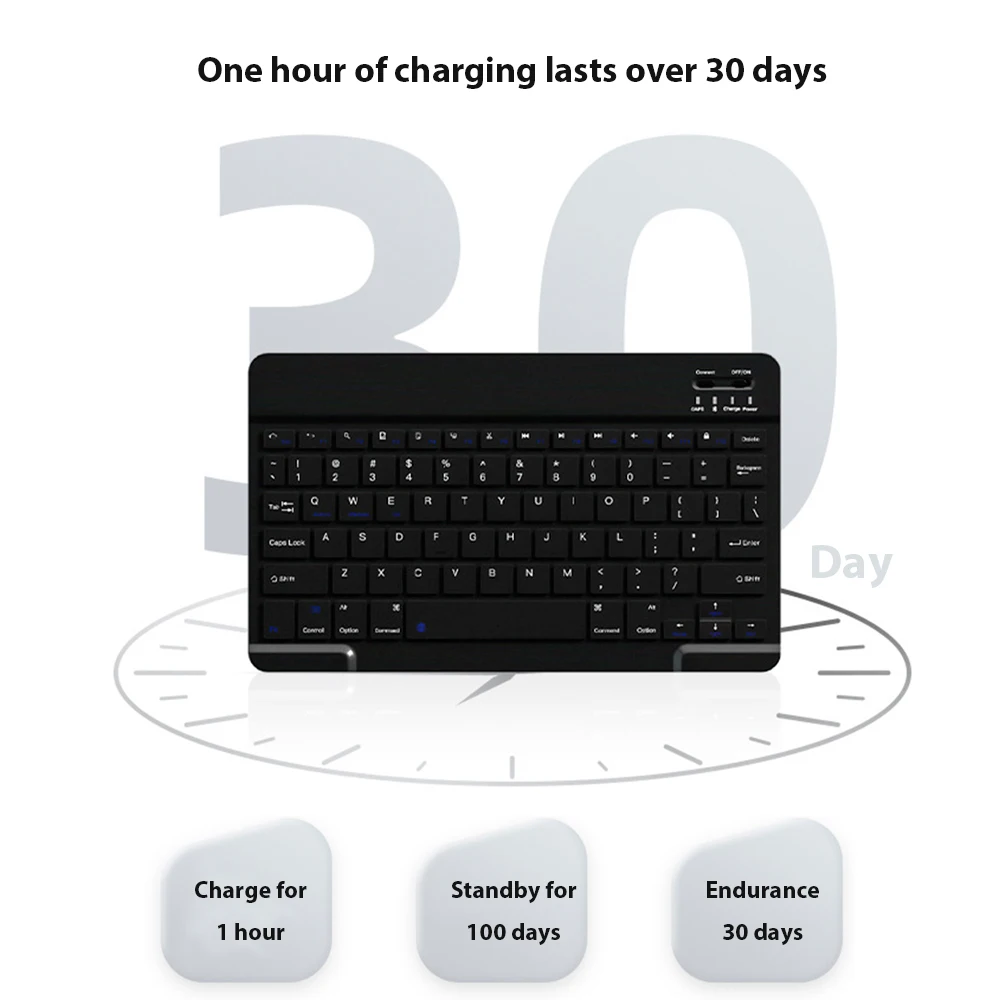
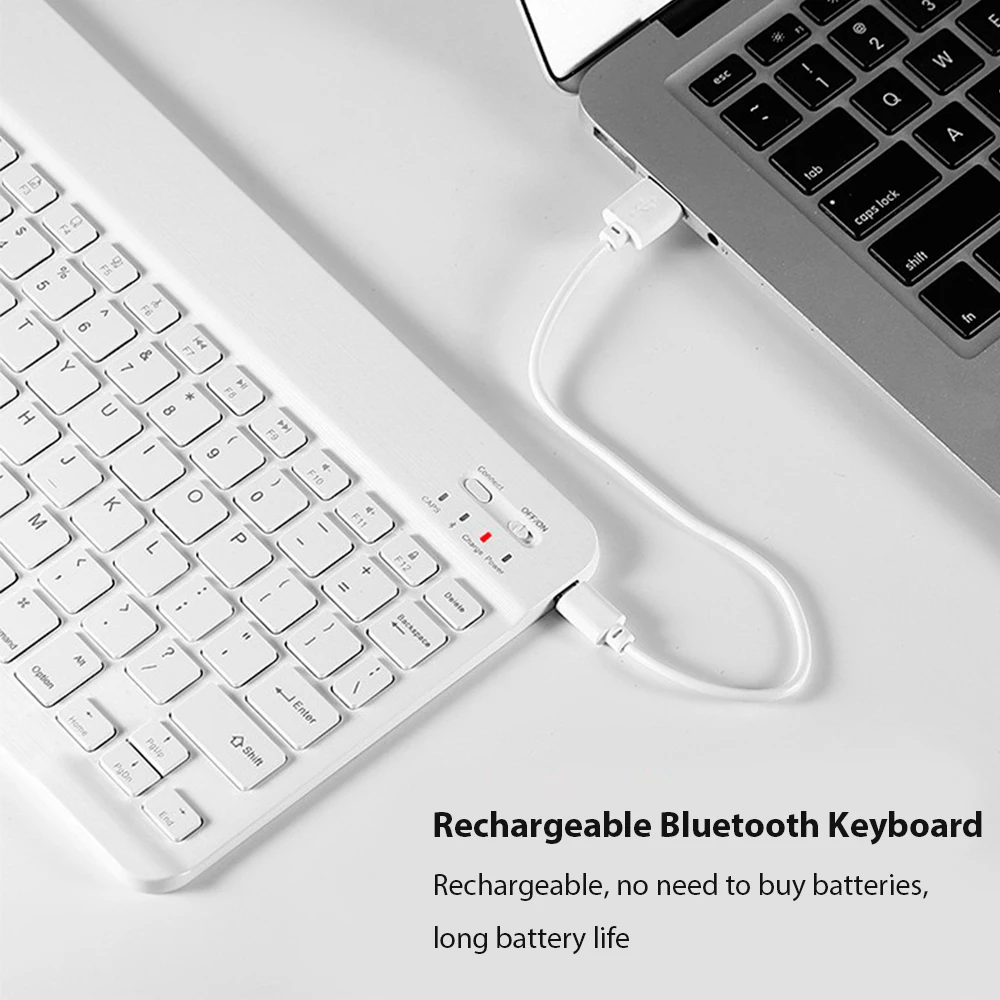
- Rechargeable with Auto Sleep Mode: Powered by a built-in lithium battery, this keyboard can be easily recharged via a USB cable, eliminating the need for disposable batteries. The remarkable battery life allows for up to six months of standby time on a single charge. Additionally, the keyboard intelligently enters sleep mode to conserve energy when not in use.
- Stable Connection: Leveraging advanced Bluetooth technology, this keyboard provides a stable, cable-free connection with an impressive operating range of up to 10 meters. For desktop PCs or laptops lacking Bluetooth functionality, a third-party Bluetooth adapter (not included) may be required for proper configuration.
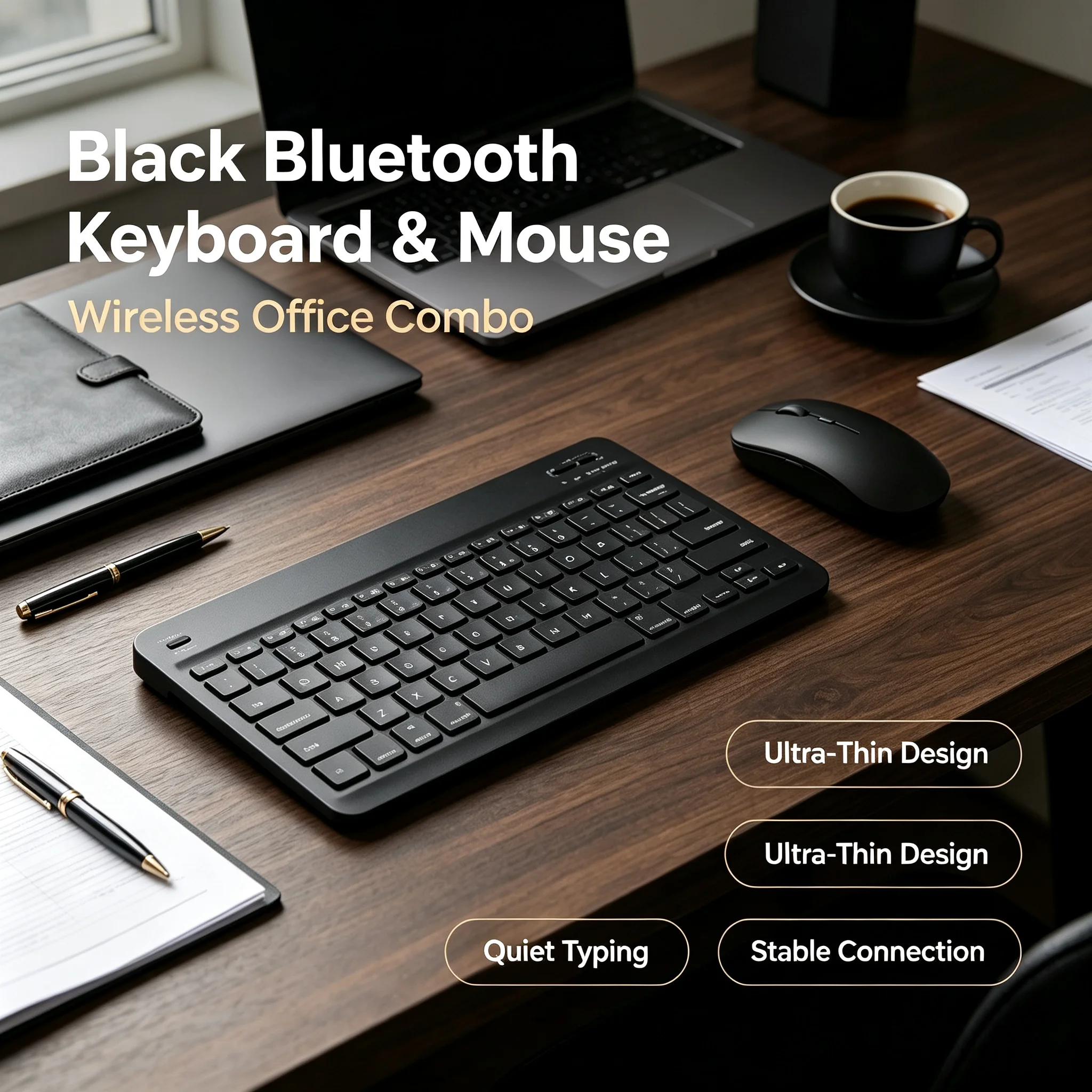
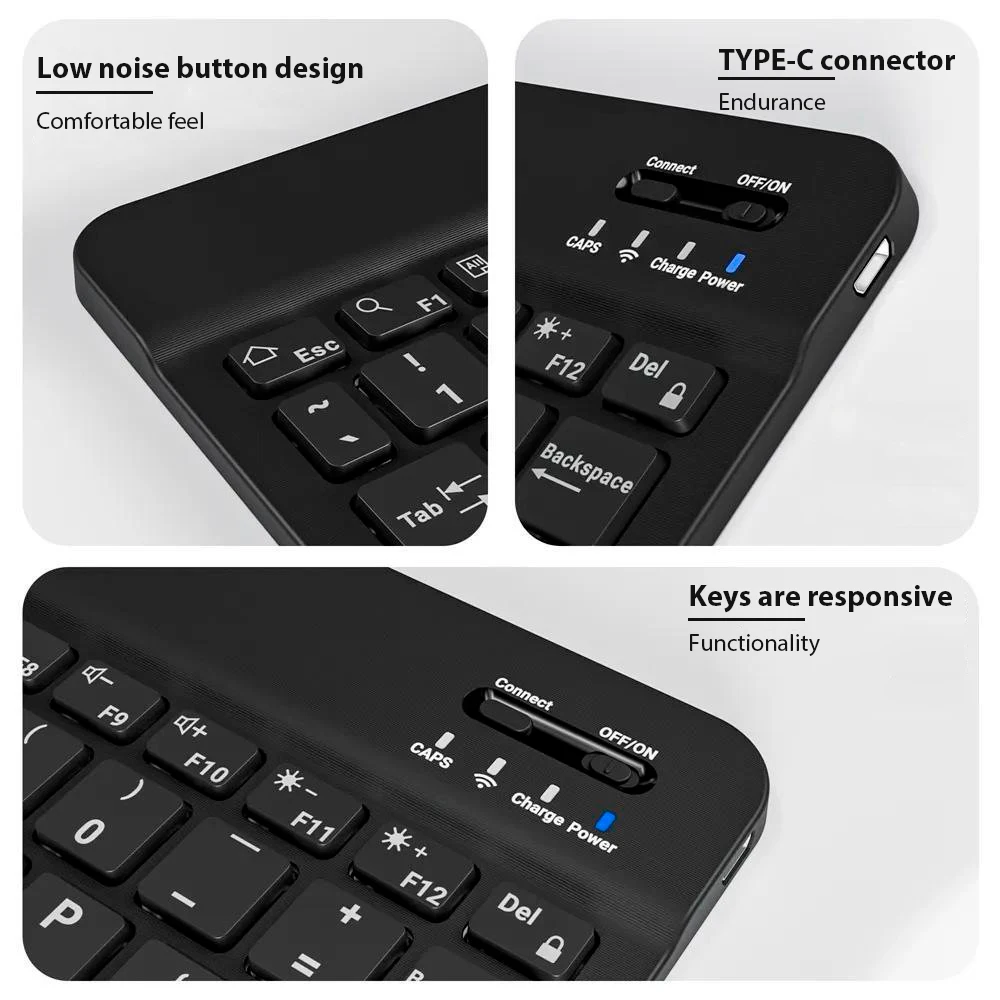
- Comfortable and Quiet Typing: Enjoy a new level of typing comfort with the keyboard’s whisper-quiet, low-profile keys. This design not only enhances your typing experience but also keeps frequently used functions and media controls within easy reach, featuring dedicated Windows hotkeys for added efficiency.
📏 Connection Instructions:
- Bluetooth Keyboard Connection:
- Activate the keyboard by turning on the "on" button.
- Press and hold the "connection" key for 2 seconds.
- Enable Bluetooth on your desired device.
- Locate and select "Bluetooth keyboard" from "my devices" to establish a connection.
- Mouse Connection Method:
- Switch on the mouse using the 'on' button.
- Activate Bluetooth on the device you intend to connect.
- Find 'BT Mouse' in 'my devices' and click 'connected' to establish the connection.