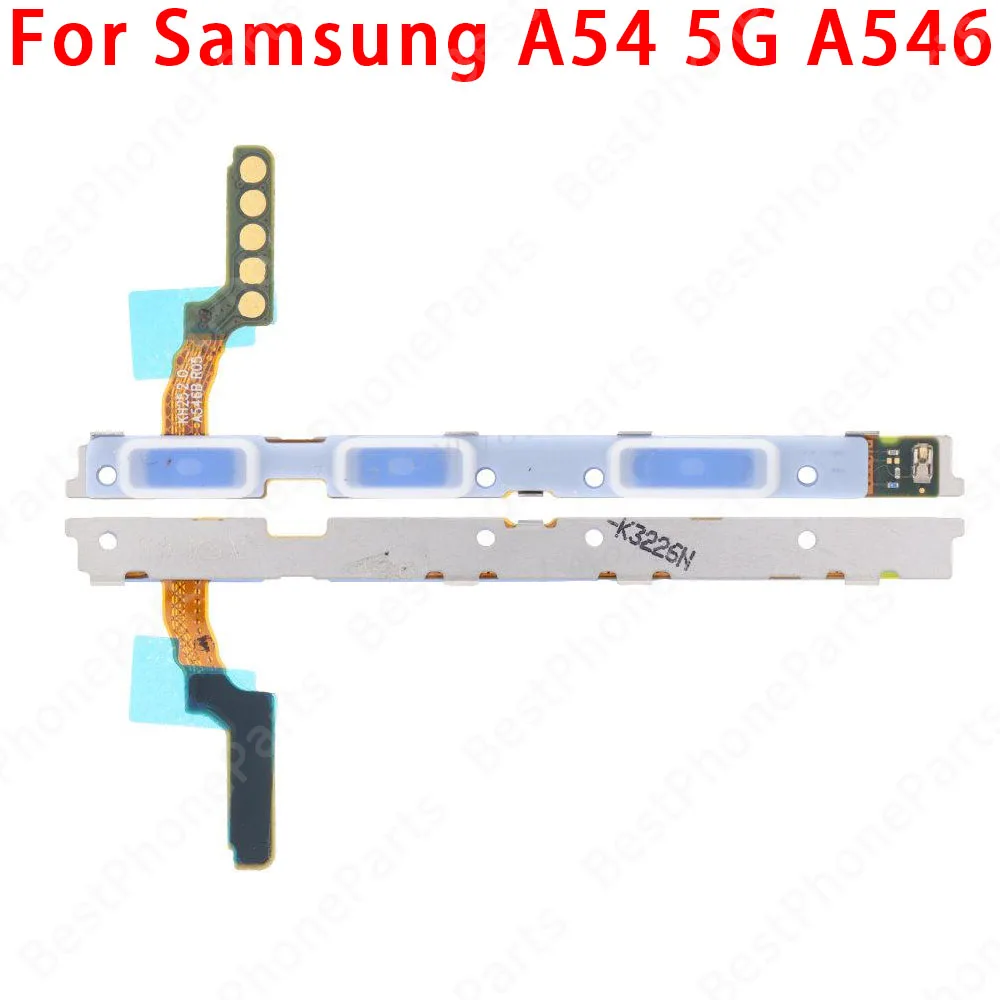
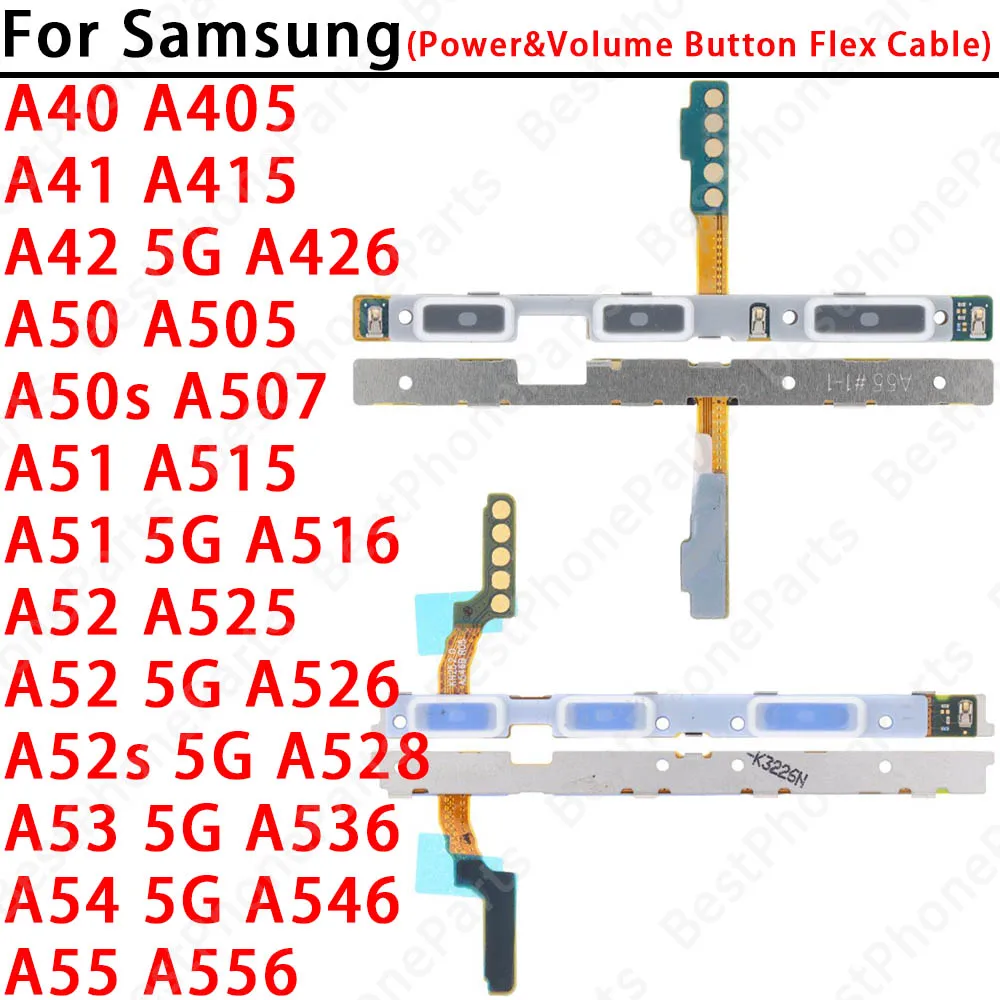
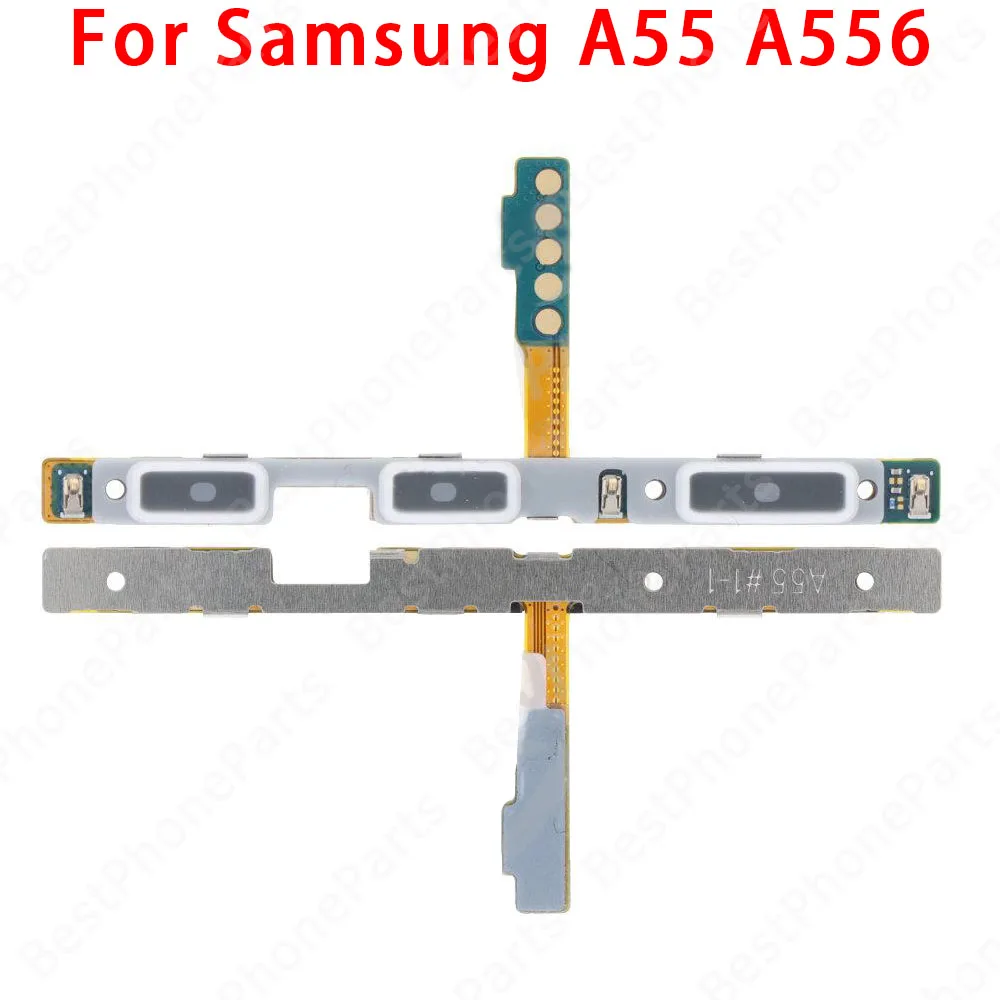
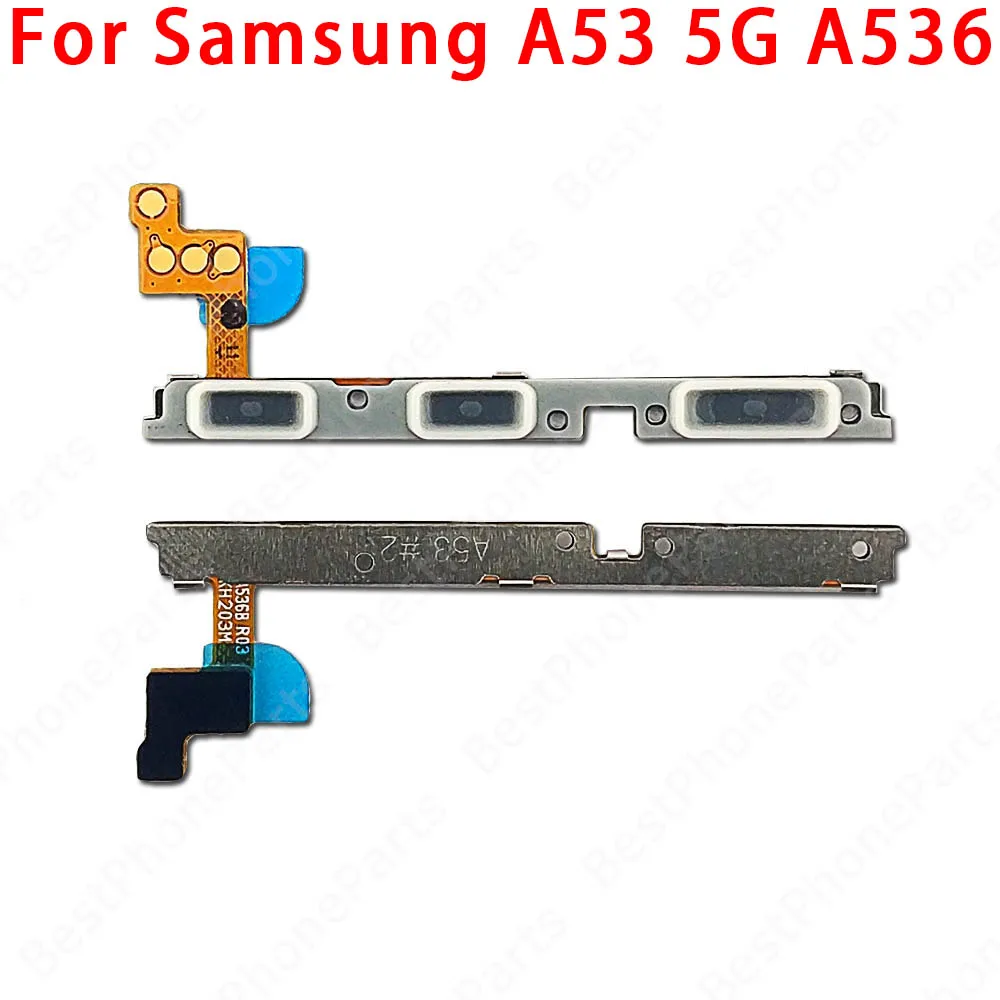
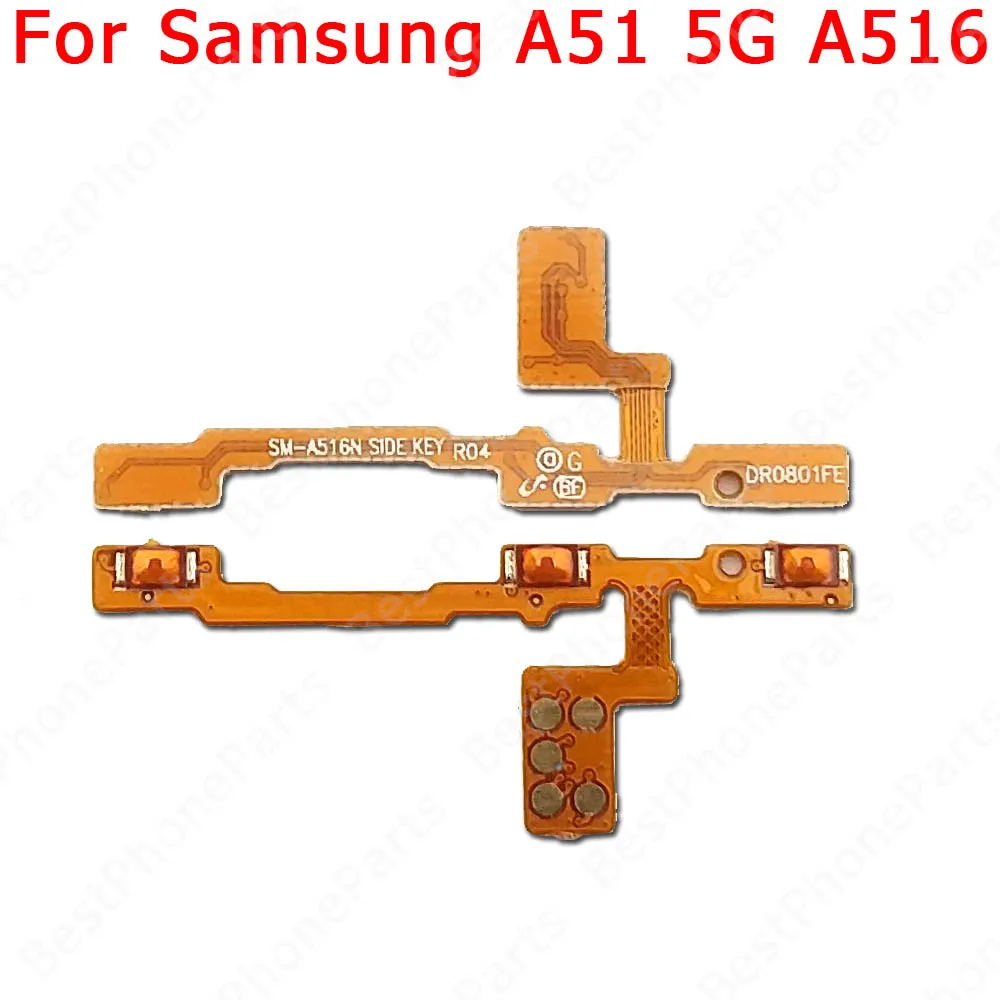
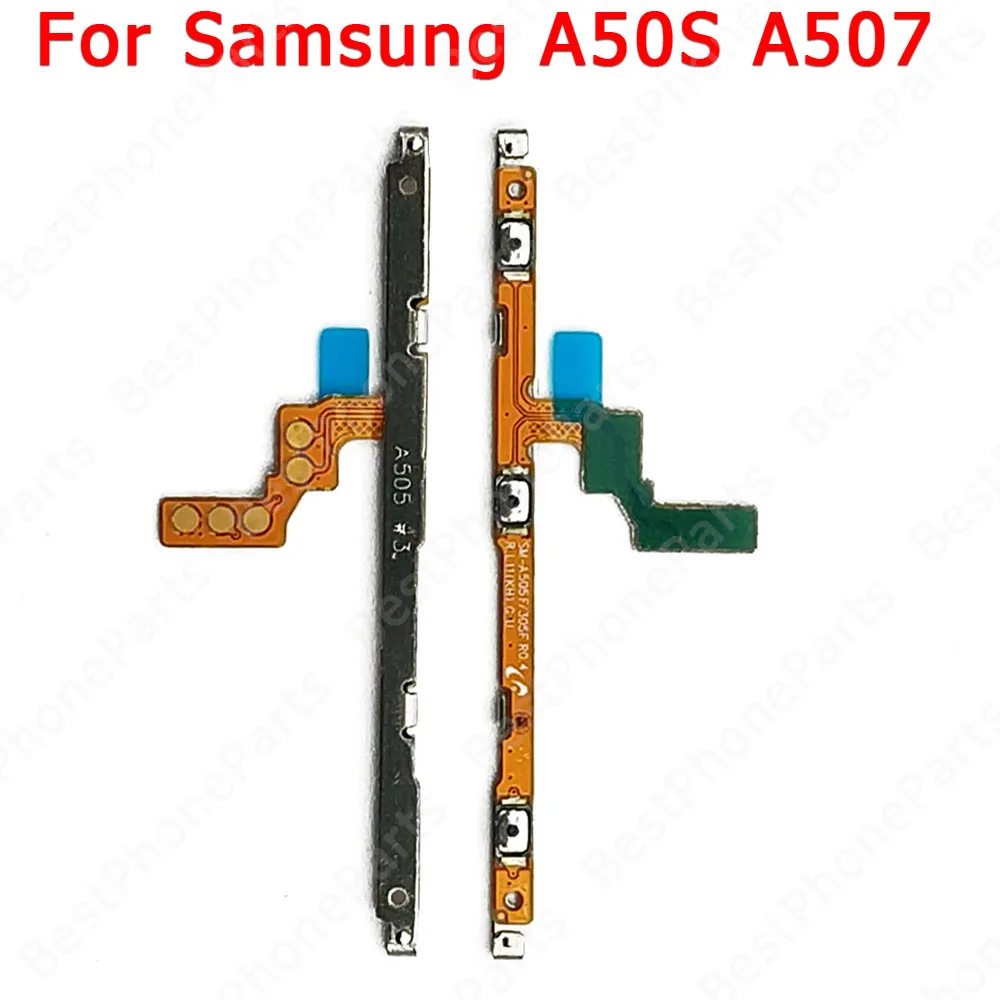
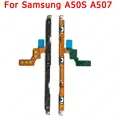
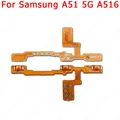
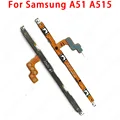
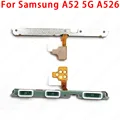
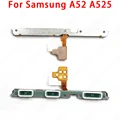
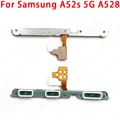
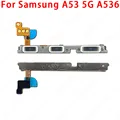
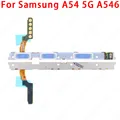
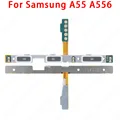
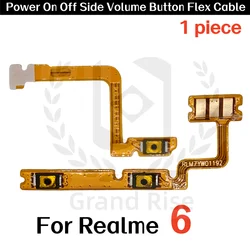
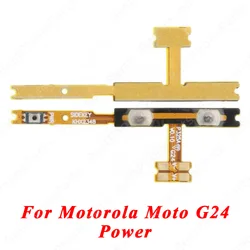
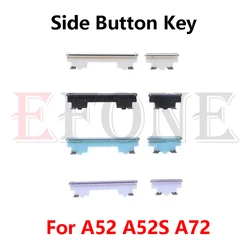
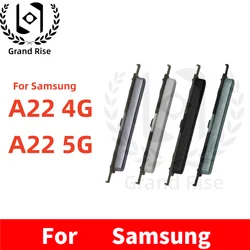
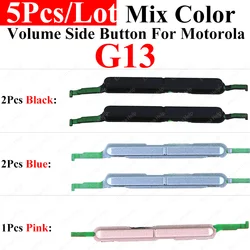
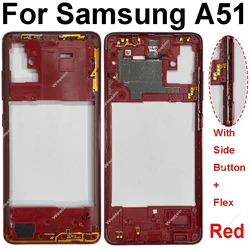
🔘 The Samsung Galaxy A Series Flex Cable Parts are essential components designed specifically for models A40, A41, A42, A50, A50S, A51, A52, A52S, A53, A54, A55, and their 5G versions. These parts include the side button switch, volume key, and power on/off flex cable, ensuring that your device operates smoothly and efficiently.
🛠️ Each component is crafted with utmost precision, guaranteeing 100% originality. Every item undergoes rigorous testing individually, which ensures reliability and performance before it reaches you.
🆘 To assist you in the installation process, follow these detailed steps to replace your mobile phone's boot volume cable:
- Prepare Tools: Gather essential tools such as screwdrivers, tweezers, and appropriate removal parts to help facilitate the disassembly of your phone safely.
- Remove the Phone Case: Carefully detach the phone case, utilizing adequate tools suited for your specific model. Exercise caution to prevent unnecessary damage to internal components.
- Locate the Flex Cable: Identify the power and volume button flex cable connectors located on the motherboard of your device for a seamless installation process.
- Disconnect the Cables: Gently unplug the existing cables from their connectors. Handle these components with care to avoid any damage to them or their connectors.
- Clean the Connector: Use a clean cloth or cotton swab to ensure that the connector is free from dust and debris, which could hinder proper connection with the new cable.
- Install the New Cable: Securely plug the new power and volume button flex cable into the original connector, ensuring it is firmly seated to prevent any loose connections.
- Reassemble the Phone: Put your phone back together in reverse order of disassembly, confirming that all components are correctly installed, and that the case is securely closed.
- Test Functionality: Power on your device and check that both the power on and volume keys function correctly. If issues arise, double-check your installation to ensure proper connection.
🔒 When undertaking any phone repair, remember that patience and the right tools are key. If you encounter uncertainty at any stage, consider consulting a professional technician to avoid potential damage to your device.