Phone Cases
Chargers and Cables
Gaming
Gadgets
Tablet and iPad Cases
Your Account
Language
Business
Phone Data
Contact Us
4.3 Google Shopping Rating Over 2 million customers since 2013 Based in the UK Free delivery order over £30+

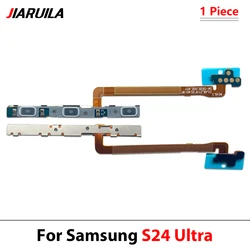
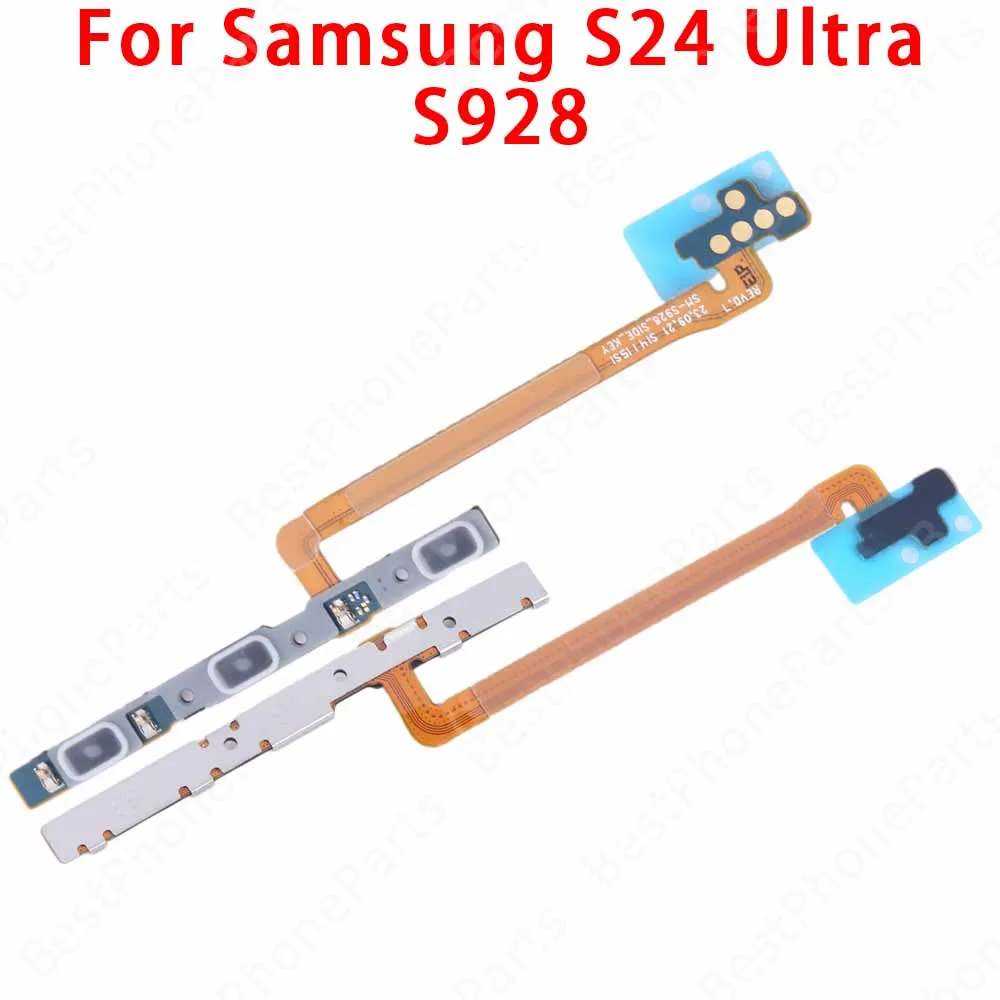
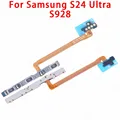
Side Button Switch Volume & Power Flex Cable Replacement (S24 Ultra S928)

Side Button Switch Volume & Power Flex Cable Replacement
Colour: S24 Ultra S928
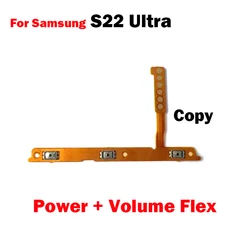
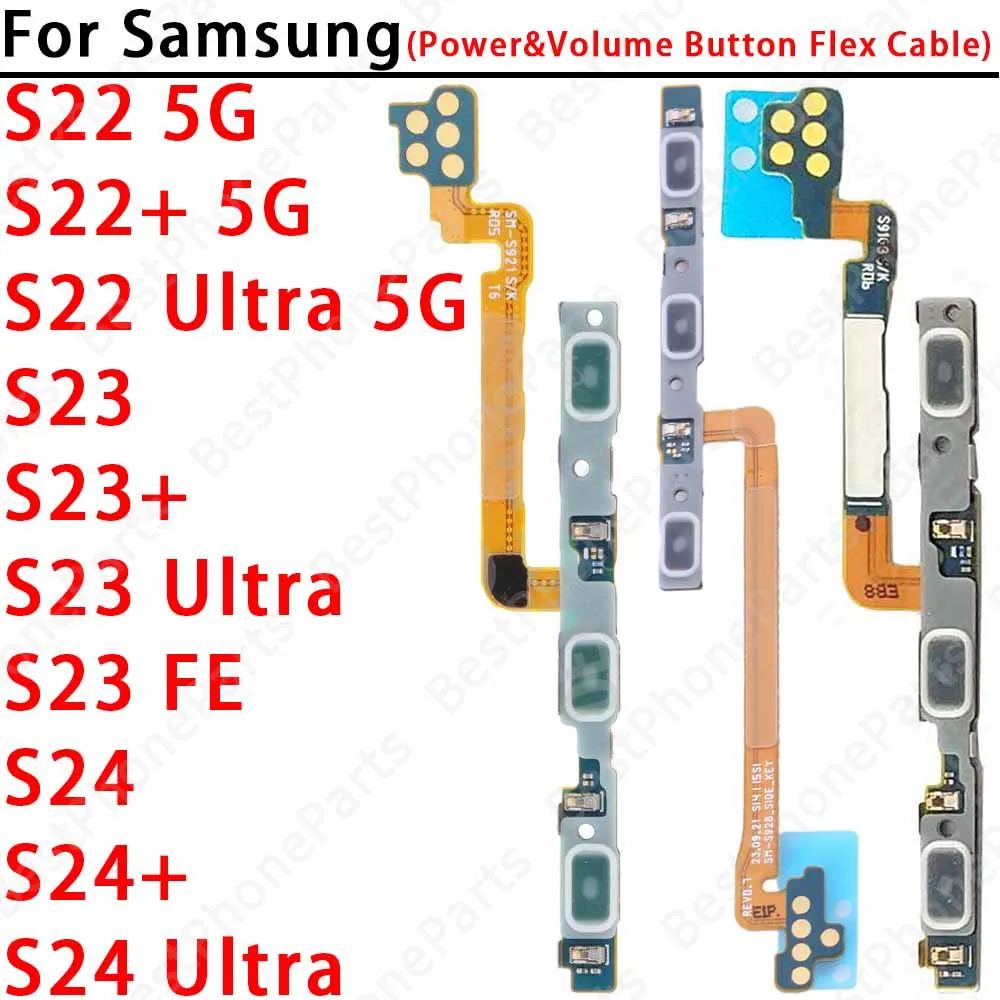
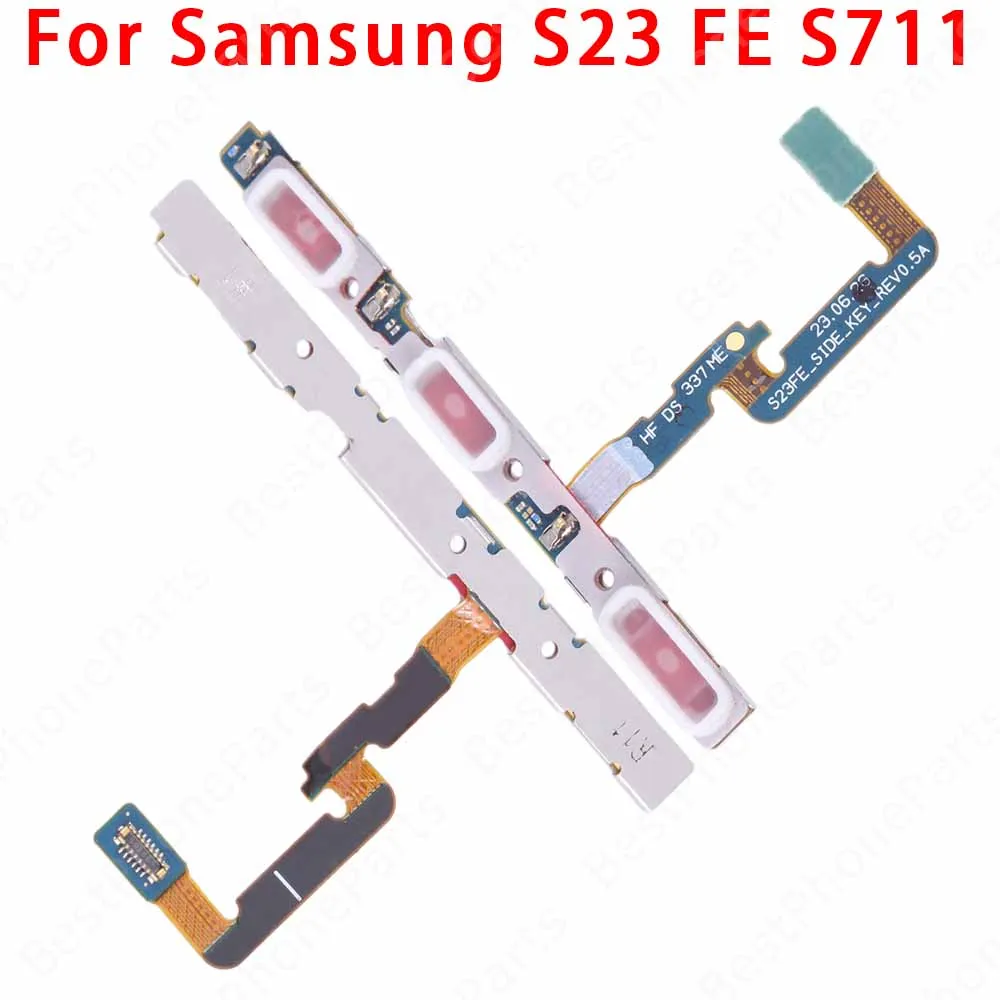
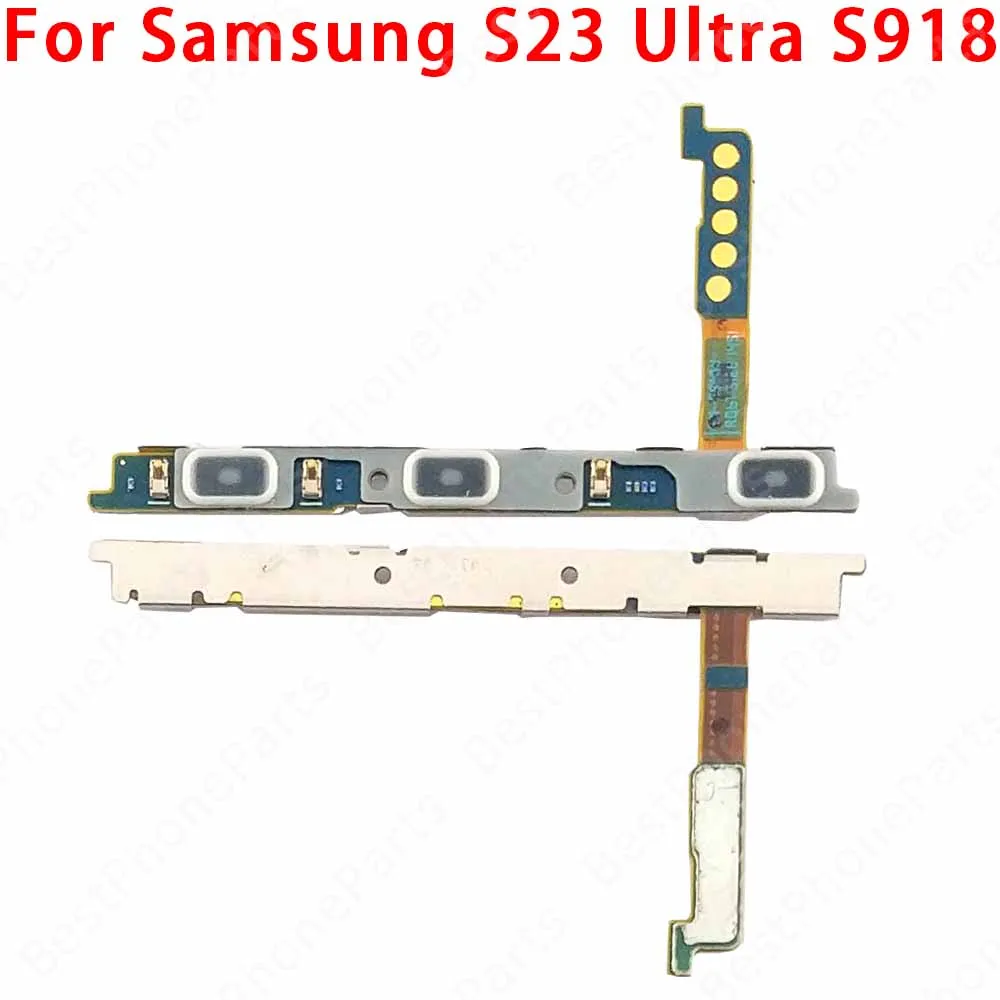
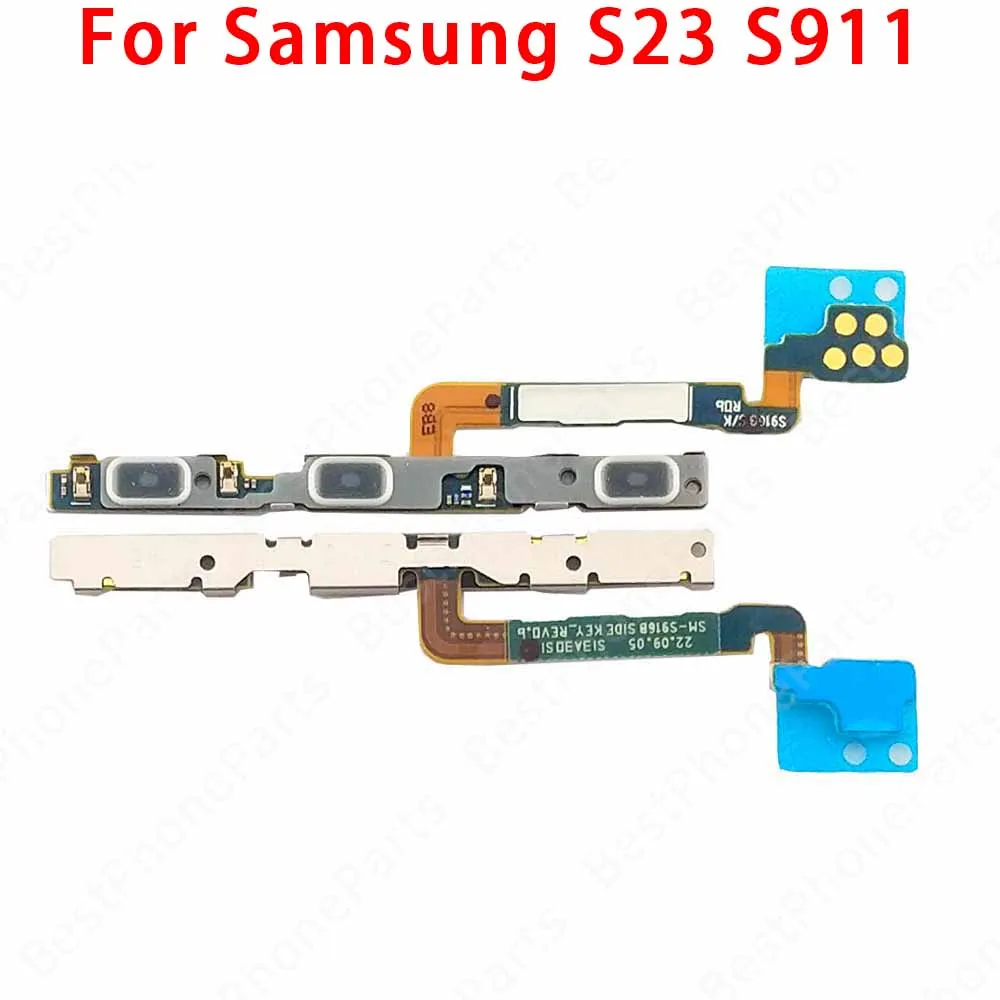
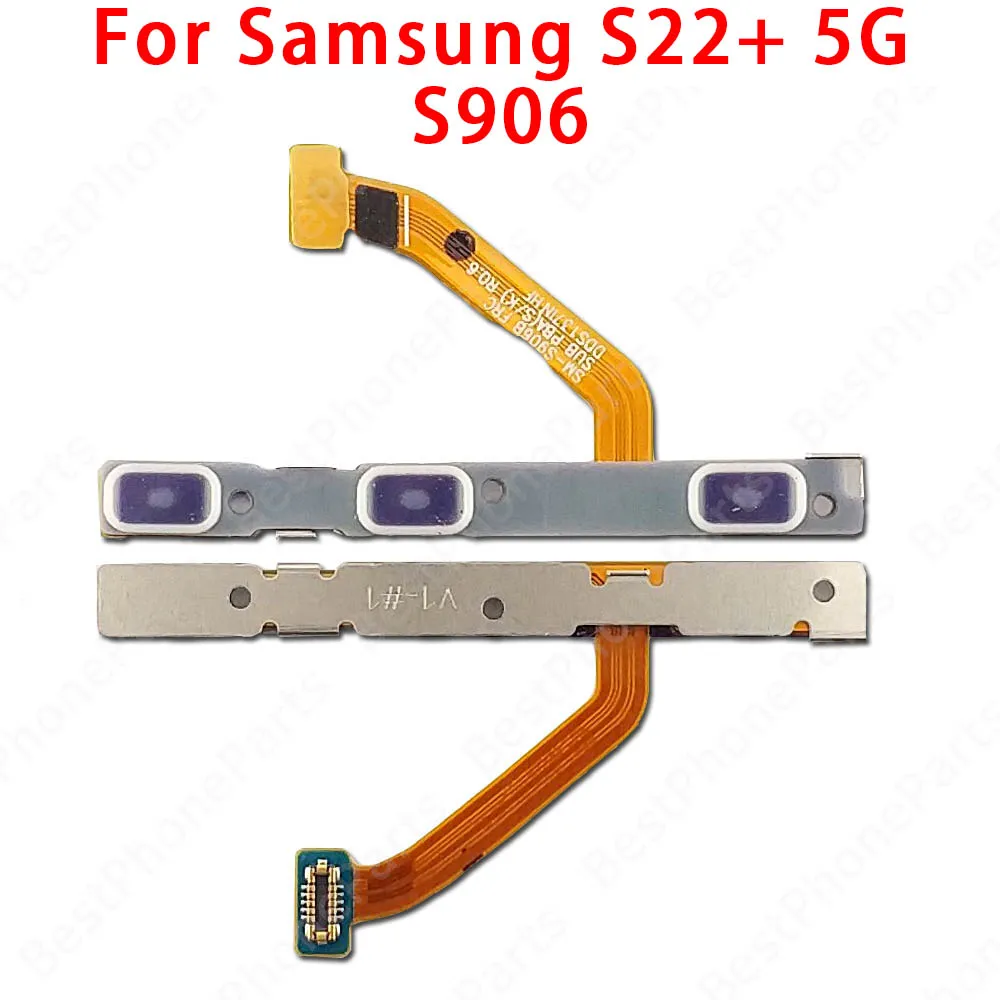
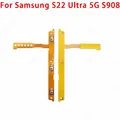
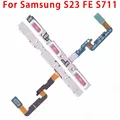
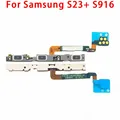
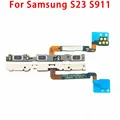
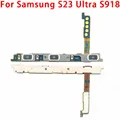
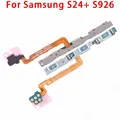
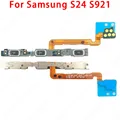
S22 5G S901 S22 Plus 5G S906 S22 Ultra 5G S908 S23 FE S711 S23 Plus S916 S23 S911 S23 Ultra S918 S24 Plus S926 S24 S921 S24 Ultra S928

Product Description:

💎 Enhance the functionality and performance of your Samsung Galaxy S22, S23, and S24 series smartphones with our premium Side Button Switch and Volume Key Power On/Off Flex Cable Parts. Designed specifically for models including the S22 Ultra, S23 Ultra, S24 Ultra, S22+, S23+, and S24+, this essential component guarantees seamless operation of your device's power and volume controls.

Quality Assurance:

💍 Our flex cable parts are 100% original and undergo rigorous testing, ensuring that each item meets the highest standards of performance and reliability before reaching you. You can trust that these components are built to last, providing you with an effective solution to restore your phone's functionality.

Installation Guide:

🔘 Installing the Power & Volume Button Flex Cable is straightforward, and with the right tools, you can do it yourself. Follow these steps for a successful installation:

  • Preparation: Gather the necessary tools, including screwdrivers, tweezers, and any other tools required for opening your device. This will facilitate the removal of the phone case and the installation of the new flex cable.
  • Removing the Phone Case: Carefully remove the phone case using appropriate tools. Make sure to apply gentle force to prevent any damage to your device.
  • Identifying the Flex Cable: Locate the connectors for the Power and Volume Button Flex Cable on the motherboard, typically situated on the device's main circuit board.
  • Disconnecting the Cables: Gently unplug the existing cables from their connectors. Take care to avoid pulling too hard to prevent damage to the connector or the cable.
  • Cleaning the Connector: Use a clean cloth or cotton swab to carefully clean the connector area. This ensures that no dust or debris interferes with the new cable connection.
  • Installing the New Cable: Connect the new Power/Volume Button Flex Cable into its designated connector, ensuring it is seated properly and securely.
  • Reassembly: Reassemble the phone case and other components in the reverse order of disassembly. Confirm that everything is positioned correctly and securely fastened.
  • Testing Functionality: Power on your device to ensure both the power on and volume keys function as intended. If issues persist, verify the connections and inspect for any potential connector problems.

🔒 Important Note: Patience and precision are key when performing any phone repair operations. If you feel uncertain at any stage, seeking assistance from a professional technician is advisable to avoid inadvertently causing damage to your device.

£10.99 In Stock
Quantity:
Colour: S24 Ultra S928

Delivery Tuesday, 6th October - Thursday, 8th October
£5.00 On time delivery guarantee

If this item arrives after the delivery date given at checkout, you will be emailed a £5.00 credit voucher to use on your next order
Why choose SDTEK?
Over 2 million customers since 2013
4.3 Google Shopping Rating
Great Trustpilot Rating
Based in the UK
14 Day, easy returns
24 Hour customer services
Buying for your business?
Bulk discounts available on this product
See our quantity discounts and business pricing

Related items