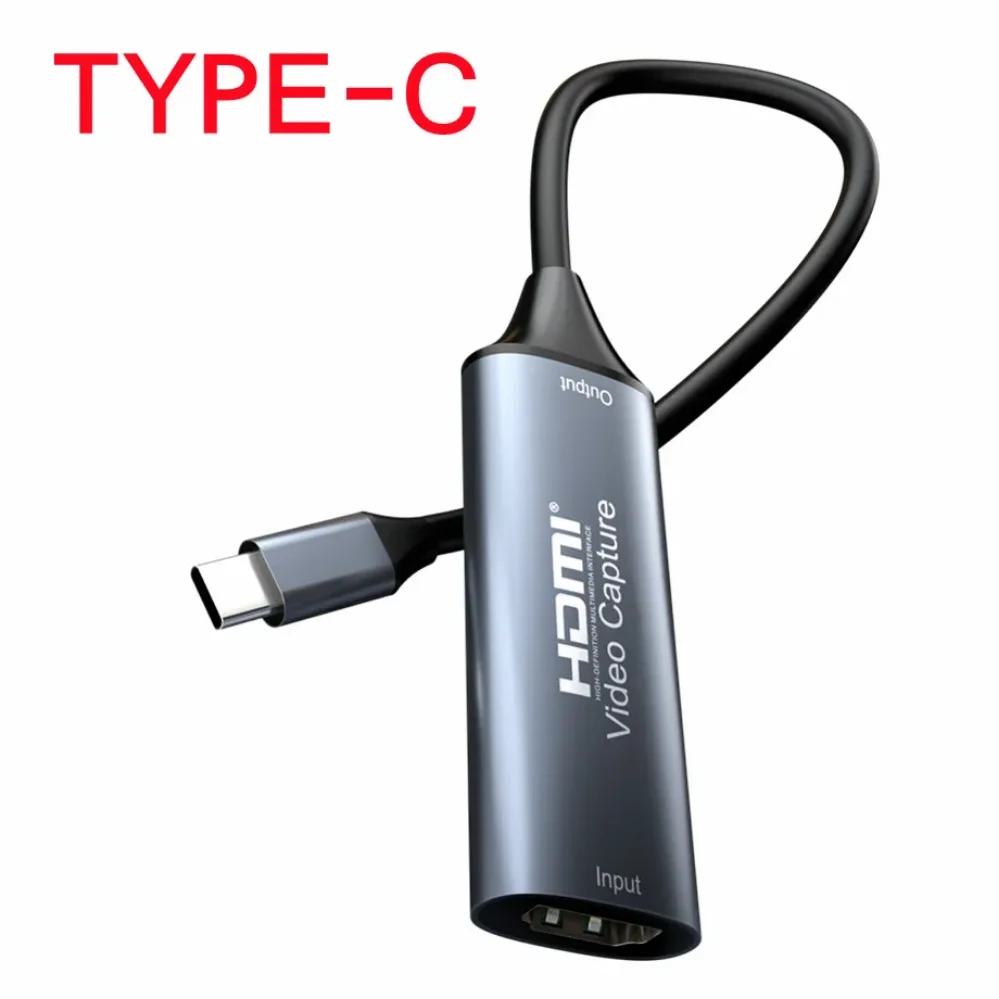
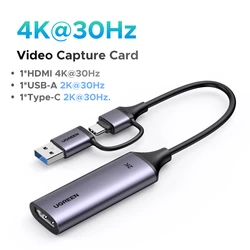
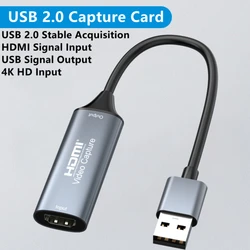
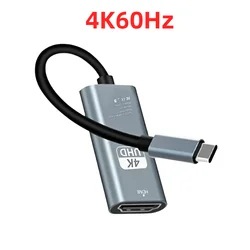
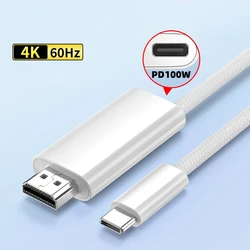
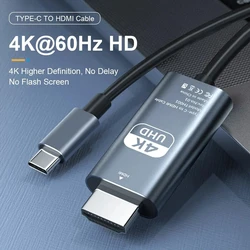
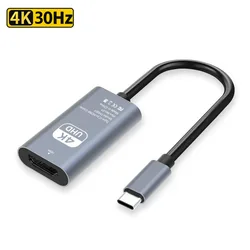
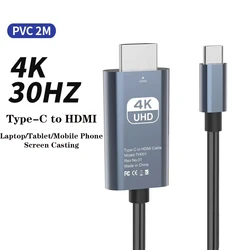
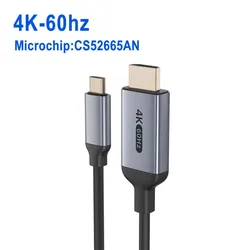
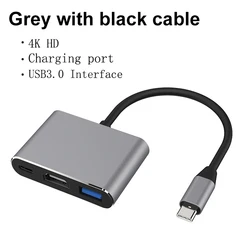
HDMI Video Capture Card 4K 30Hz
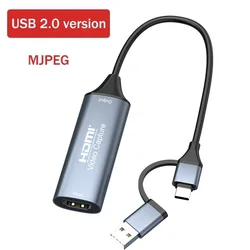
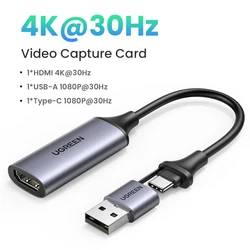
📦 Experience seamless video capturing with our versatile HDMI Video Capture Card, designed for a wide range of applications including gaming, teaching, medical imaging, and content creation. This compact device offers the ability to capture both high-definition video and audio signals from various HDMI sources and transmit them to computers and smartphones for easy previewing and storage.
🔧 Key Features:
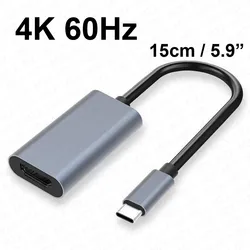
- High-Resolution Support: The capture card supports an impressive input resolution of up to 4K at 30Hz, ensuring exceptional video clarity and detail.
- Output Quality: Deliver stunning output with a maximum resolution of 1080P at 60Hz, perfect for high-definition recordings and broadcasts.
- Color Depth: Enjoy vibrant visuals with support for deep color in 8, 10, and 12-bit configurations, enhancing your video quality.
- Extended Reach: Utilize AWG26 HDMI standard cables for input distances up to 15 meters, providing flexibility for various setups (1080P and lower resolutions).
- Software Compatibility: The capture card is compatible with a variety of acquisition software such as VLC, OBS, and Amcap, making it easy to integrate into your existing workflow.
- Multi-Platform Functionality: This device seamlessly interfaces with Windows, Android, and MacOS systems, offering broad usability across different devices.
- Standards Compliance: It adheres to USB Video Class (UVC) and USB Audio Class (UAC) standards, ensuring reliable performance without the need for additional drivers.
- Portable Design: Its compact size allows for convenient portability, making it an ideal choice for on-the-go content creators.
📦 Note: Ensure your computer meets the hardware requirements for optimal performance. Recommended specifications include:
- CPU: Intel Core i5-3400 or above; Laptop: Intel Core i7-3537U 2.0GHz or above
- Graphics: NVIDIA GT630 or higher for desktop; NVIDIA GT735M or higher for laptops
- Memory: At least 4GB of RAM
🧰 Setup Guidelines:
To connect and operate the HDMI Video Capture Card:
- Connect your UHD signal source to the HDMI input of the capture card using a compatible HDMI cable.
- Link the capture card to your computer via the USB port with a USB cable.
- For recording with OBS, launch the software, choose "Video Capture Device" as the source, adjust the image size, activate "Studio Mode" for double-window viewing, and select "Start Recording." Detailed instructions can be found in the manual.
⚡ Embrace the full potential of your video capturing with our HDMI Capture Card, ensuring professional-grade results for all your multimedia projects.