🔴 Floppy Disk Reader: Rediscover Your Data
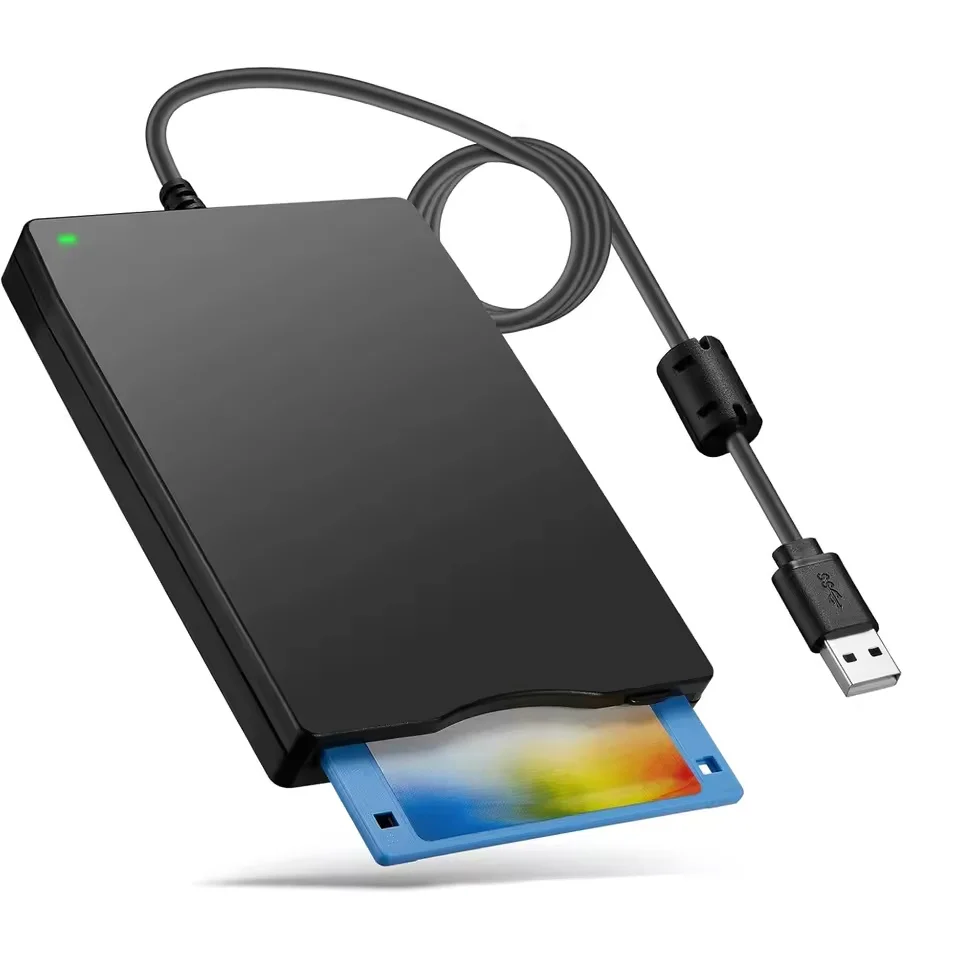
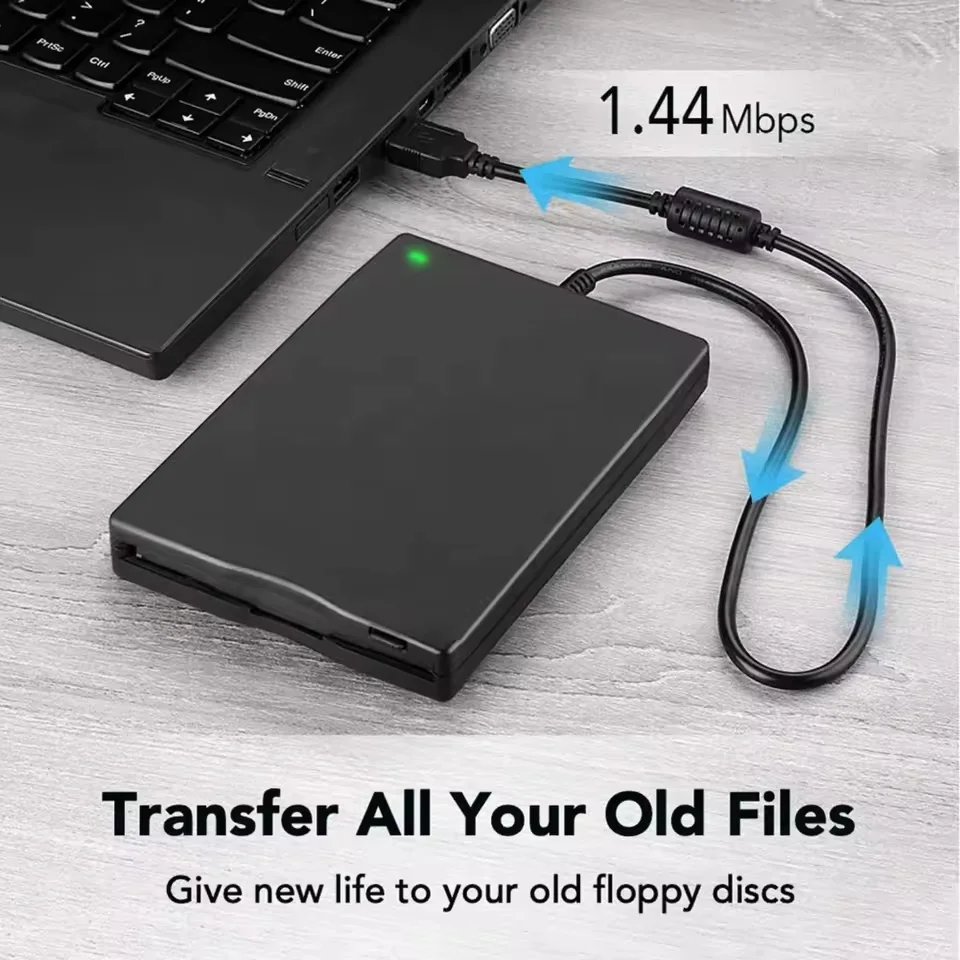
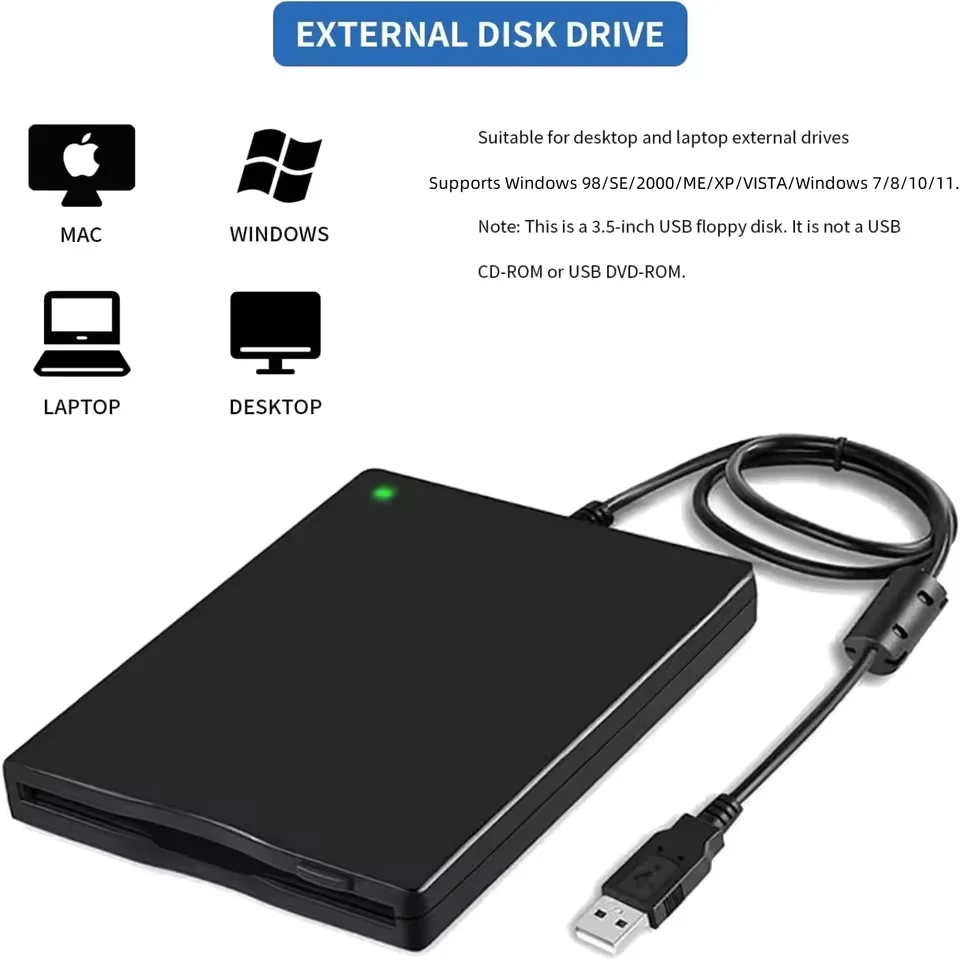
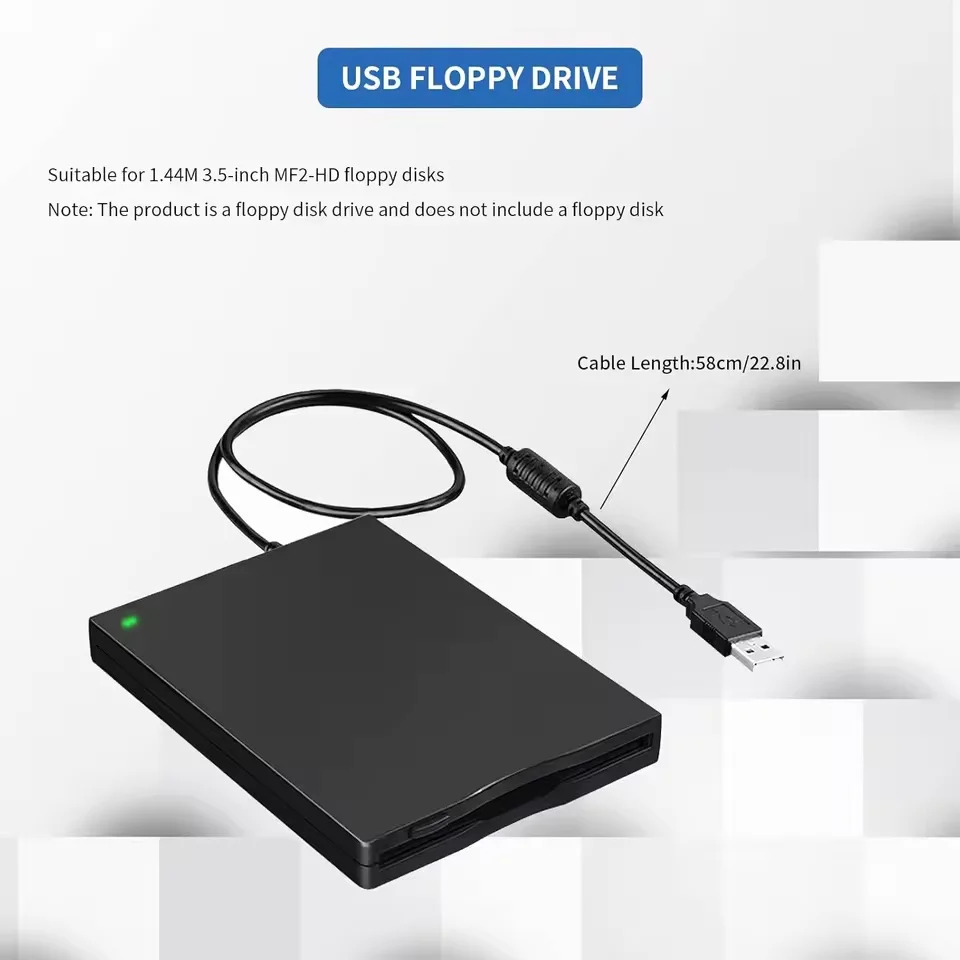
🧠 Revisit the past with our External USB Floppy Disk Reader, a reliable 3.5-inch 1.44 MB FDD (Floppy Disk Drive) designed to effortlessly connect to your PC or laptop. Perfectly suited for users with cherished files and memories stored on floppy disks, this device makes transitioning those files to modern systems simple and efficient.
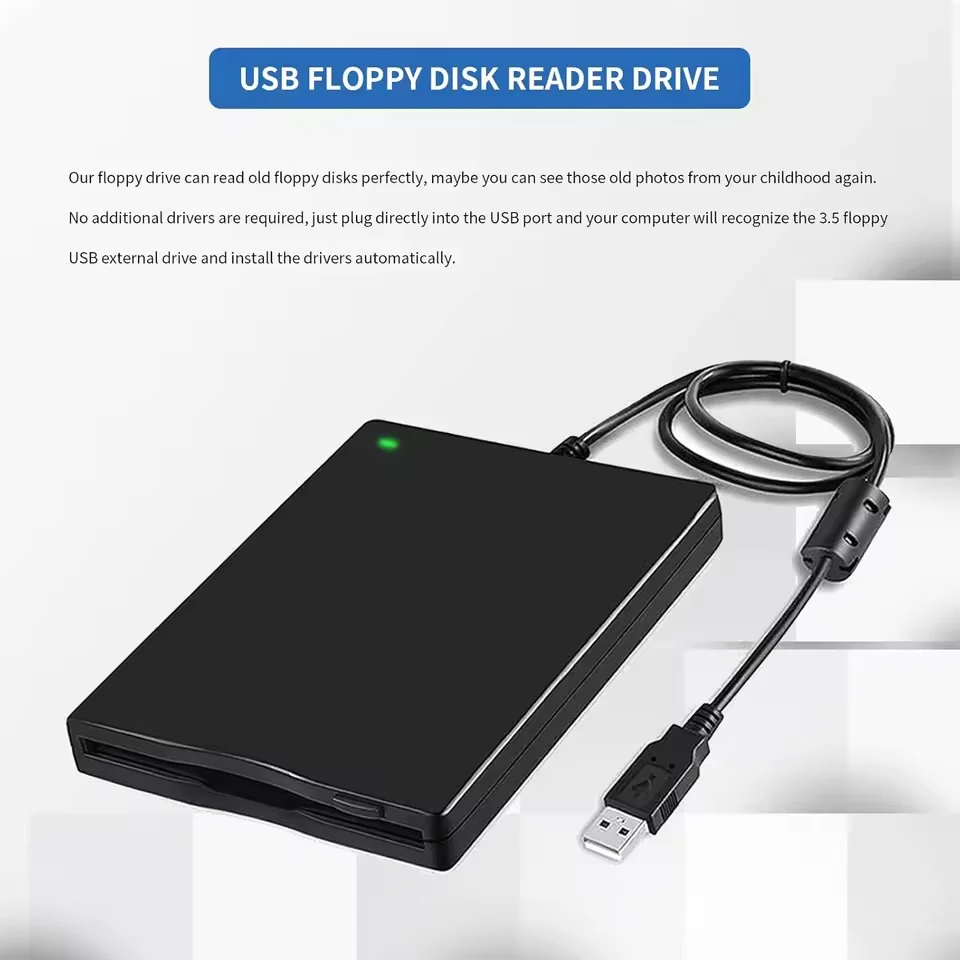
💍 Convenient USB Connectivity: Equipped with a standard USB connection, this floppy disk reader allows you to read and transfer data from your legacy 3.5" floppy disks with ease, bringing your nostalgic files back to life in just moments.
⚡ Plug and Play Simplicity: Experience hassle-free operation with our plug and play feature! There’s no need for extra drivers or complicated installations; simply connect the floppy disk drive to your USB port, and you can start accessing your files instantaneously. Designed for user-friendly experience, it ensures that even those unfamiliar with technology can navigate its features effortlessly.
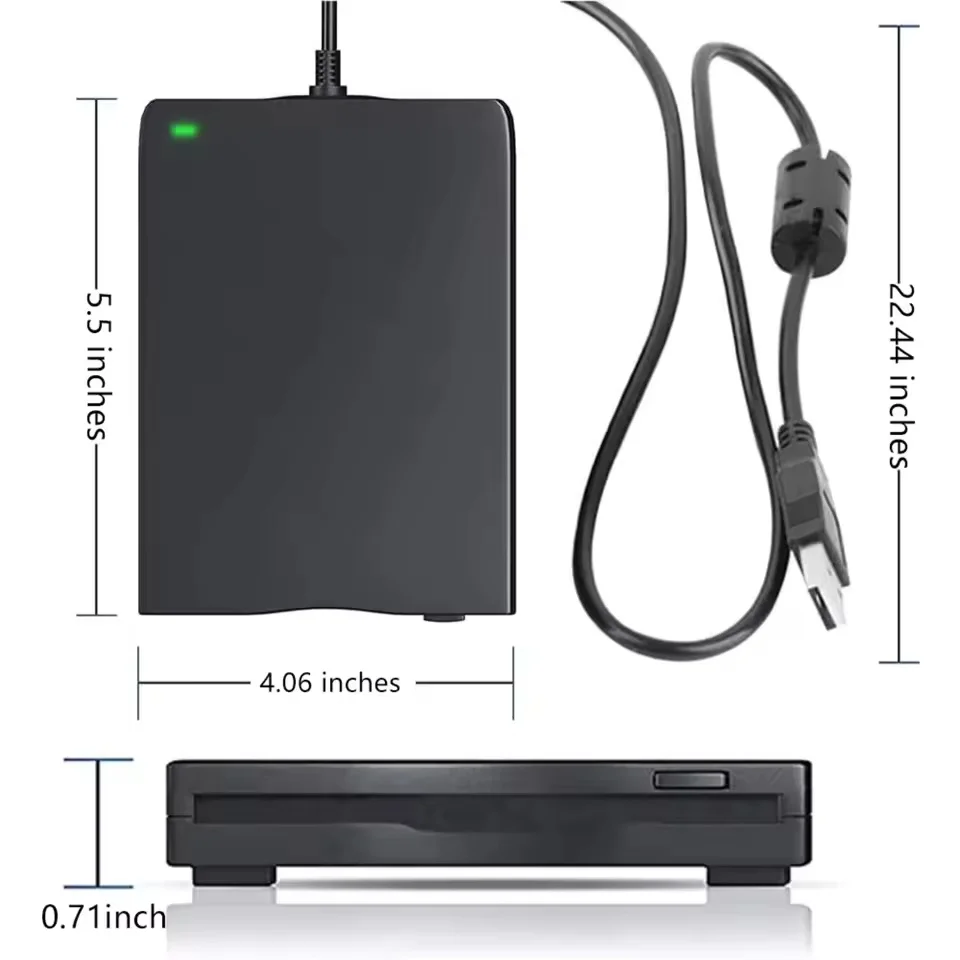
📏 Ultra-Slim and Portable Design: The ultra-slim design of our USB floppy disk reader emphasizes portability, making it easy to carry wherever you go. Whether you’re looking to retrieve wedding photos, childhood memories, cherished poems, college theses, novel manuscripts, or favorite songs saved on floppy disks, this device allows you to access those precious moments anytime and anywhere.
⚡ Wide Compatibility: Our floppy disk reader is compatible with a range of operating systems, including Windows 11, 10, 8.1, 7, Vista, XP, 2000, as well as Mac and Linux. Note that it is designed exclusively for use with computers—tablets, TVs, smartphones, and vehicles are not supported.
⚡ Important Usage Tips: To ensure optimal performance, it’s recommended to power the drive directly through the USB cable without using a USB hub or extension cable, as inadequate power supply may lead to malfunction. Additionally, while this drive can open many floppy disks, please be aware that due to their age, some disks may not function properly. Floppy disks—originating from the 1980s to 90s—are susceptible to corrosion and dust, which may impede their readability. Before attempting to access your disks, inspect their condition carefully to prevent potential disruptions in functionality.
🔵 Locating the Floppy Disk Drive on Windows 11: If you're using Windows 11 and have trouble finding the drive, be sure to explore the hidden options in the Windows File Explorer. The floppy disk drive may not immediately appear, but you can locate it by navigating through Start → Settings → Bluetooth & devices → Devices → Related settings → More device and printer settings → TEACV0.0. Right-click on TEACV0.0, select "Browse files," and access your Floppy Disk Drive (A:) directly.
If this item arrives after the delivery date given at checkout, you will be emailed a £5.00 credit voucher to use on your next order