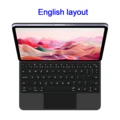
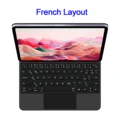
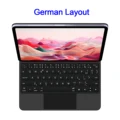
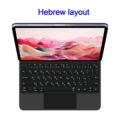
AJIUYU Magic Keyboard Folio for Samsung Galaxy Tab S10+ (2024)
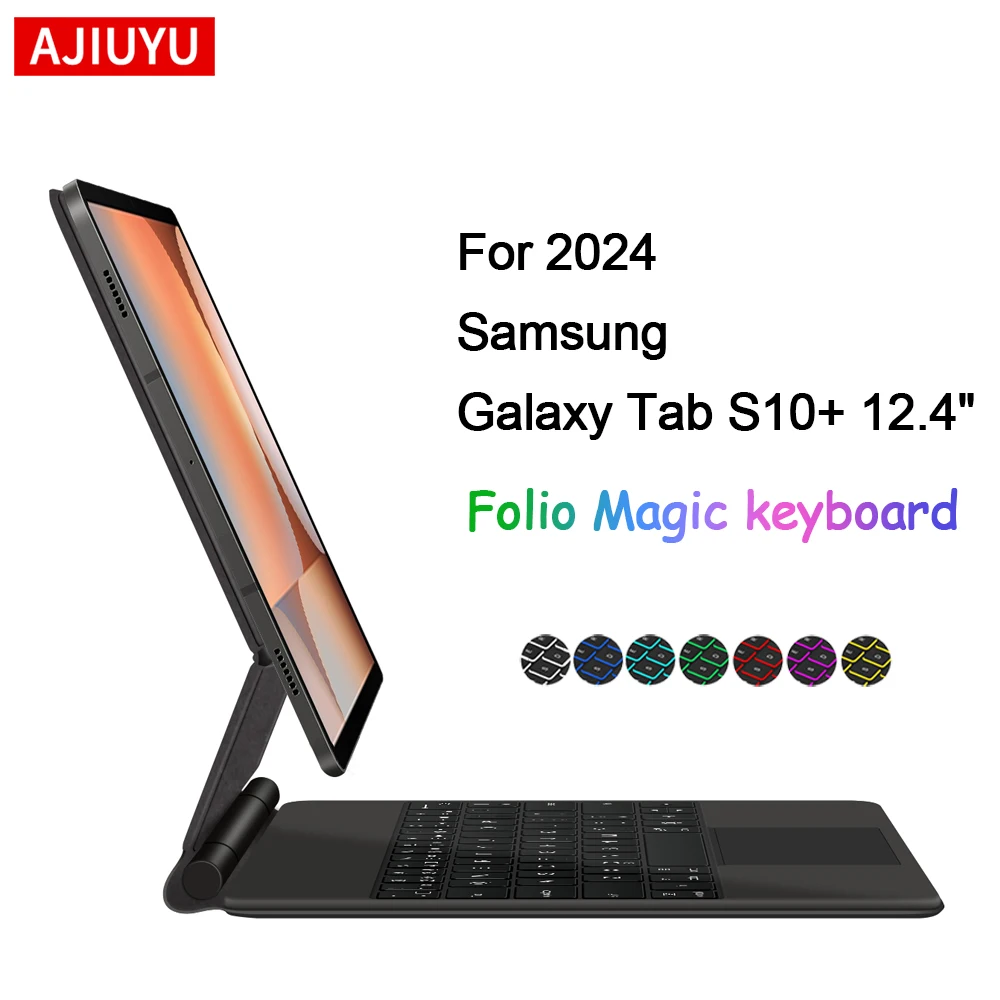
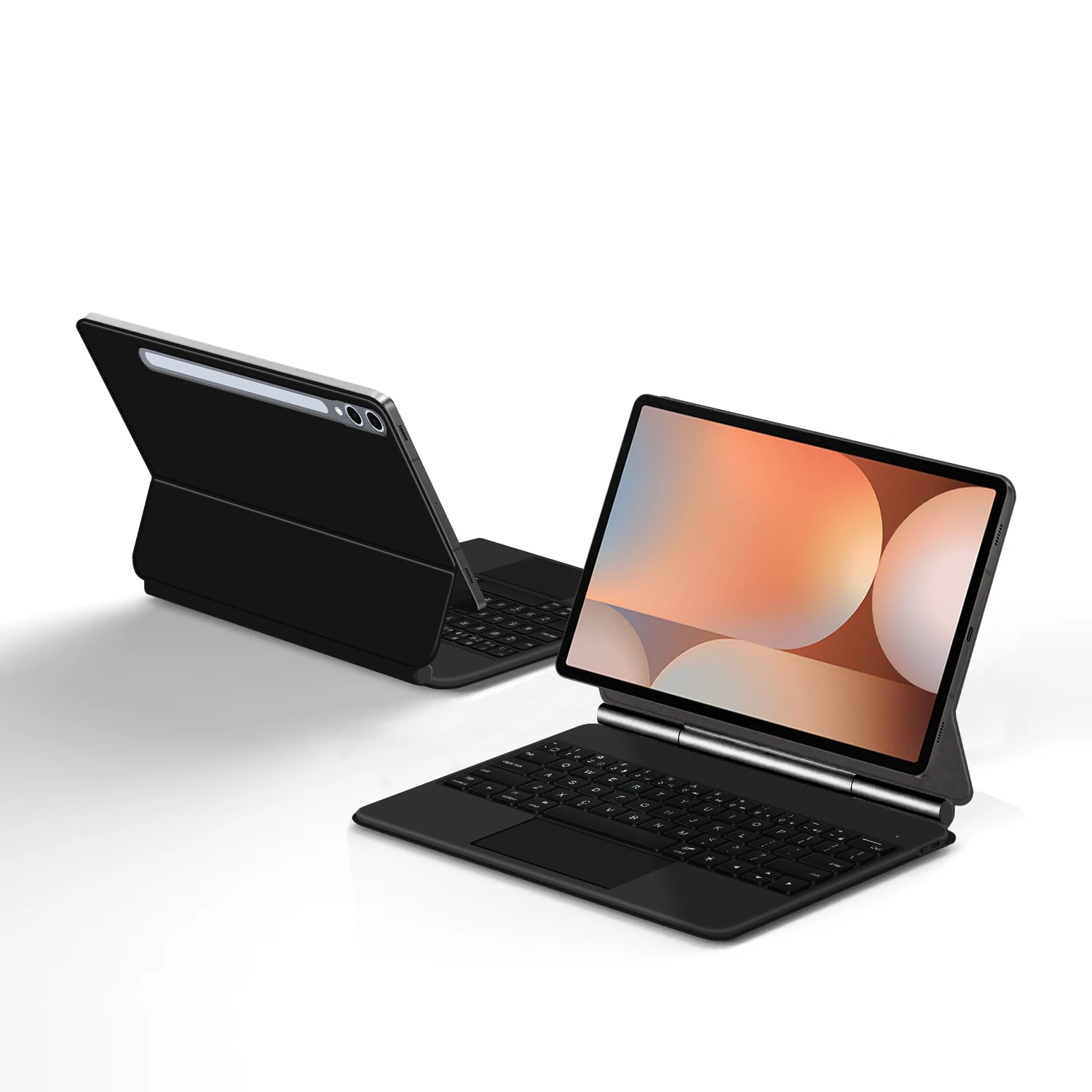
🧲 Elevate your Samsung Galaxy Tab S10 Plus experience with the AJIUYU Magic Keyboard Folio, specially crafted to enhance productivity and convenience. Designed for the 12.4-inch Galaxy Tab S10+, this innovative case features a magnetic keyboard cover that not only protects your tablet but also transforms it into a versatile laptop-like device.
🔧 Key Features:
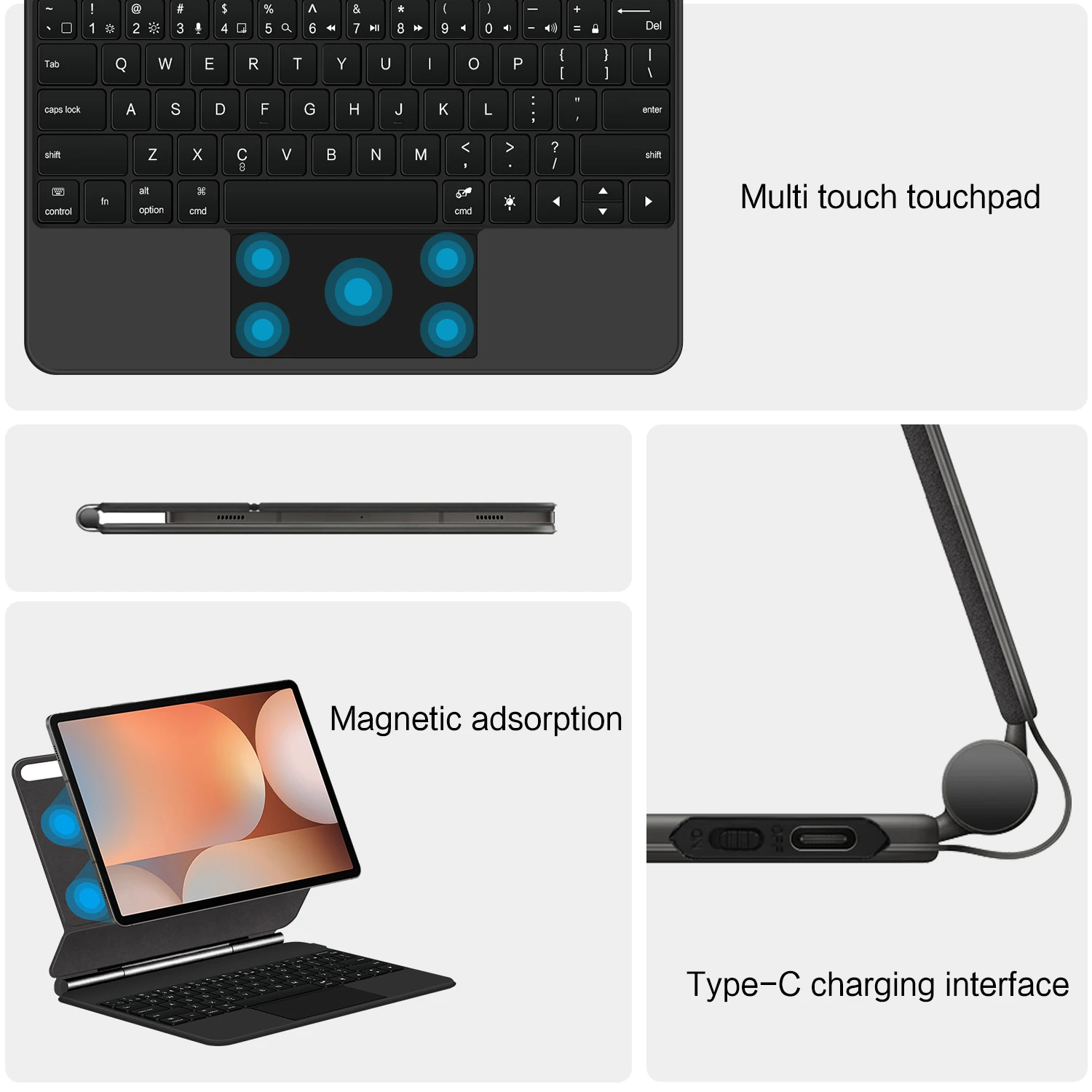
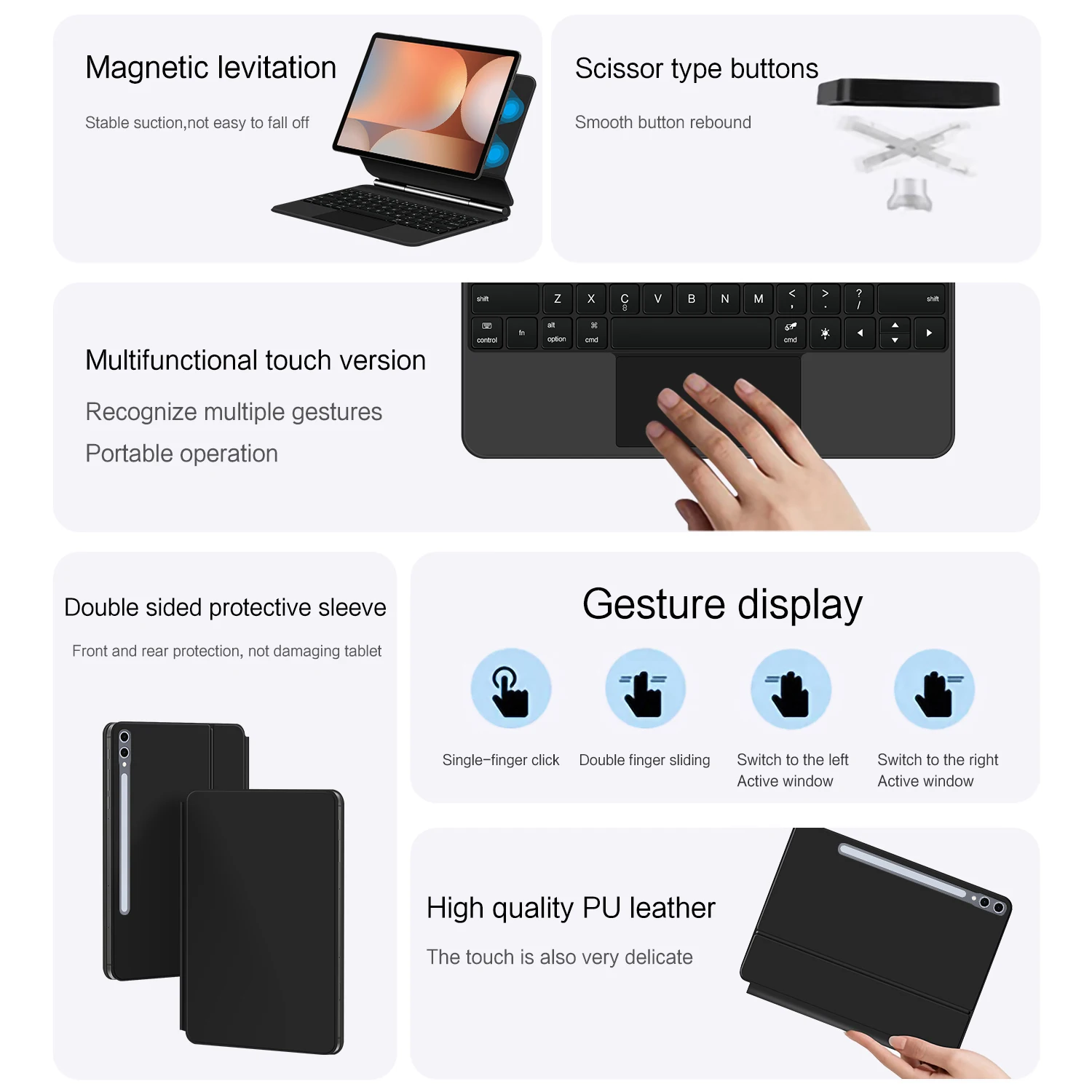
- Magnetic Separation: Effortlessly attach and detach the keyboard, allowing for easy storage and portability without compromising on protection.
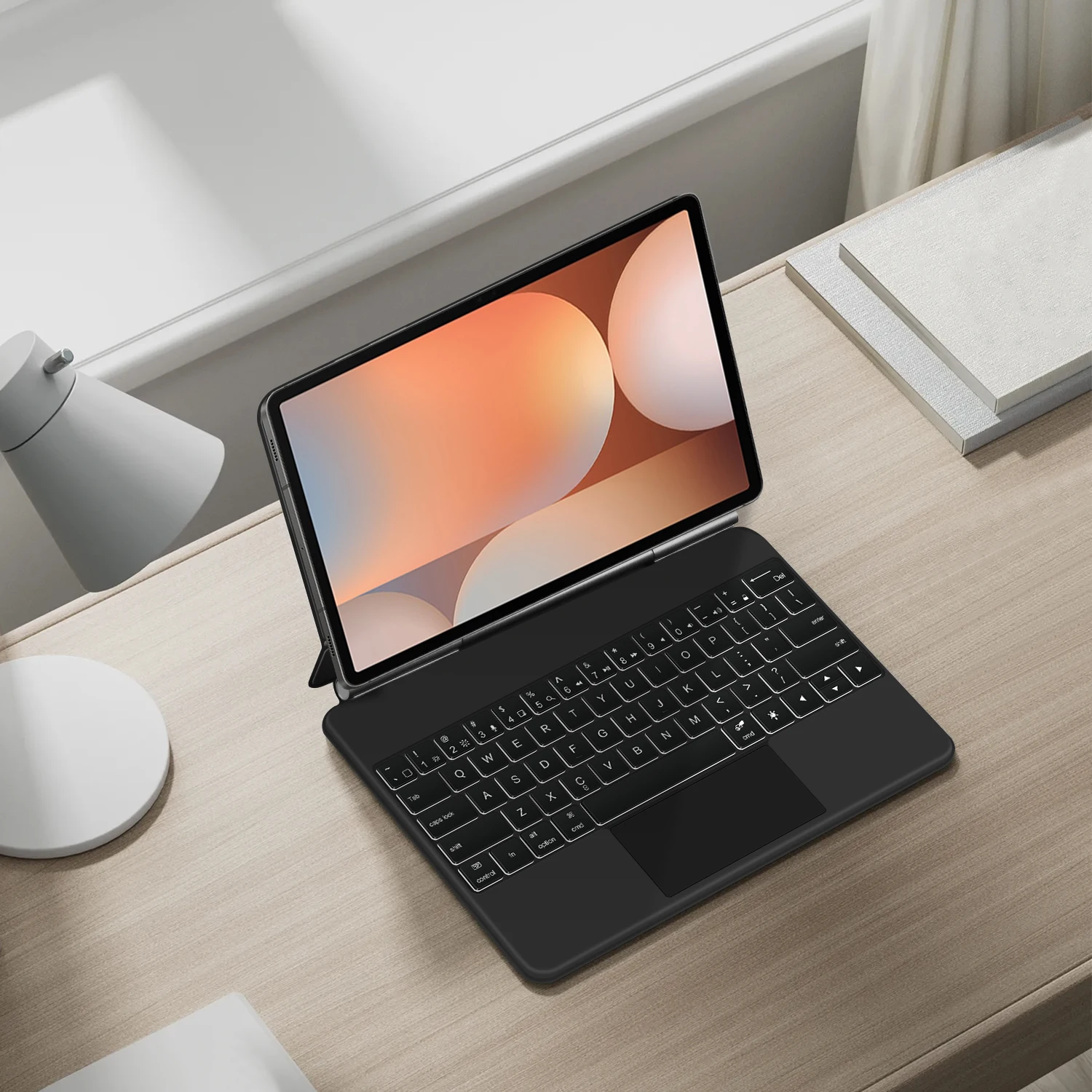
- Backlit Keys: The adjustable backlighting ensures that you can type comfortably in low-light conditions, making it perfect for late-night study sessions or work engagements.
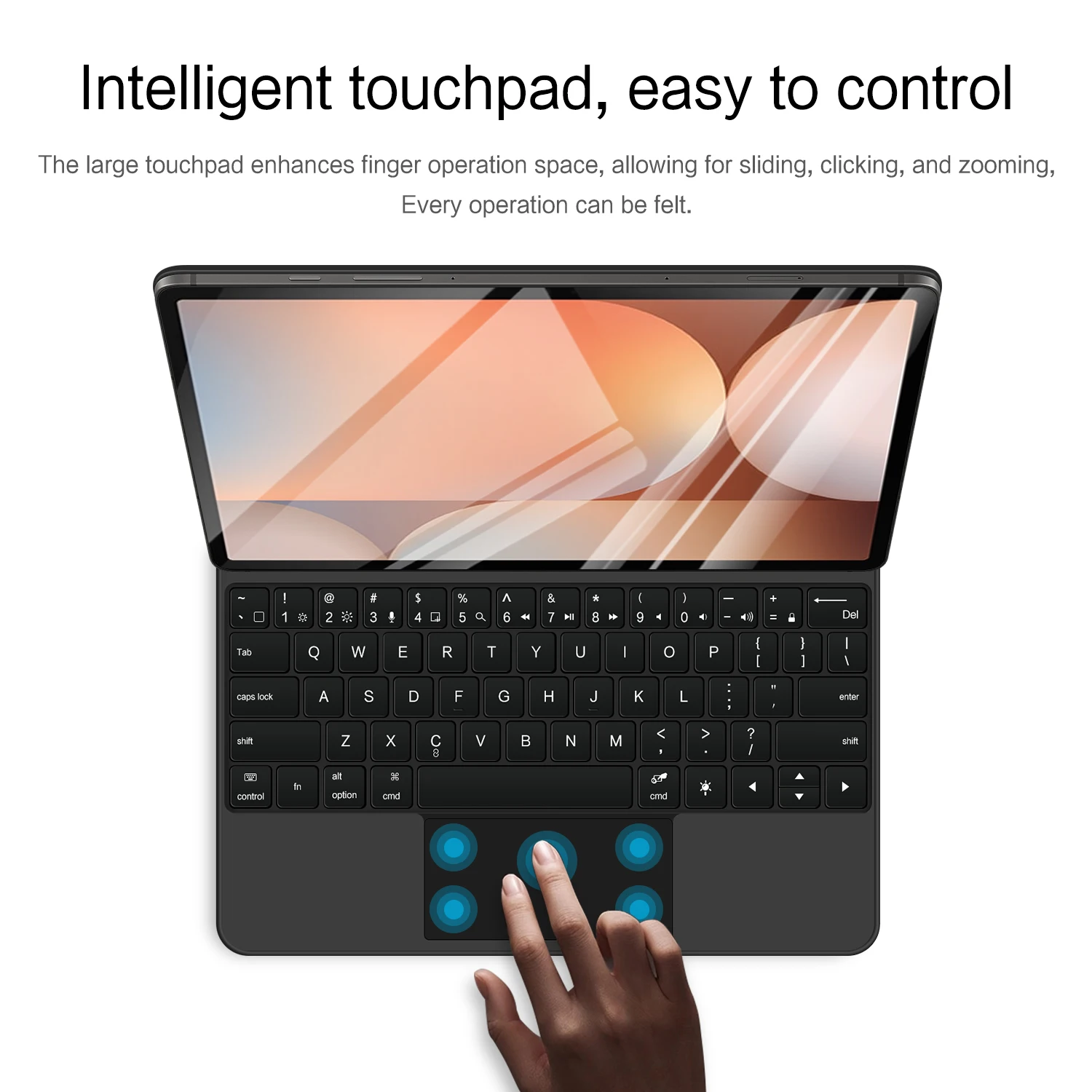
- Touch Panel: The touchpad functionality offers seamless navigation, enhancing multitasking capabilities by letting you control your tablet with simple gestures.
- Multi-Angle Support: Choose from a variety of viewing angles for typing, gaming, or video watching—personalize your setup for maximum comfort and usability.
- Wireless Bluetooth Connection: Connect your keyboard effortlessly to your tablet via Bluetooth, ensuring a stable and responsive typing experience.
⚡ Compatibility:
🔁 This keyboard folio is compatible with multiple models, including:
- Samsung Galaxy Tab S10+ (SM-X826B, SM-X820) - 2024
- Samsung Galaxy Tab S7+ (SM-T970, SM-T975) - 2020
- Samsung Galaxy Tab S7 FE (SM-T735, SM-T730) - 2021
- Samsung Galaxy Tab S8+ (SM-X800, SM-X806) - 2023
- Samsung Galaxy Tab S9+ (SM-X810, SM-X816B, SM-X818U) - 2023
- Samsung Galaxy Tab S9 FE+ (SM-X610, SM-X616B) - 2023
Keyboard Options:
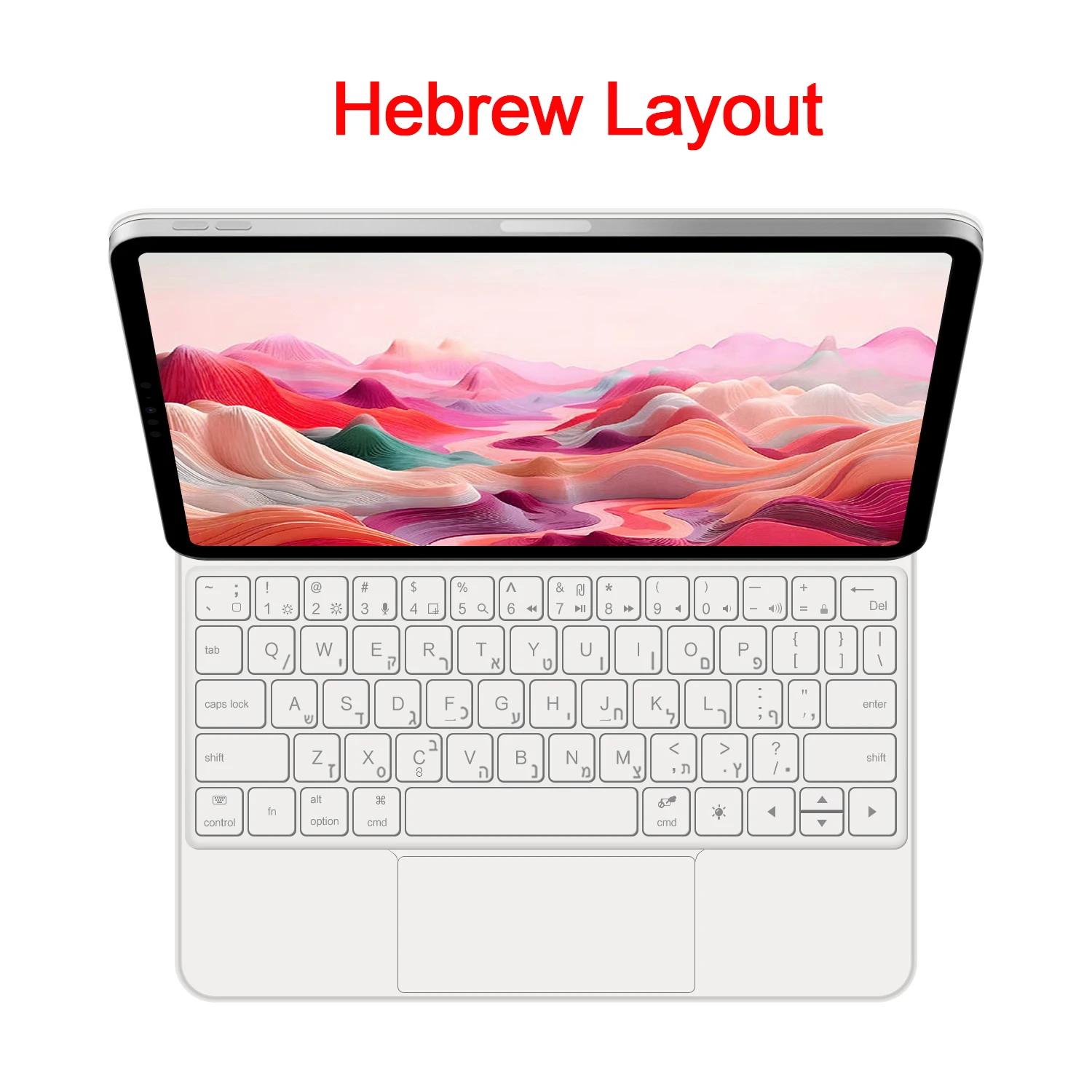
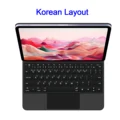
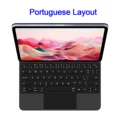
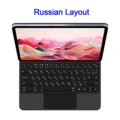
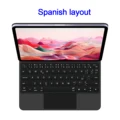
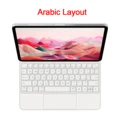
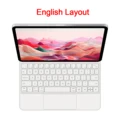
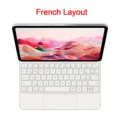
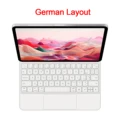
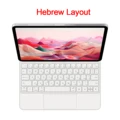
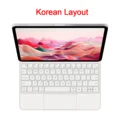
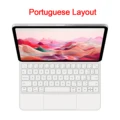
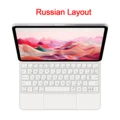
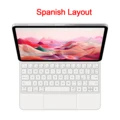
🔧 Available in both English and multi-language layouts, the keyboard's characters are designed for optimal visibility. The English version features only English letters, while the multi-language version includes both English letters and additional carved language characters. Please note that the keyboard's characters may vary in appearance due to material texture, resulting in dark gray engraving on white keyboards.
🧰 Setup Instructions:
- For touchpad functionality, ensure your tablet's operating system is updated to version 15.0 or higher.
- To connect the keyboard via Bluetooth, press the 'Fn' and 'C' keys simultaneously after powering on.
- To switch input methods, use the control key along with the spacebar.
⚡ Important Notes:
- Please verify your tablet model to ensure compatibility before purchase.
- Actual product colors may vary slightly from images due to different screen resolutions.
📦 - The package does not include a tablet or stylus.