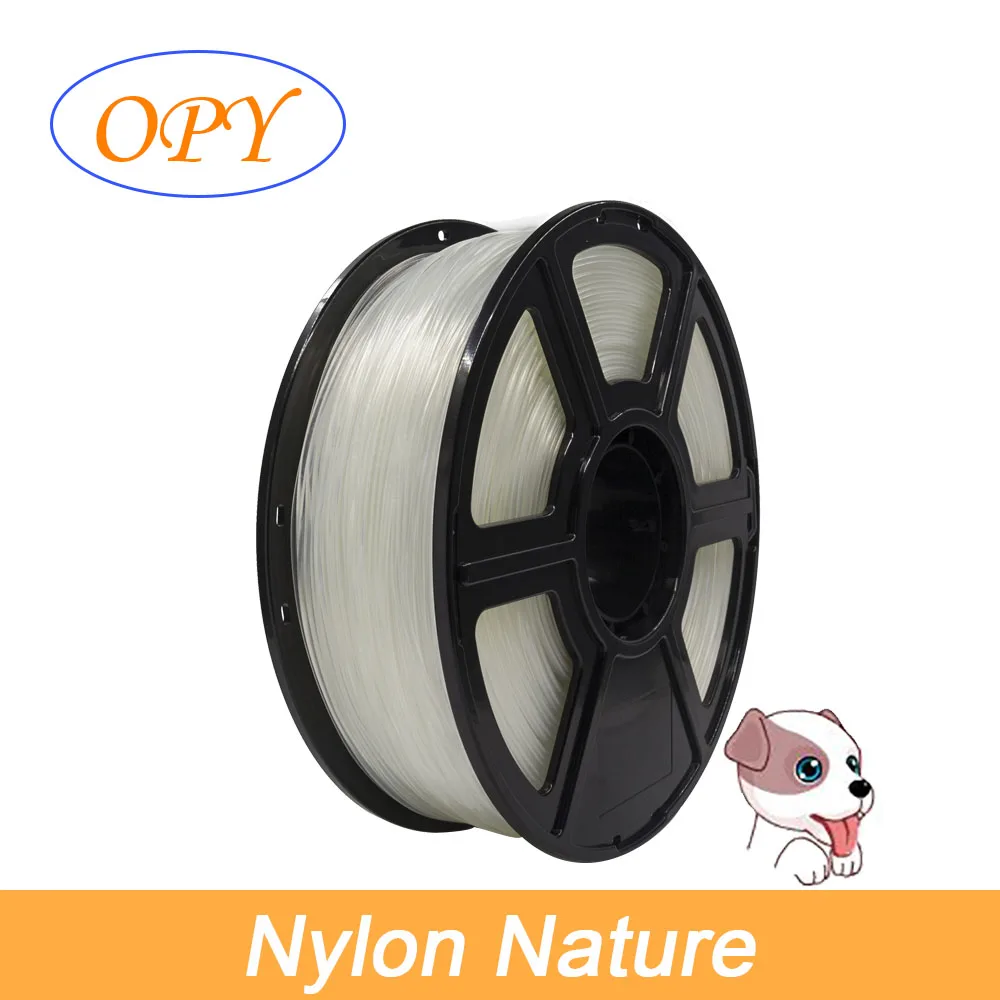
🧵 Introduction to PA Nylon (Polyamide) 3D Filament:
🧵 Nylon, also known as polyamide (PA), is a renowned type of condensation polymer or copolymer, which results from the reaction between difunctional monomers featuring equal proportions of amine and carboxylic acid. During this process, amides are formed at the terminals of each monomer, drawing parallels with the formation of polypeptide biopolymers. This unique structure endows Nylon with remarkable mechanical characteristics, making it a popular choice in 3D printing, particularly for applications demanding excellent impact resistance, surpassing that of most non-flexible filaments. However, it is worth noting that both layer adhesion and moisture absorption can present challenges during the printing process.
🧵 Key Features of OPY Nylon (PA):
- Superior Wear Resistance: Ideal for printing gears and other industrial components that require durability and strength.
- Relative Flexibility: This filament can bend to certain angles without compromising its integrity, making it versatile for various applications.
- High Print Temperature Compatibility: Suitable for a wide range of 3D printers, including renowned brands such as Makerbot, UP, Luzbot, and Ultimaker, operating efficiently within a temperature range of 230℃ to 250℃.
- Exceptional Toughness: OPY Nylon offers greater toughness compared to PLA, making it well-suited for demanding applications.
🧵 Specifications of OPY Nylon:
- Material: Nylon
- Available Colors: Natural, White, Black
- Filament Diameter: 1.75mm
- Tolerance: ±0.05mm
- Recommended Print Temperature: 220~250℃
- Infill Speed: 20-50mm/s
- Recommended Heat-Bed Temperature: 70-100℃
- Net Weight: 1KG
- Gross Weight: 1.32KG
🧵 Tips for Optimal Printing with OPY Nylon:
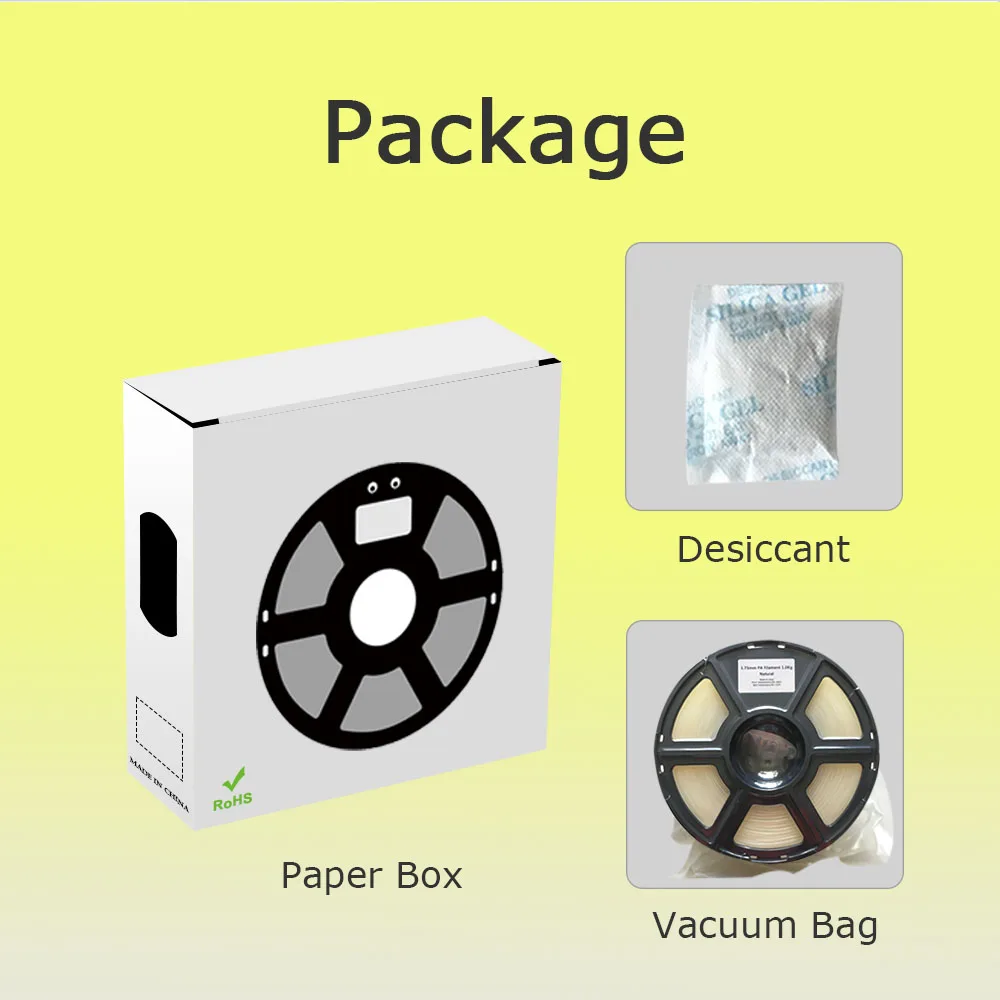
- Keep Nylon Dry: As Nylon readily absorbs moisture from the air, it’s crucial to maintain its dryness before printing. If the filament has absorbed moisture, it may produce bubbles during extrusion. To revive it, dry the filament in an oven at 80℃ for 3-6 hours and store it in a self-sealing bag with desiccant.
- Use a Heated Bed: A heated bed is recommended to minimize warping during printing. Employing a sealed chamber can further enhance print quality.
- Improve Layer Adhesion: To effectively enhance layer adhesion, consider the following methods:
- Apply blue tape or Kapton tape onto the heat bed.
- Coat the heat bed with PVP glue.
- Reduce the printing speed.
- In Cura software, set the Build Plate Adhesion Type to "Raft."