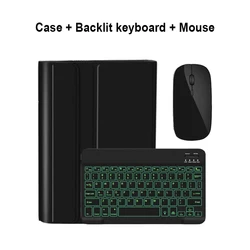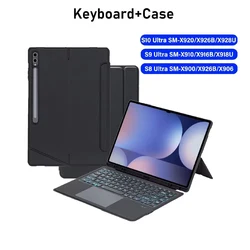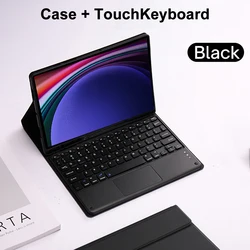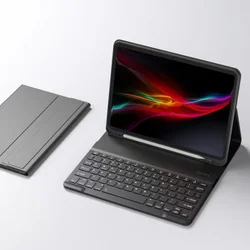
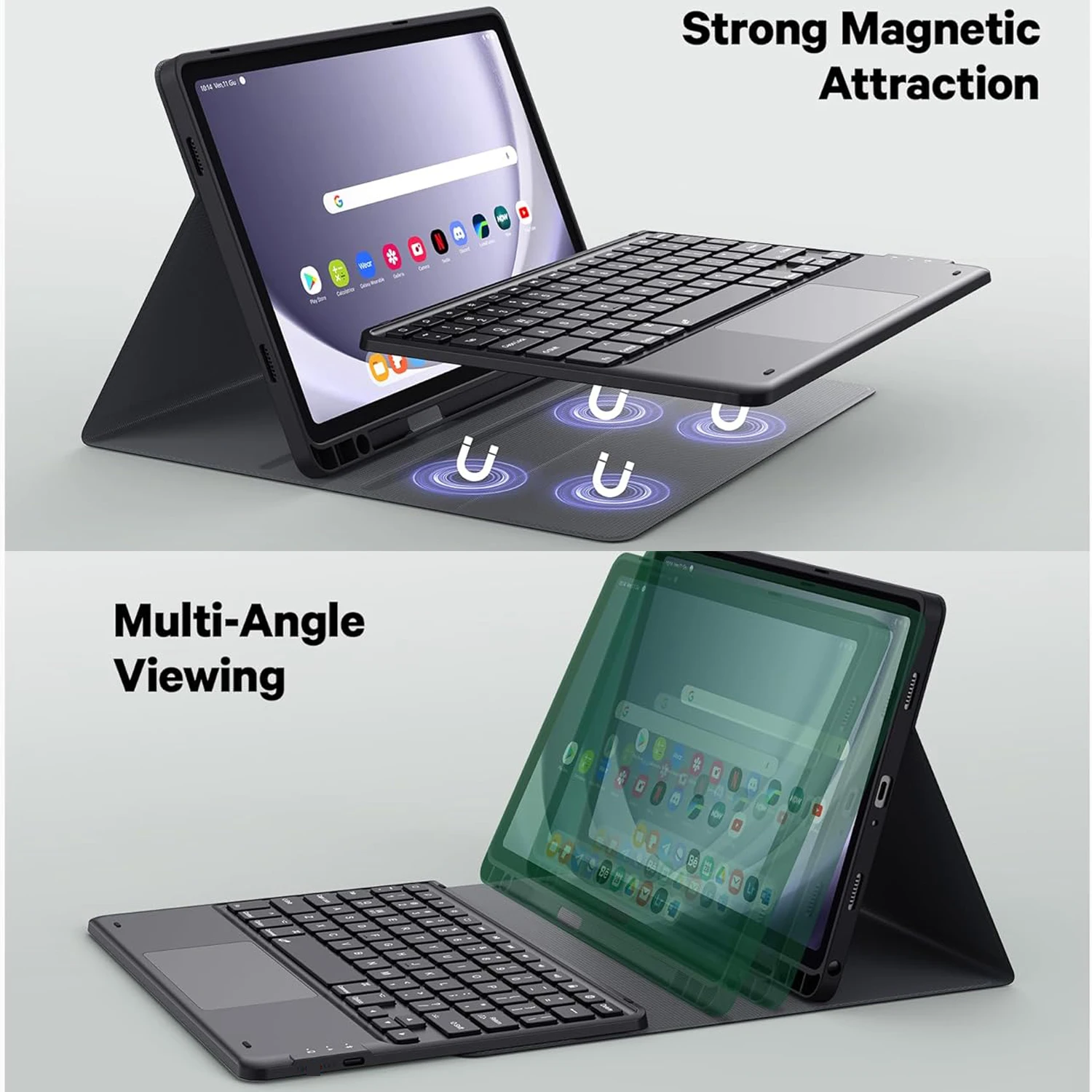

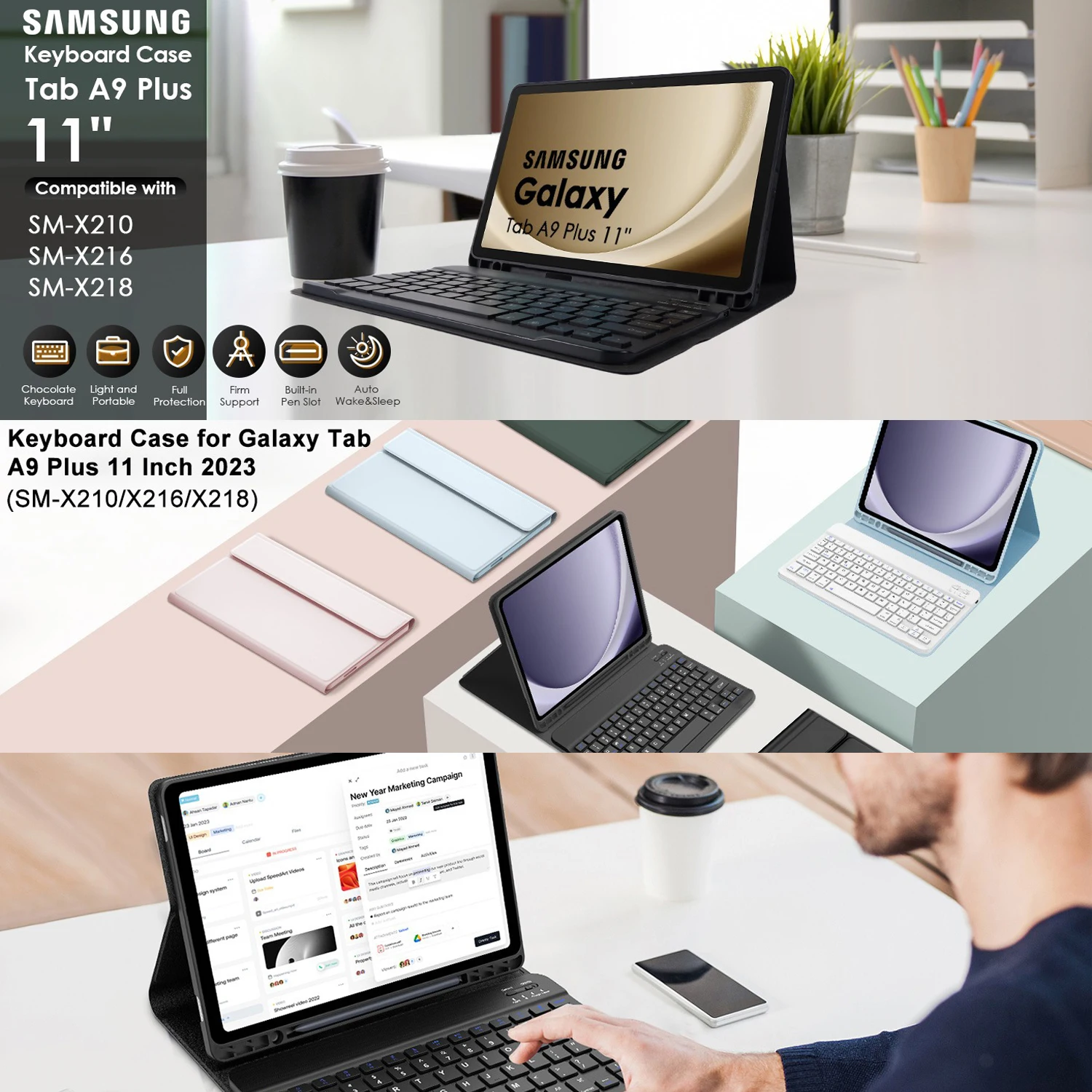
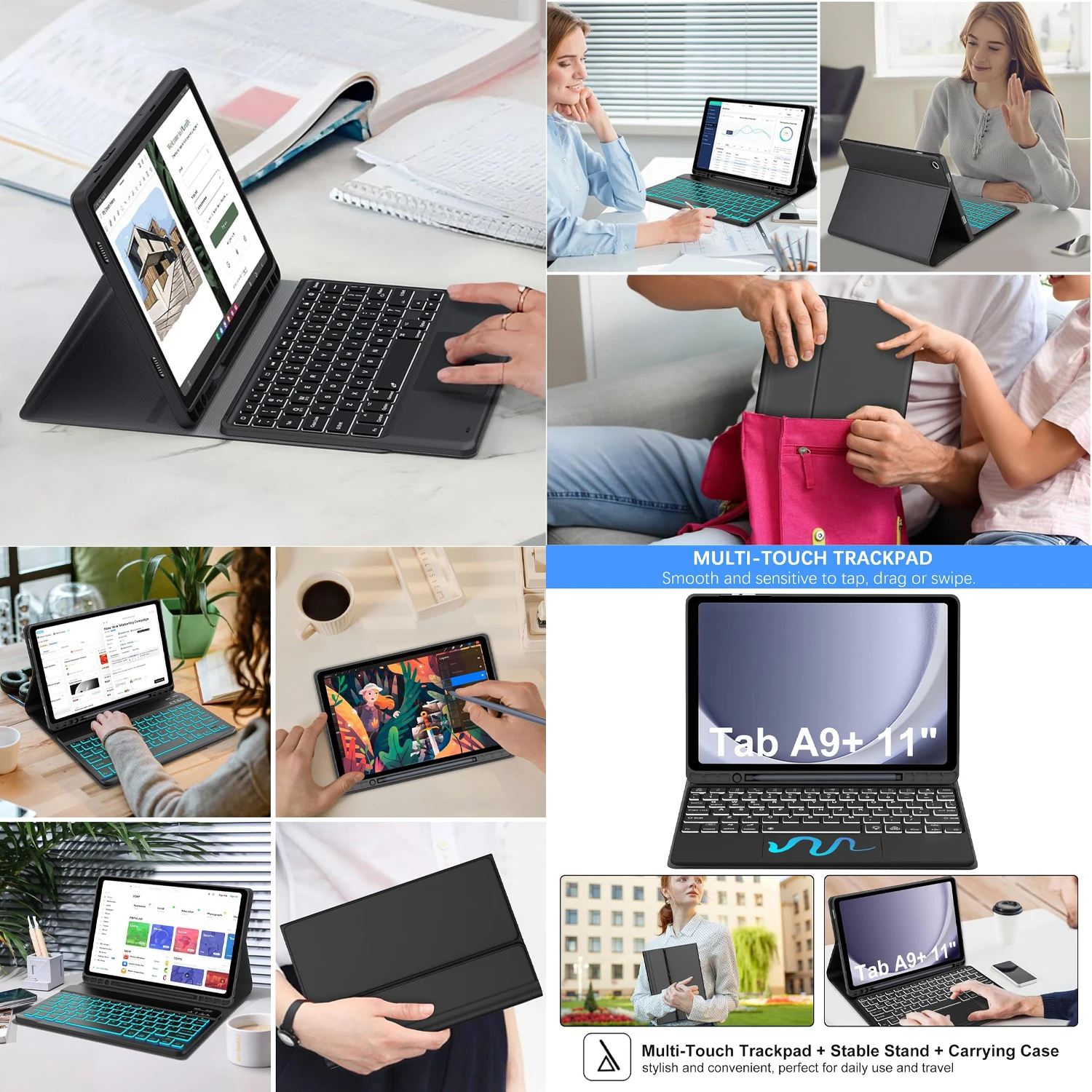
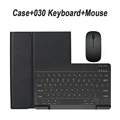
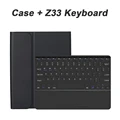
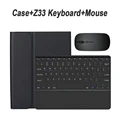
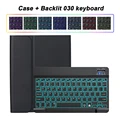
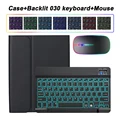
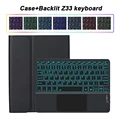
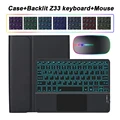
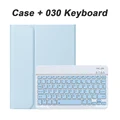
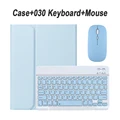
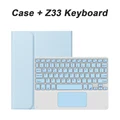
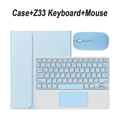
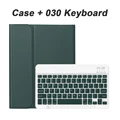
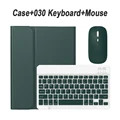
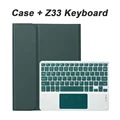
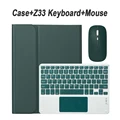
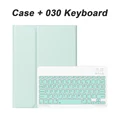
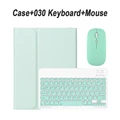
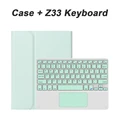
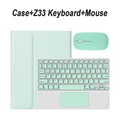
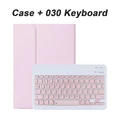
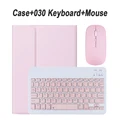
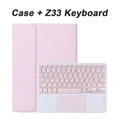
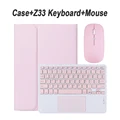
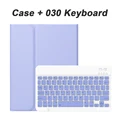
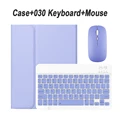
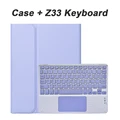
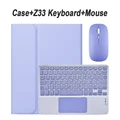
Samsung Galaxy Tab A9 Plus 11-Inch Case: Keyboard Case for Samsung Galaxy Tab A9+ (SM-X210/X216/X218)
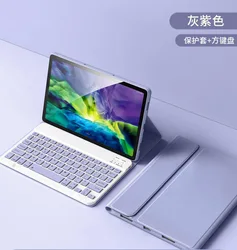
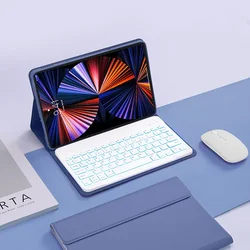
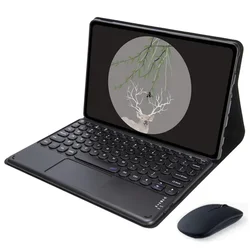
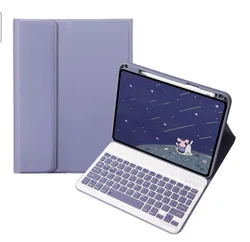
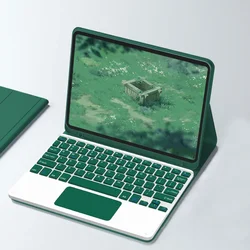
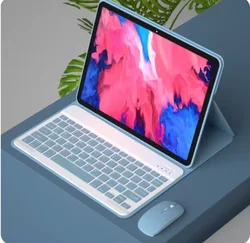
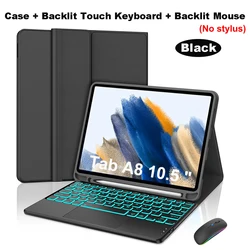
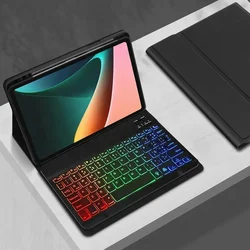
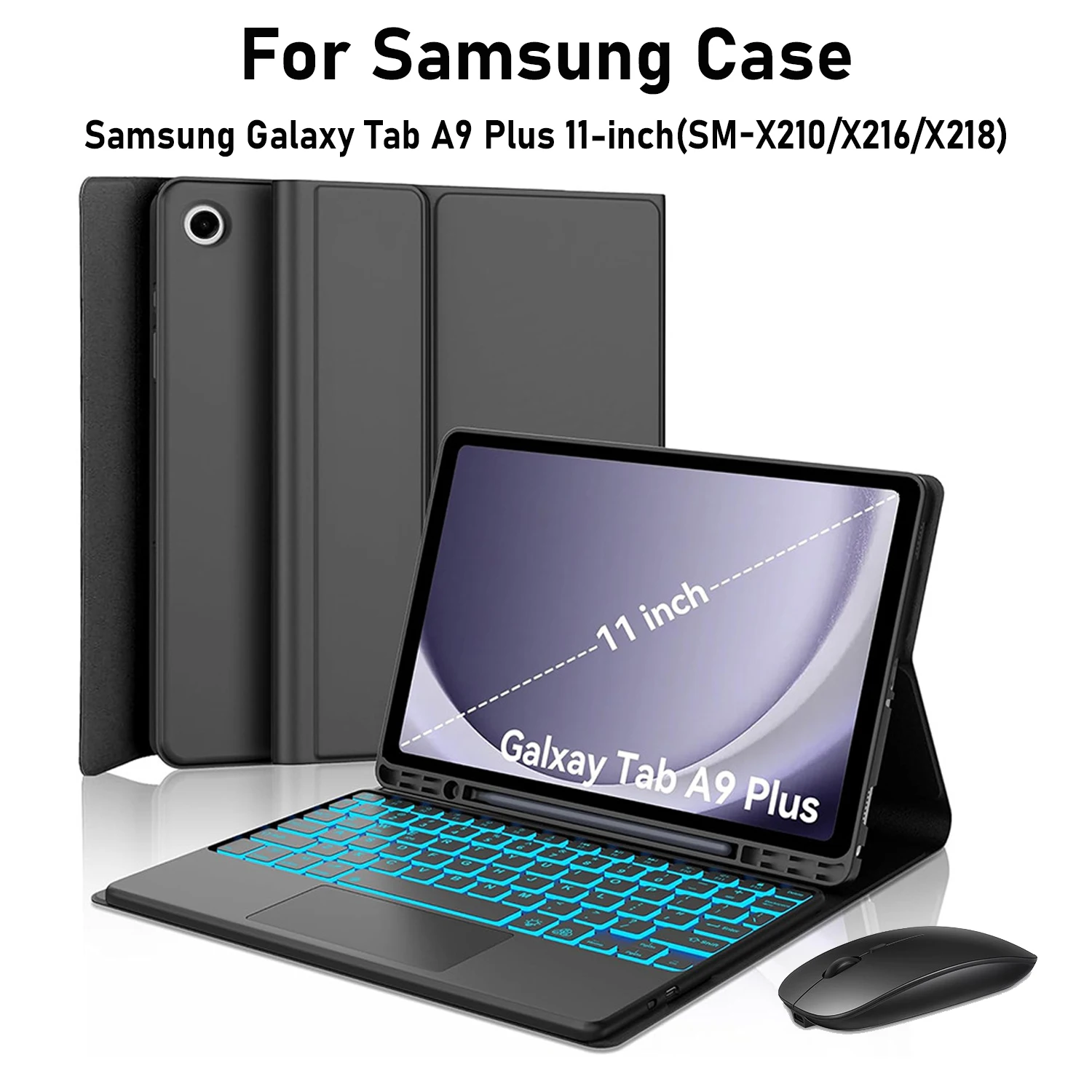
🛡️ Enhance your tablet experience with the meticulously designed keyboard case tailored exclusively for the Samsung Galaxy Tab A9+ 11 inch (models SM-X210, X216, and X218). This case offers both robust protection and the convenience of a fully functional keyboard, making it an ideal accessory for productivity and entertainment.
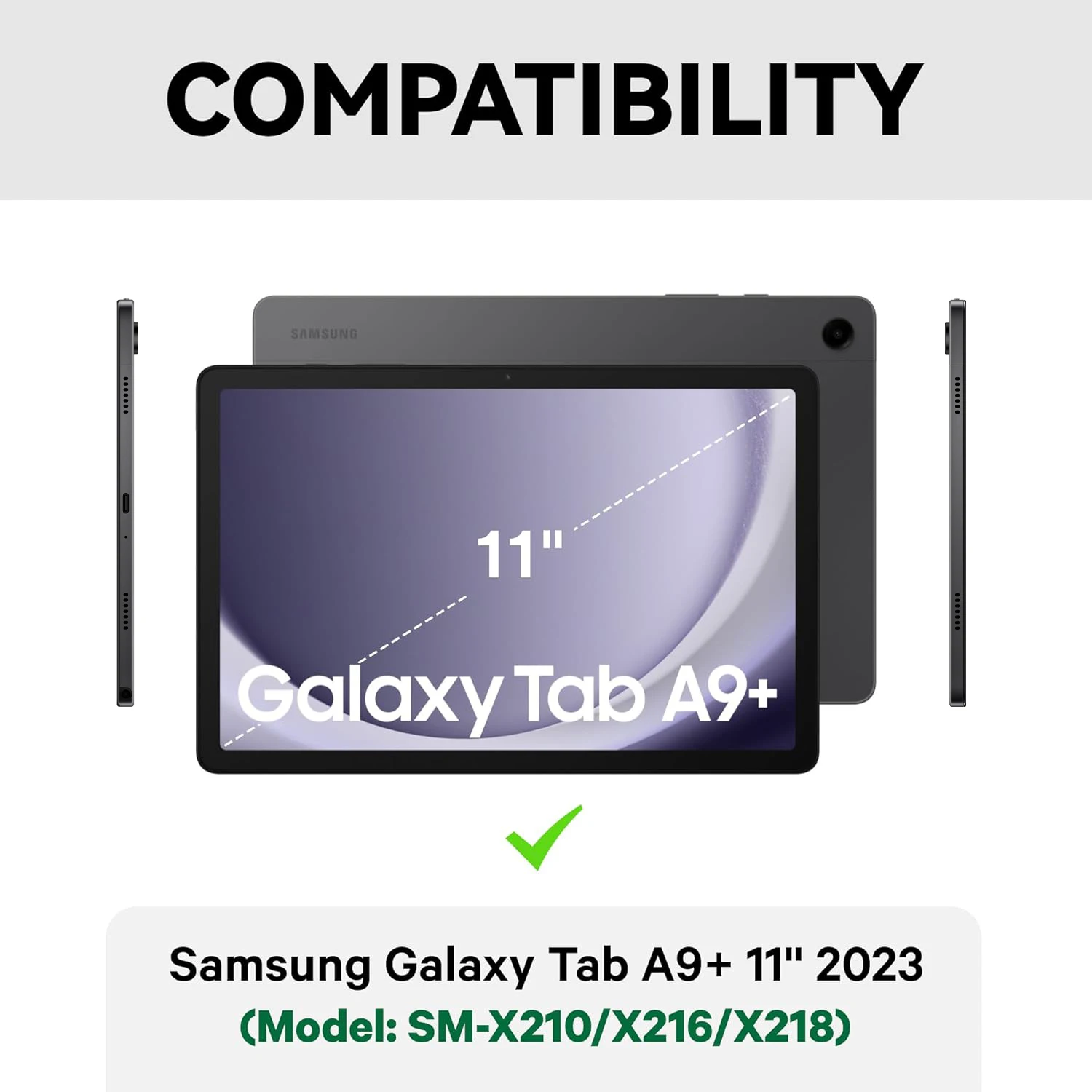
🎯 Compatibility: This case is specifically crafted to fit the Samsung Galaxy Tab A9+ 11 inch models SM-X210, SM-X216, and SM-X218. Please ensure compatibility with your device before purchase.
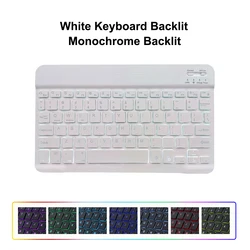
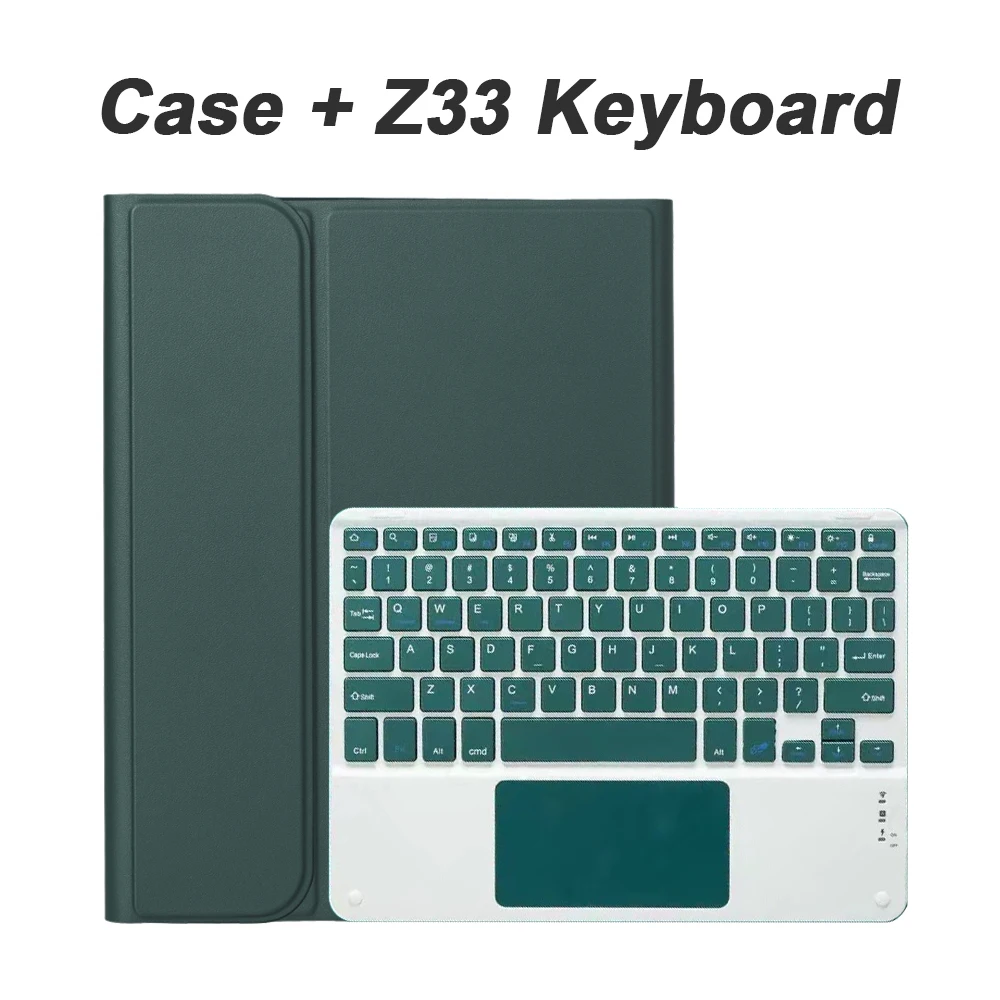
⚡ Keyboard Layout: The keyboard features an English letter layout, ensuring ease of use for English speakers. For those who require additional language support, a dual-language layout incorporates both English letters and characters from the designated language, providing versatility for multilingual users.
🛠️ Note: This package does not include the tablet or stylus, and the actual product color may vary. For precise details, please refer to the actual item.
Connecting Your Keyboard and Mouse:
🔵 Frequently Asked Questions:
Q: What should I know when connecting the mouse for the first time?
🔘 A: For initial connections, simultaneously press the left button, right button, and scroll wheel for about 3-5 seconds.
🔵 Q: Are the scroll directions different between USB and Bluetooth connections?
🔵 A: Yes, they differ. The USB scroll direction aligns with typical computer mice, while the Bluetooth connection reverses this direction.
Q: How do I switch between operating systems?
🧩 A: Utilize the function keys: Fn+Q for Android, Fn+W for Windows, and Fn+E for iOS. Please switch systems before linking your tablet.
Q: What do I do if the keyboard characters appear jumbled?
🔵 A: To resolve character issues, ensure your device’s keyboard settings align with the actual layout. Disconnect the keyboard, click "Ignore" on the Bluetooth connected devices, then reconnect and select the appropriate system via Fn commands.
Q: How can I configure language input methods on different keyboard layouts?
🧰 A: For Samsung tablets, navigate to "Settings" then "System" and finally "Language & input" to add a new keyboard. Users with different operating systems should refer to specific guidelines based on their device type.
Q: How can I adjust the scroll direction of my mouse?
🧰 A: After connecting the mouse, go to "Settings", then "General", and finally "Trackpad & Mouse" to toggle off "Natural Scrolling" for a standard experience.
💍 This keyboard case is not just about protection; it transforms your Galaxy Tab A9+ into a versatile device perfect for both work and play. Experience the convenience and functionality it brings to your tablet usage!
If this item arrives after the delivery date given at checkout, you will be emailed a £5.00 credit voucher to use on your next order