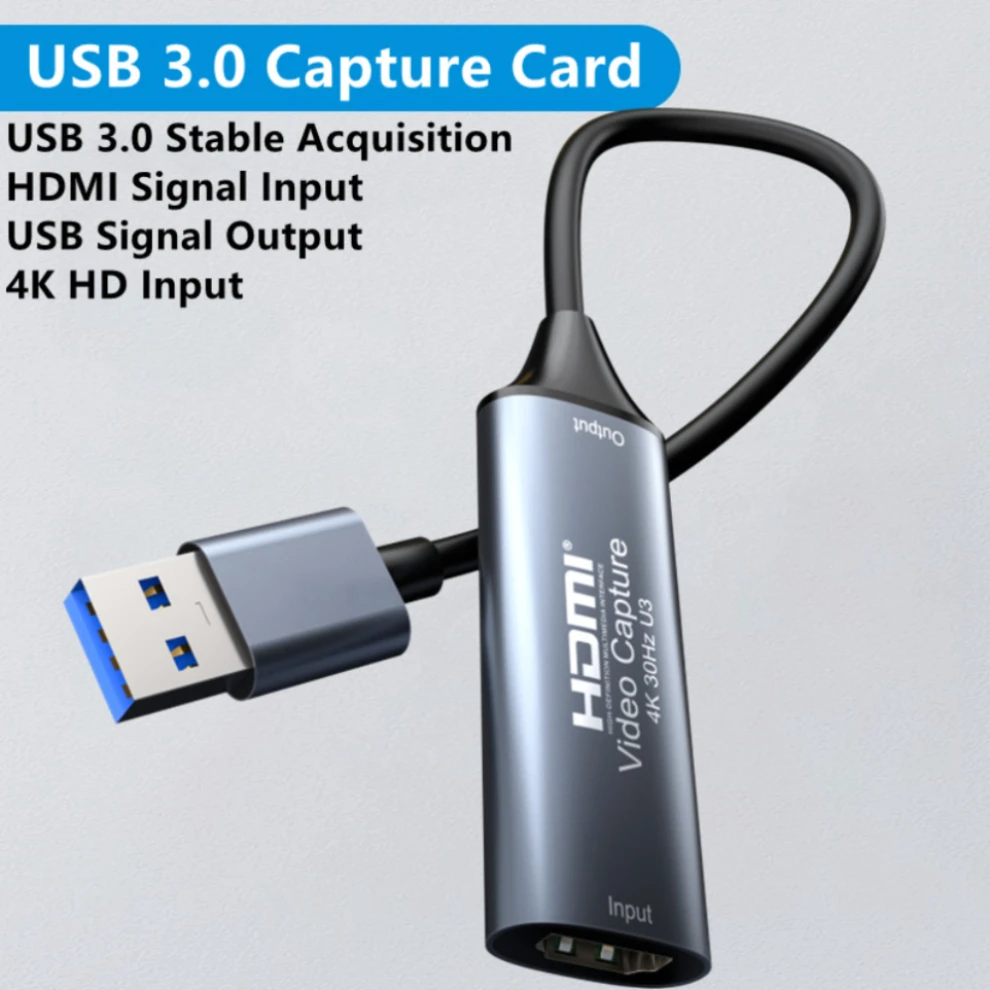
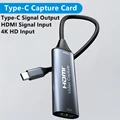
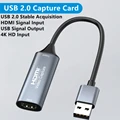
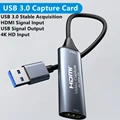
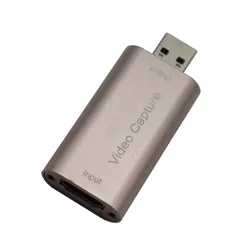
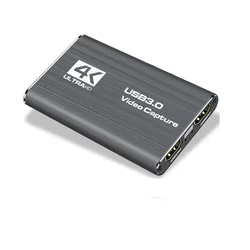
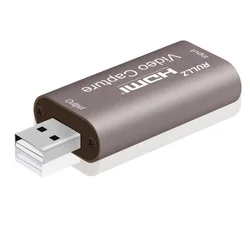
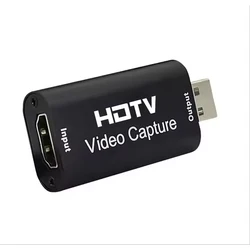
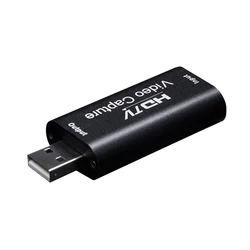
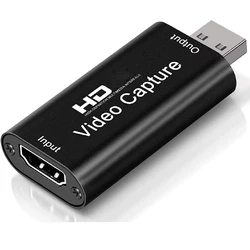
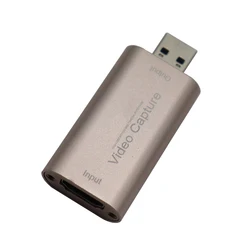
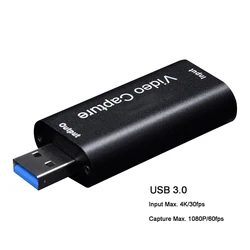
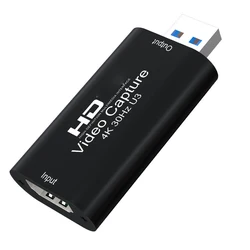
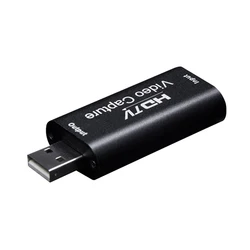
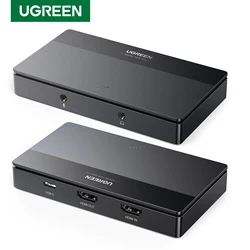
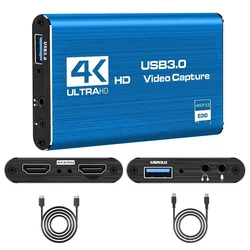
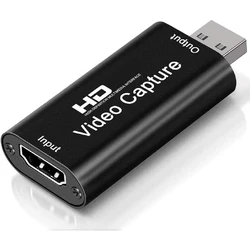
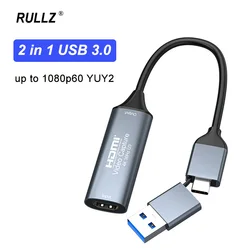
Introducing the Ultimate 4K USB 3.0/Type-C Video Capture Card
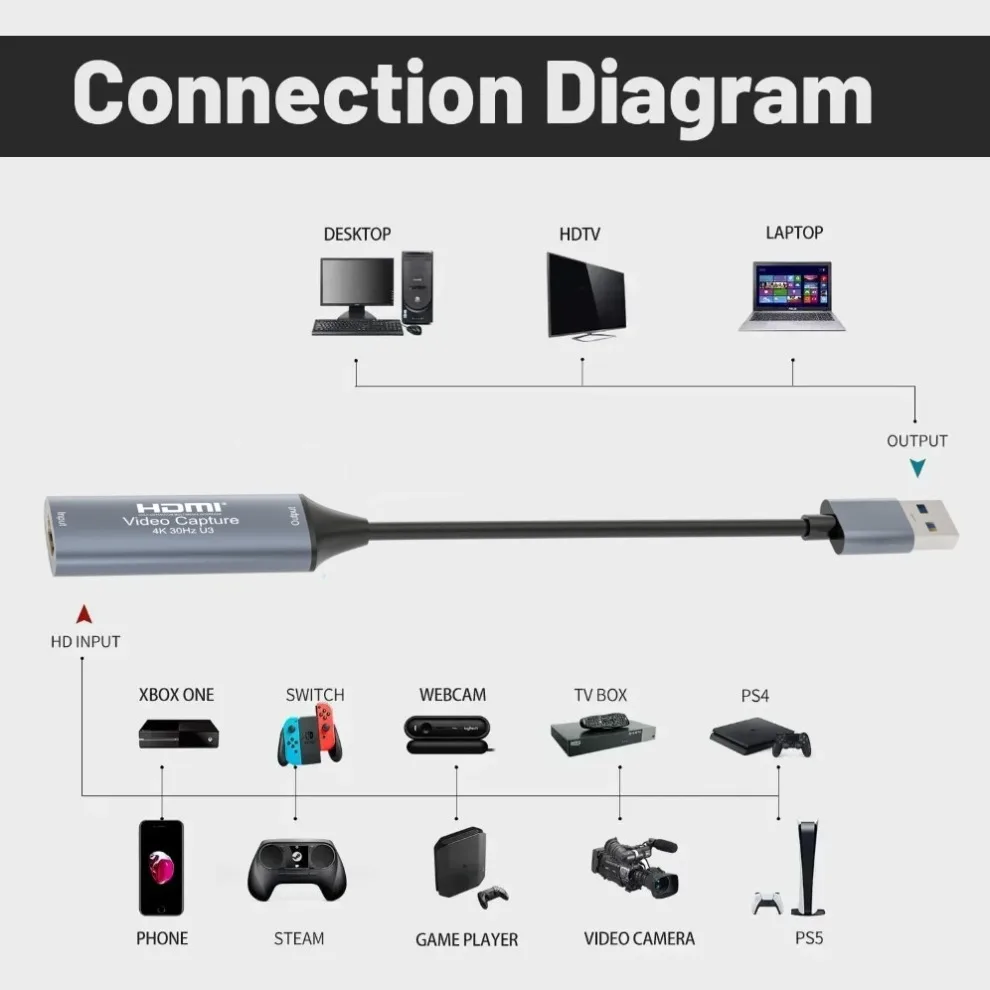
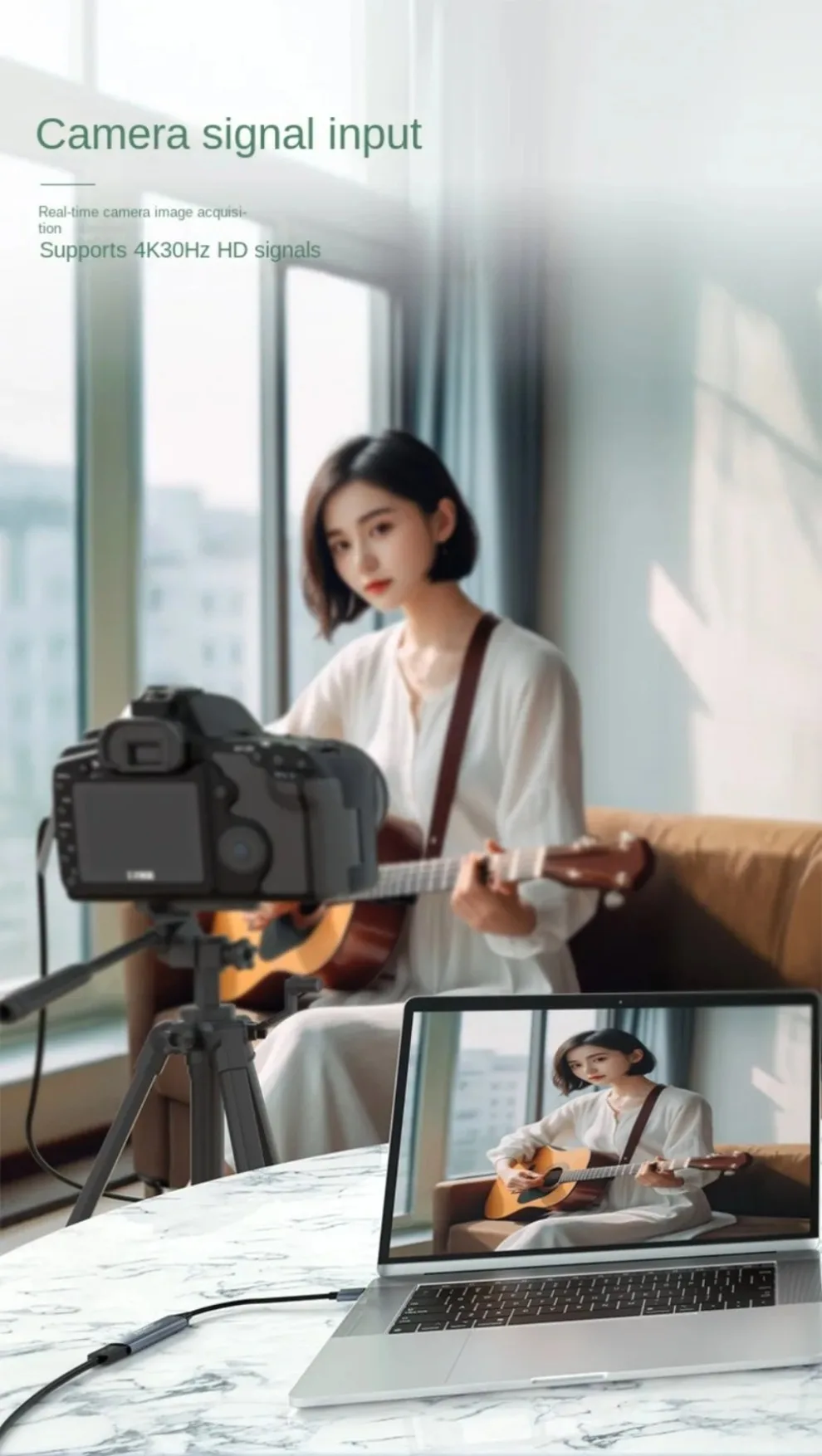
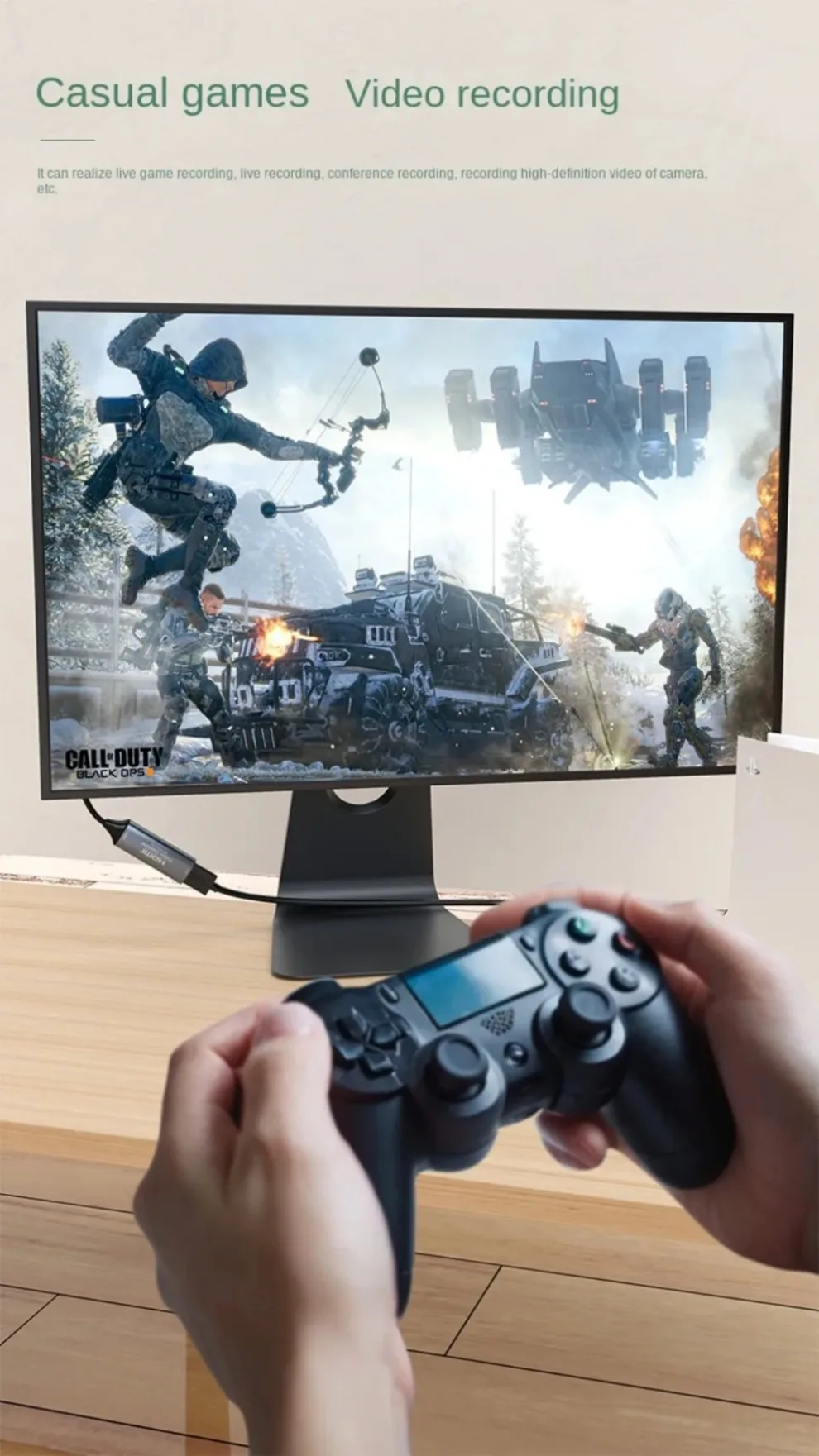
💍 This innovative HDMI-compatible grabber recorder is designed for capturing high-quality video and audio from a variety of sources including gaming consoles, DVD players, and camcorders. Perfect for both enthusiasts and professionals, this video capture card provides seamless integration with computers and smartphones, allowing for easy previews and storage of your video content.
🔧 Key Features:
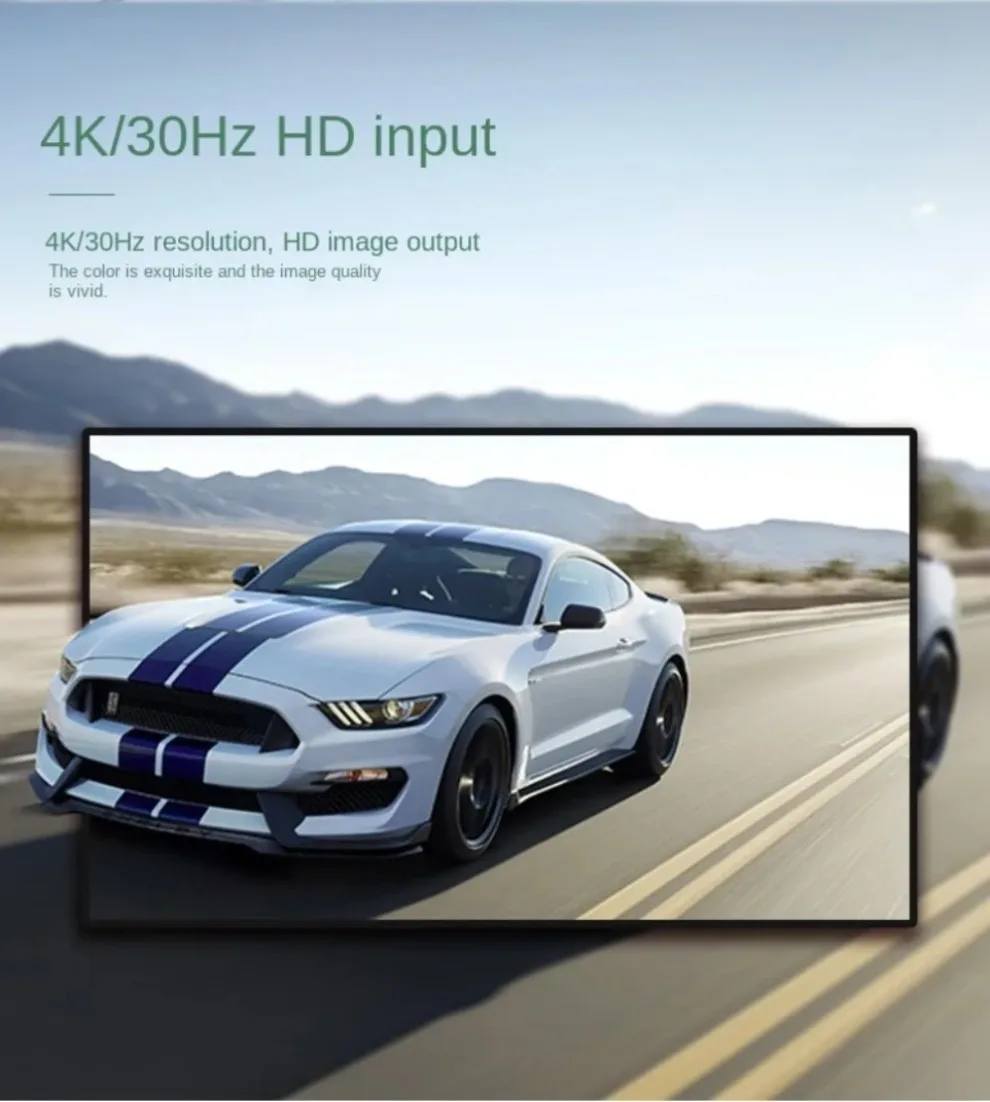
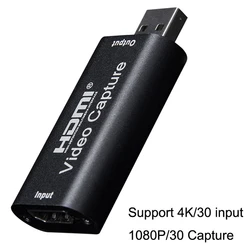
- Supports input resolutions up to 4K at 30Hz, ensuring stunning detail and clarity.
- Provides output resolution of 1080P at 60Hz, ideal for high-quality streaming and recording.
- Compatible with 24/30/36-bit deep color, enhancing your video with vibrant colors and rich detail.
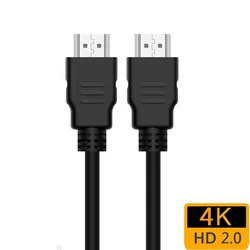
- Utilizes AWG26 HDMI standard cables for reliable input over distances of up to 15 meters (for 1080P and lower resolutions).
- Works with a wide array of acquisition software including VLC, OBS, and Amcap, providing flexibility for various multimedia projects.
- Compatible with Windows, Android, and macOS operating systems, making it versatile for all users.
- Complies with USB Video and UVC standards for plug-and-play functionality.
- Adheres to USB Audio UAC standards, ensuring excellent audio quality during capture.
- Offers uncompressed (YUY2 1080P at 60Hz) acquisition over USB 3.0, maintaining high fidelity.
- No external power supply required, making it compact and portable for on-the-go use.
📦 Technical Specifications:
- Max HDMI Input Resolution: 4K
- Supported Video Formats: 24/30/36-bit Deep Color
- Video Output Formats: YUY2, MJPEG
- Max Output Resolution: 1080P
- Supported Audio Format: L-PCM
- Input Cable Distance: UP TO 15m (AWG26 HDMI standard cable)
- Max Working Current: 0.2A / 5VDC
- Operating Temperature Range: -10 to +55℃
⚡ System Requirements:
- CPU: PC i5-3400 or higher; NB i7-3537U 2.0GHz or higher
- Graphics Card: PC NVIDIA GT630 or superior; NC NVIDIA GT735M or superior
- RAM: Minimum 4GB
👌 Easy Setup and Operation:
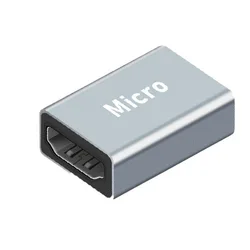
- Connect the UHD signal source to the HDMI input of the video capture card using an HDMI cable.
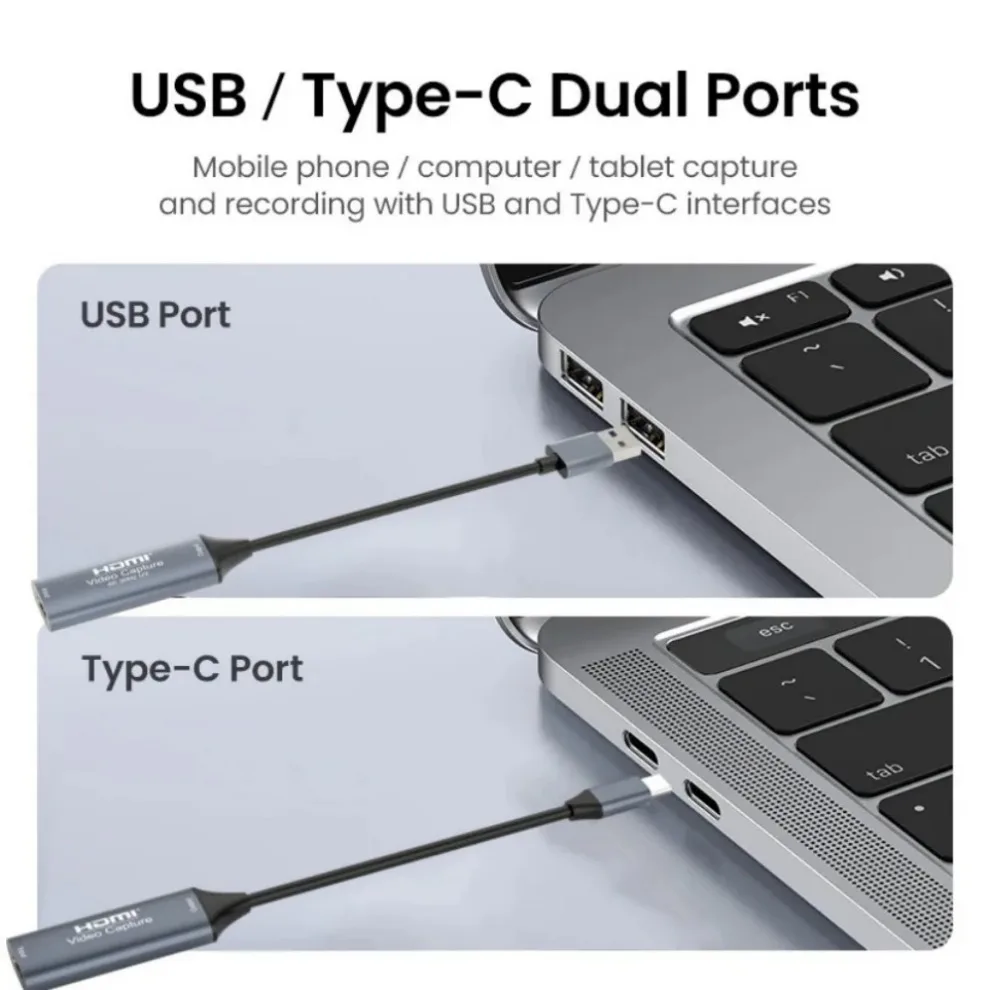
- Link the capture card to your computer via the USB port.
- For OBS setup: Launch the software, select “Video Capture Device,” adjust image size, activate “Studio Mode,” and click “Start Recording.”
⚡ With this 4K USB 3.0/Type-C Video Capture Card, elevate your video capture game and unleash your creativity with high-definition quality and user-friendly functionality!