
Phone Cases
Chargers and Cables
Gaming
Gadgets
Tablet and iPad Cases
Your Account
Language
Business
Phone Data
Contact Us
4.3 Google Shopping Rating Over 2 million customers since 2013 Based in the UK Free delivery order over £30+

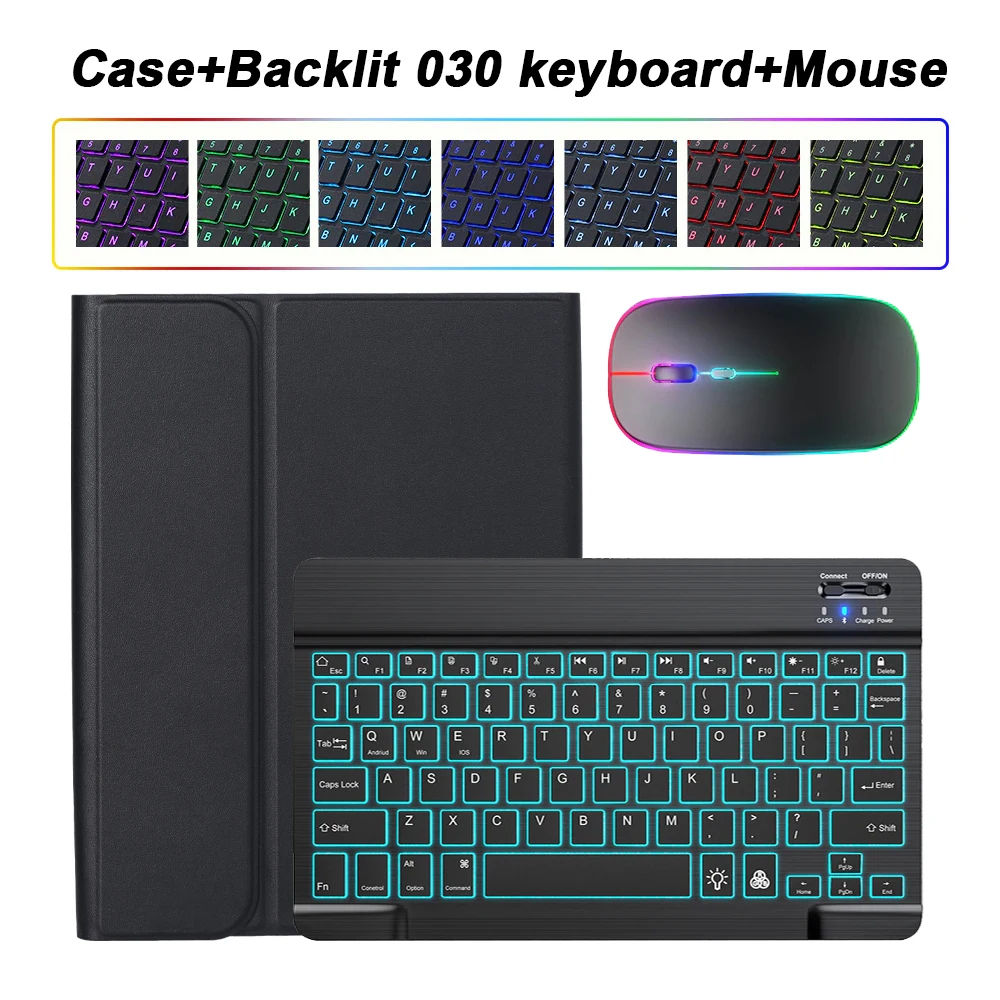
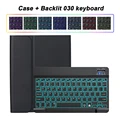
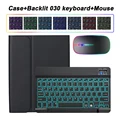
Premium Detachable Keyboard Case for Tab A7 10.4 inch (Black Backlit 2)

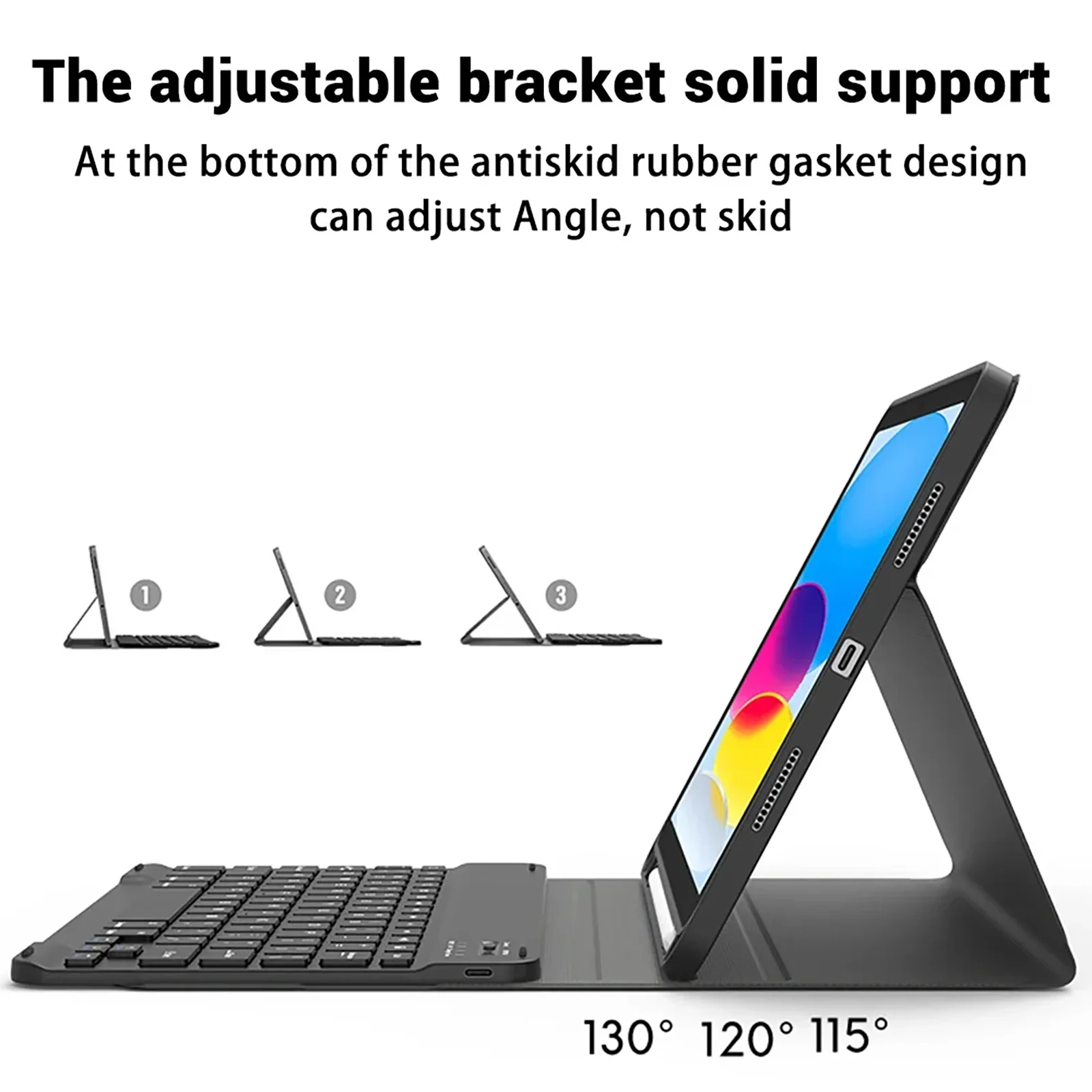
Premium Detachable Keyboard Case

Product Overview:

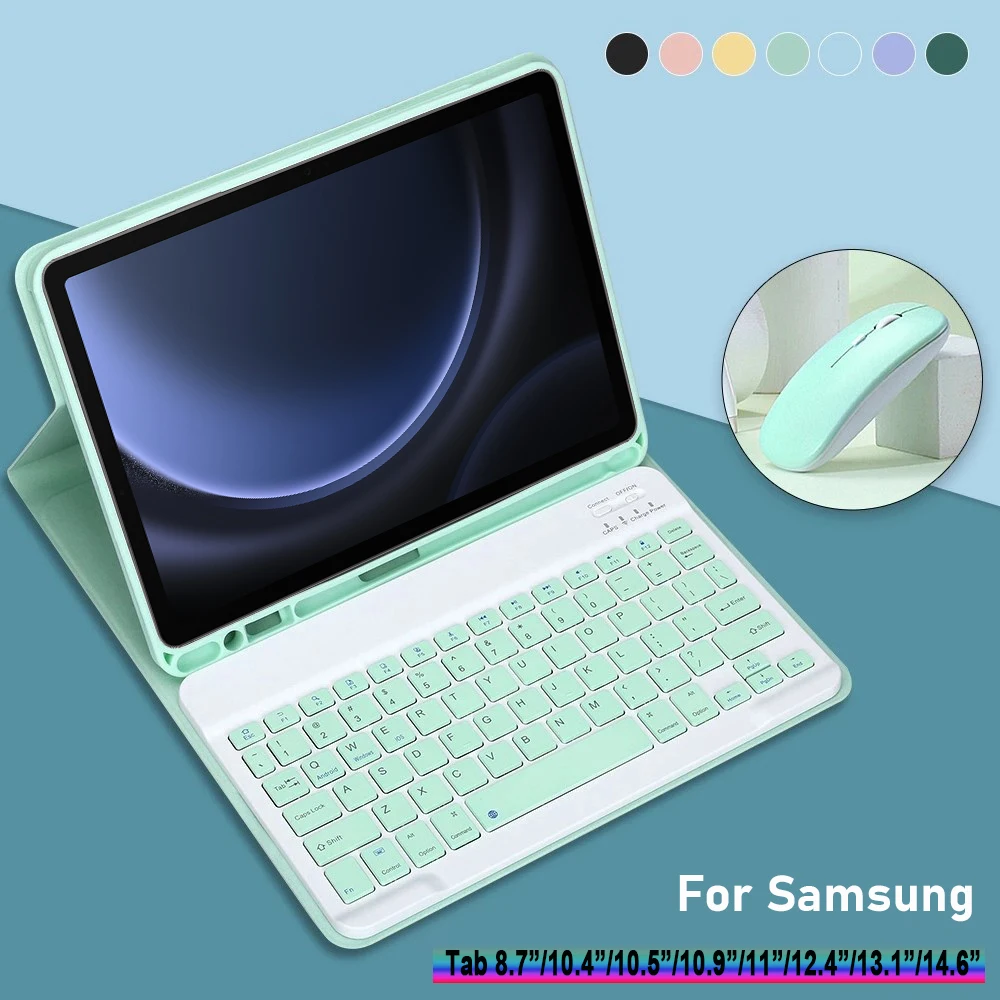
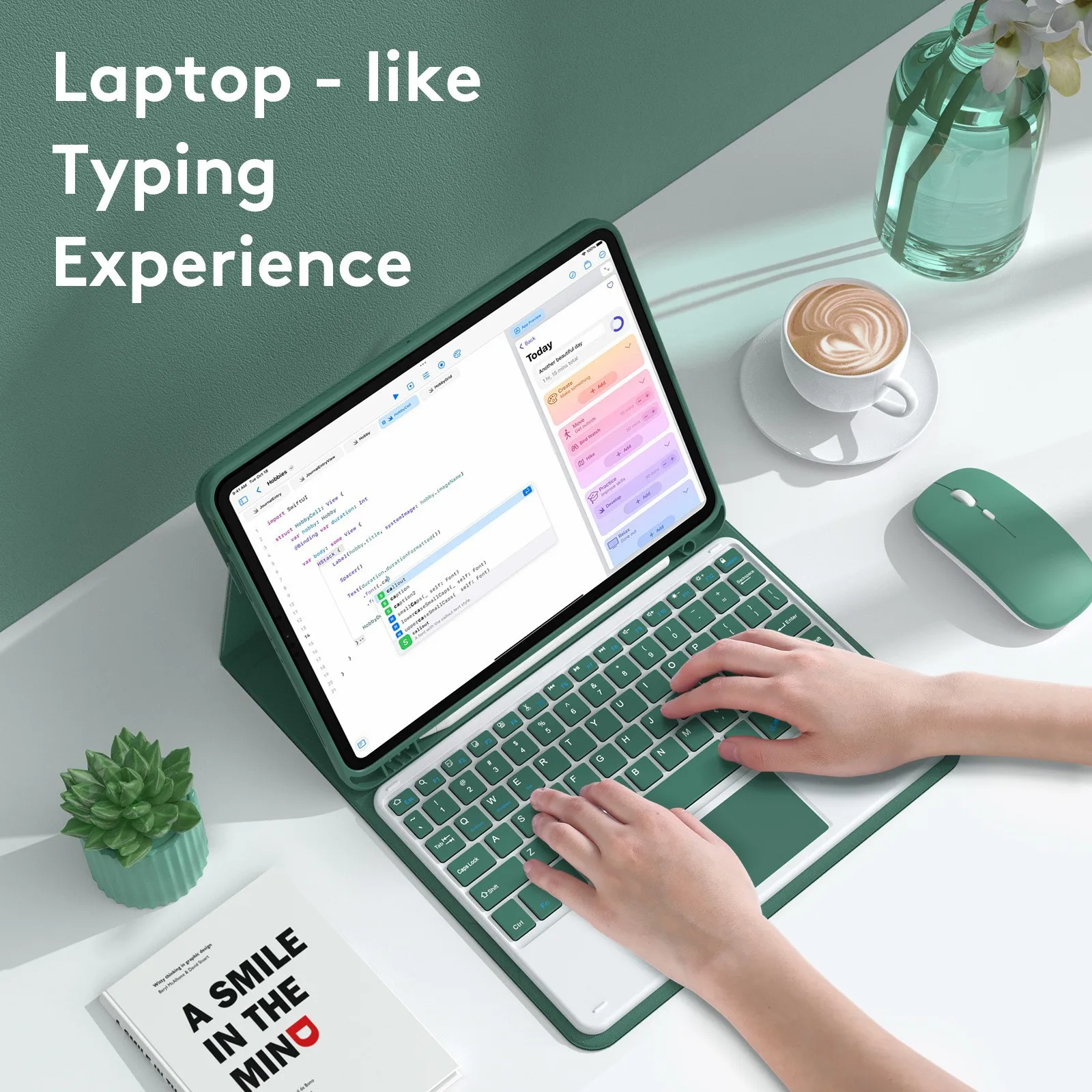
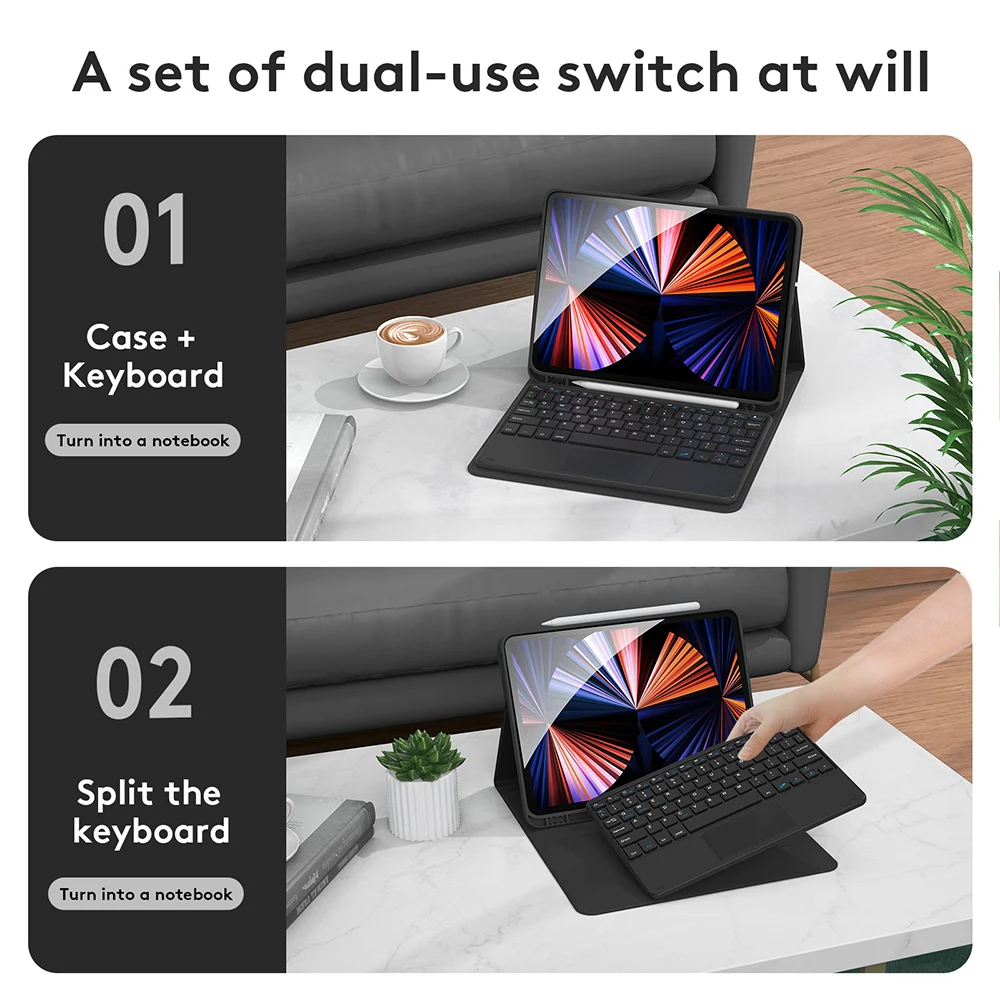
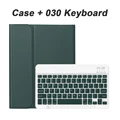
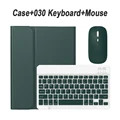
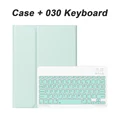
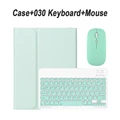
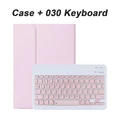
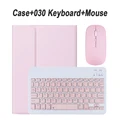
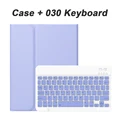
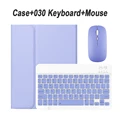
πŸ›‘οΈ Introducing a versatile and stylish protective case designed for the Samsung Galaxy Tab A9 Plus, A8, and various Galaxy Tab models including the S10, S9 FE, S7, S8, FE PLUS, and S6 Lite. This case comes equipped with a detachable keyboard, providing you with the freedom to seamlessly transition between a tablet and a laptop-like experience. Made from durable materials, it is crafted to shield your device from daily wear and tear while offering a sleek appearance.

Compatibility Verification:

To ensure that you purchase the correct case for your tablet, follow these steps:

  1. Check the back of your tablet to locate the model number.
  2. Navigate to "Settings," click "About," and find your "Model" number.
  3. Select the compatible model case based on your findings to ensure a perfect fit.

🎯 Keyboard Features:

πŸ’ The keyboard features a standard English layout, allowing for easy typing and productivity. Please note that no other language layouts are included, ensuring that you can focus solely on your work.

Product Contents:

πŸ“Ž Please be aware that the digital tablet and stylus are not included with this product. The description provided is intended for reference only, and color variations may occur; please refer to the actual product for color specifics.

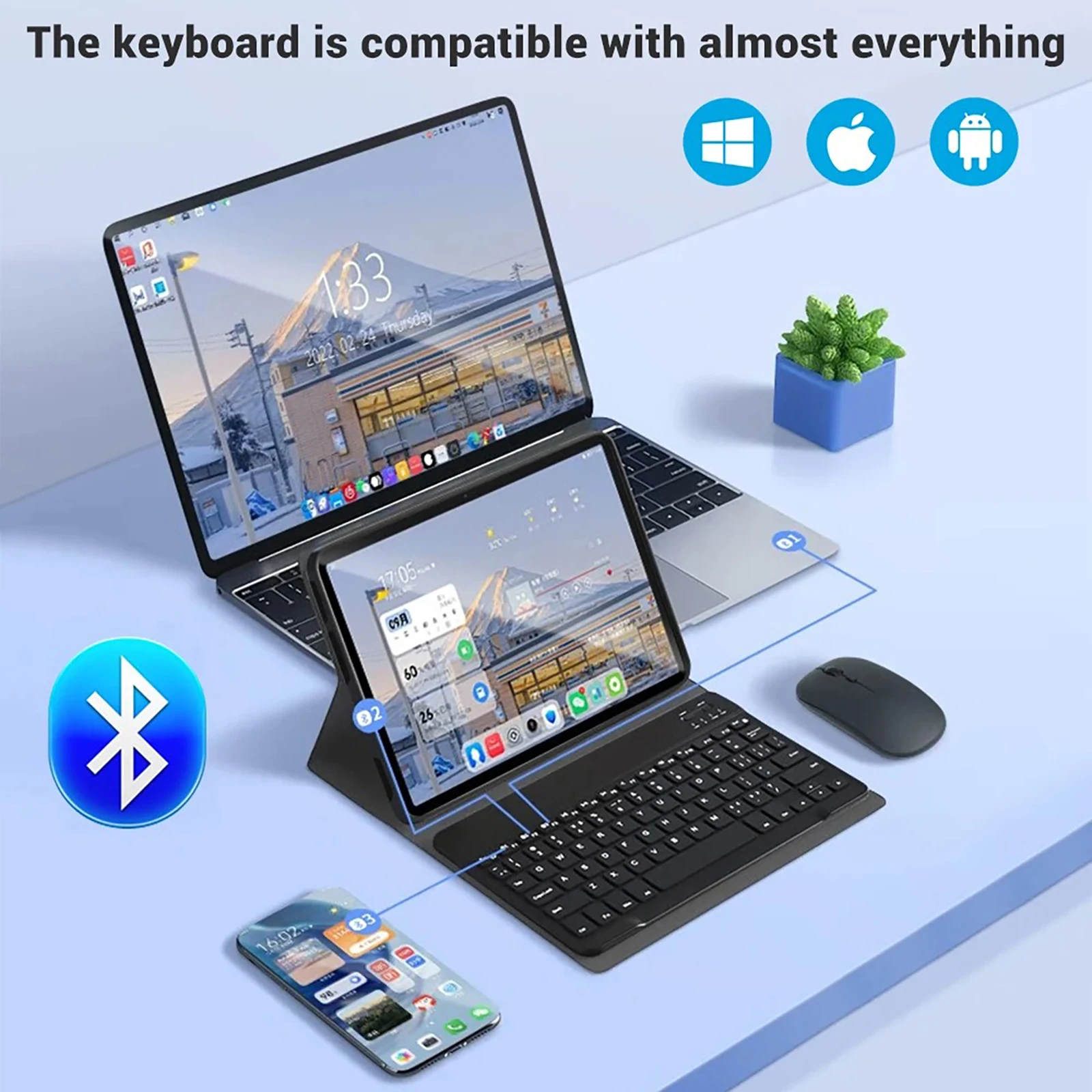
Connecting Your Keyboard and Mouse:

🧈 For a smooth setup, follow these simple instructions:

  1. Start by connecting the mouse. Switch it to the "Bluetooth" icon and locate "mouse" in your device's Bluetooth list.
  2. Next, turn on the keyboard by sliding the switch to "ON," pressing "Connect," and pairing it with "Keyboard" in your Bluetooth list.
  3. If you’re using a touchpad keyboard, simply open the keyboard, press Fn + C, and find the Bluetooth option labeled "Keyboard."

πŸ’ Connecting Tips and Troubleshooting:

Here are some helpful answers to common questions:

  • First-Time Mouse Connection: To successfully connect your mouse initially, press the left button, right button, and scroll wheel simultaneously for 3-5 seconds.
  • Scroll Direction Differences: Be mindful that the scroll direction varies between USB and Bluetooth connections; they won't match.
  • Switching Operating Systems: Easily switch between operating systems using keyboard shortcuts: Fn + Q for Android, Fn + W for Windows, and Fn + E for iOS. Remember to switch the system before connecting your tablet.
  • Keyboard Letter Misalignment: If your keyboard letters are appearing incorrectly, check your device settings to ensure the keyboard language is set to English. You may need to reset the keyboard by pressing the L, S, and Z buttons simultaneously.

πŸ”˜ Configuring Input Method for Different Languages:

🧰 For Samsung tablets, navigate to "Settings," then to "System," followed by "Language & input," where you can add new keyboard languages. Other systems will have similar settings based on their interfaces.

🧰 Adjusting Mouse Scroll Settings:

To modify the scroll wheel behavior, go to "General," then "Trackpad & Mouse," and disable "Natural Scrolling" as needed.

£44.99 In Stock
Quantity:
Colour: Black Backlit 2 Model: Tab A7 10.4 inch