
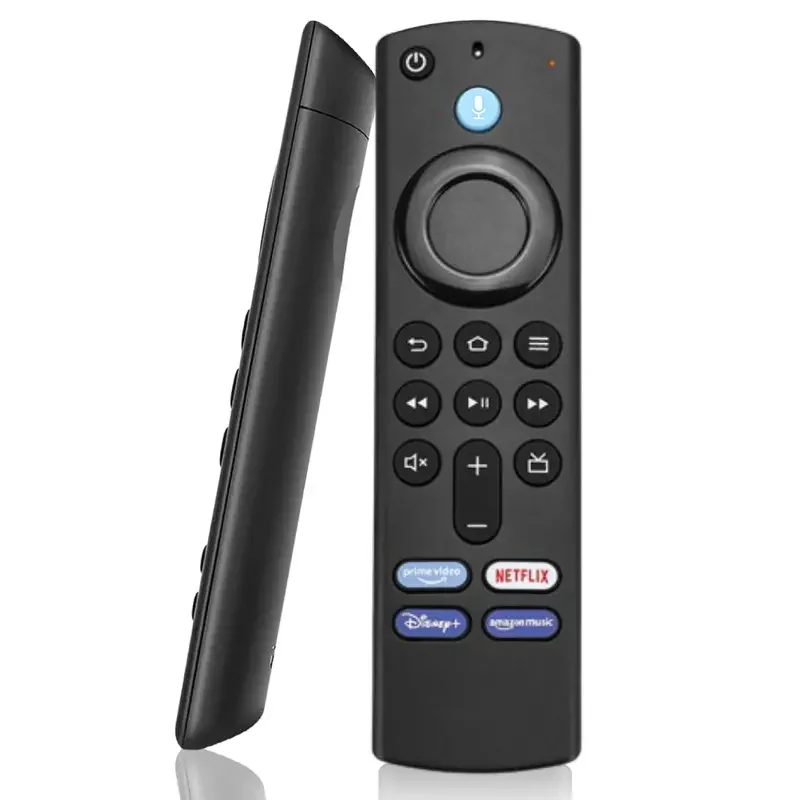
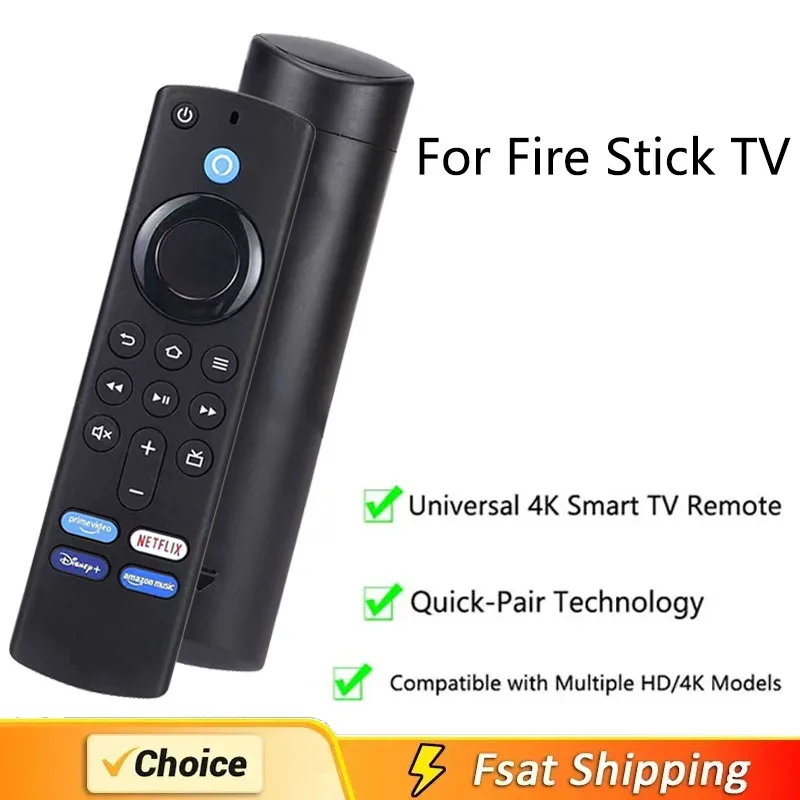
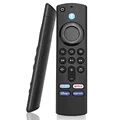
🪞 L5B83G Replacement Voice Remote Control is the ultimate companion for your Fire Stick TV experiences. Specifically designed to enhance your interaction with the 3rd Generation Fire Stick, Fire Stick 4K MAX, Lite, and Fire Cube, this sleek remote integrates seamlessly with Alexa, transforming your viewing habits into an effortless and entertaining experience.
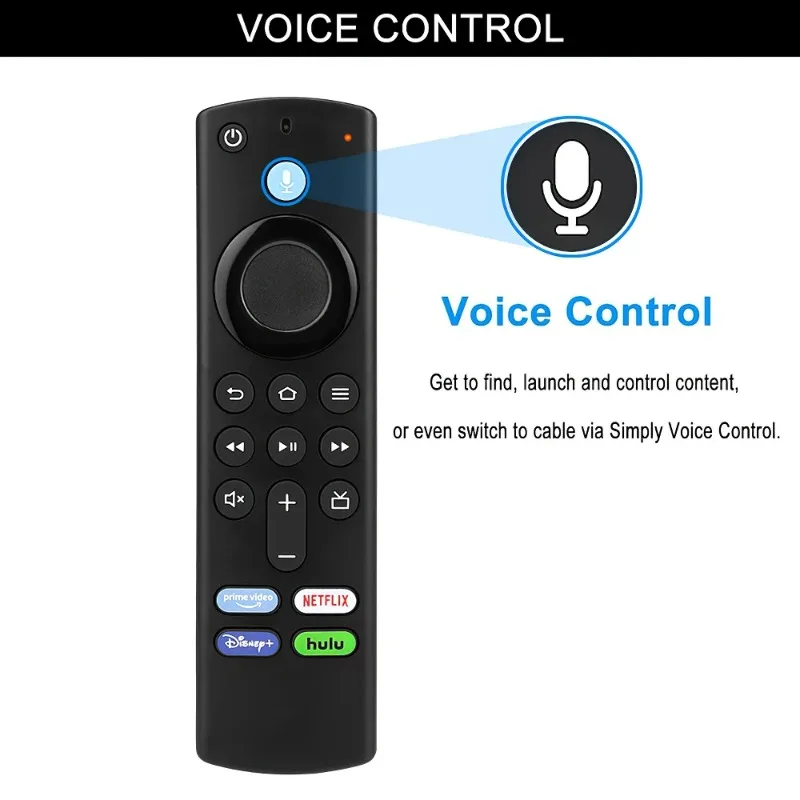
🔘 Voice Control: With a simple press and hold of the dedicated voice button, you can command your voice assistant to locate and control your content. Whether it's movies, TV shows, apps, or games, accessing your favorite entertainment has never been easier. This intuitive control simplifies streaming, allowing you to browse through an expansive library in mere moments.
⚡ User-Friendly Design: The L5B83G new remote requires no complicated setup—just insert 2 AAA batteries (not included) and you’re ready to enjoy. This straightforward process eliminates frustration, allowing you to quickly search among hundreds of channels and applications to find exactly what you want to watch.
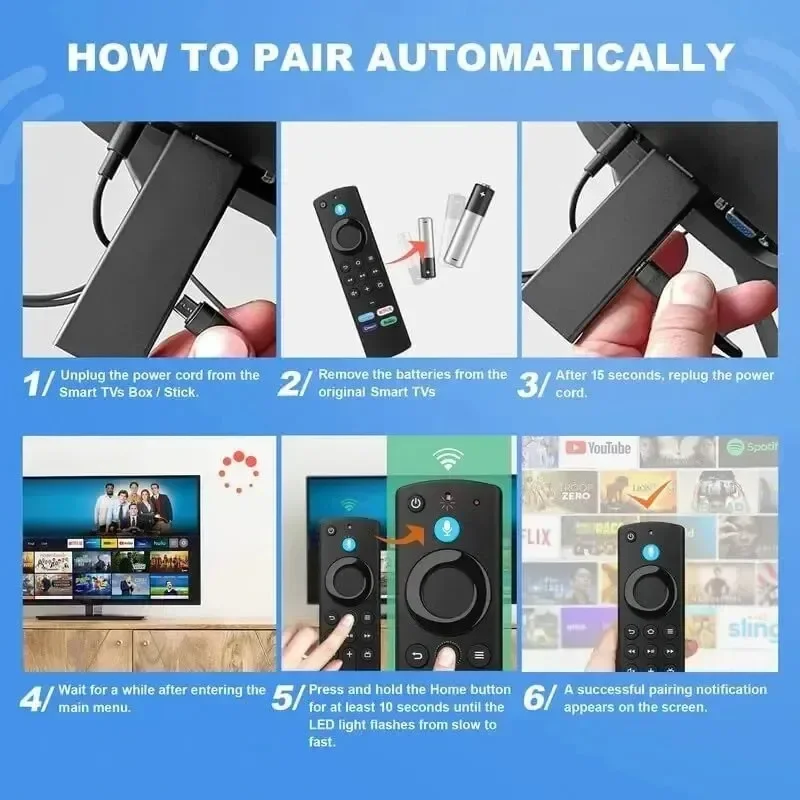
🪶 Remote Resetting Procedures: Troubleshooting is effortless with this remote. If you're experiencing difficulties, you can easily reset the remote. First, ensure it's within 10 feet of your Fire TV device. Then, hold the Left, Menu, and Back buttons simultaneously for 10 seconds. After a brief pause, remove the batteries, unplug your Fire TV device for 60 seconds, then reconnect it. Wait for the Home Screen and follow simple pairing instructions to restore functionality.
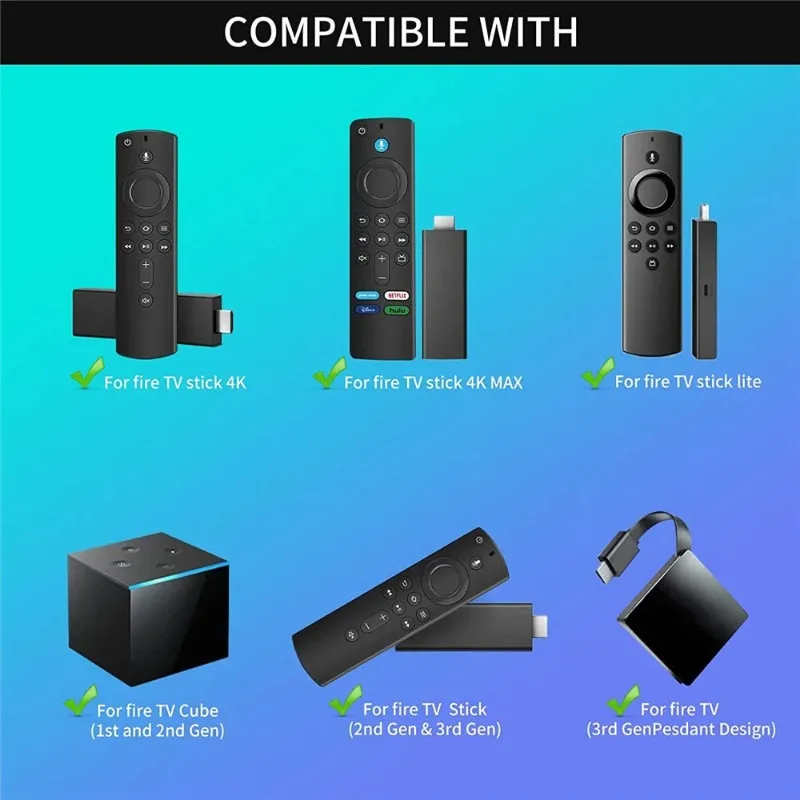
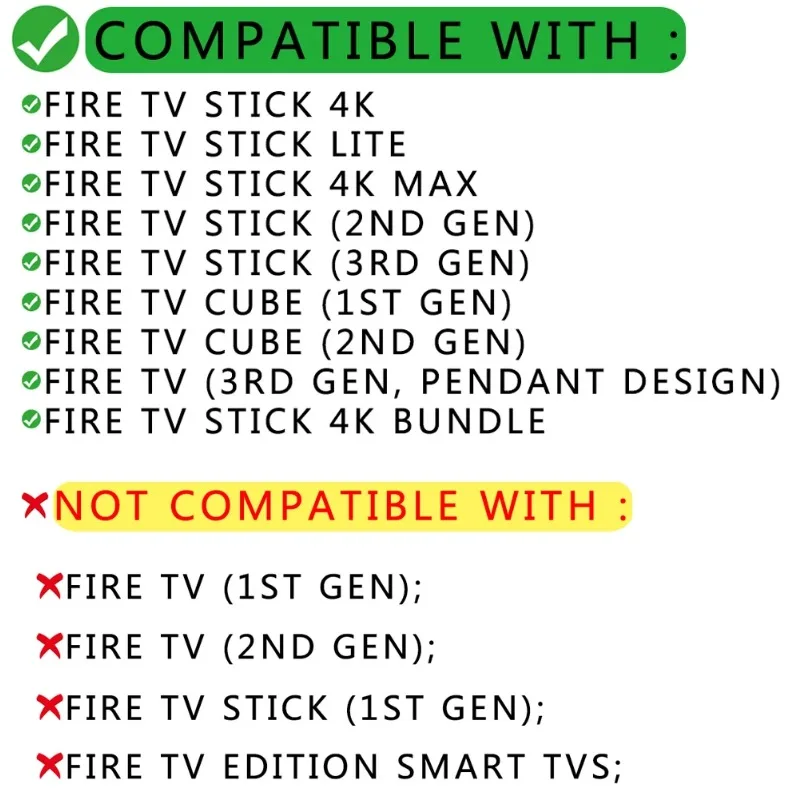
🤖 Compatibility: This remote is designed to be universally compatible with a range of Amazon devices, including the AMZ TV Stick 4K, Lite, 4K Max, the 2nd and 3rd Gen Fire TV Sticks, and the 1st and 2nd Gen Fire TV Cubes. It also works seamlessly with the 3rd Gen AMZ TV with pendant design. Note, however, that it is not compatible with the Fire TV 1st and 2nd Generation or other specific smart TVs.
💍 Maximize Performance: To ensure optimal performance, it’s essential to manage paired devices effectively. If your remote controller seems unresponsive after pairing, it can often be traced to too many devices connected at once, or if the old remote’s batteries have not been removed. This understanding can significantly streamline your enjoyment.
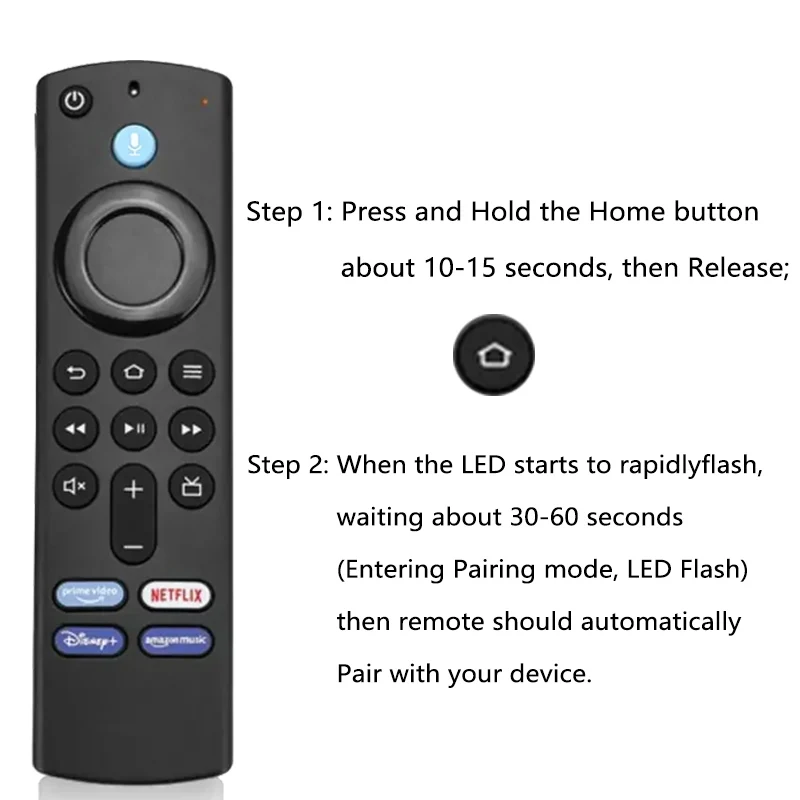
🔘 Smartphone Integration: In case the original remote control is misplaced, don’t fret! You can effortlessly utilize your smartphone in lieu of a physical remote by downloading the Fire TV app. Navigate to settings to add a new remote, press the Home button on your new remote until the LED begins to flash, and follow the on-screen prompts to complete the pairing process.
💍 Package Includes: The L5B83G Voice Remote comes complete with one remote unit (AAA batteries not included), ensuring you're just one step away from taking command of your entertainment experience.