🪞 Introducing the Motorola Edge 50 Fusion Tempered Glass Screen Protector:
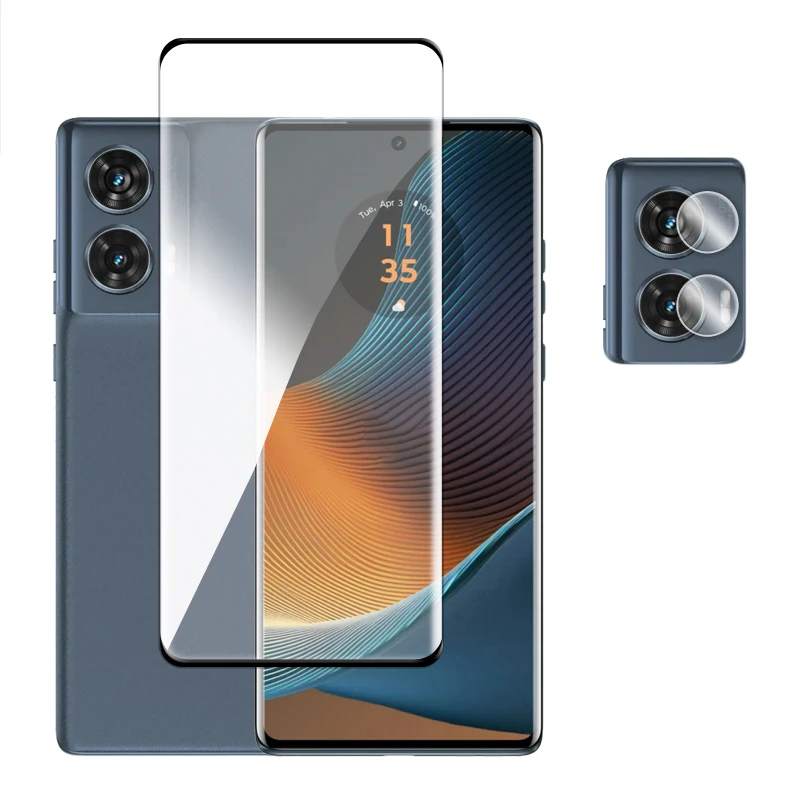
🪞 Elevate the protection for your Motorola Edge 50 Fusion with our premium tempered glass full cover, designed specifically to complement the phone's sleek contours. Crafted with precision, this 3D curved screen protector ensures seamless integration with your device, providing robust defense without compromising aesthetics.
🔧 Key Features:
- 3D Curved Surface: Experience a flawless touch sensation with an ultra-thin profile measuring only 0.3mm, allowing for smooth interactions across the entire display.
- Exceptional Hardness: Rated at 9H on the hardness scale, this super-durable glass withstands scratches from everyday objects like keys or knives, ensuring long-lasting clarity.
- Crystalline Clarity: With an impressive 99% optical transmittance, enjoy vibrant colors and sharp details on your screen while maintaining unrivaled touch sensitivity.
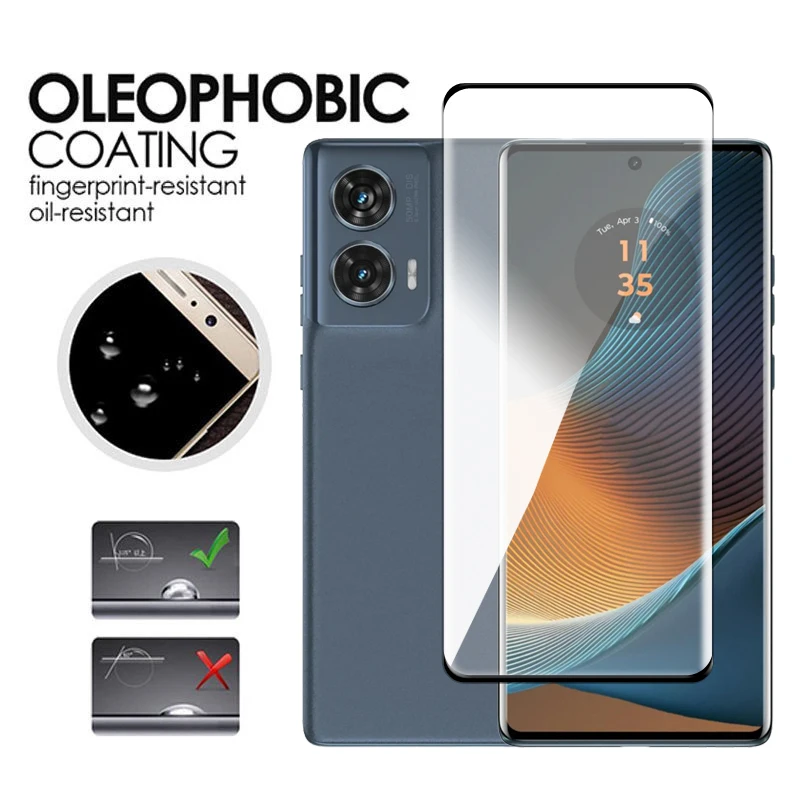
- Oleophobic Coating: Keep your screen pristine with our advanced oleophobic layer, which resists fingerprints, oils, and various contaminants, making cleaning effortless.
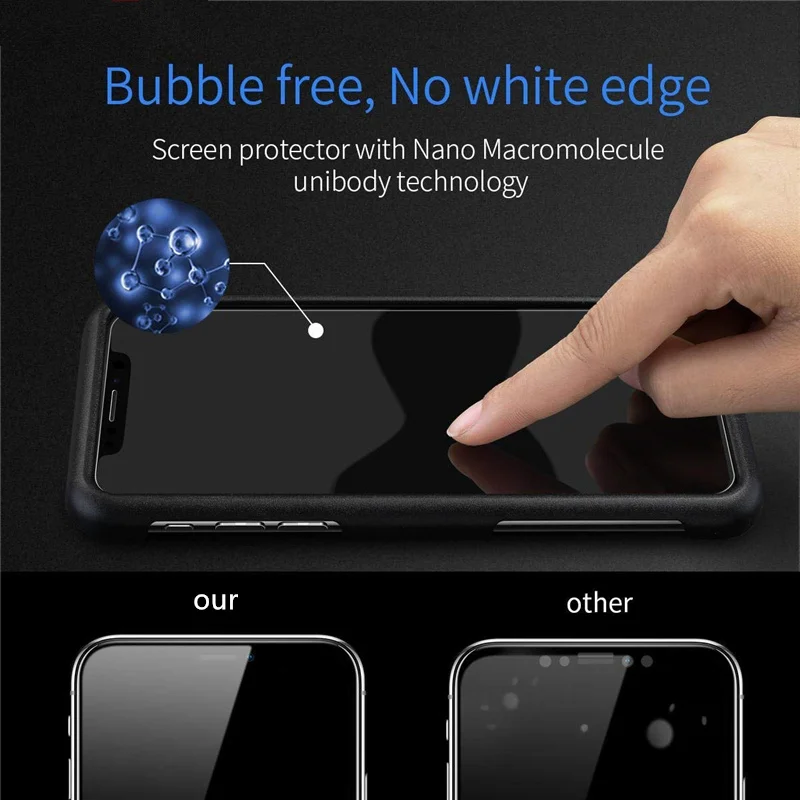
- Effortless Installation: Featuring a strong silicone adhesive layer on the back, this protector adheres seamlessly to your screen, preserving tactile responsiveness and offering a hassle-free application experience.
- Shatter-Resistant Design: In the rare event of impact, the tempered glass will shatter into safe, large pieces rather than tiny shards, providing peace of mind by ensuring a greater level of safety for users.
- Camera Lens Protection: Included is a soft fiber glass lens protector that ensures your camera remains scratch-free while maintaining optimal imaging quality without compromising its sensitivity.
🪞 Package Options:
- Full Kit: 2 Front Tempered Glass + 2 Camera Lens Film (Includes 4 Wet Wipes + 4 Dry Wipes)
- Essentials Pack: 1 Front Tempered Glass + 1 Camera Lens Film (Includes 2 Wet Wipes + 2 Dry Wipes)
- Extra Glass: 2 Front Tempered Glass (Includes 2 Wet Wipes + 2 Dry Wipes)
- Lens Protection: 2 Camera Lens Film (Includes 2 Wet Wipes + 2 Dry Wipes)
🪞 Installation Directions for Screen Protector:
- Thoroughly clean your LCD screen using the provided cleaning cloth.
- Peel off the mask carefully, exposing 1/2 inch of the Screen Protector while avoiding contact with the adhesive side.
- Align the Screen Protector precisely with the edges of your LCD screen.
- Finally, remove the mask once the protector is in place.
🛠️ Installation Directions for Camera Lens Film:
- Use the cleaning cloth to clean the Camera Glass thoroughly.
- Peel off the mask from the camera lens protector, taking care not to touch the adhesive side.
- Align the Camera Protector along the edges of your Camera Glass.
- Remove the mask once the lens film is positioned correctly.
🪞 Enhance your Motorola Edge 50 Fusion experience with unparalleled screen protection and enjoy ultimate peace of mind knowing your device is safeguarded against everyday wear and tear.