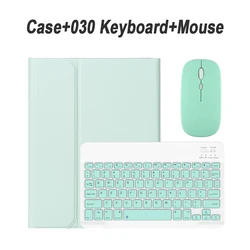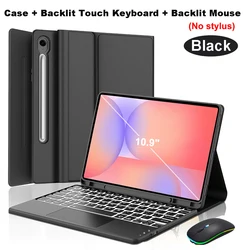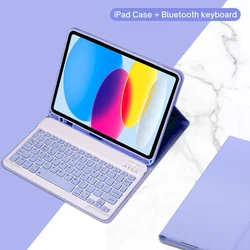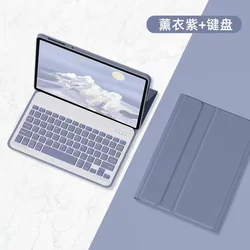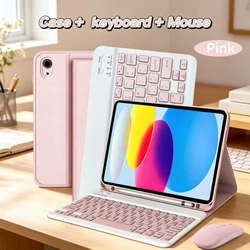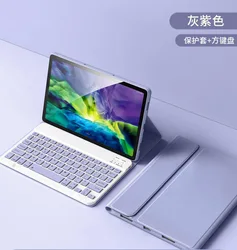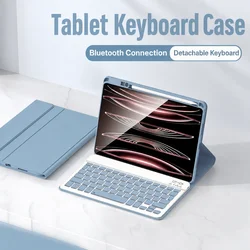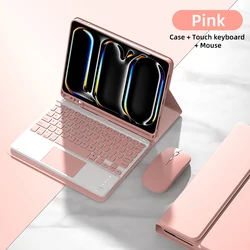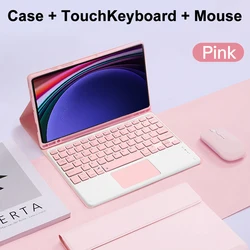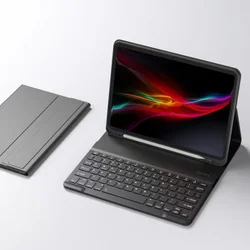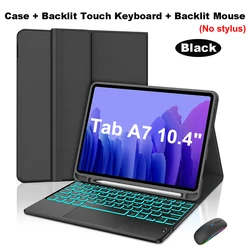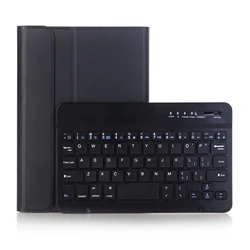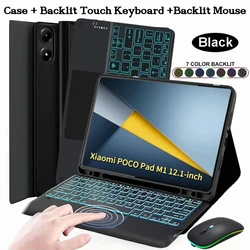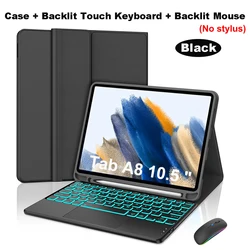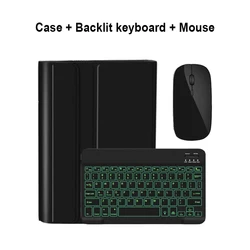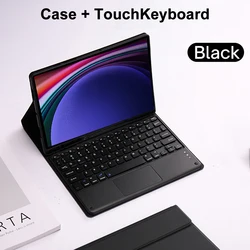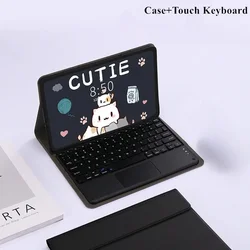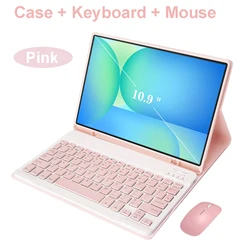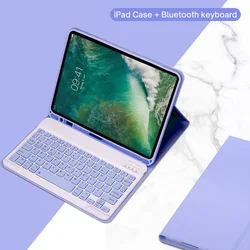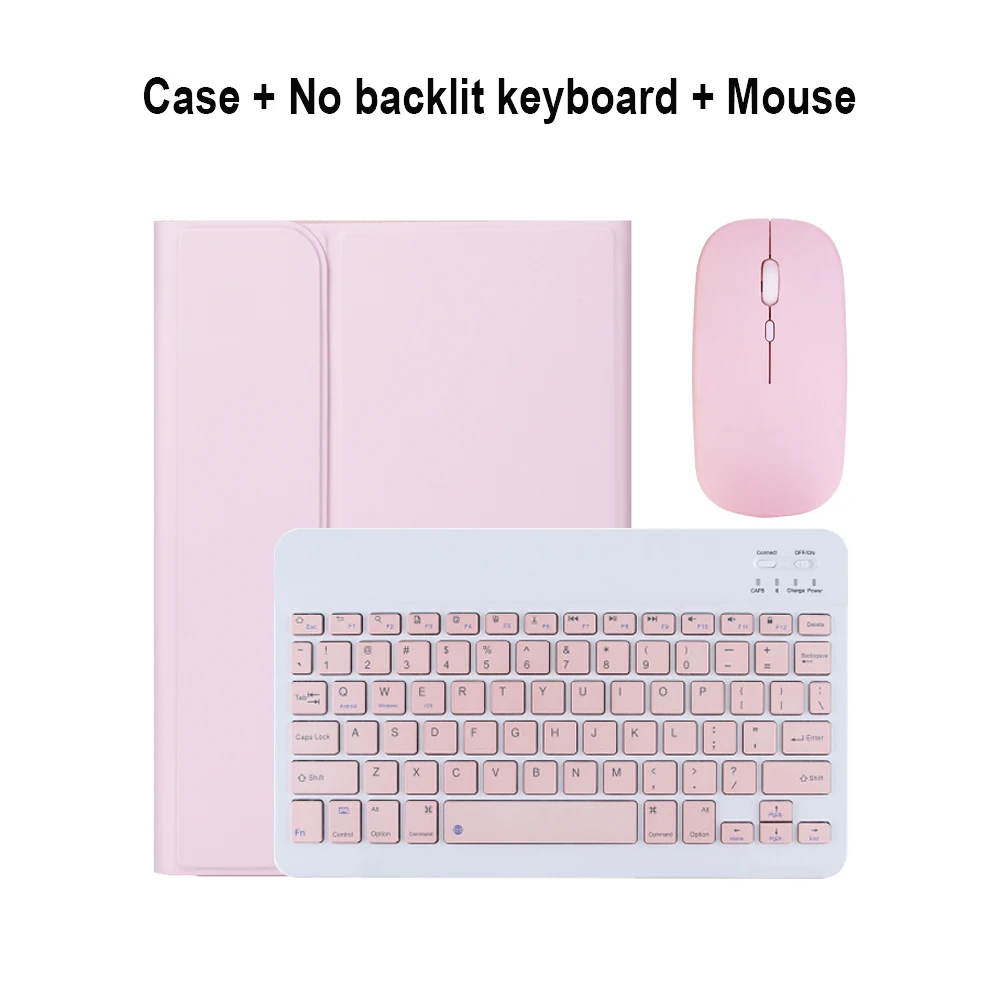
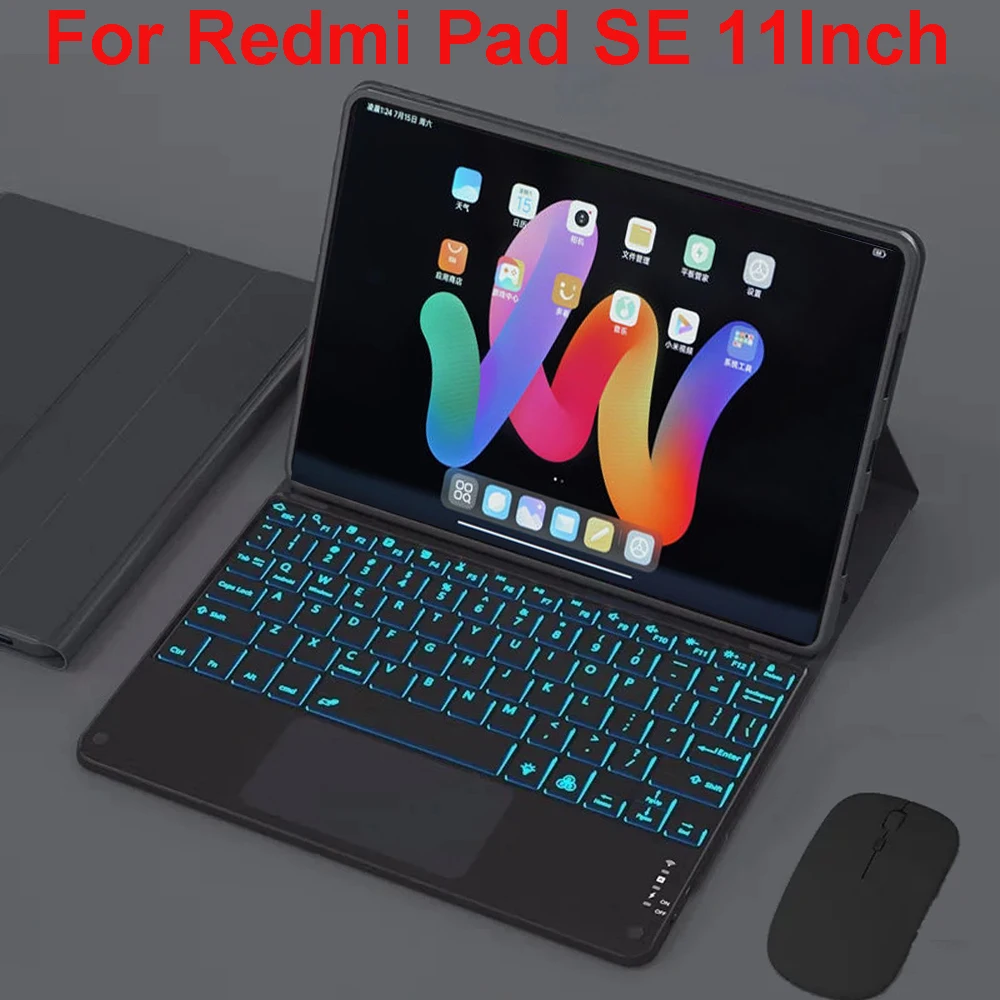




🔴 Keyboard Case for Xiaomi Redmi Pad SE 11Inch Tablet
🛡️ Enhance your Xiaomi Redmi Pad SE 11Inch Tablet with this versatile Keyboard Case, meticulously designed to offer a blend of protection and functionality. Ensure you check your device model before purchasing to experience the ultimate convenience and efficiency.
🔴 Compatibility: Designed specifically for the Xiaomi Redmi Pad SE 11Inch Tablet.
Language Options:
🔧 Package Contents: Please note that the digital tablet and stylus are not included. Refer to the actual product for accurate color representation.
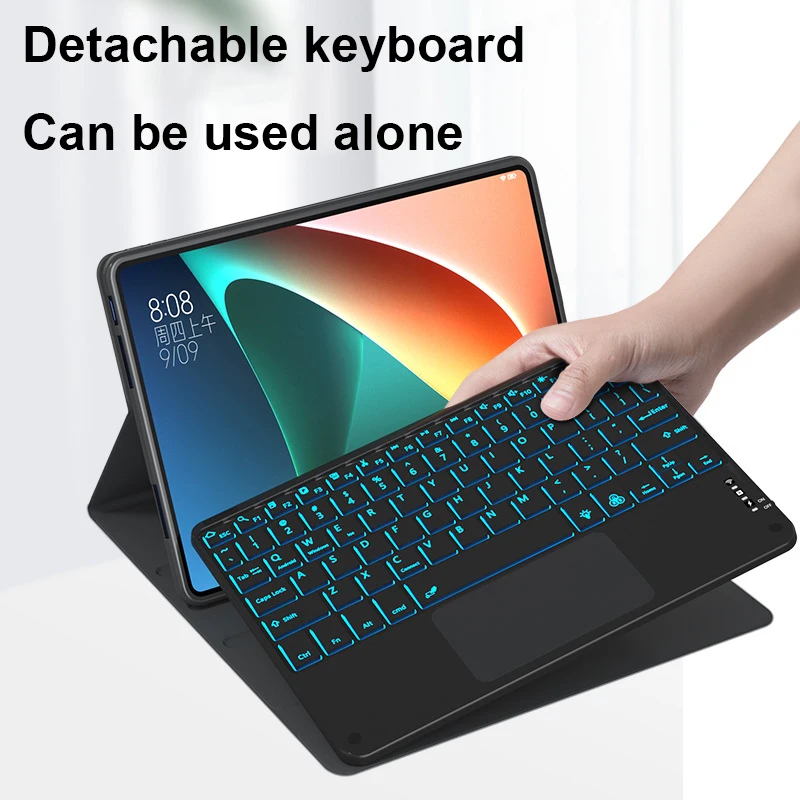
Adaptable for Various Use Cases:
✨ Portable and Convenient:
🪶 Precision Cutouts: Offers easy access to all controls and features, including speakers, cameras, and other ports, aligning perfectly with your tablet's functions.
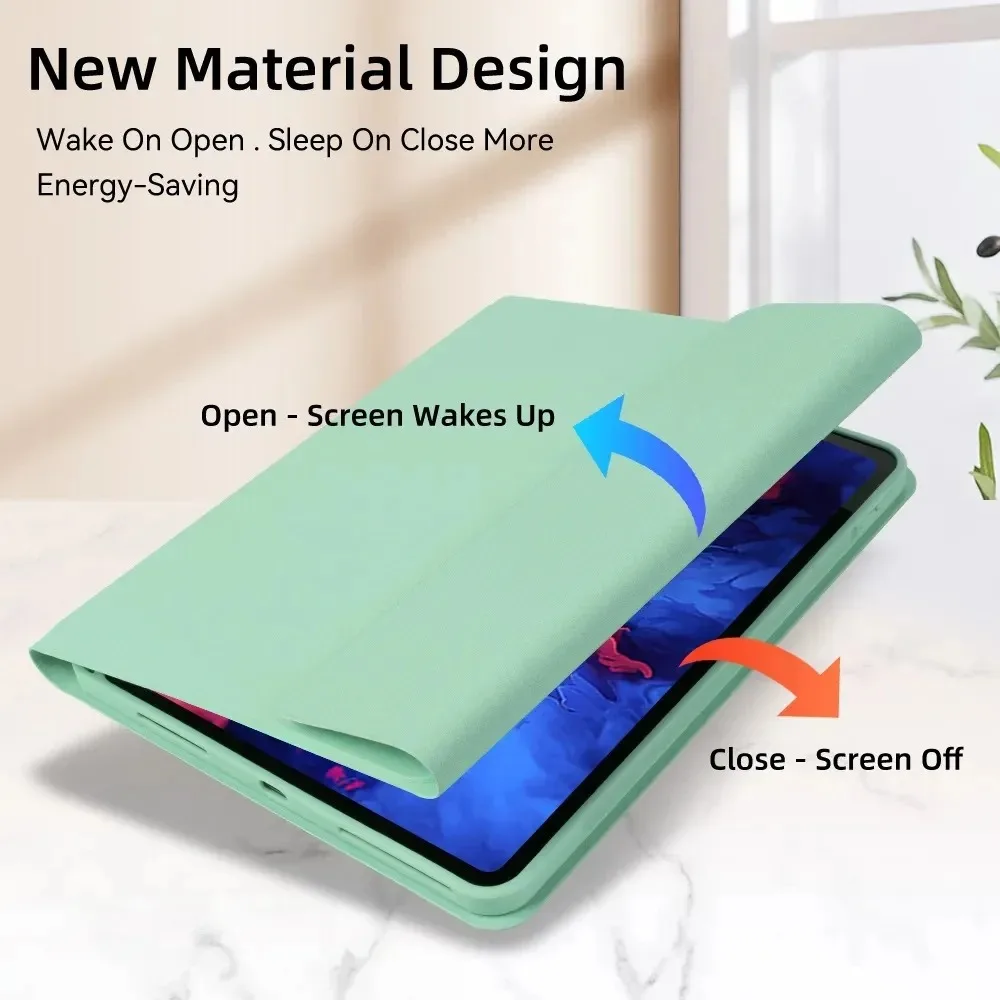
🧠 Modern Material Design:
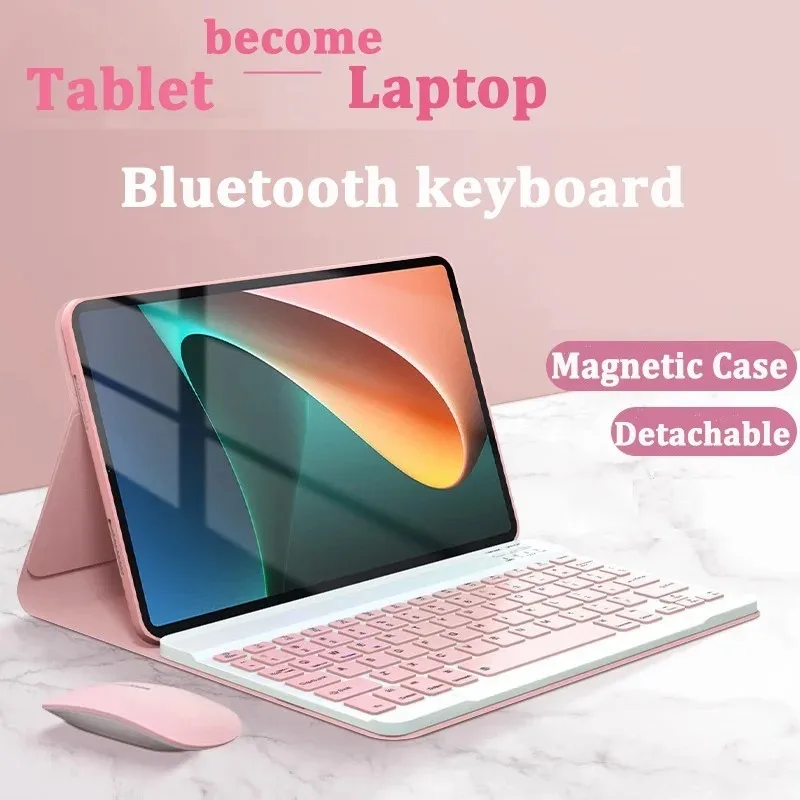
⚡ Bluetooth Connectivity: Connects to any Bluetooth device, transforming your tablet into a notebook with minimal delay. Enjoy a quiet, comfortable, and resilient typing experience with various styles and colors to choose from.
Connecting the Keyboard & Mouse:
🔵 Frequently Asked Questions (FAQ):
1. Connecting the Mouse:
🔘 When connecting the mouse for the first time, press the left button, right button, and scroll wheel simultaneously for about 3-5 seconds.
2. Scroll Direction Differences:
🔵 The scroll direction for USB connection matches a computer mouse, whereas Bluetooth connection scrolls in the opposite direction.
3. Switching Systems:
Use Fn+Q for Android, Fn+W for Windows, and Fn+E for iOS. Always switch the system before connecting the tablet.
4. Managing Messy Keyboard Letters:
🧰 Check the device's keyboard language settings. Reconnect and reset using the appropriate system shortcuts (Fn+Q for Android, Fn+W for Windows, Fn+E for iOS) and press the L, S, Z keys simultaneously to reset.
💍 5. Configuring Input Methods:
🧰 For example, on a Samsung tablet, navigate to "Settings" -> "System" -> "Language & input" -> "Add New Keyboard." Adjust similar settings on other devices as needed.
6. Changing Mouse Scroll Direction:
After connecting the mouse, access "General" -> "Trackpad & Mouse" and toggle "Natural Scrolling."
If this item arrives after the delivery date given at checkout, you will be emailed a £5.00 credit voucher to use on your next order