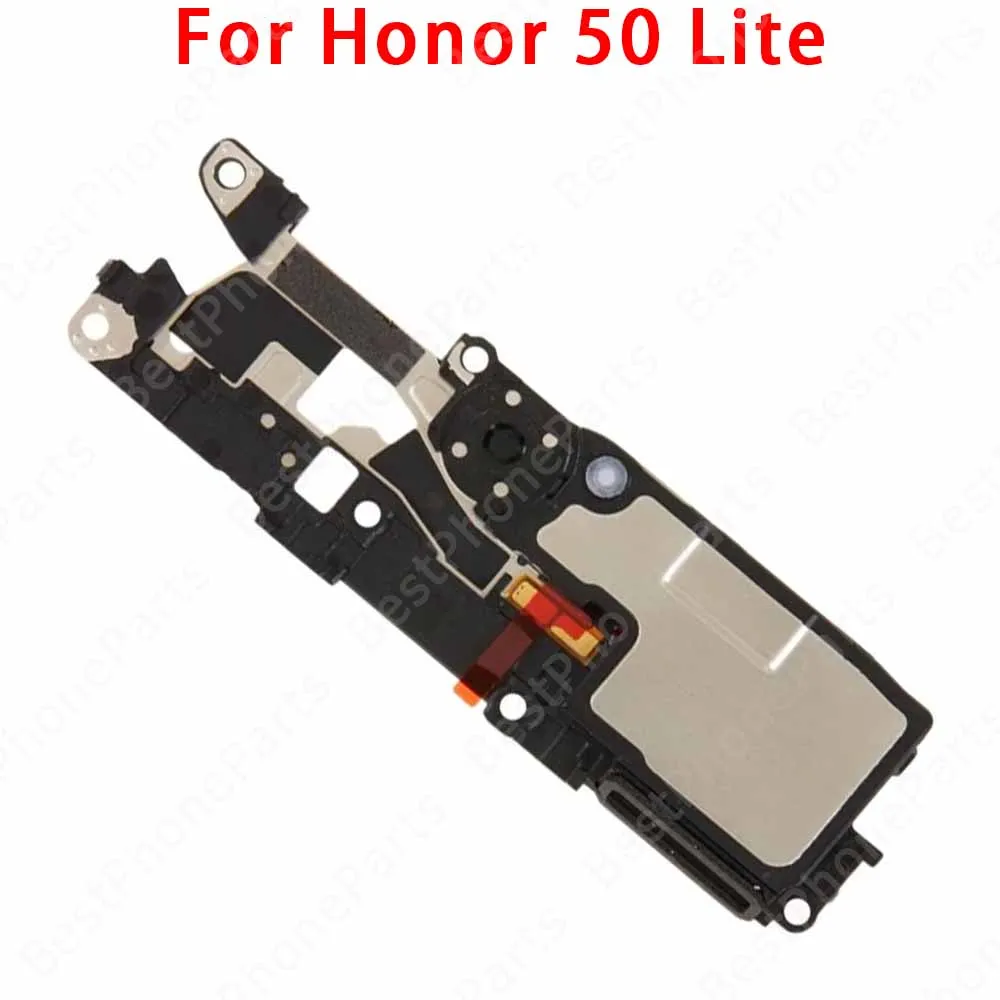
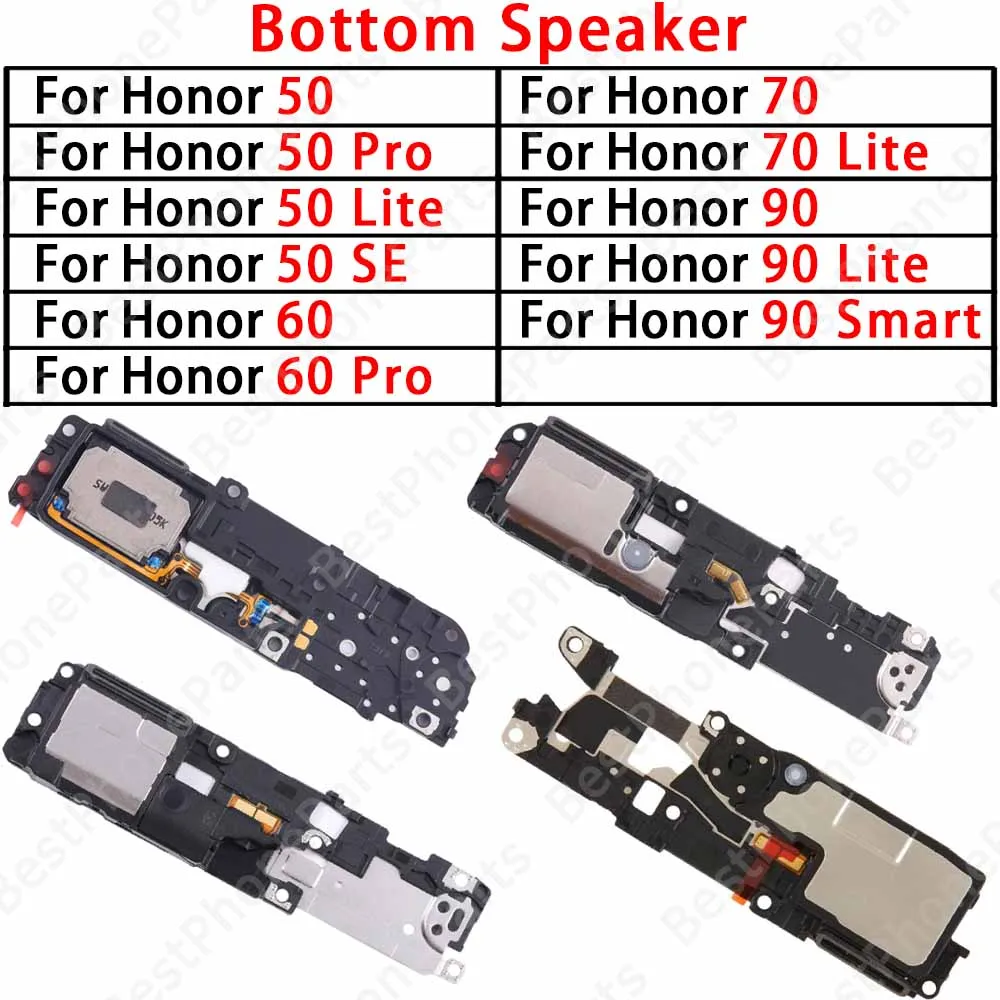
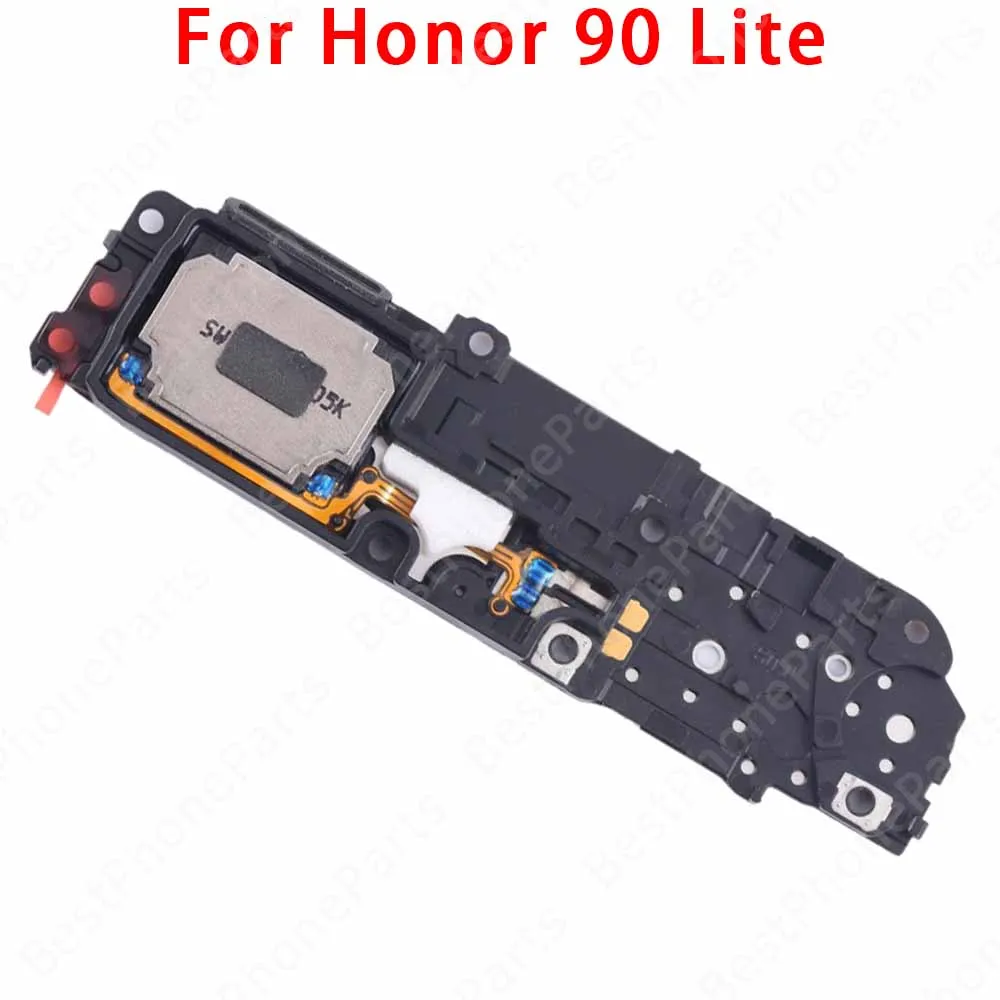
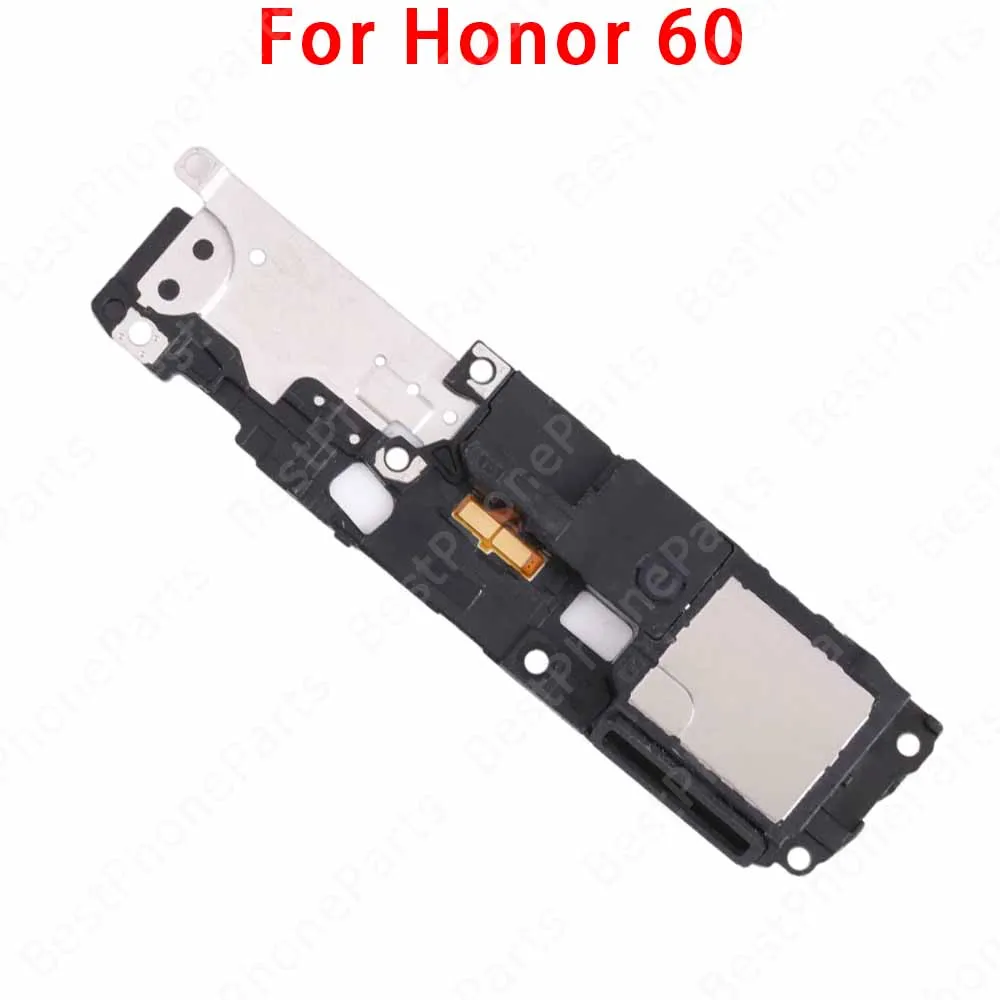
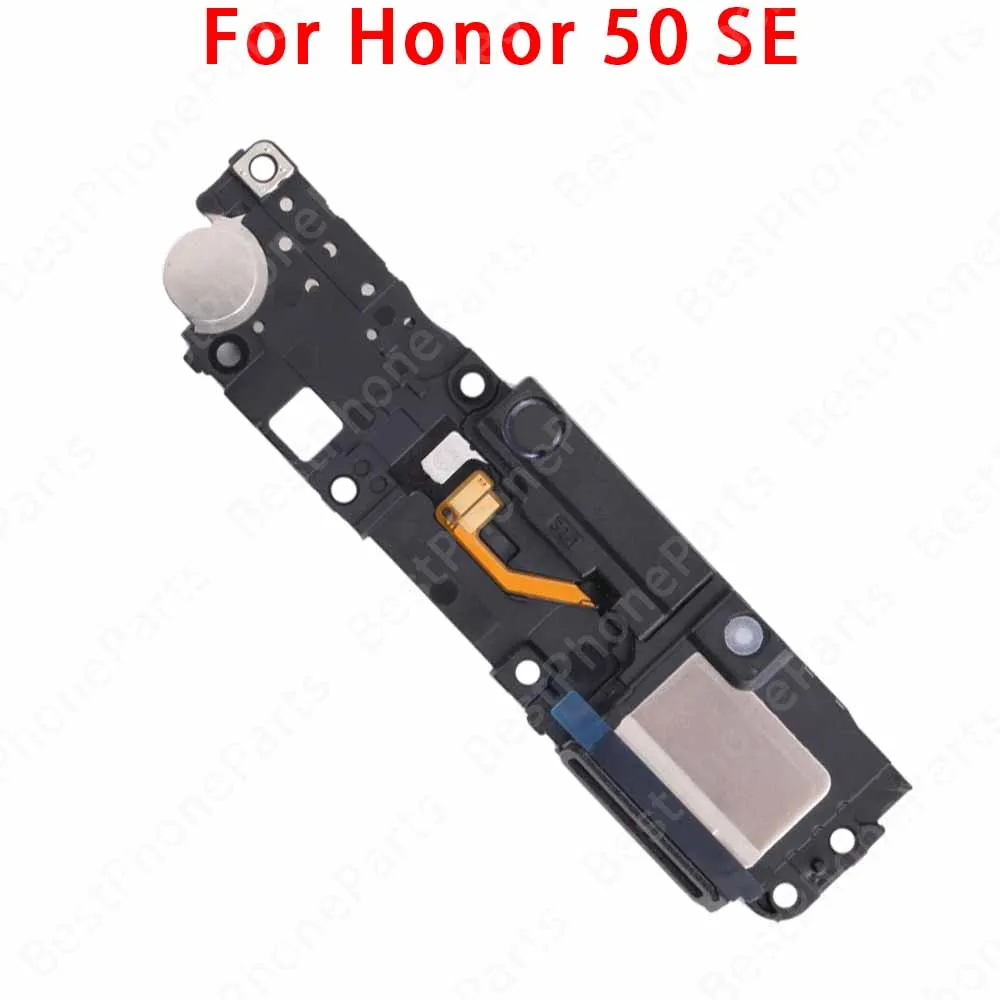
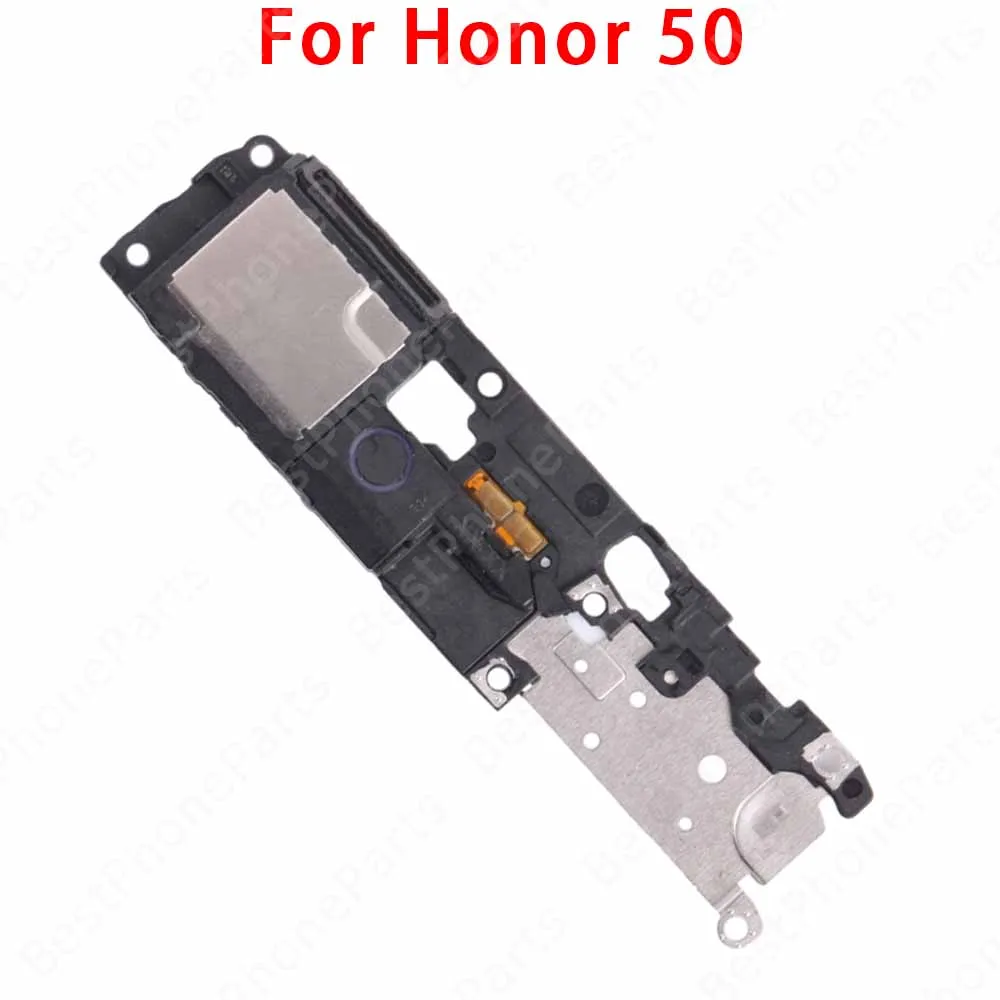
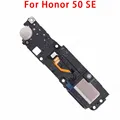
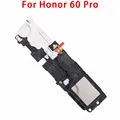
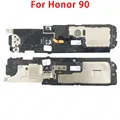
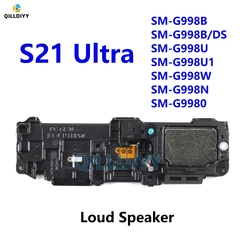
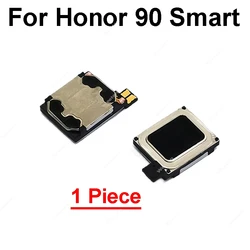
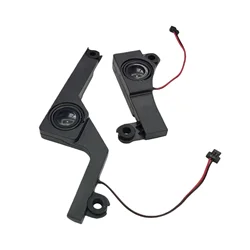
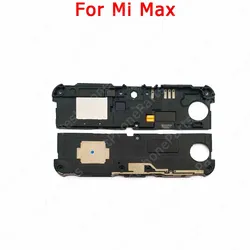
🔍 Bottom Speaker for Huawei Models: Enhance your audio experience with our high-quality Bottom Speaker designed specifically for Huawei Honor 50, 60, 70, 90, Lite, Pro, Honor50SE, and Honor90 Smart devices. This robust loudspeaker module ensures clear sound quality and effective performance, making it an essential component for any Huawei smartphone enthusiast.
🔊 Diagnosing Speaker Issues: To identify potential issues with your phone's speaker, follow these practical steps:
- Volume Test: Utilize audio test software to play a selection of audio tracks. Gradually adjust the volume and monitor the speaker’s output for clarity and equality in sound levels. A smooth transition in volume indicates optimal performance.
- Sound Quality Test: Experiment with various audio types, such as pop, classical, or spoken word. Listening through headphones will help ensure sound quality is free from distortion and noise, confirming that your speaker is functioning correctly.
- Noise Test: In a quiet space, play audio through the phone speaker while being attentive to any noticeable noise interference. If background noise is detectable, it could suggest a problem with the speaker itself or adjustments needed in audio settings.
- Sync Test: Verify audio synchronization by recording playback through your phone’s microphone. If the sound aligns accurately with the playback, your speaker and microphone are in good condition.
- Check Speaker Holes: Ensure the speaker holes are clear of obstructions. Dust and debris can affect sound quality, so gently cleaning with a soft brush is recommended.
- Volume Settings: Check the device’s settings to confirm that media, notification, and system volumes are not muted or set too low. Additionally, verify that the phone is not in silent or vibrate mode.
- Software Troubleshooting: Restart your device to eliminate potential software conflicts. Also, consider updating your operating system and apps for optimal performance.
- Hardware Troubleshooting: If the speaker shows signs of wear or damage, it may produce reduced audio quality. Regular checks and timely replacements can enhance sound performance.
🔍 Installation Precautions: Proper installation of the Bottom Speaker is crucial for optimal performance. Keep the following tips in mind:
- Secure Connection: Ensure stable connectivity between the speaker and the motherboard. Proper alignment of contacts is essential to prevent any issues post-installation.
- Correct Orientation: Double-check that the speaker is facing the correct direction and positioned without conflict to other components, allowing it to function accurately.
- Residue Removal: Clear any leftover adhesive or sealing tape during installation. This prevents any interference with sound output and contributes to a well-sealed acoustic environment.
- Function Testing: After installation, conduct a sound check to guarantee the speaker operates without noise or distortion. Timely adjustments or replacements can ensure optimum performance.
🔍 By attentively following these guidelines for both troubleshooting and installation, you can ensure that your Bottom Speaker functions effectively and enhances your overall audio experience with your Huawei device.
Specifications: