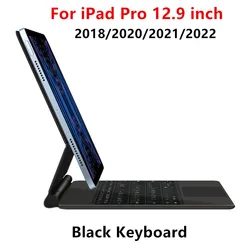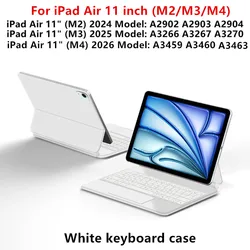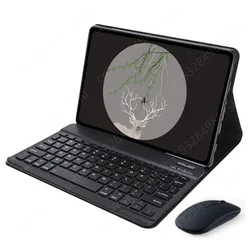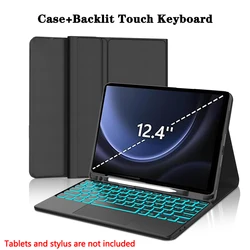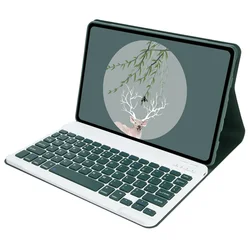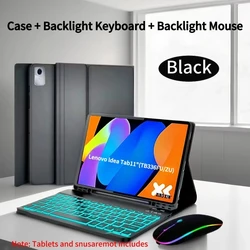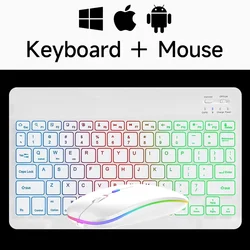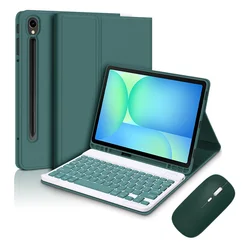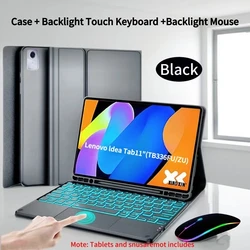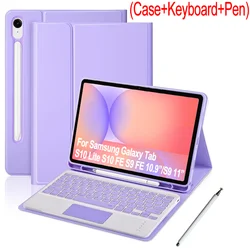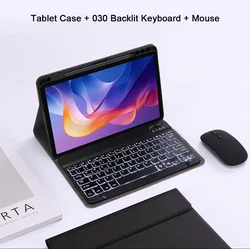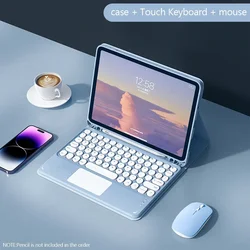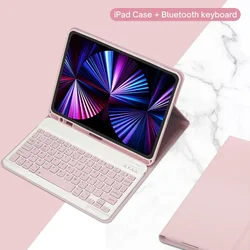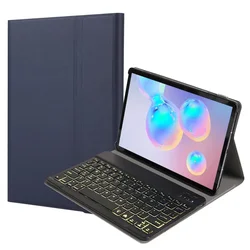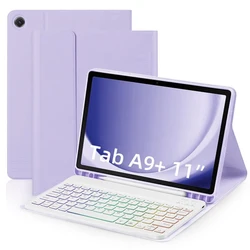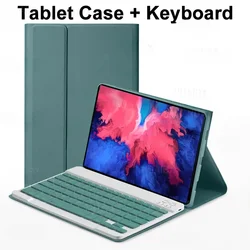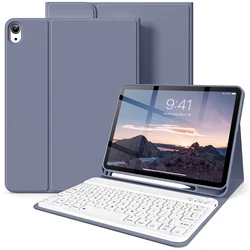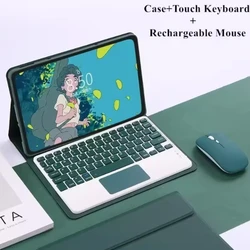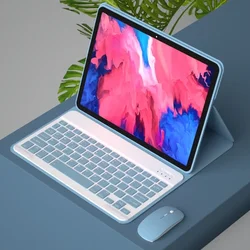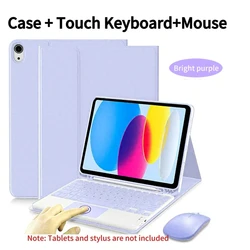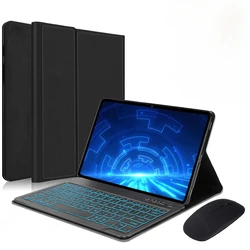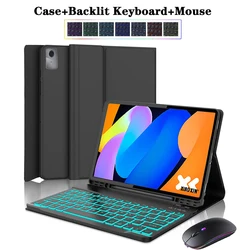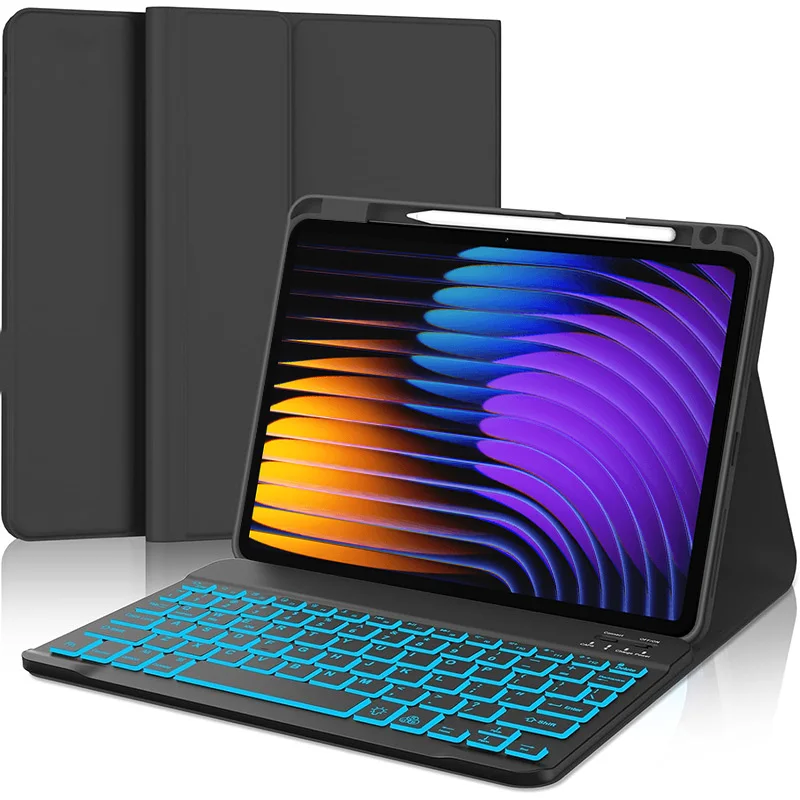
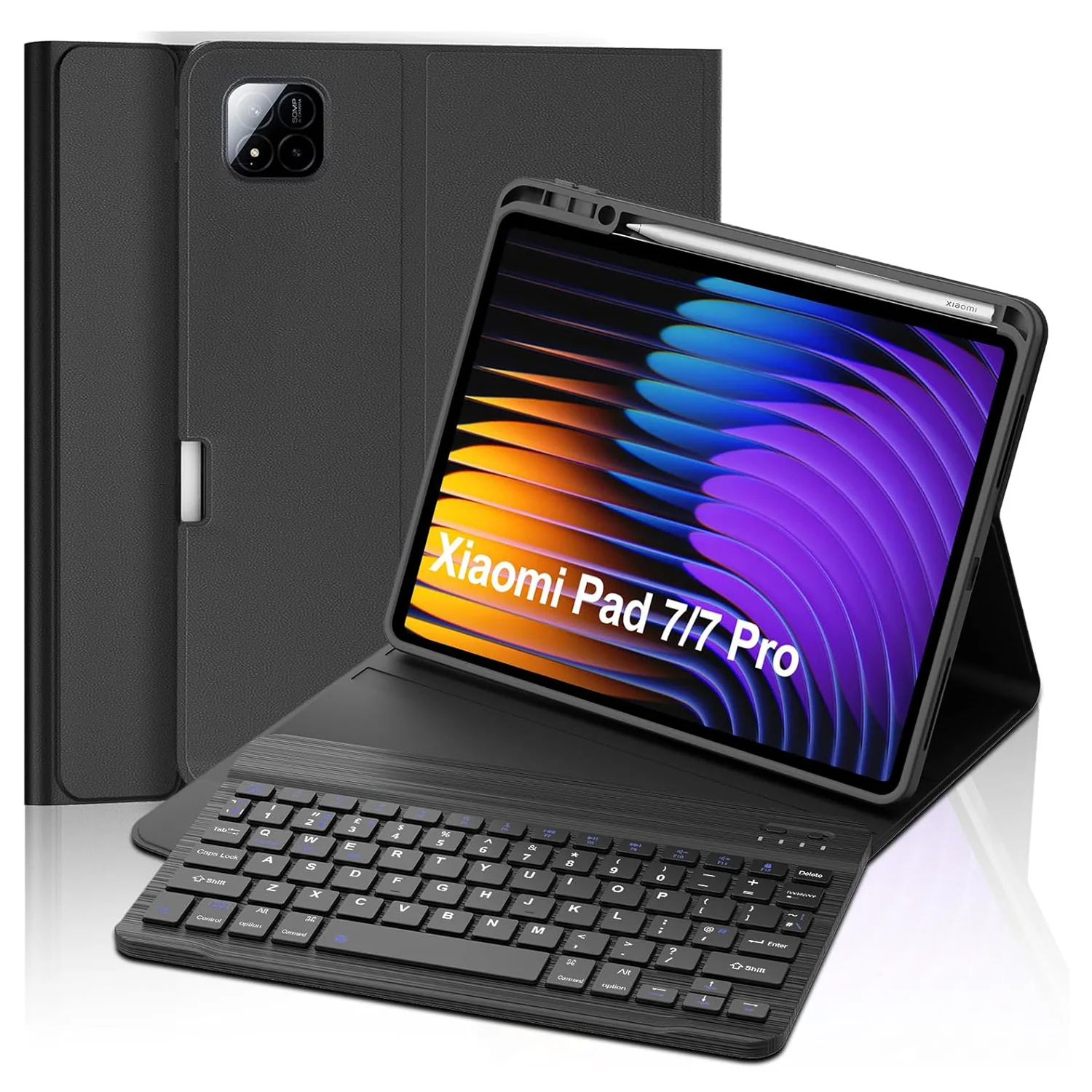
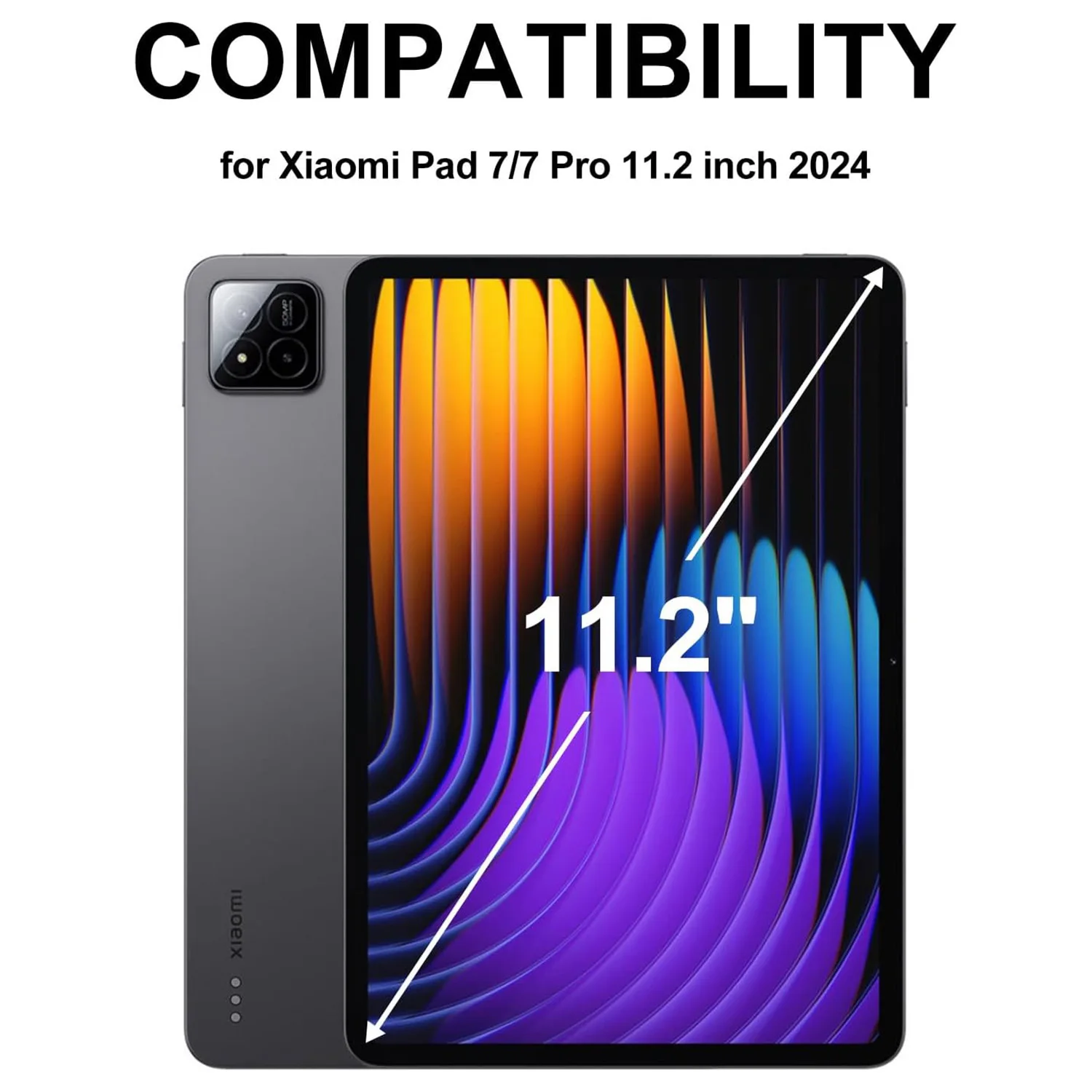
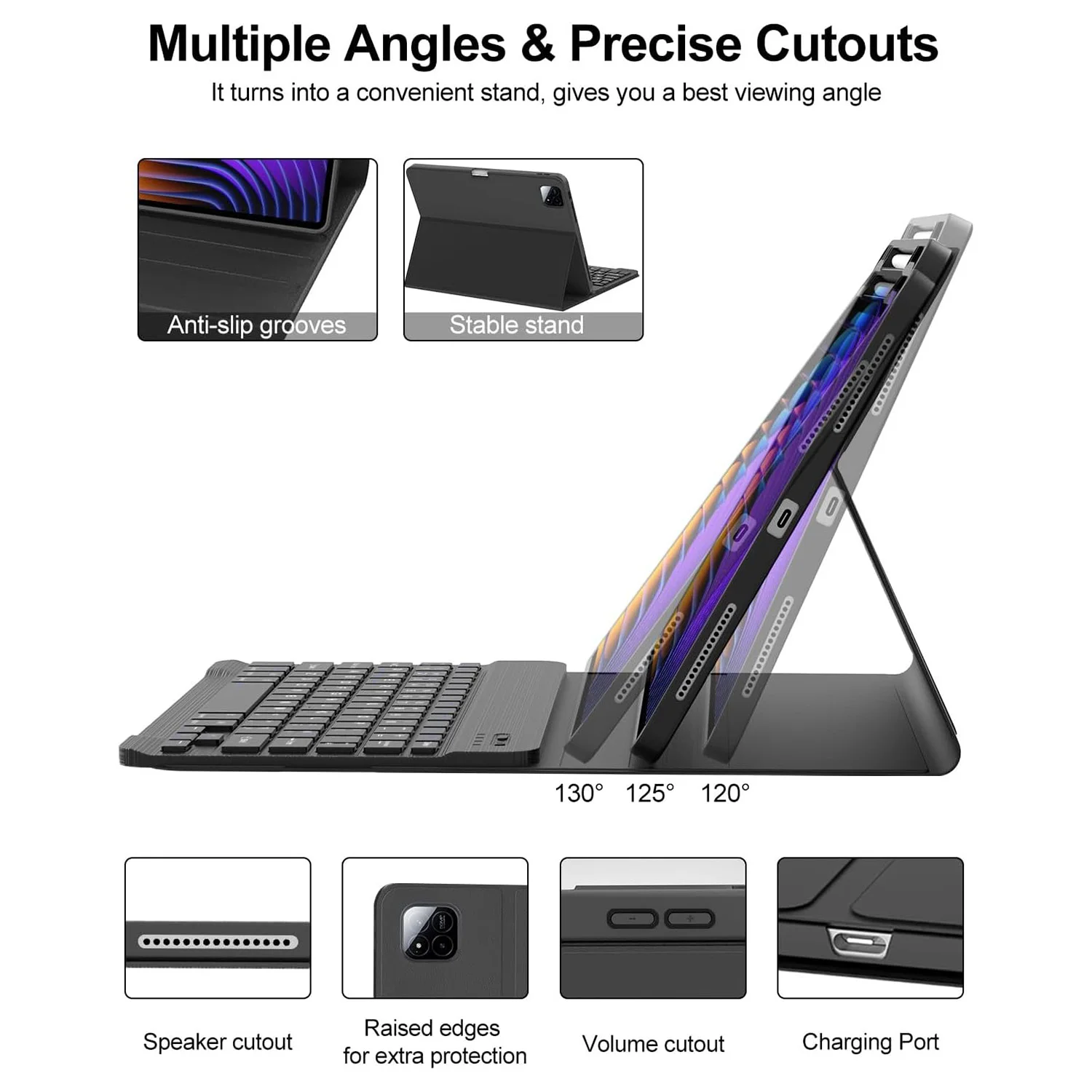
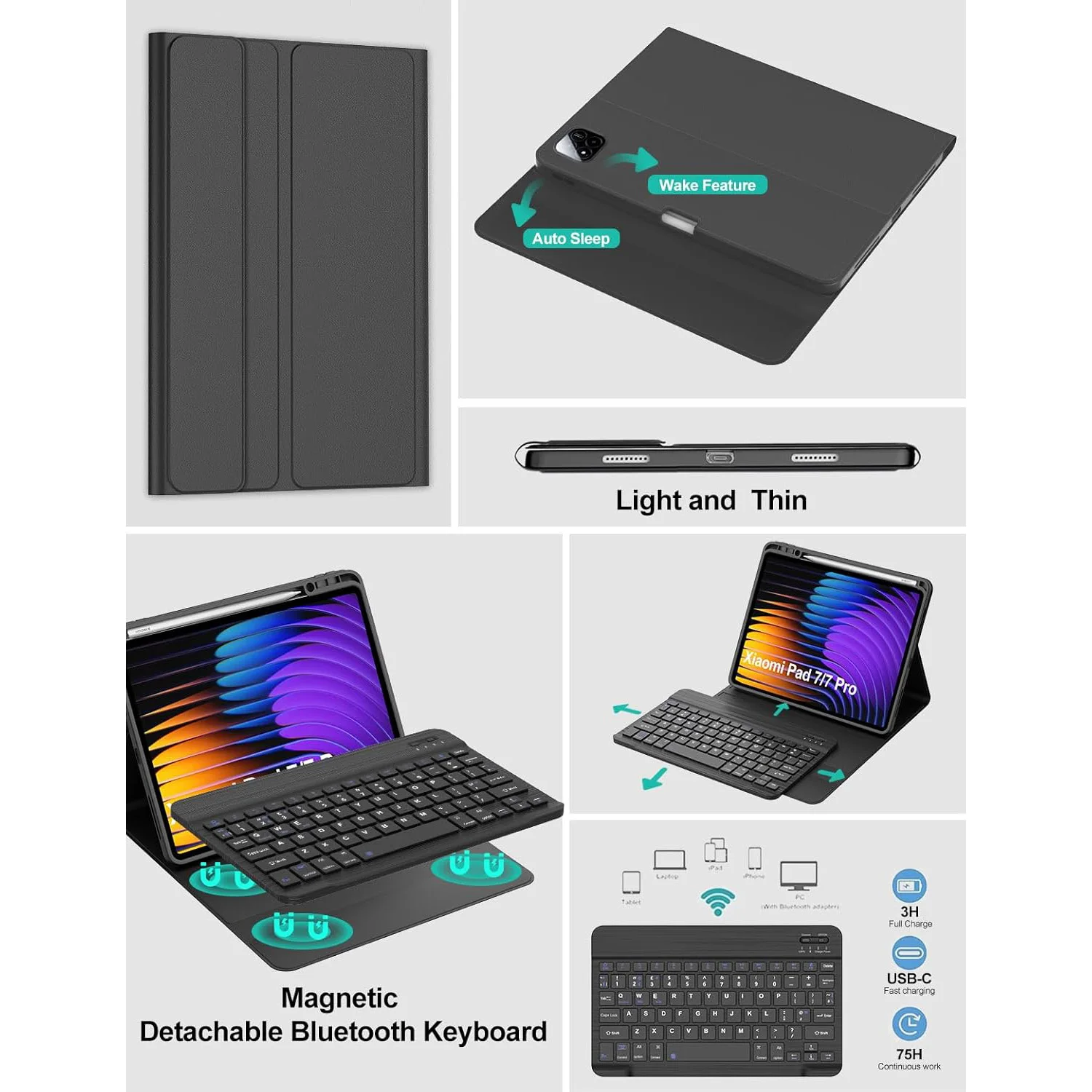
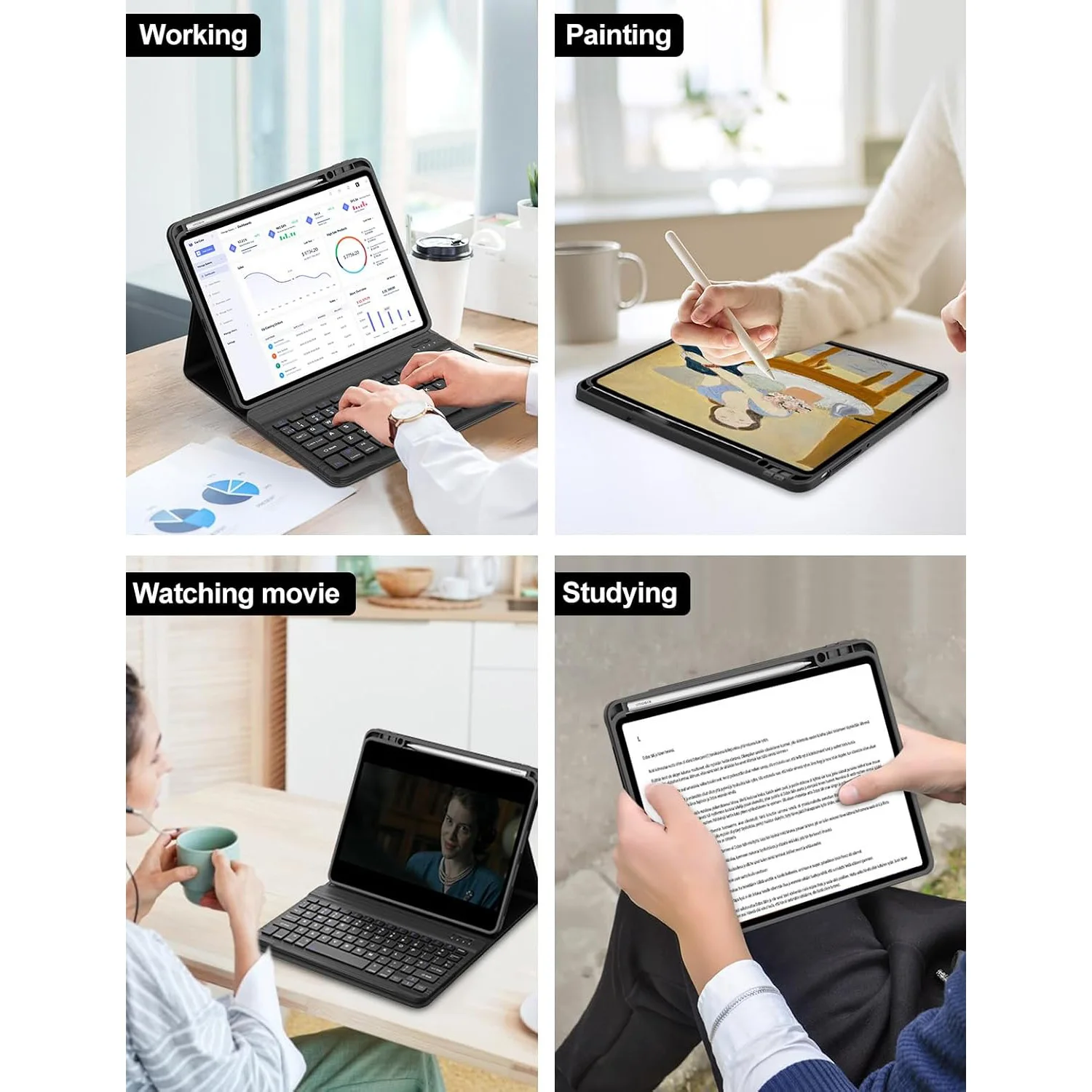
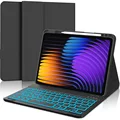
🪶 Introducing the Keyboard Case for Xiaomi Pad 7 11.2-inch, an ideal blend of functionality and style designed specifically for the Mi Pad 7 Pro 11.2-inch tablet. This premium case not only offers robust protection for your device but also enhances your productivity with an integrated keyboard. The thoughtful design includes a convenient pencil holder, ensuring that your stylus is always within easy reach.
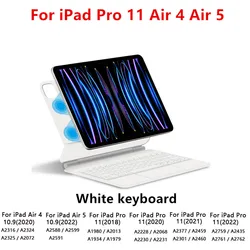
🧰 Before making your purchase, it’s essential to verify your tablet model to ensure compatibility. You can find the model number on the back of your device or by navigating to "Settings," then selecting "About." This will help you confirm your specific model before buying the right case.
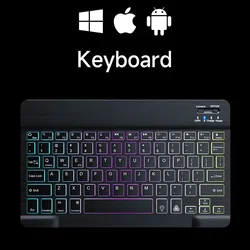
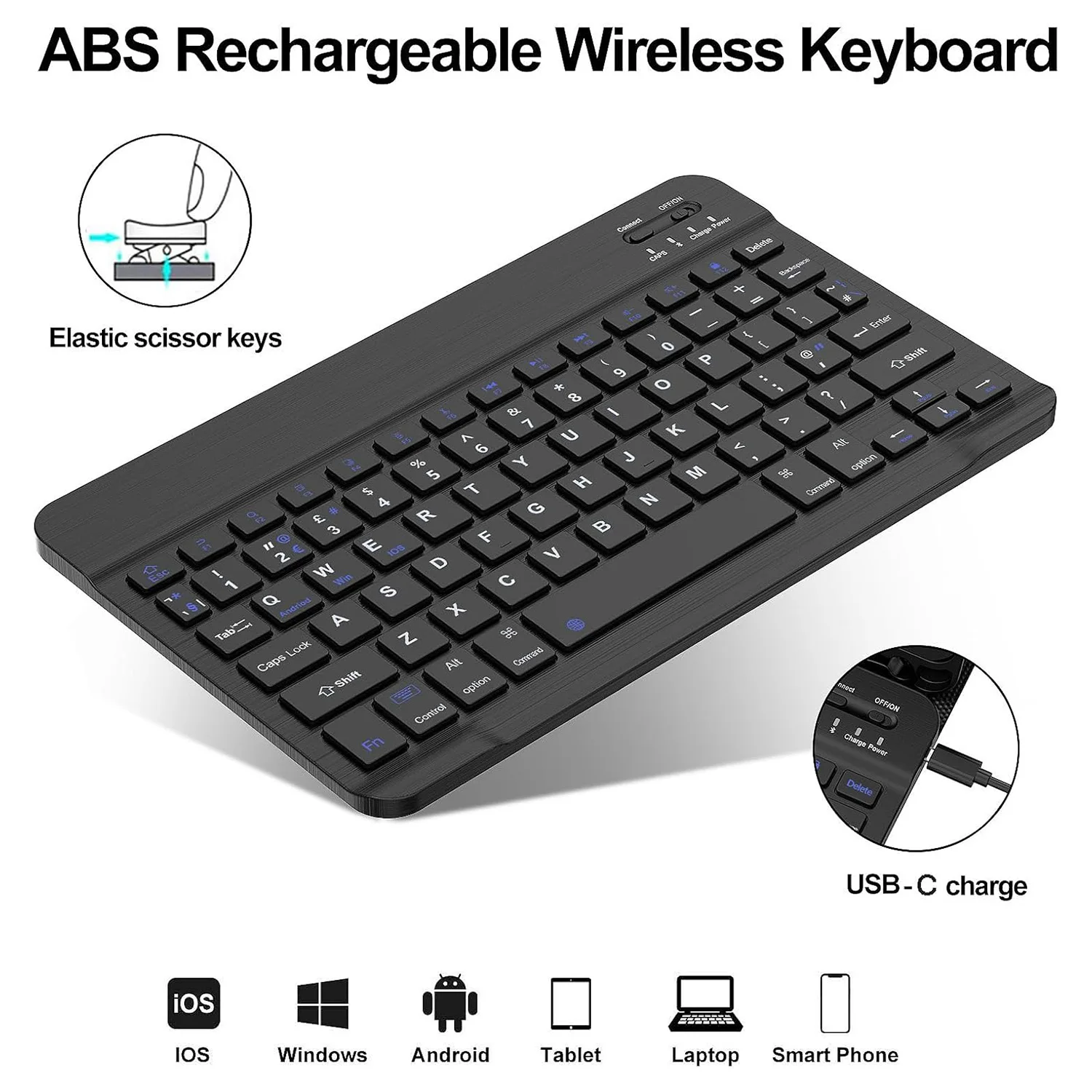
👌 Keyboard Connection Made Easy: Establishing a connection with the Bluetooth keyboard is straightforward. Simply power on the keyboard using the switch located in the upper right corner, press "Connect," and search for "Keyboard" in your device's Bluetooth settings to pair them effortlessly.
Frequently Asked Questions:
🏆 Q: How can I switch between different operating systems?
A: To switch systems, simply use the following key combinations: Fn + Q for Android, Fn + W for Windows, and Fn + E for iOS. Remember to switch the system before connecting your tablet for optimal performance.
🔘 Q: Why are the keyboard letters appearing incorrectly?
A: If you're experiencing issues with the keyboard layout, try the following steps:
a. Ensure that the keyboard language on your device is set to English.
b. Disconnect the keyboard from Bluetooth, select "Forget Device," then reconnect the keyboard after selecting the desired operating system using the Fn keys mentioned above.
c. For a reset, press the L, S, and Z buttons simultaneously.
🧰 Q: How do I configure the keyboard for different languages?
A: If you are using a Samsung tablet, you can set this up by going to "Settings," then "System," followed by "Language & input," and selecting "Add New Keyboard." For other systems, please refer to the specific instructions based on your device model.
📎 Note: Please be aware that the digital tablet and stylus are not included with the case. The description provided serves as a reference; for accurate representation, please refer to the actual product color and specifications.
If this item arrives after the delivery date given at checkout, you will be emailed a £5.00 credit voucher to use on your next order