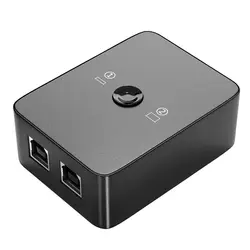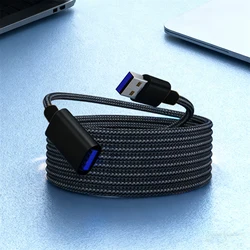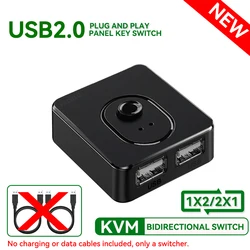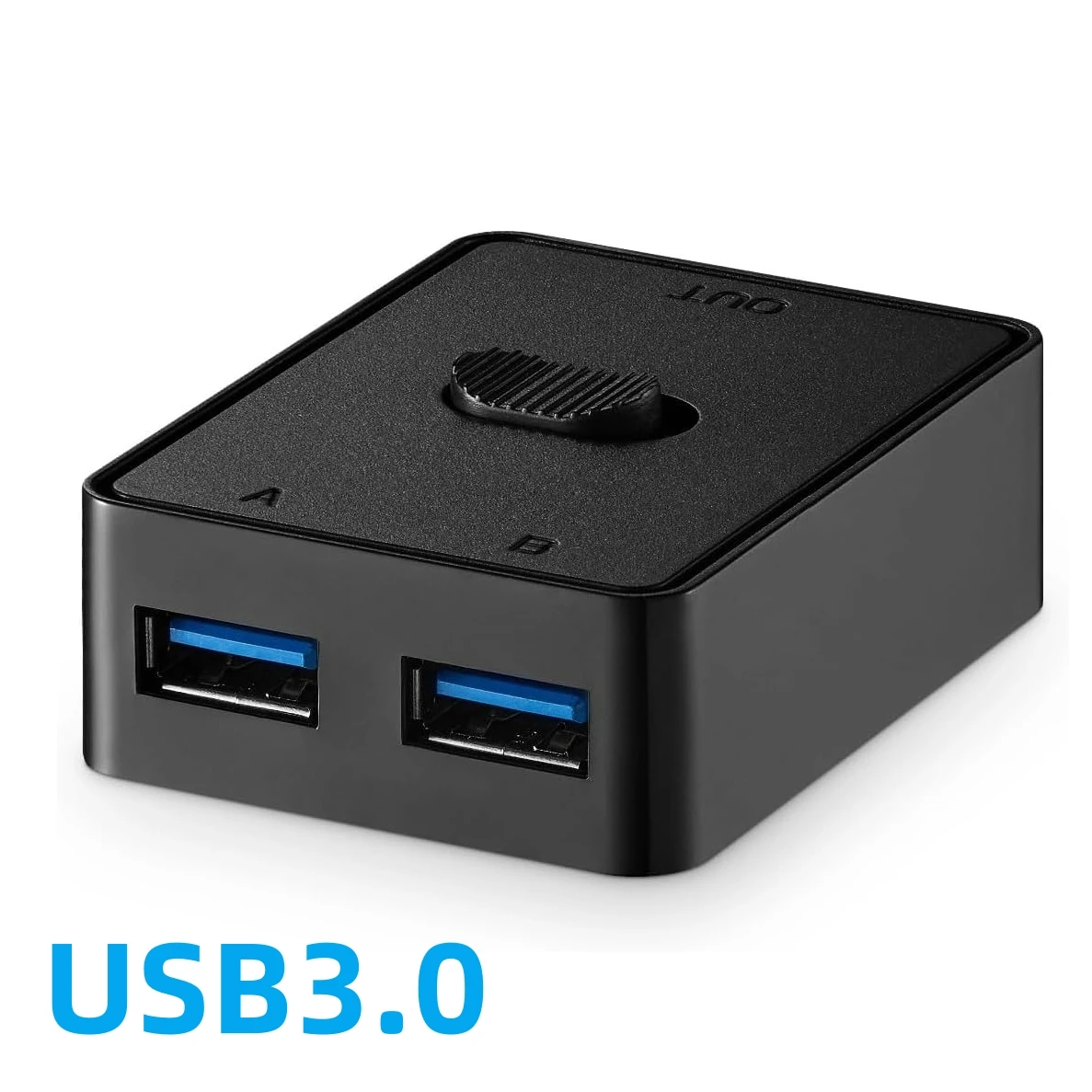
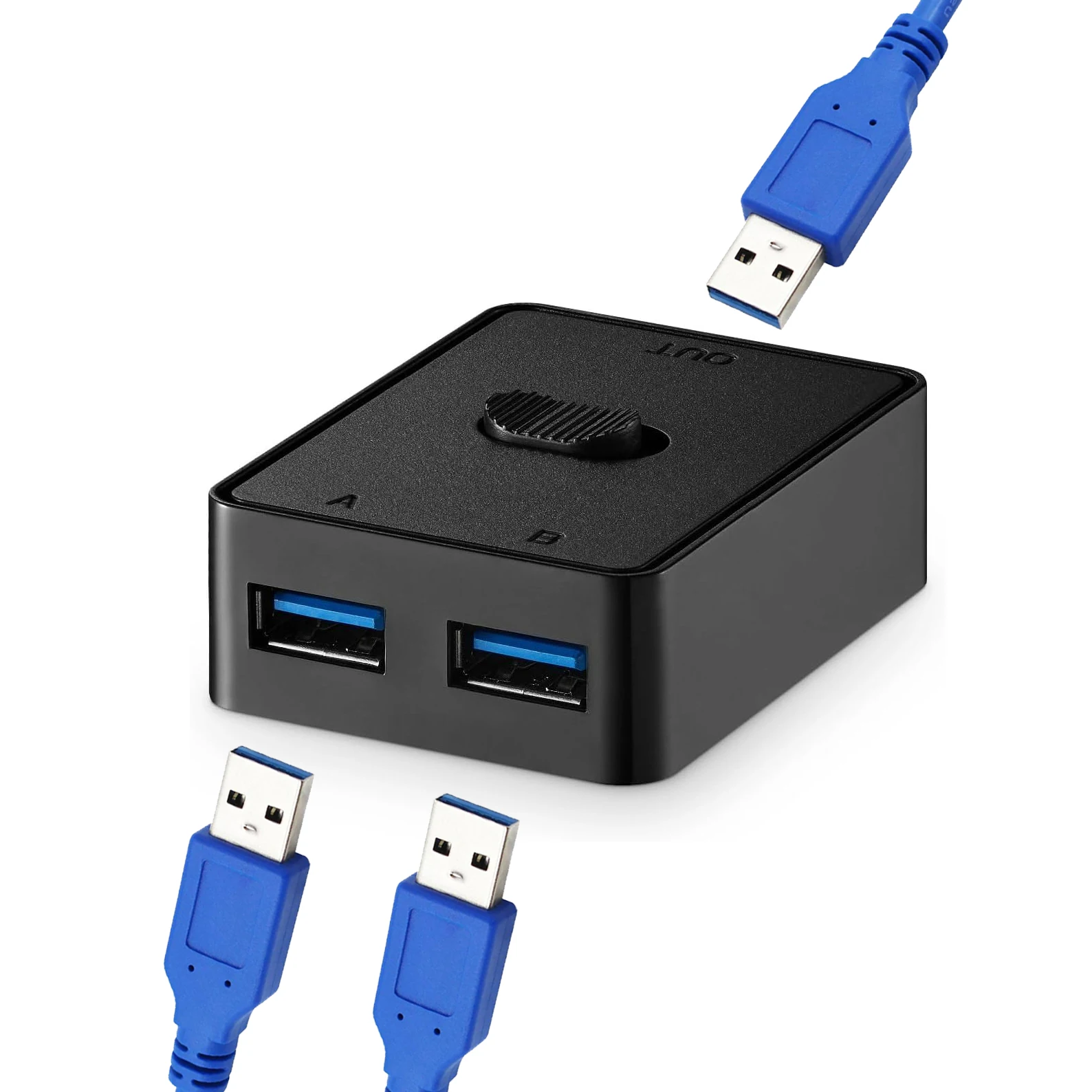
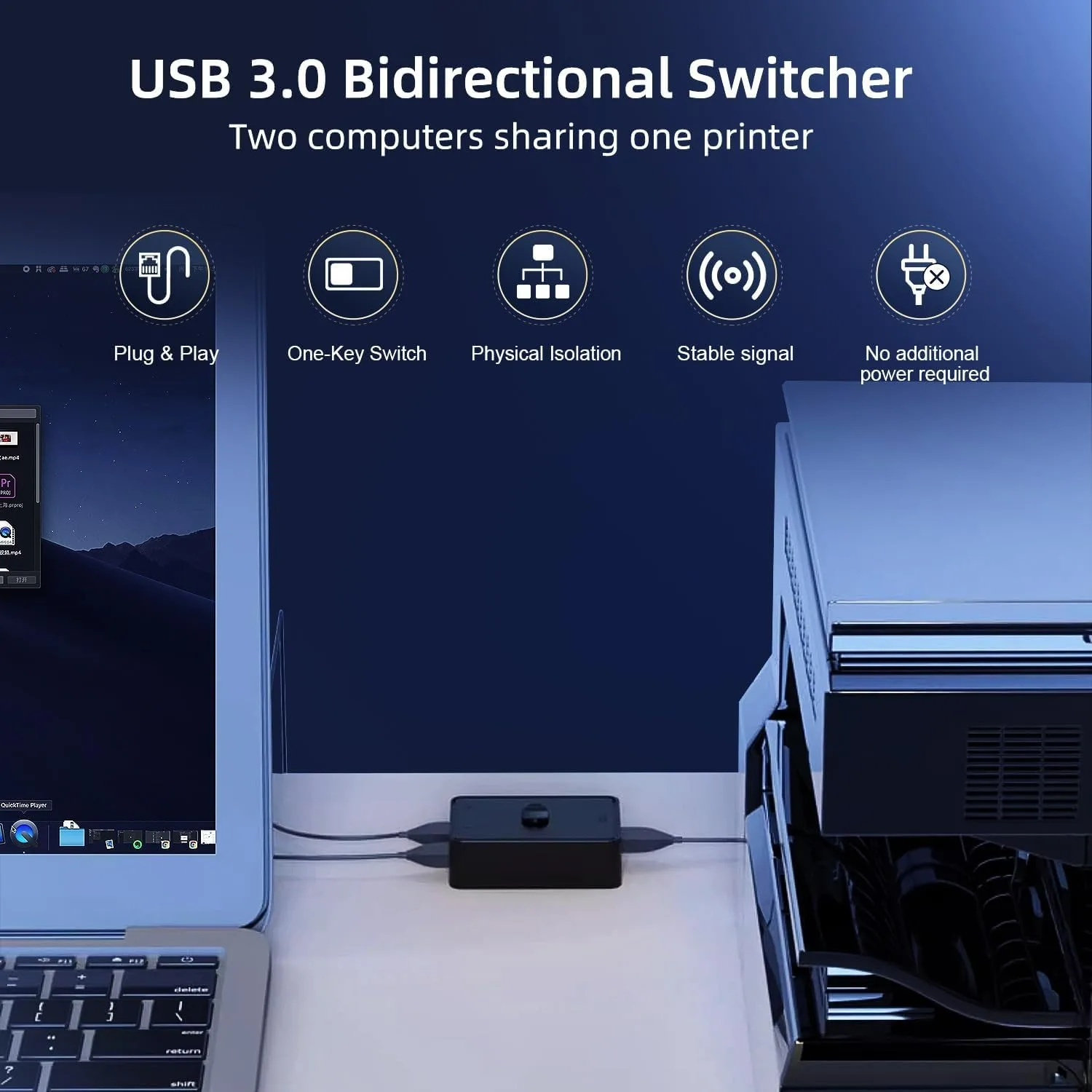
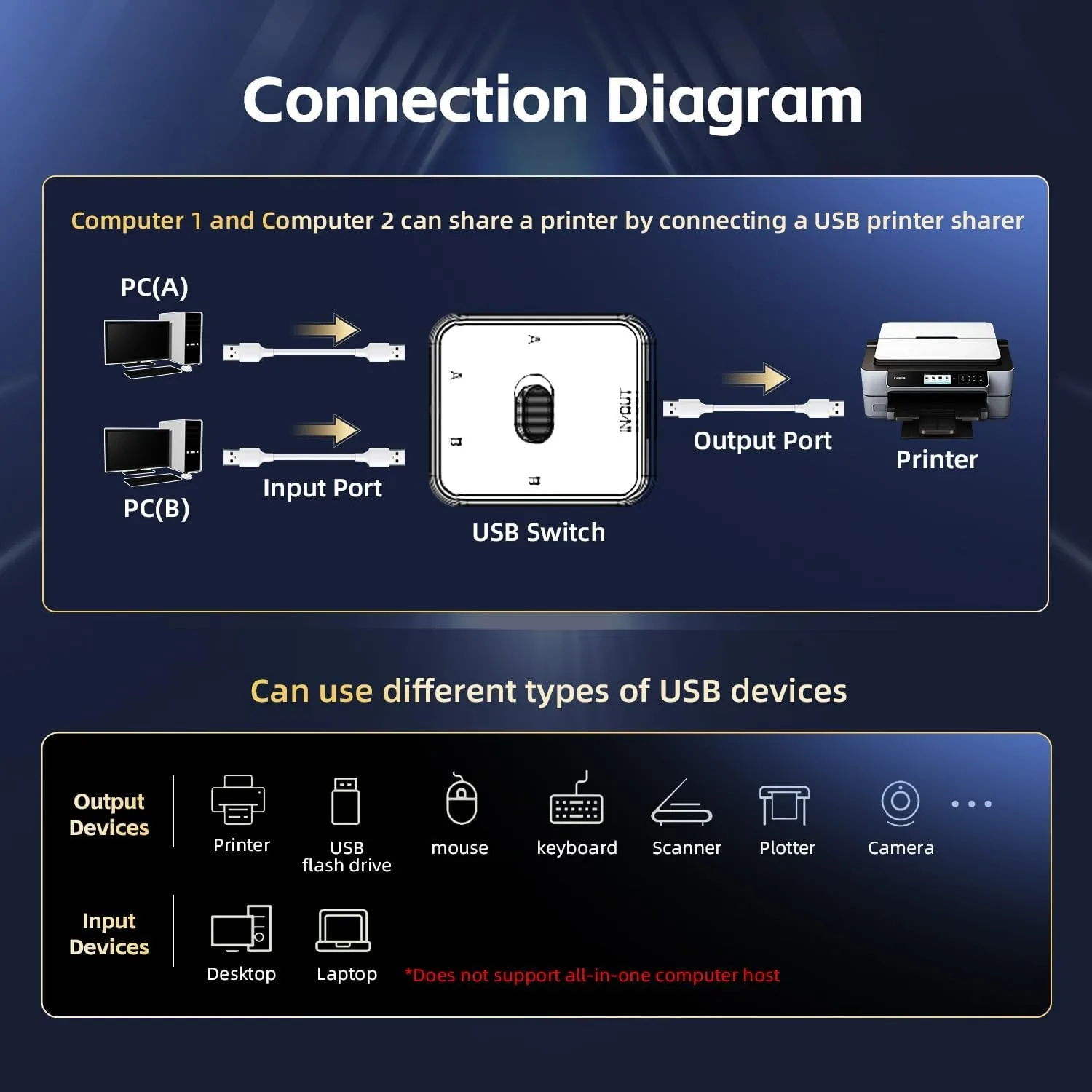
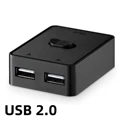
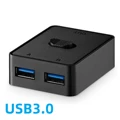
🔘 USB 3.0/2.0 Switch for 2 Computers: Effortlessly manage your peripherals with this innovative switcher box that allows seamless sharing of a keyboard, mouse, scanner, and printer between two computers. Designed for efficiency, this device eliminates the hassle of constantly unplugging and re-plugging your USB devices, letting you toggle between systems with the push of a button.
💍 Bi-Directional Functionality: This versatile USB switch allows for both 2 in 1 out and 1 in 2 out configurations, giving you the flexibility to switch between two computers or share a single device. It’s ideal for multitaskers or those who work on multiple systems, ensuring a smooth workflow without interruptions.
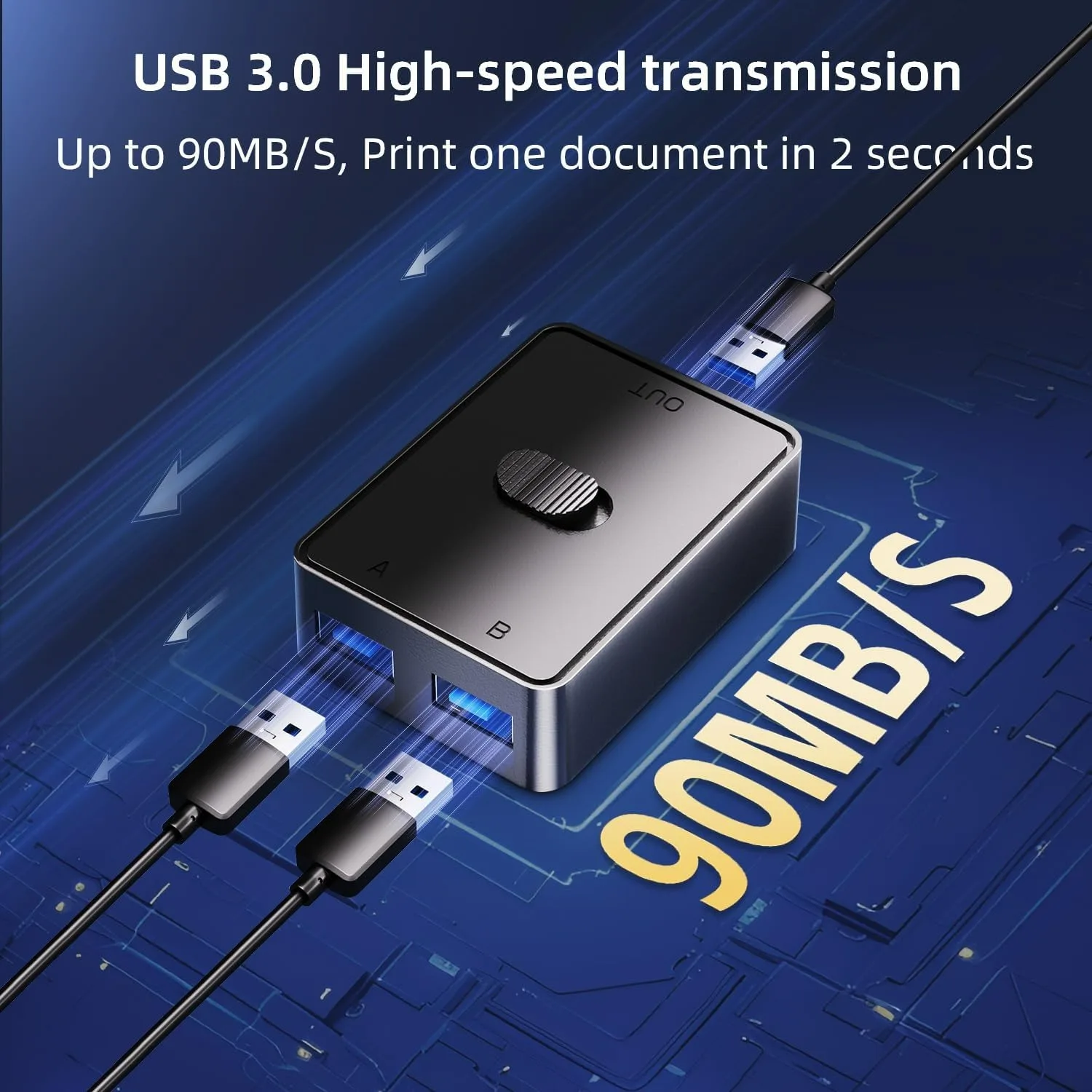
⚡ SuperSpeed USB 3.0 Transfer Rates: Experience lightning-fast data transfer speeds of up to 90MB/S thanks to USB 3.0 technology, while still maintaining backward compatibility with USB 2.0 and 1.1 devices. Quickly transfer printer documents in a mere 2 seconds for enhanced productivity and lag-free operation with your peripherals.
👌 Easy Plug & Play Setup: Enjoy hassle-free installation with this switcher that requires no additional drivers, making it compatible with a variety of operating systems including Windows, macOS, and Linux. The hot-swapping capability means you can switch devices in and out without any interruptions to your workflow.
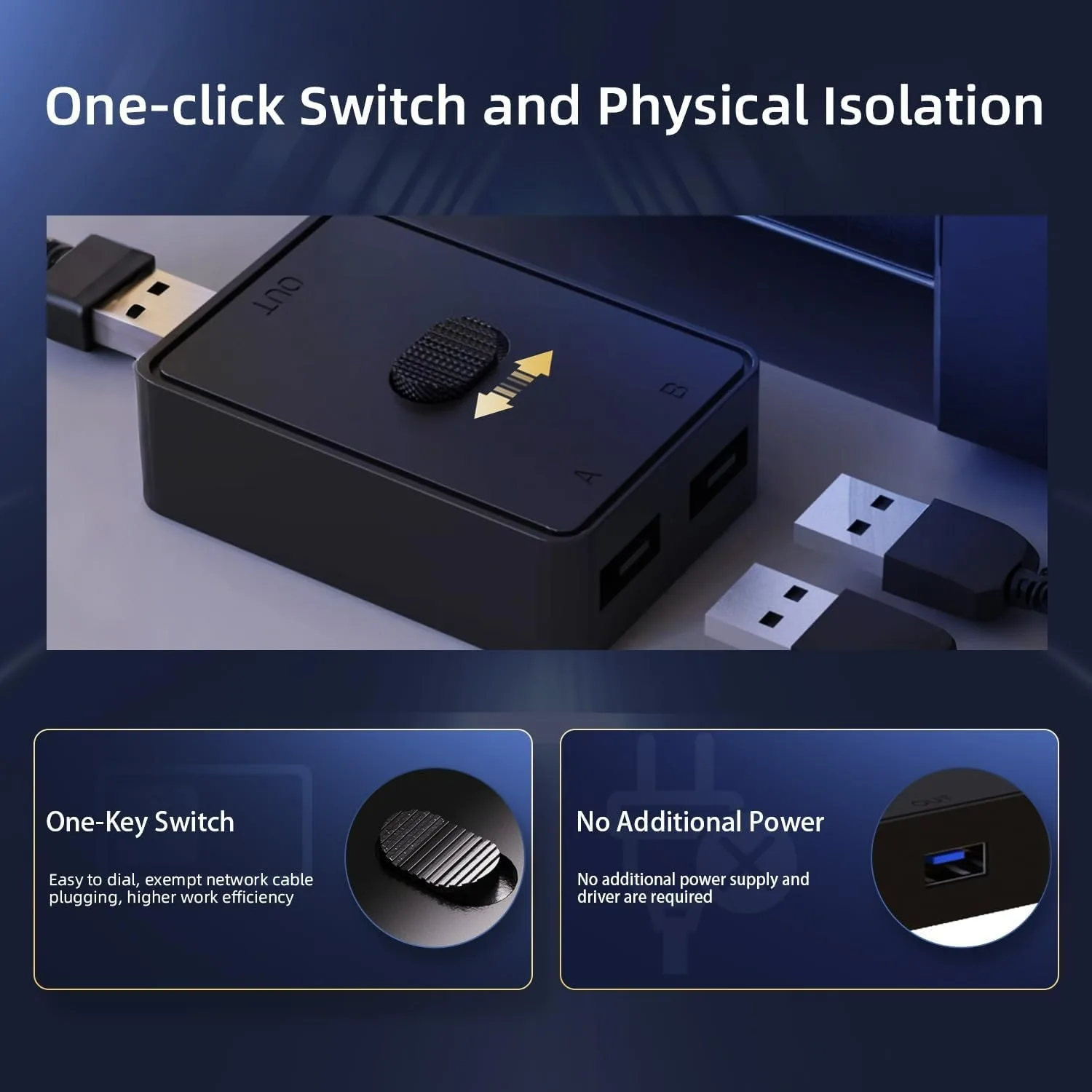
🔘 Convenient External Switch Button: With a sturdy physical toggle button, conveniently switch between connected computers at your fingertips. This intuitive design ensures easy operation, making the transition between systems quick and efficient.
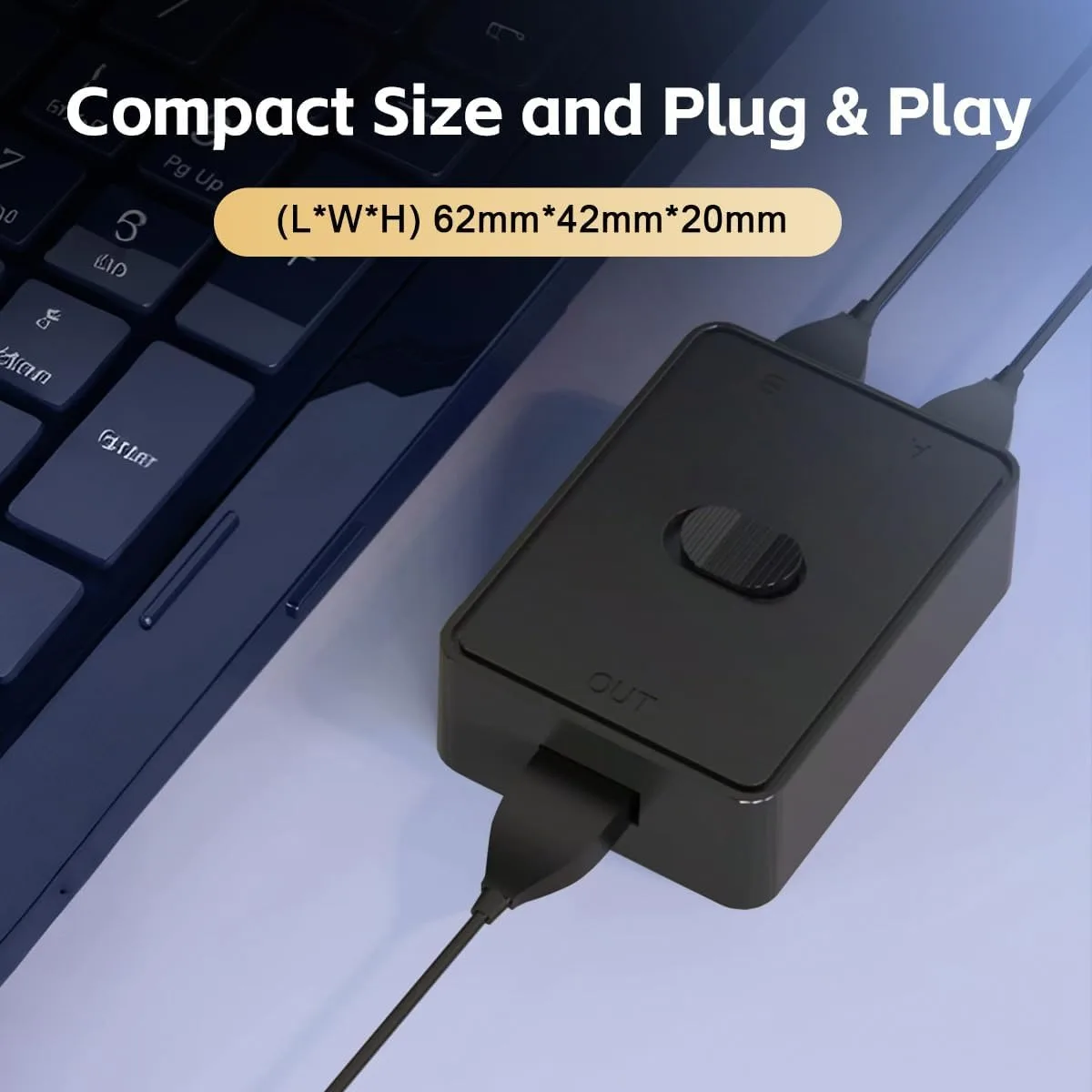
📦 Wide Compatibility and Compact Design: The USB switcher is compatible with a variety of devices, including desktops, laptops, monitors, and an array of USB peripherals like hubs and webcams. Its compact design not only saves valuable desk space but also delivers stable performance, making it a reliable addition to your tech setup.
If this item arrives after the delivery date given at checkout, you will be emailed a £5.00 credit voucher to use on your next order