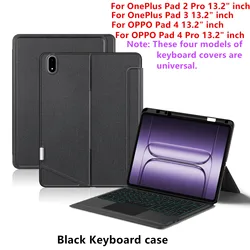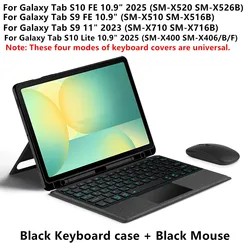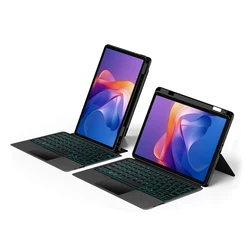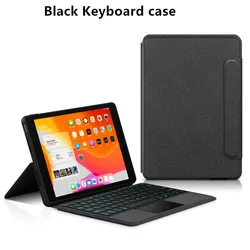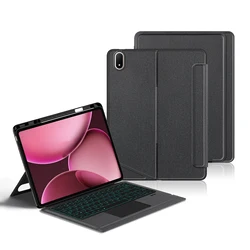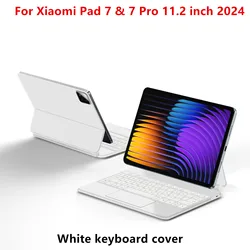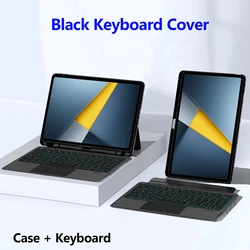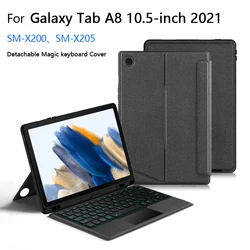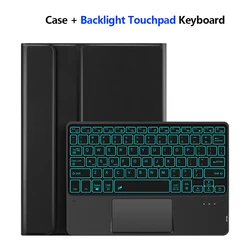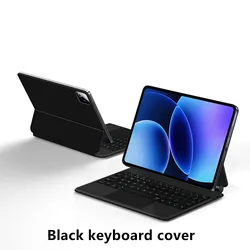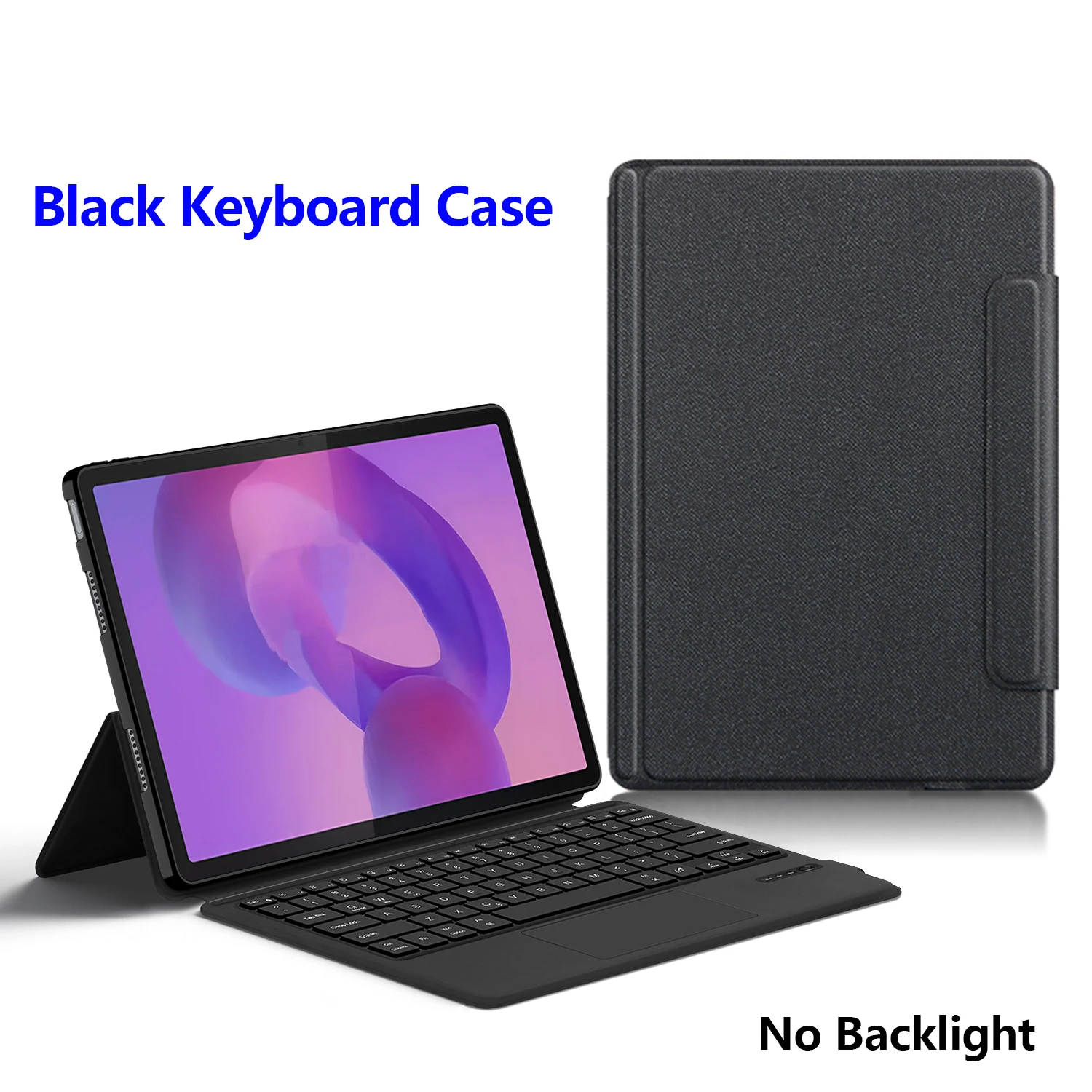
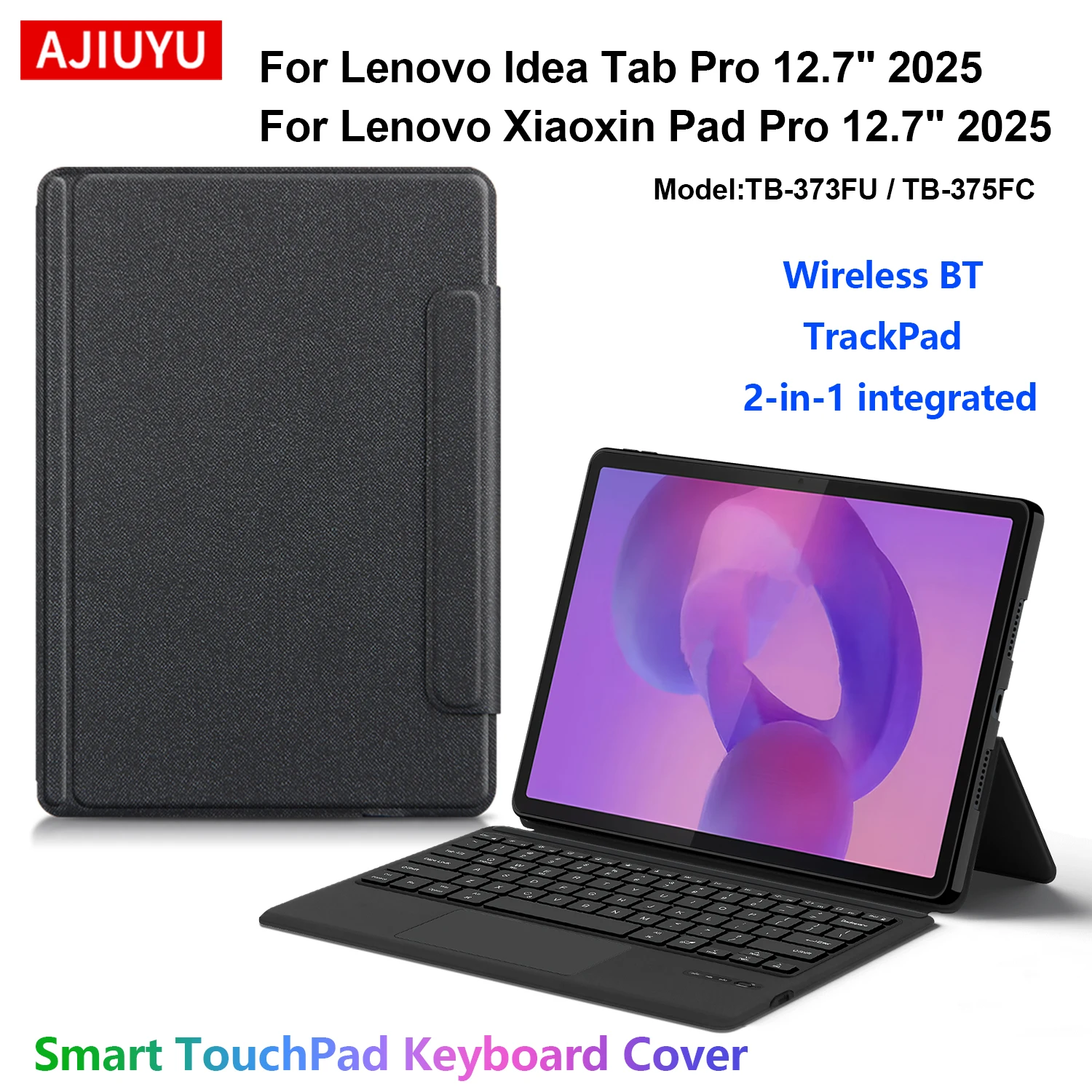
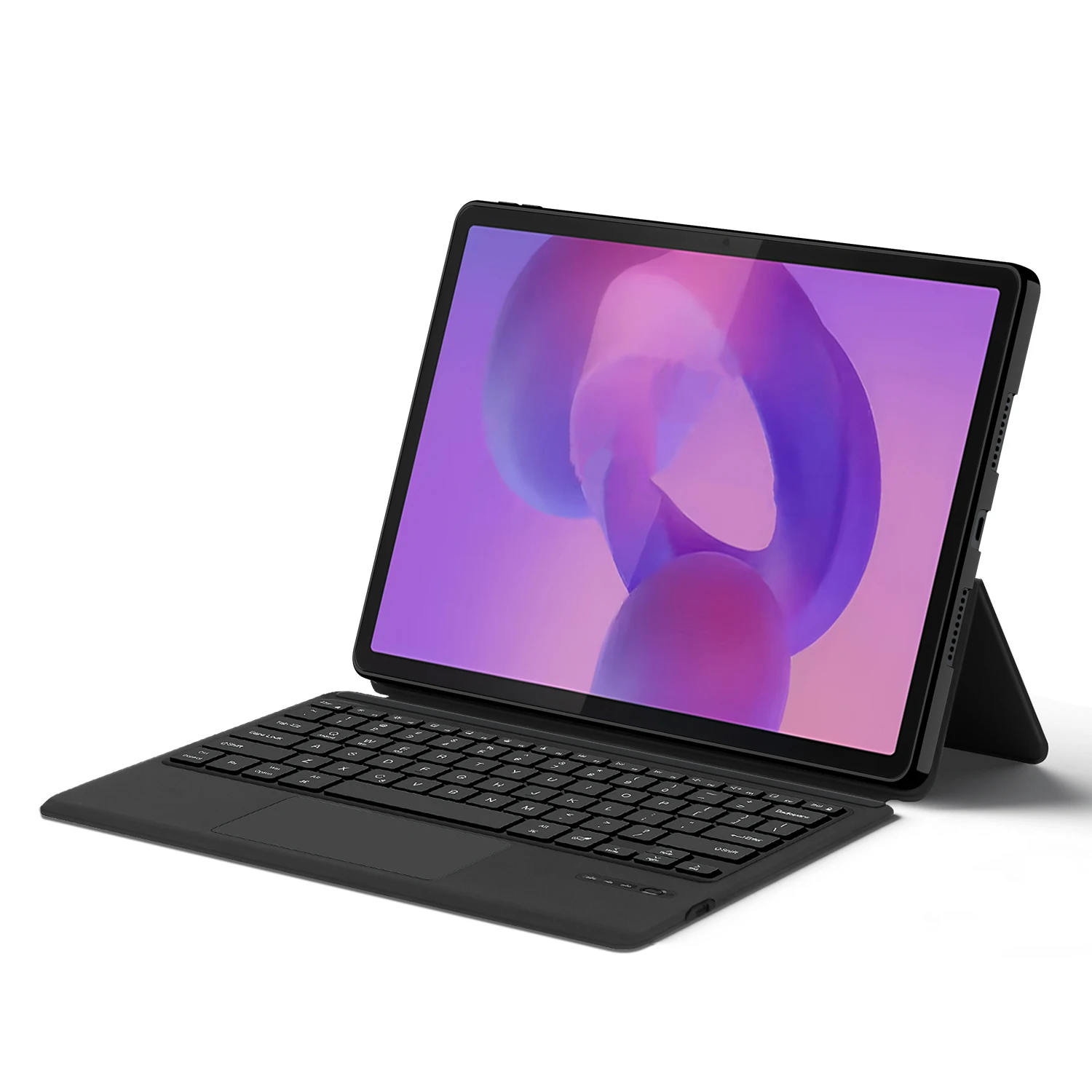
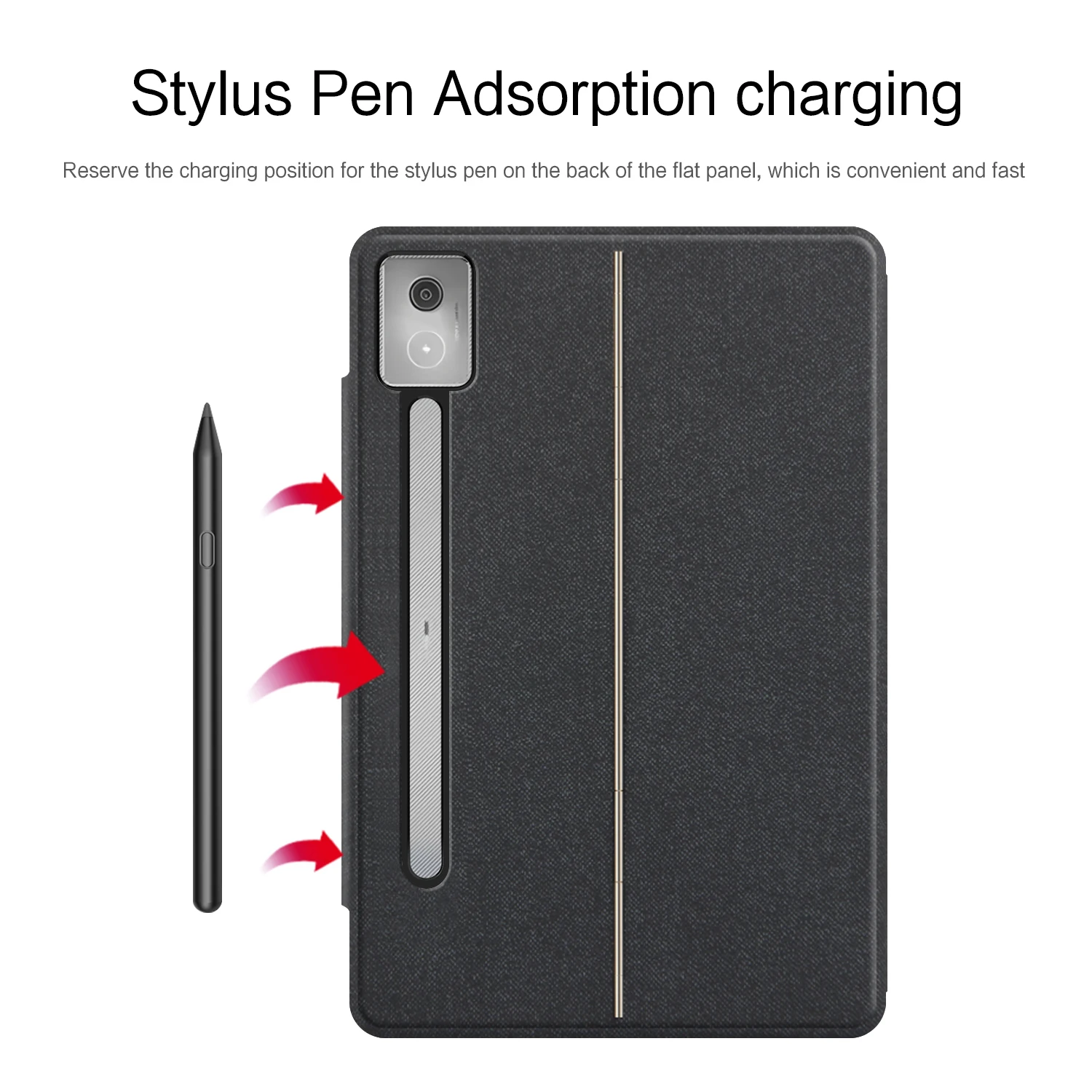
🛡️ Trackpad Keyboard Case for Lenovo Idea Tab Pro 12.7" TB-373FU Tablet & Xiaoxin Pad Pro 12.7" TB-375FC - A Perfect Fusion of Protection and Functionality
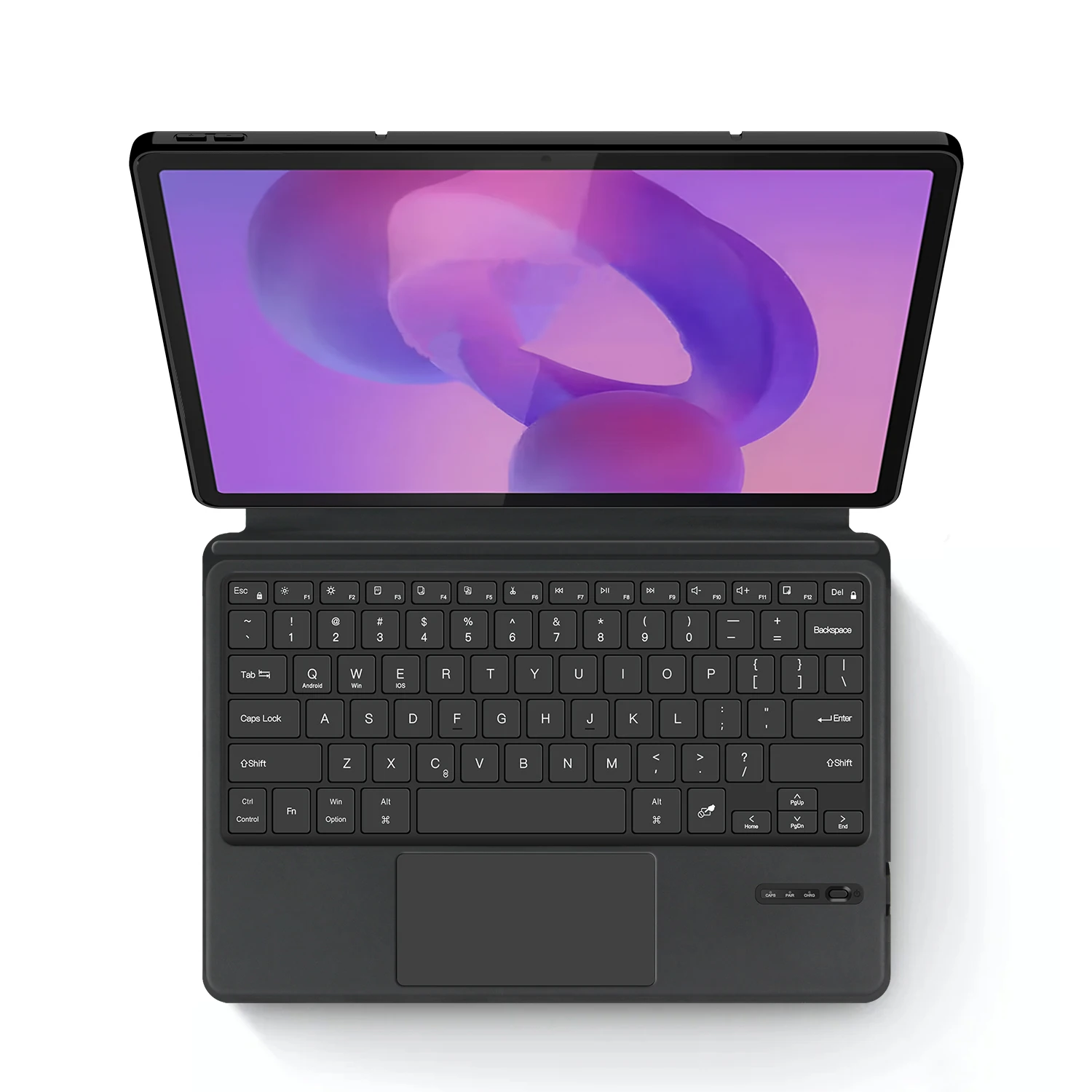
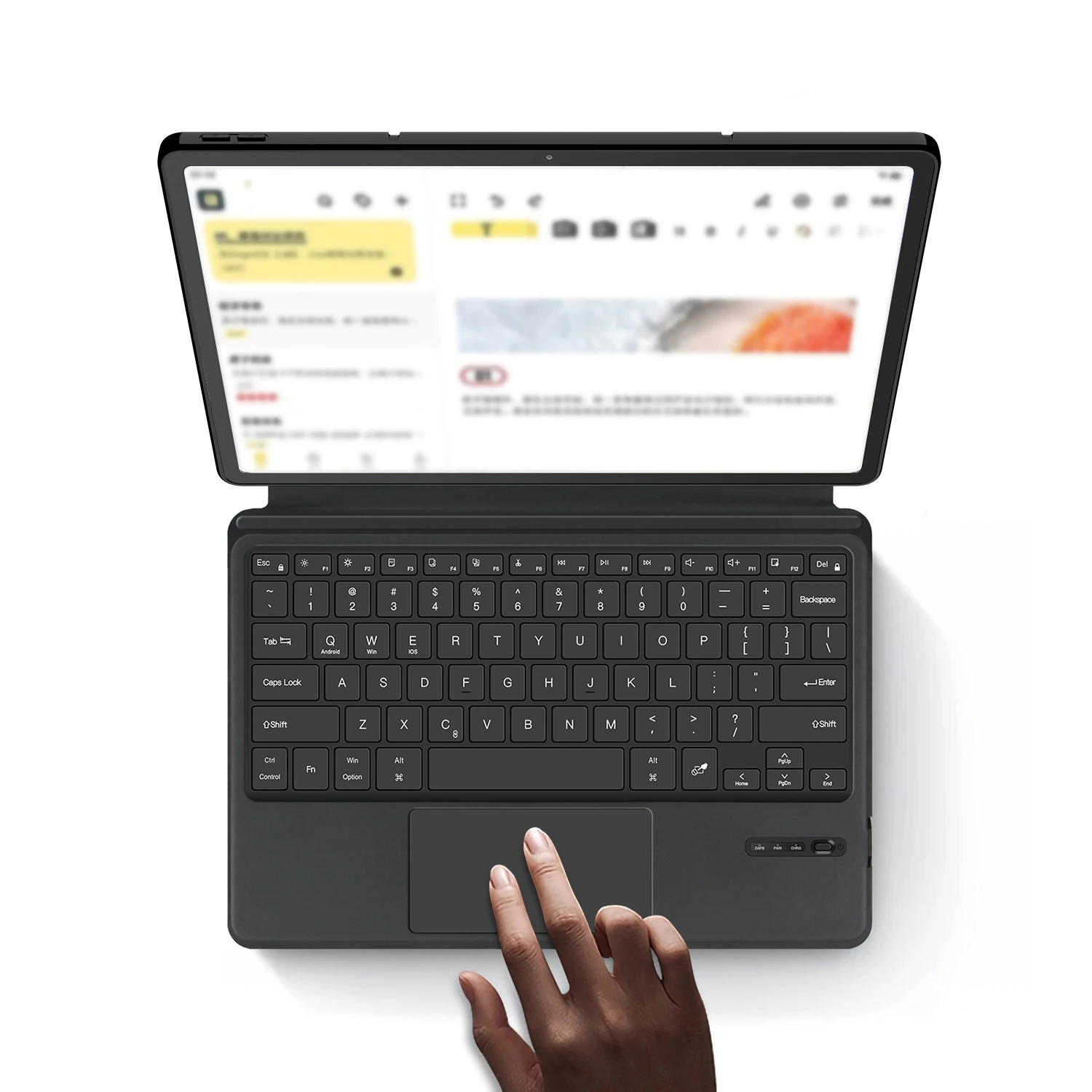
🪶 Experience the ultimate in tablet versatility with our all-in-one Trackpad Keyboard Case. Designed specifically for the Lenovo Idea Tab Pro 12.7-inch (Model: TB-373FU) and the Lenovo Xiaoxin Pad Pro 12.7-inch (Model: TB-375FC), this innovative accessory serves as both a protective cover and a full-featured keyboard. Its TPU soft shell construction not only provides superior protection for your tablet against daily wear and tear but also adds a touch of elegance.
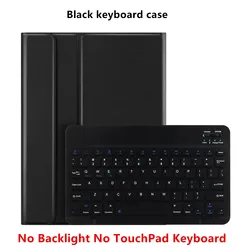
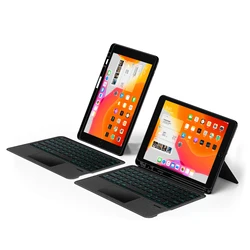
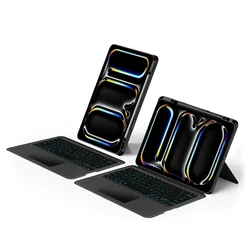
🧩 Dual-Use Design: When unfolded, the case transforms into a functional tablet keyboard, making it ideal for typing, note-taking, or even casual browsing. When closed, it shifts seamlessly into a robust protective case, ensuring your device is safeguarded on the move. This multifunctional approach makes it perfect for students, professionals, and anyone who needs versatility in their tech accessories.
🎯 Compatibility: This keyboard case is exclusively tailored for the Lenovo Idea Tab Pro 12.7 inch 2025 Tablet (Model: TB-373FU) and the Lenovo Xiaoxin Pad Pro 12.7 inch 2025 Tablet (Model: TB-375FC). It’s important to note that the keyboard covers are universal for these specific models; therefore, it is not compatible with other tablet models. Be sure to verify your tablet model prior to making a purchase to ensure a perfect fit!
How to Verify Your Tablet Model:
⚡ Keyboard Options: We offer both English and multi-language versions of the keyboard. The English version features only English letters, while the multi-language version includes English letters alongside specific characters for additional languages (e.g., Portuguese). Note that switching input methods allows for seamless typing in your preferred language, although there may be some overlap in key engraving due to keyboard design. Please consider this when selecting your keyboard version.
📶 Bluetooth Connectivity: Setting up your keyboard is a breeze. Simply turn on the keyboard, press and hold 'Fn + C' for 2-3 seconds to activate Bluetooth. Once the blue indicator light is on, enable Bluetooth on your tablet and search for 'Wireless Keyboard' to connect.
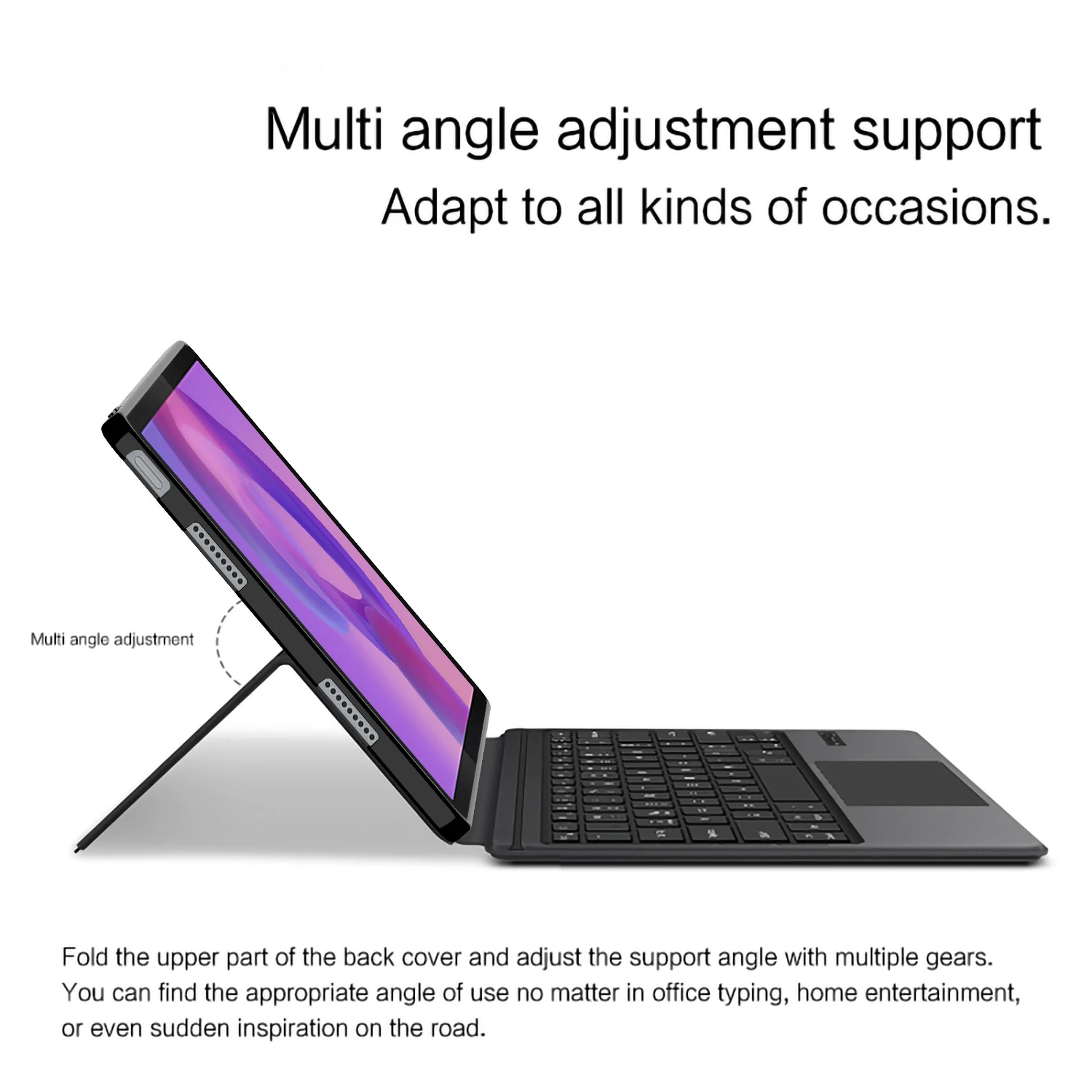
🔧 Additional Features: The back bracket of the case is designed to be manually opened, allowing you to adjust your viewing angle for optimum comfort while working or relaxing. Always refer to the user manual for detailed instructions regarding features and troubleshooting—your ultimate guide to maximizing your usage.
🧰 Note: The color and resolution of the actual product may vary slightly from the images due to lighting and display settings. Please trust that the actual product received will meet the highest quality standards.
If this item arrives after the delivery date given at checkout, you will be emailed a £5.00 credit voucher to use on your next order