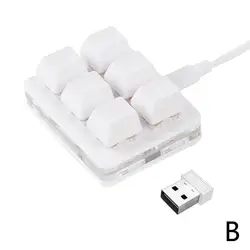
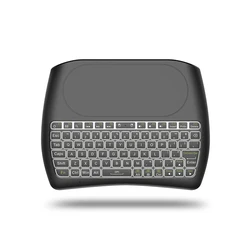
Enhance Your Gaming Experience with the Mini Keypad Chatpad
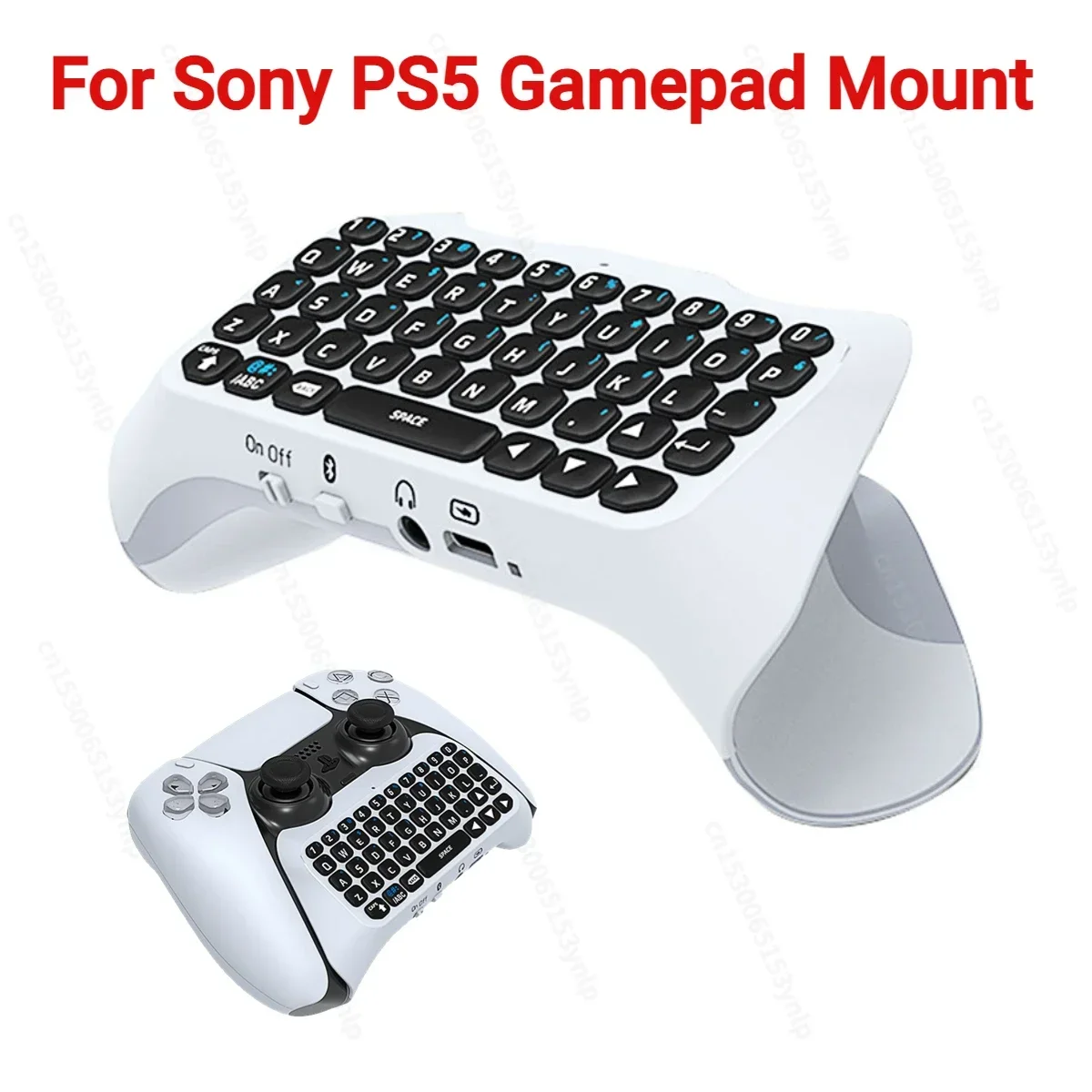
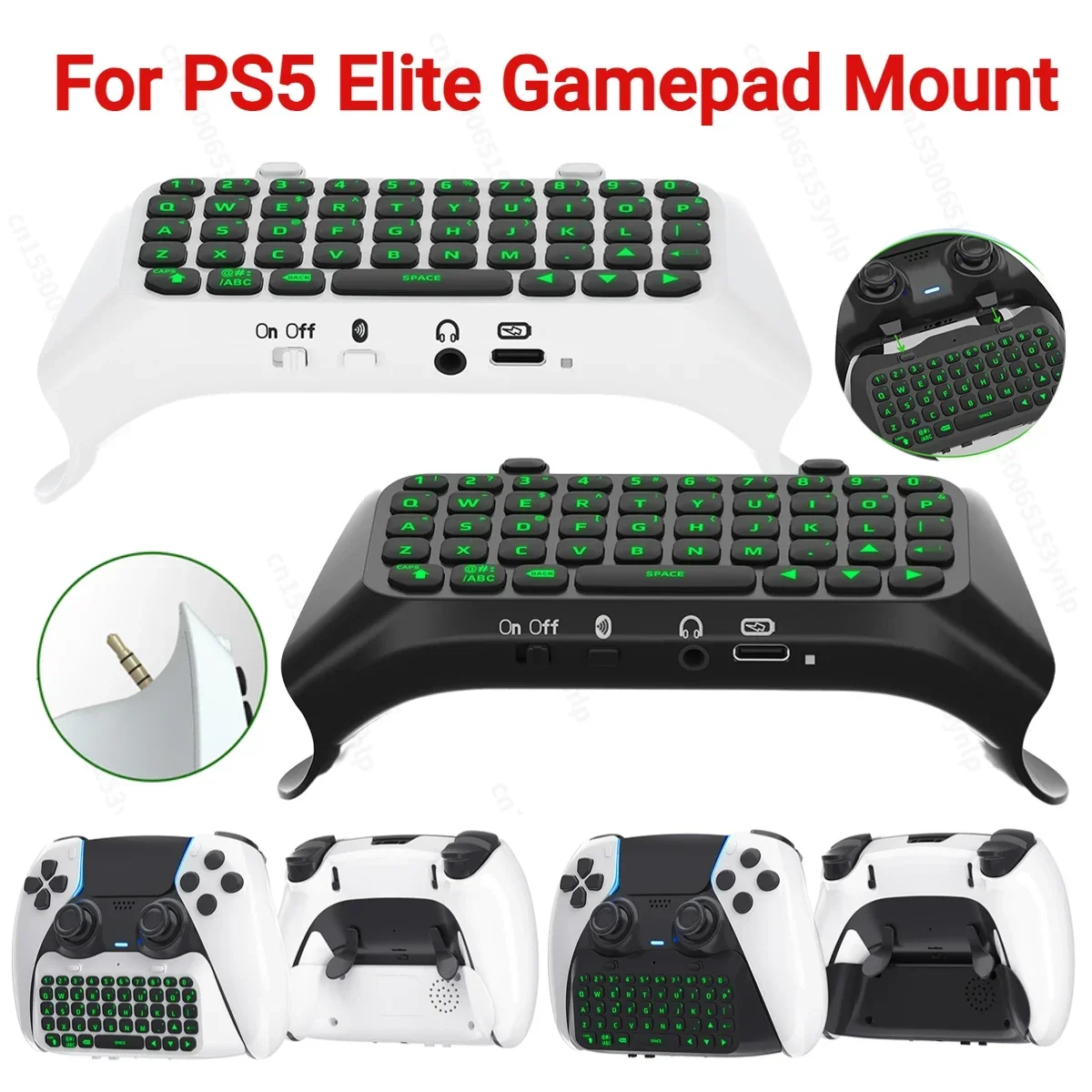
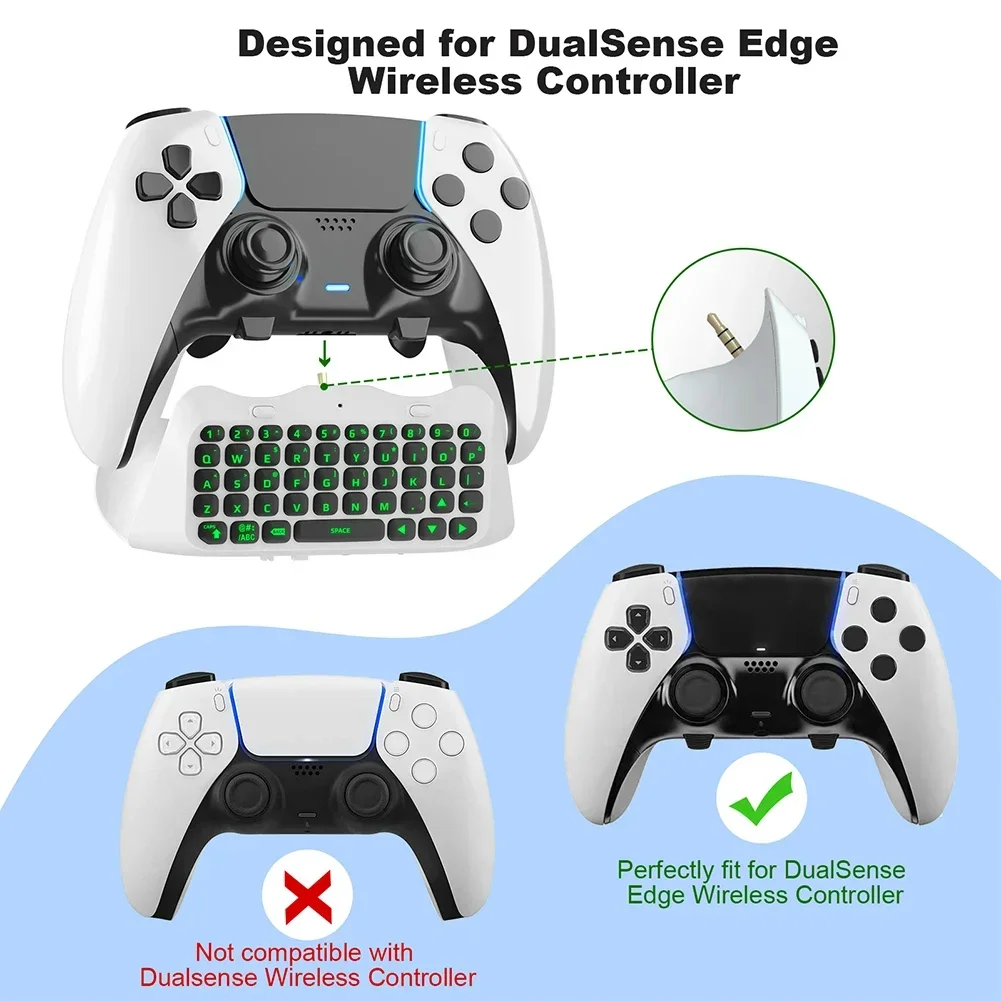
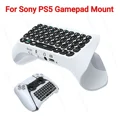
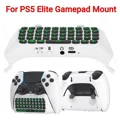
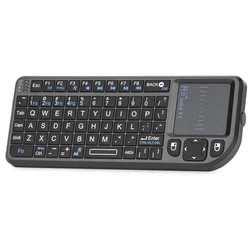
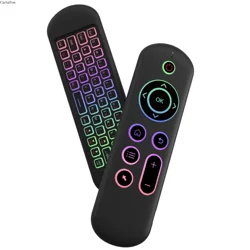
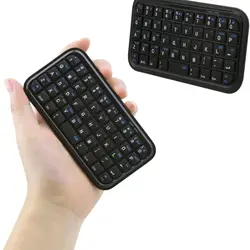
📦 The Mini Keypad Chatpad is a Bluetooth-Compatible wireless keyboard designed specifically for the PS5 Elite Handle, providing gamers with a seamless and efficient way to communicate and navigate while gaming. With its compact and ergonomic design, this keyboard not only supports intense gaming sessions but also enriches your overall gameplay experience.
🔧 Key Features:
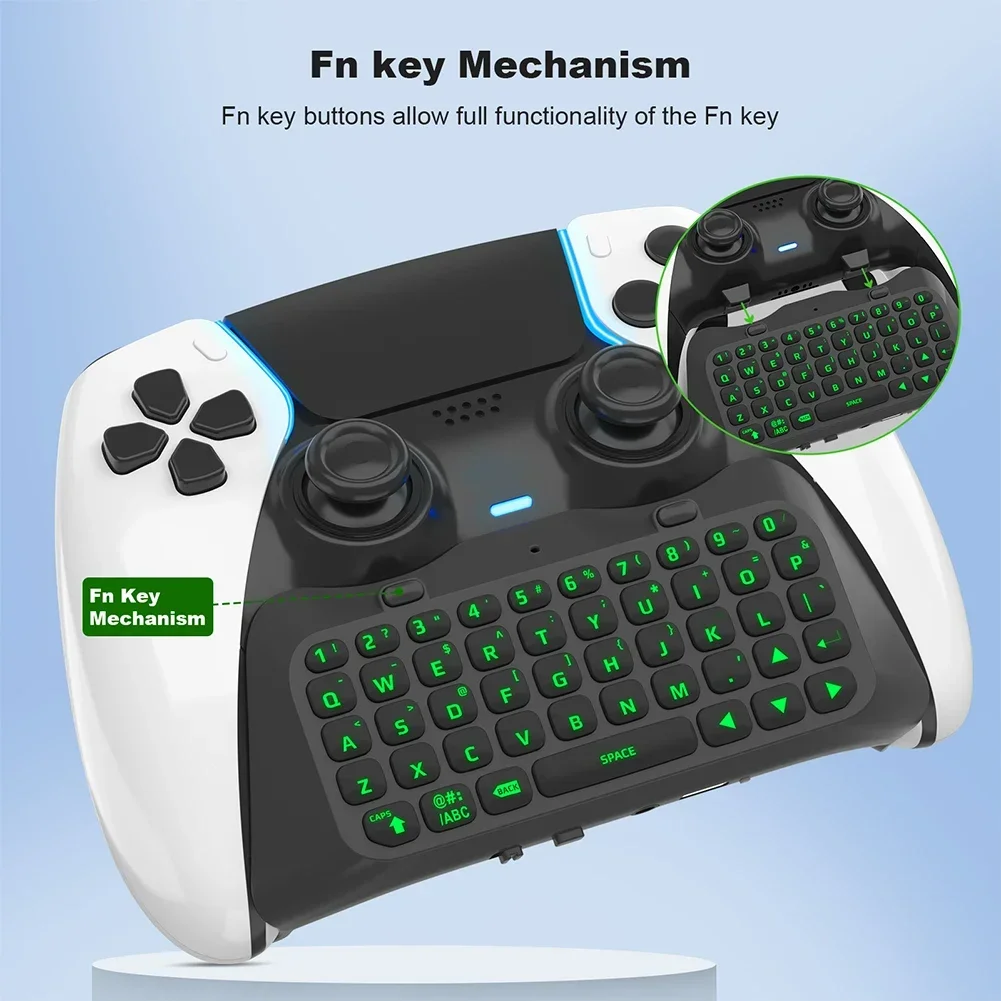
- Ergonomic Design: The keyboard is thoughtfully crafted to fit comfortably with your PS5 Elite Handle, allowing for quick access to typing and chat functions without disrupting your gaming flow.
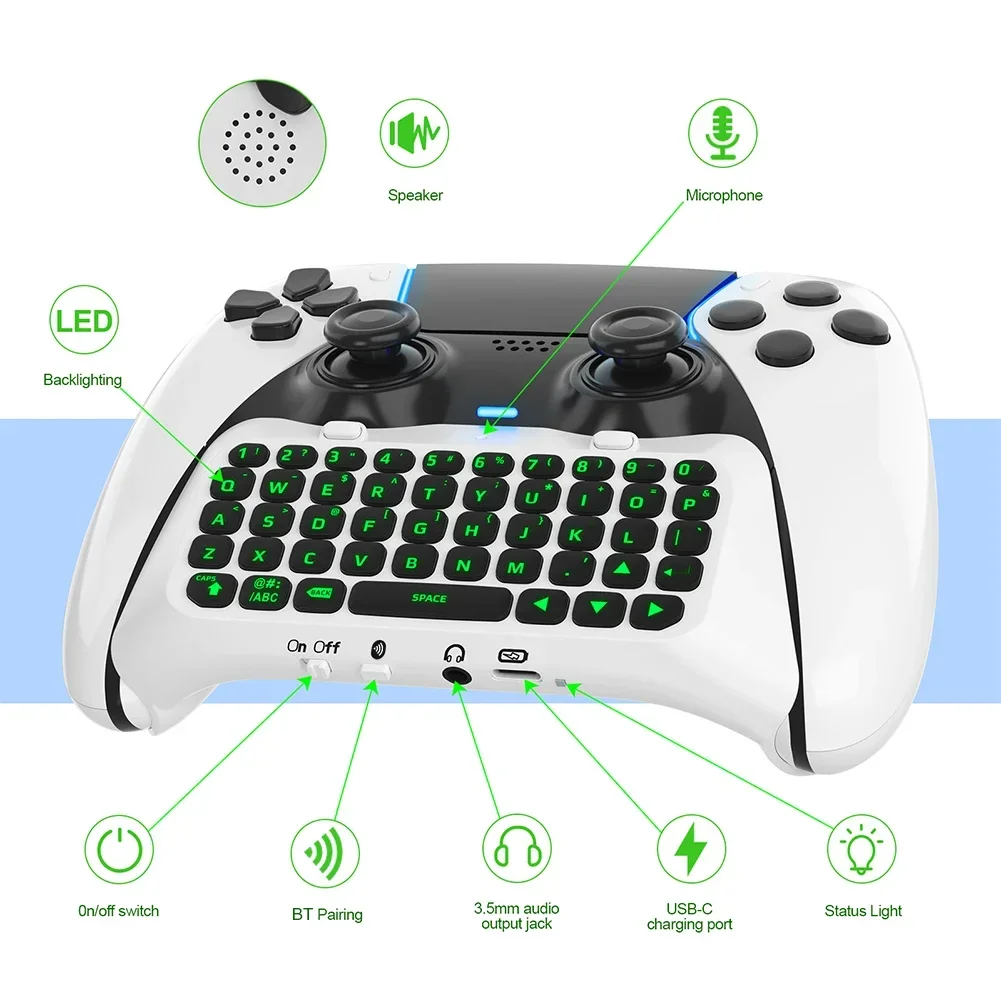
- Complete QWERTY Layout: Equipped with a full QWERTY keyboard, the Chatpad makes messaging and chatting during gameplay intuitive and fast, ensuring you stay connected with your friends.
- Built-in Speaker: Experience audio directly from the keyboard with the integrated speaker. You can easily toggle this feature in the PS5 settings, allowing you the flexibility to switch to your favorite headphones whenever desired.
- Plug-and-Play Simplicity: Enjoy easy installation with no need for additional software. Connect via Bluetooth and start using the keyboard right away, streamlining your gaming setup.
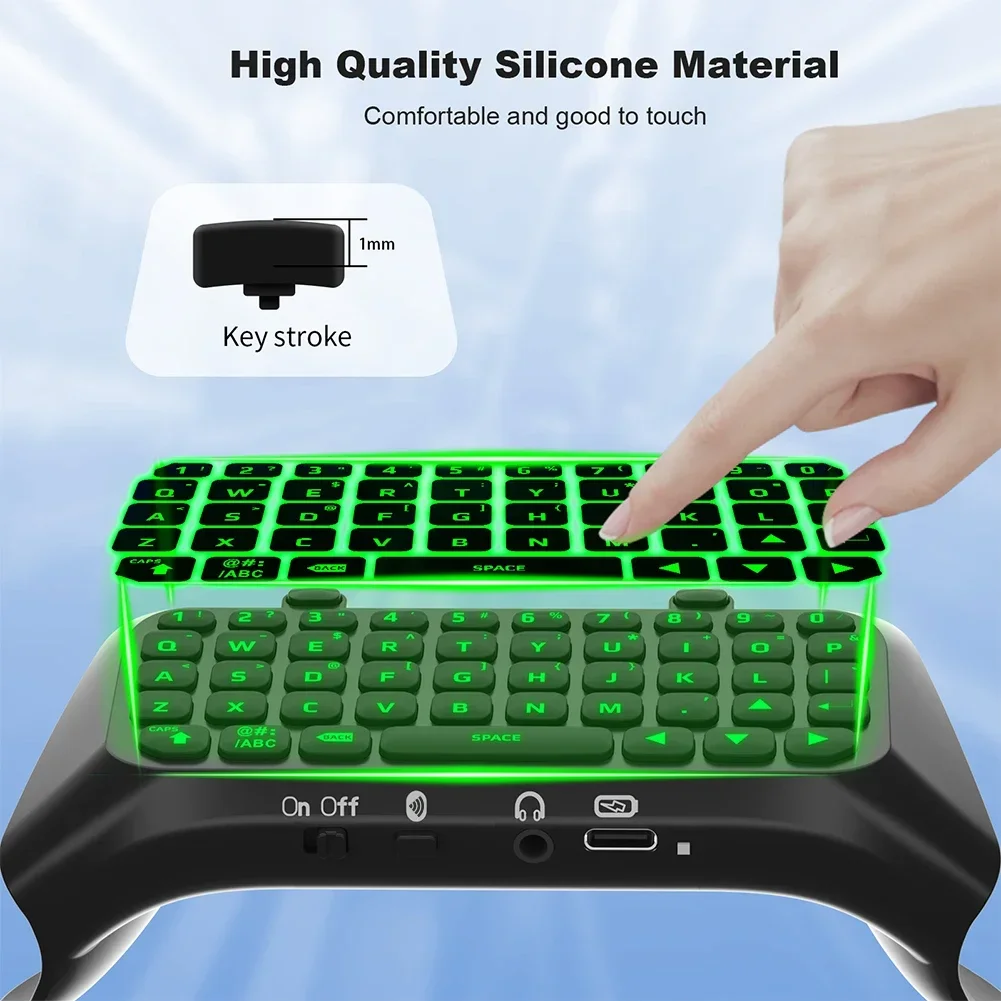
- Durable Construction: Made from high-quality ABS material, this keyboard is built to withstand the rigors of gaming, ensuring reliability and longevity.
🛡️ Specifications:
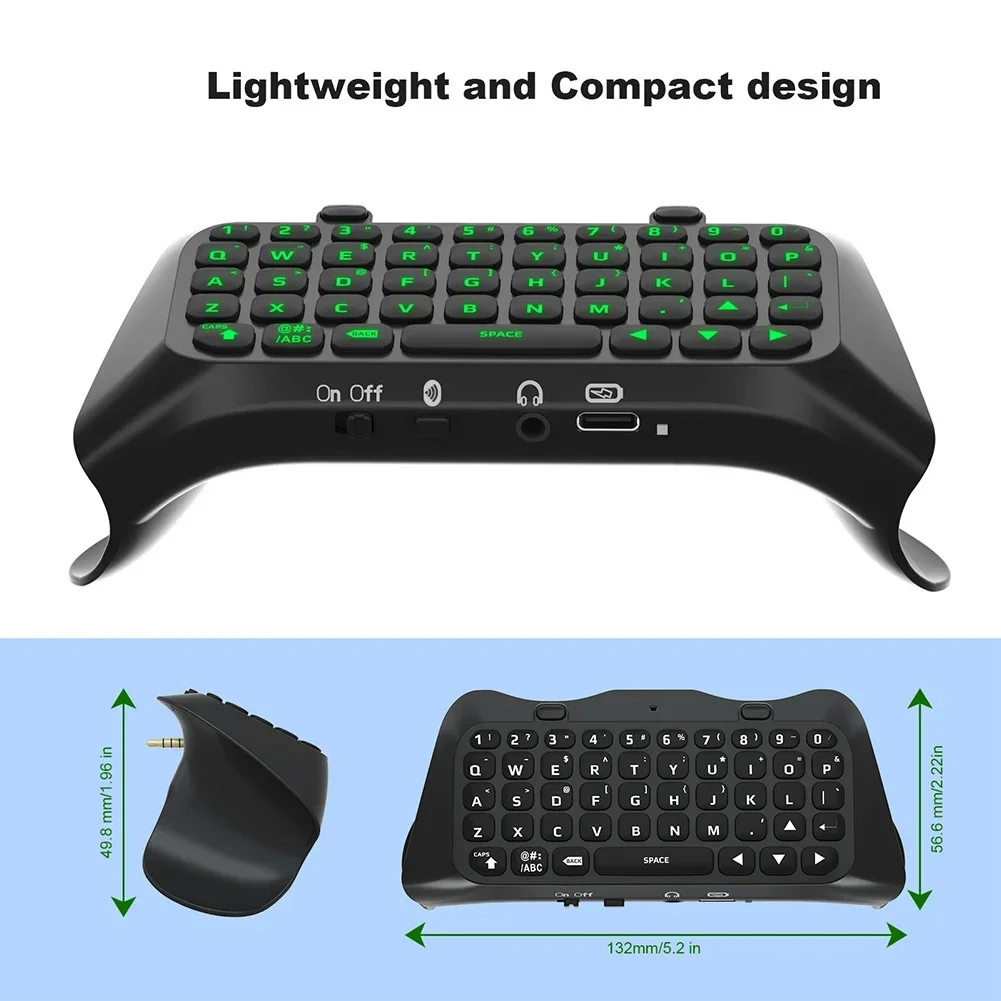
- Available Colors: White and Black
- Battery Capacity: 500mAh
- Bluetooth Version: 3.0
- Product Size: 132mm x 56.6mm x 49.8mm (5.2 x 2.23 x 1.96 inches)
👌 Easy Connection Steps:
- Attach the keyboard to the PS5 Elite controller using the 3.5mm interface.
- Connect the controller to the PS5 console.
- Power on the keyboard using the on/off switch; the blue LED indicator will turn on.
- Naviagate to Settings on your PS5, then select Peripheral Devices and Bluetooth-Compatible Accessories.
- Press and hold the keyboard's pairing button for 3 seconds until the LED flashes, indicating it's ready to pair.
- Locate the device name in Discovered Accessories and select it for pairing.
- Carefully enter the password displayed on your PS5 using the keyboard, then hit Enter to confirm.
- If unsuccessful, please repeat the previous steps ensuring the password is entered slowly.
🔘 Note: This product is a controller keyboard only and does not include a game controller. Due to variance in monitor settings and lighting, actual product color may slightly differ from images. Please allow minor measurement deviations of 1-2 cm due to manual measurement.
💍 Transform your gaming sessions with the Mini Keypad Chatpad and enjoy unparalleled convenience and communication while conquering your virtual worlds!