
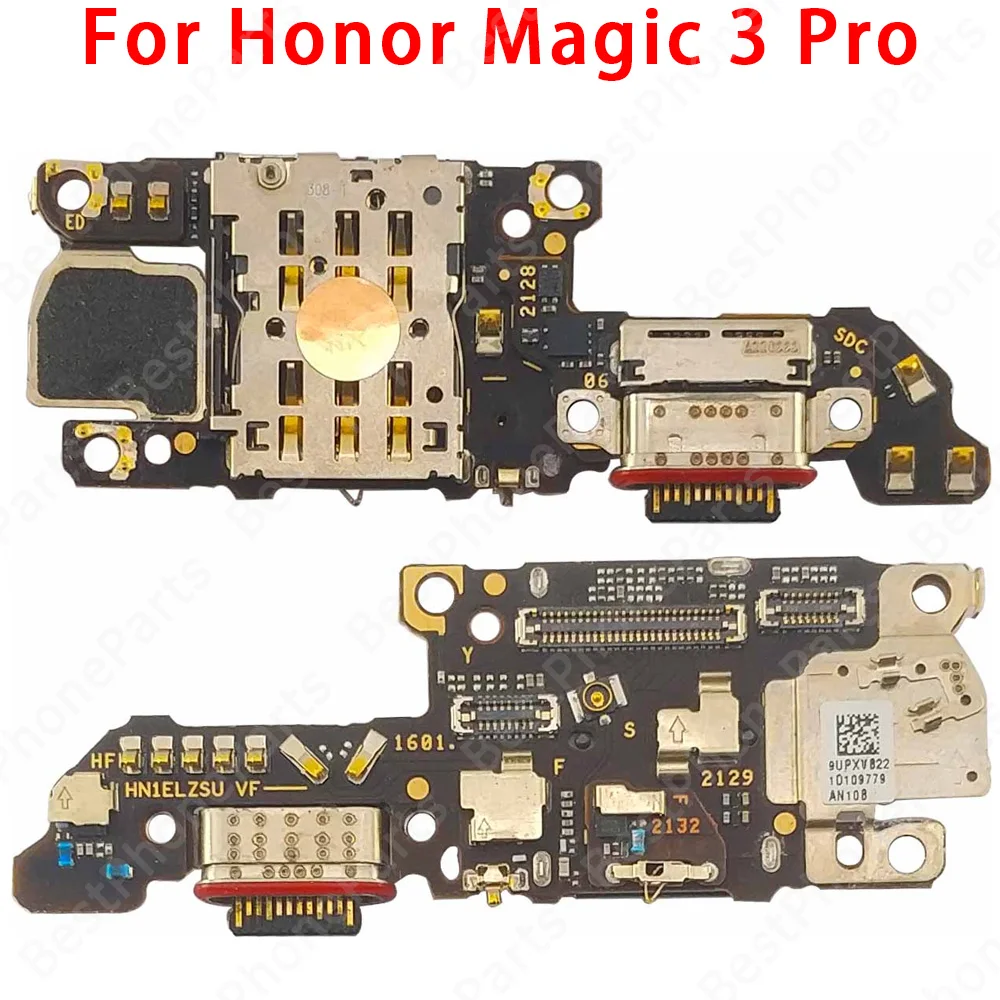
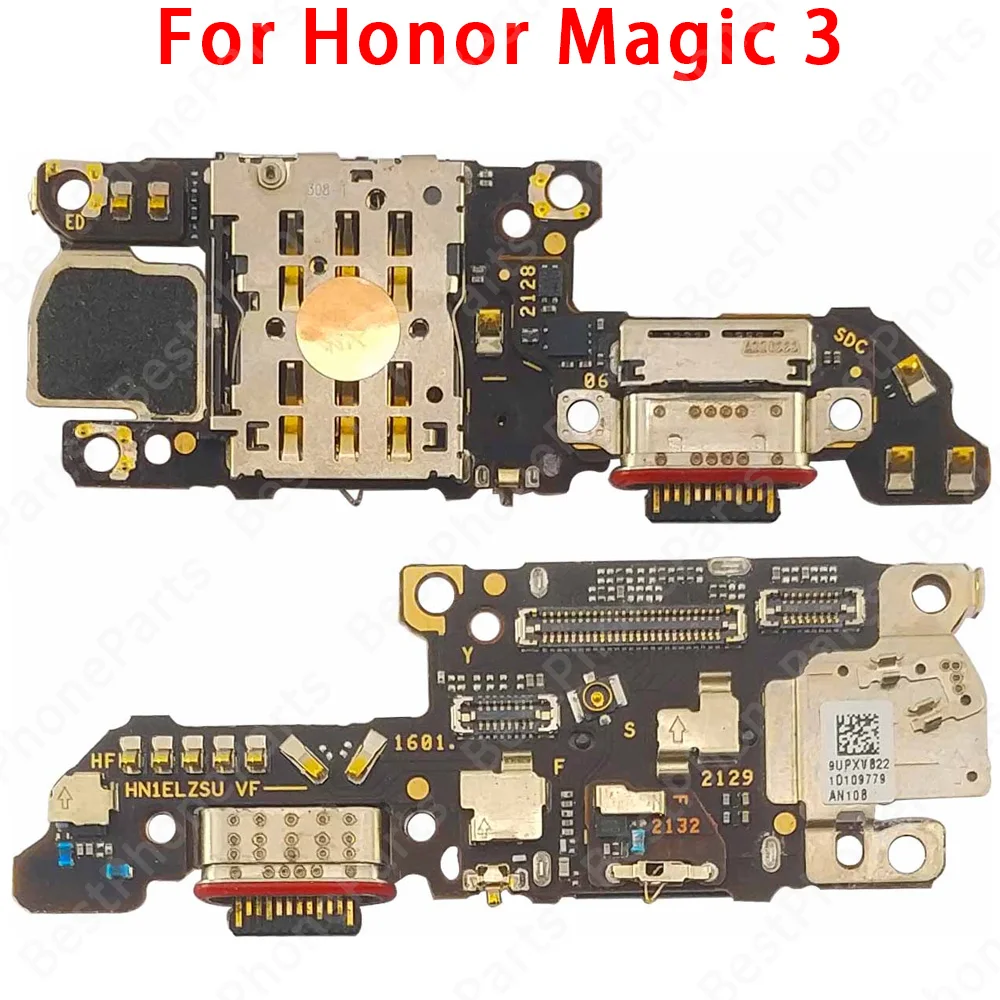
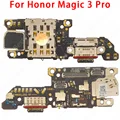
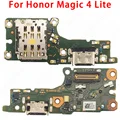
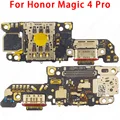
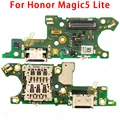
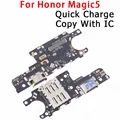
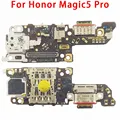
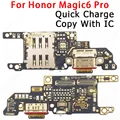
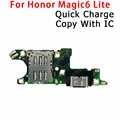
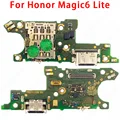
⚡ Product Overview:
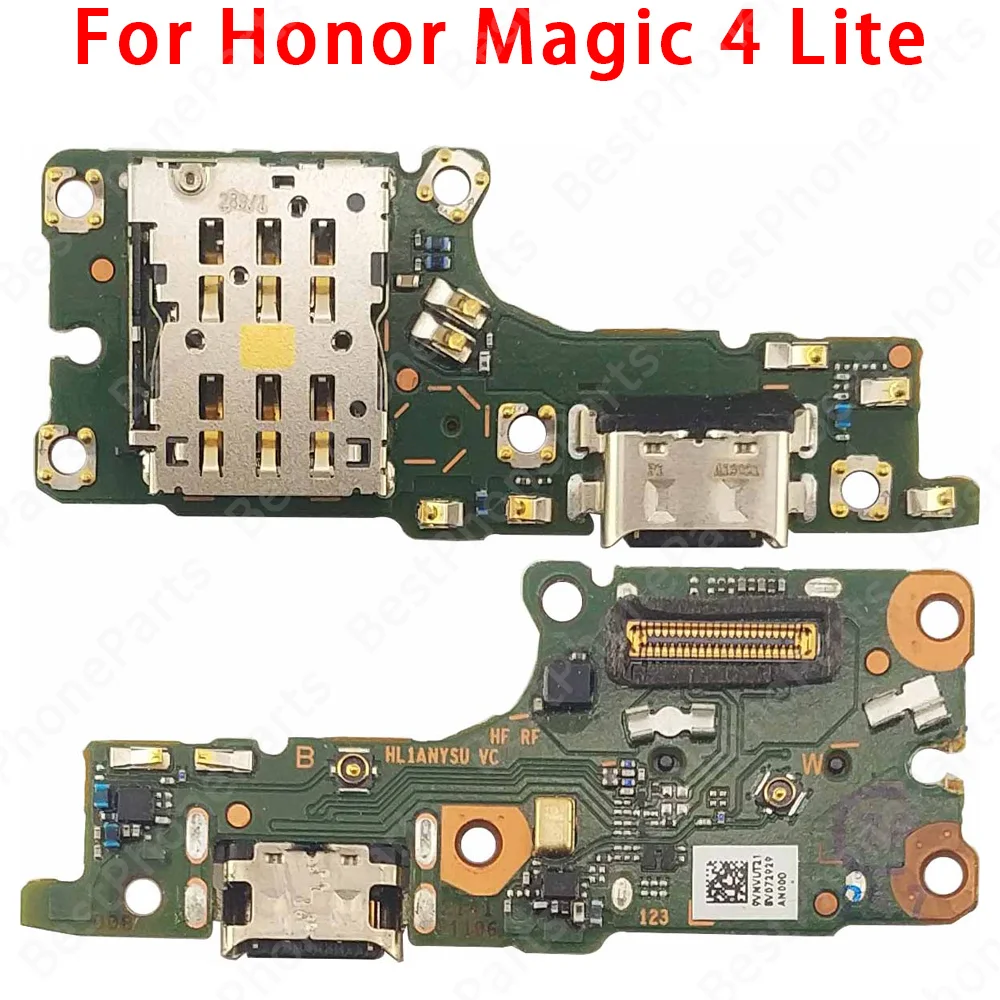
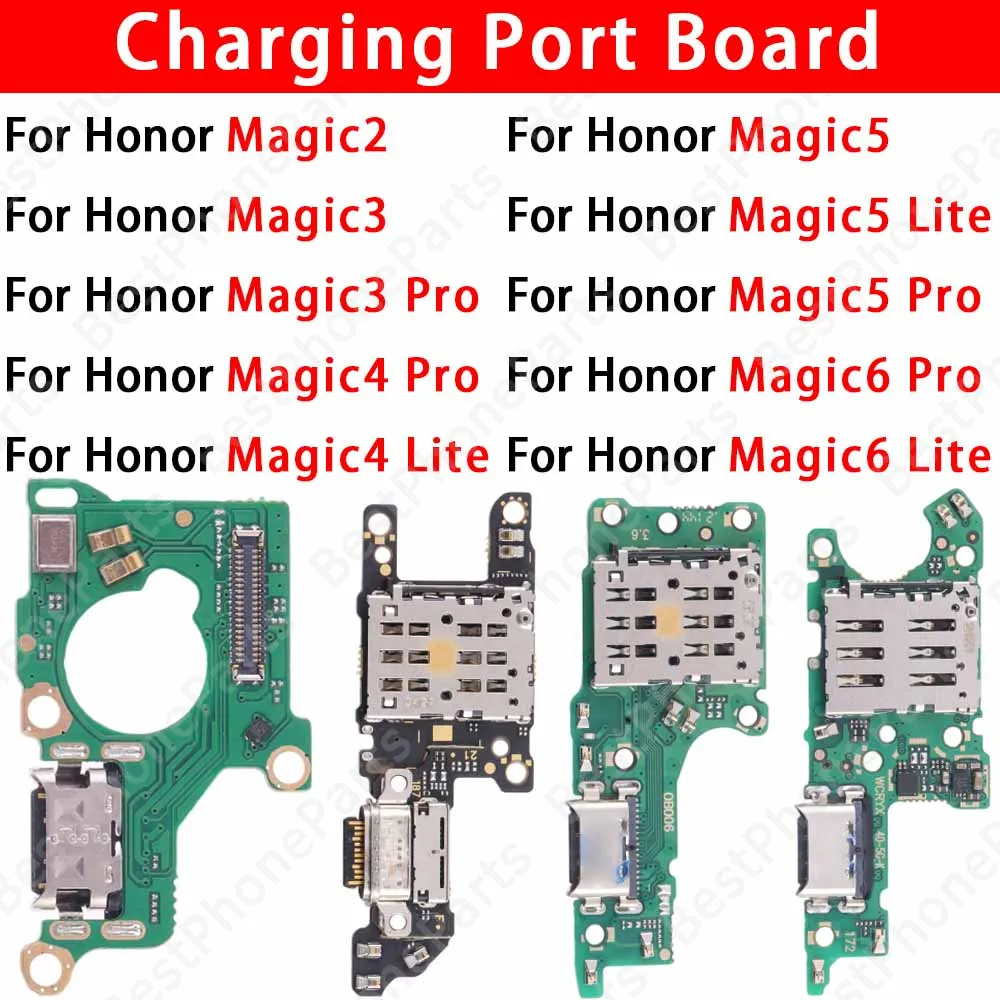
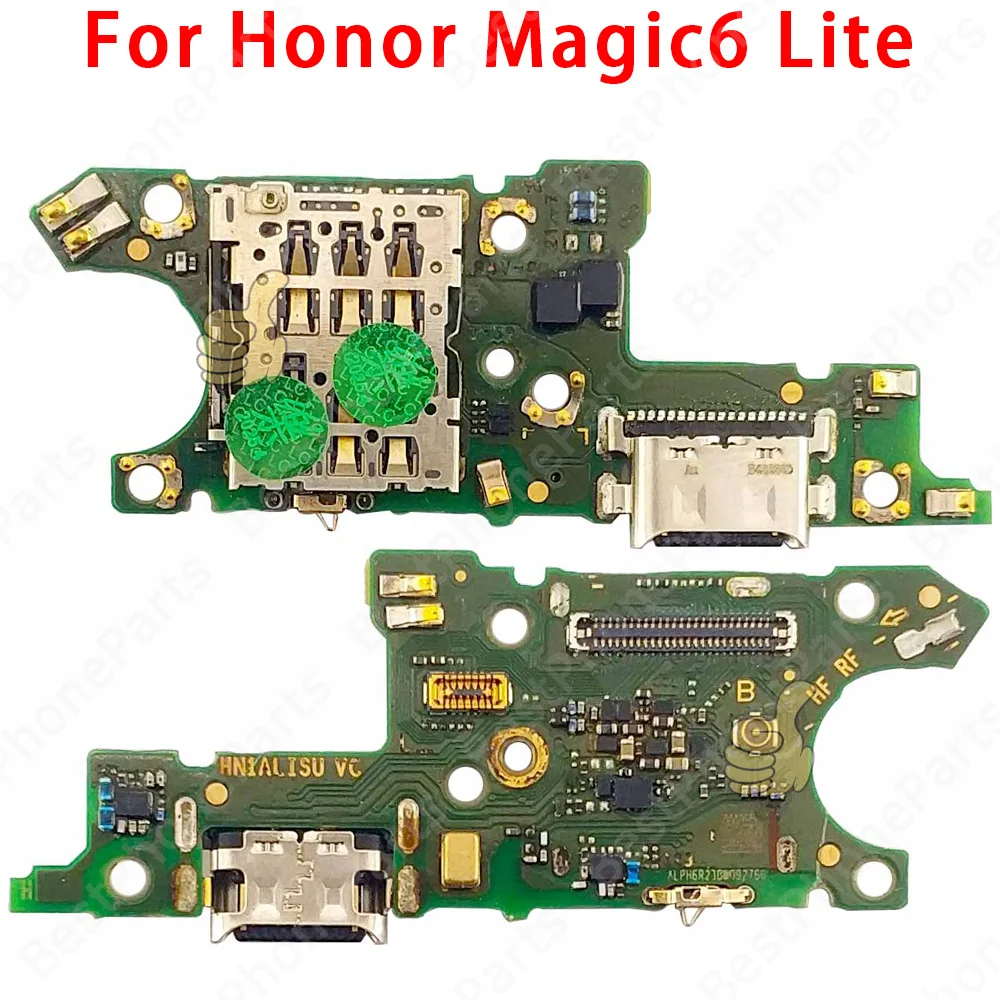
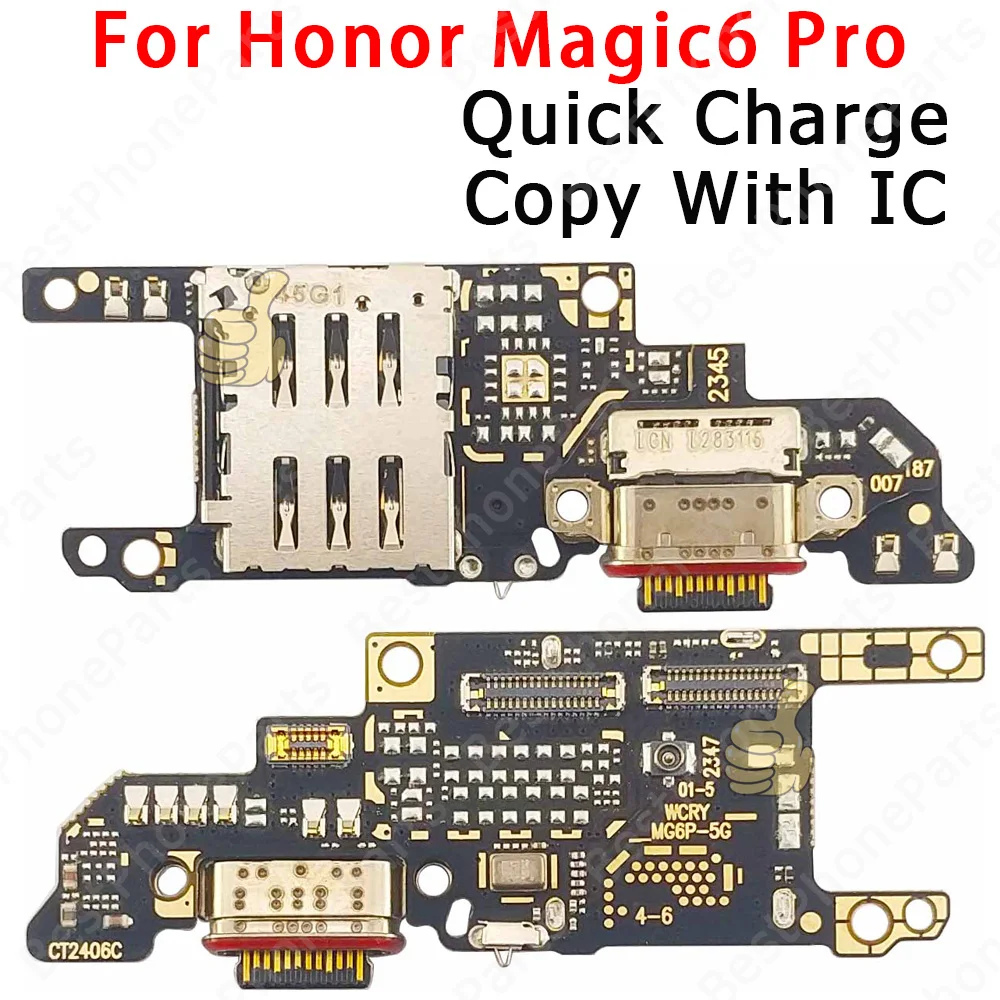
Elevate your Honor device with the high-quality USB Charging Port Dock Board Connector Flex Cable, compatible with the Honor Magic2, Magic3, Magic4, Magic5, Magic6, and Pro Lite models. This essential component features an integrated microphone and is designed as a direct replacement for a damaged or non-functional charging port, ensuring your device recharges efficiently and maintains full functionality.
🔍 Key Features:
- 100% Original Component: Each flex cable is carefully tested individually to guarantee performance and reliability. You can trust that you're receiving a top-notch product that meets the highest standards.
- Fast Charging Capability: Experience speedy charging with support for fast charging protocols, making your charging experience seamless and efficient.
- OTG Data Transfer Support: Easily transfer files and data between devices using the On-The-Go (OTG) functionality, enhancing your device's versatility.
- Built-In Microphone: Enjoy clear communication and audio input directly through the connector, making it ideal for calls and voice recordings.
⚡ Installation Instructions:
To ensure your new charging port dock is installed correctly, follow these steps with care:
🔒 1. Preparation: Power off your device and remove the SIM and SD cards if necessary. Gather essential tools such as a pick, small Phillips screwdriver, and other necessary equipment.
2. Remove the Back Case: Use a pick blade to gently pry away the back case of the phone along its edges, taking care not to apply excessive force that could cause damage.
3. Take Out the Original Charging Pad: The charging pad is secured by screws; use a small Phillips screwdriver to carefully loosen and remove them. Handle the cable cautiously to avoid any damage.
4. Install the New Charging Pad: Position the new charging pad in place, ensuring that all connections for interfaces and antennas are aligned correctly. Transfer any rubber gaskets from the old pad to the new one to maintain integrity.
5. Secure the New Charging Pad: Fasten the new charging pad to the motherboard using the screws provided, ensuring a snug fit without over-tightening.
6. Test Functionality: Once reassembled, power on your phone to confirm that the new charging pad operates as expected. If everything functions correctly, your installation is complete.
🔒 Important Notes:
Exercise caution throughout the disassembly and installation process to prevent damaging your device. Ensure that all connections are secure to avoid any contact issues. After installation, always perform a functional test to confirm that the device charges properly before everyday usage.