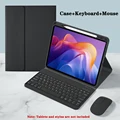
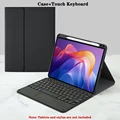
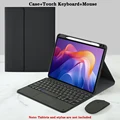
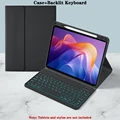
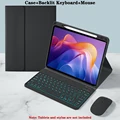
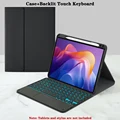
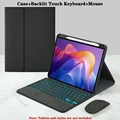
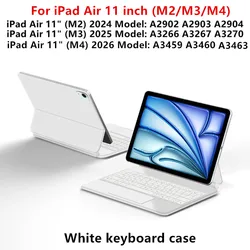
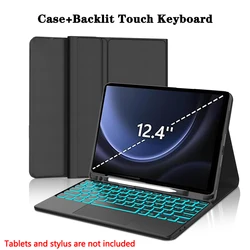
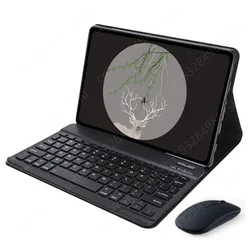
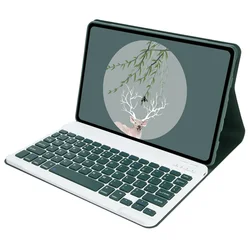
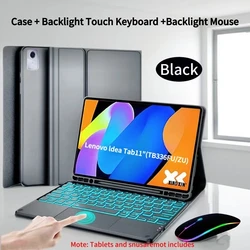
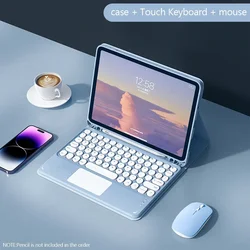
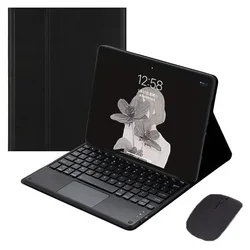
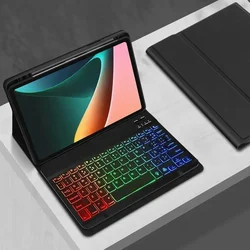
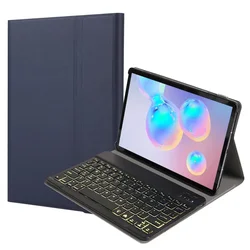
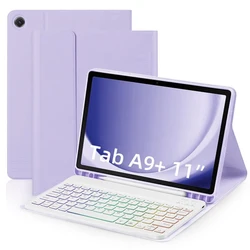
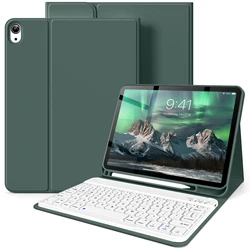
🔴 Keyboard Case for Xiaomi Redmi Pad 2 (11-inch)
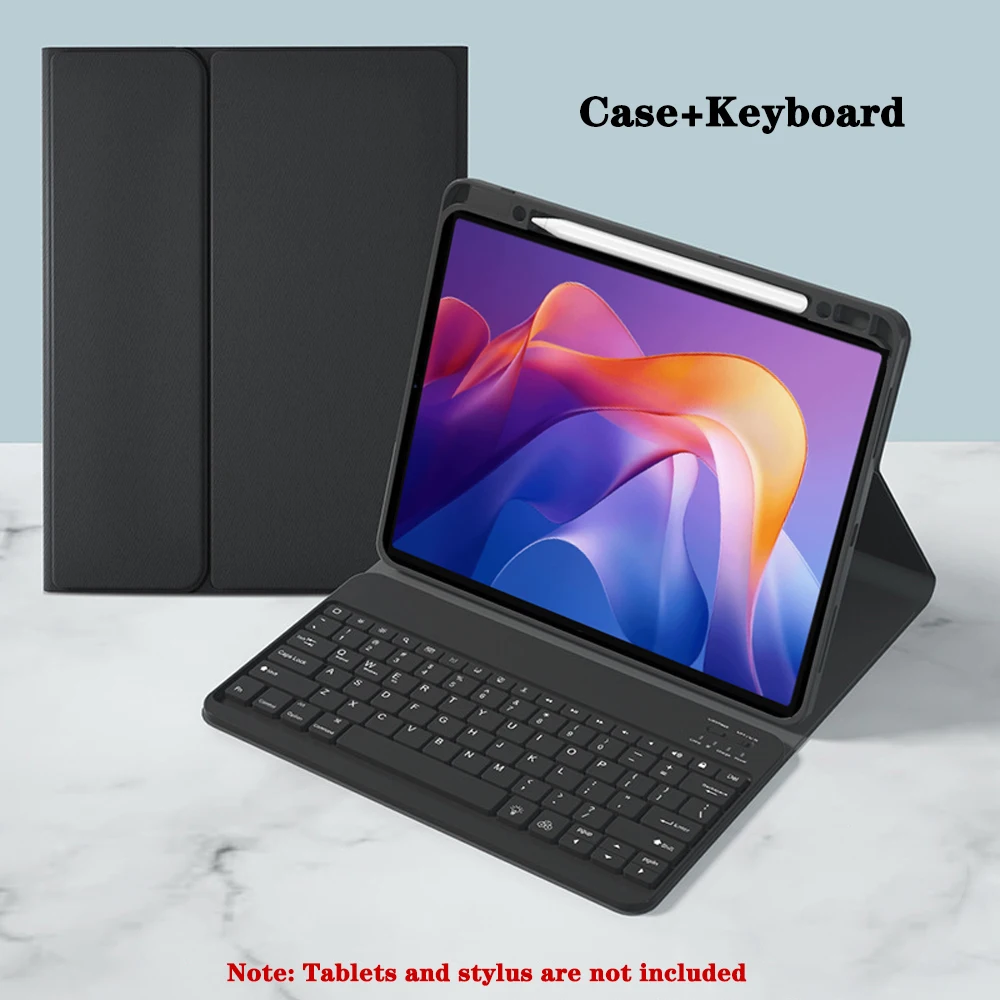
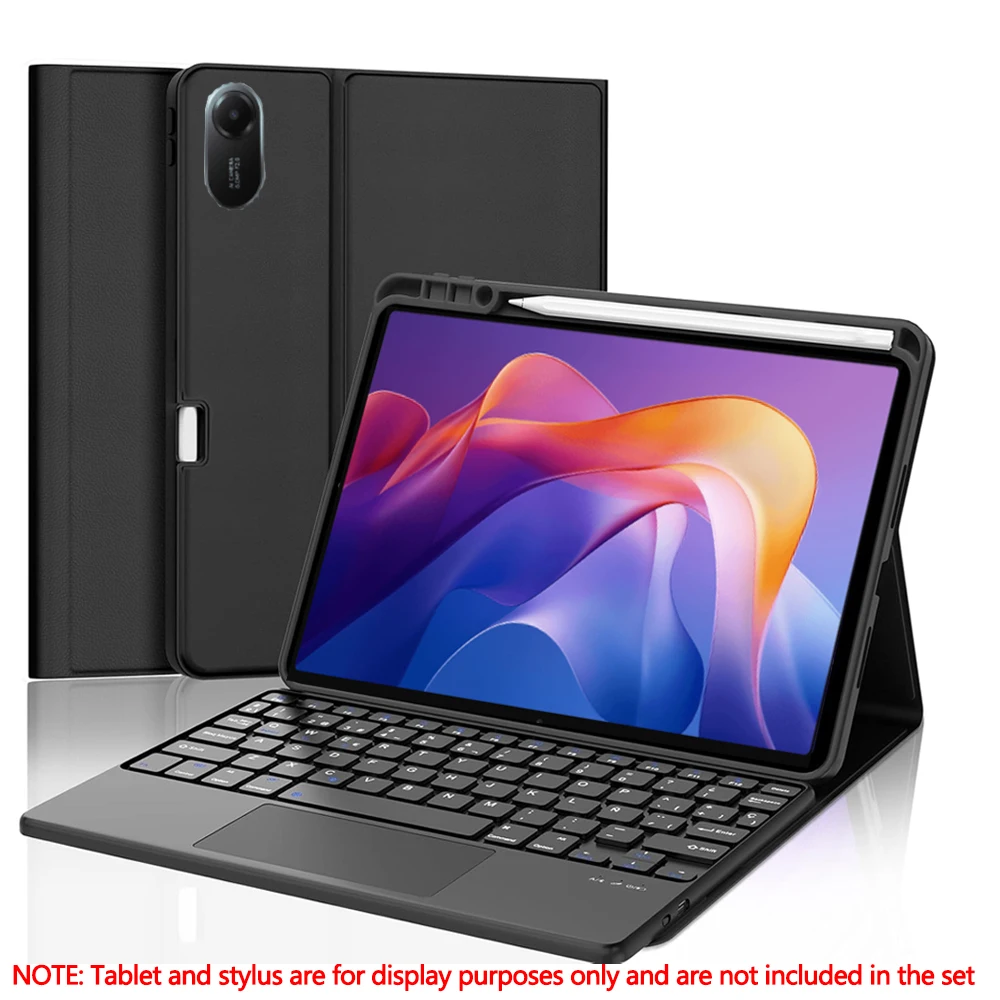
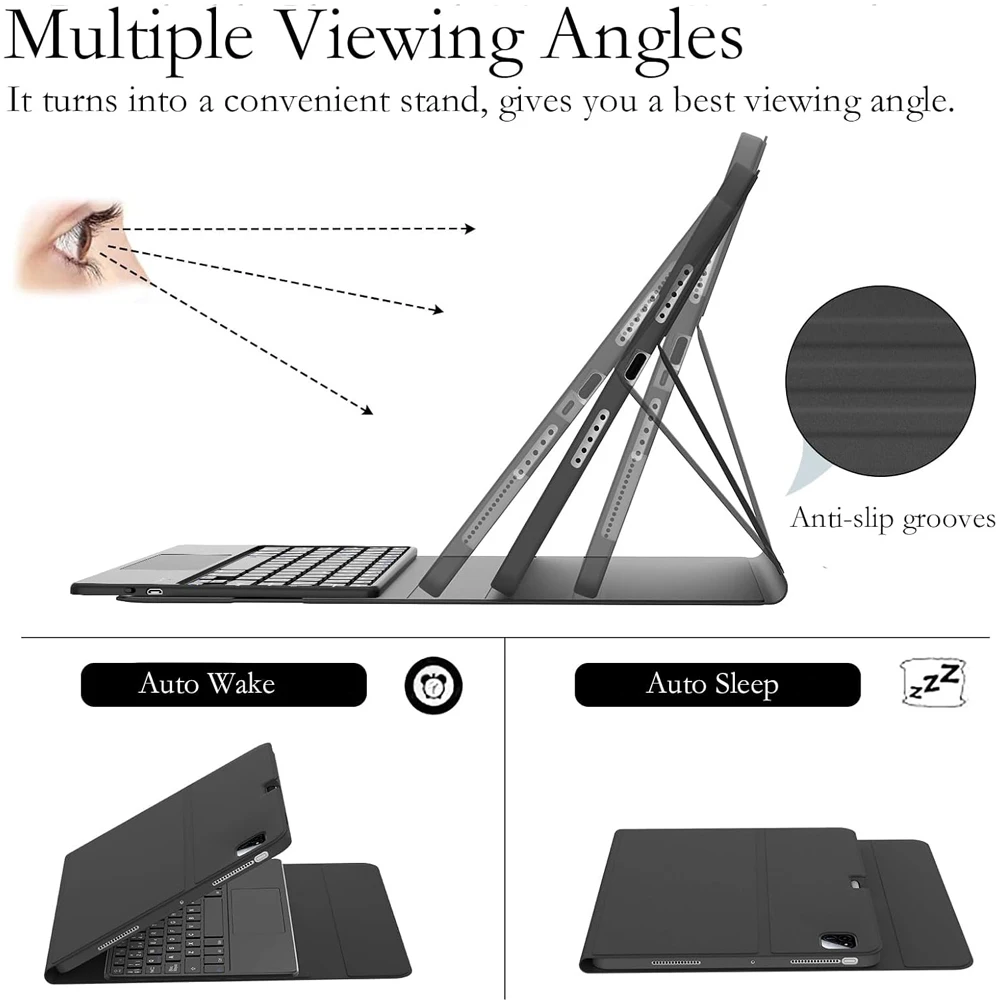
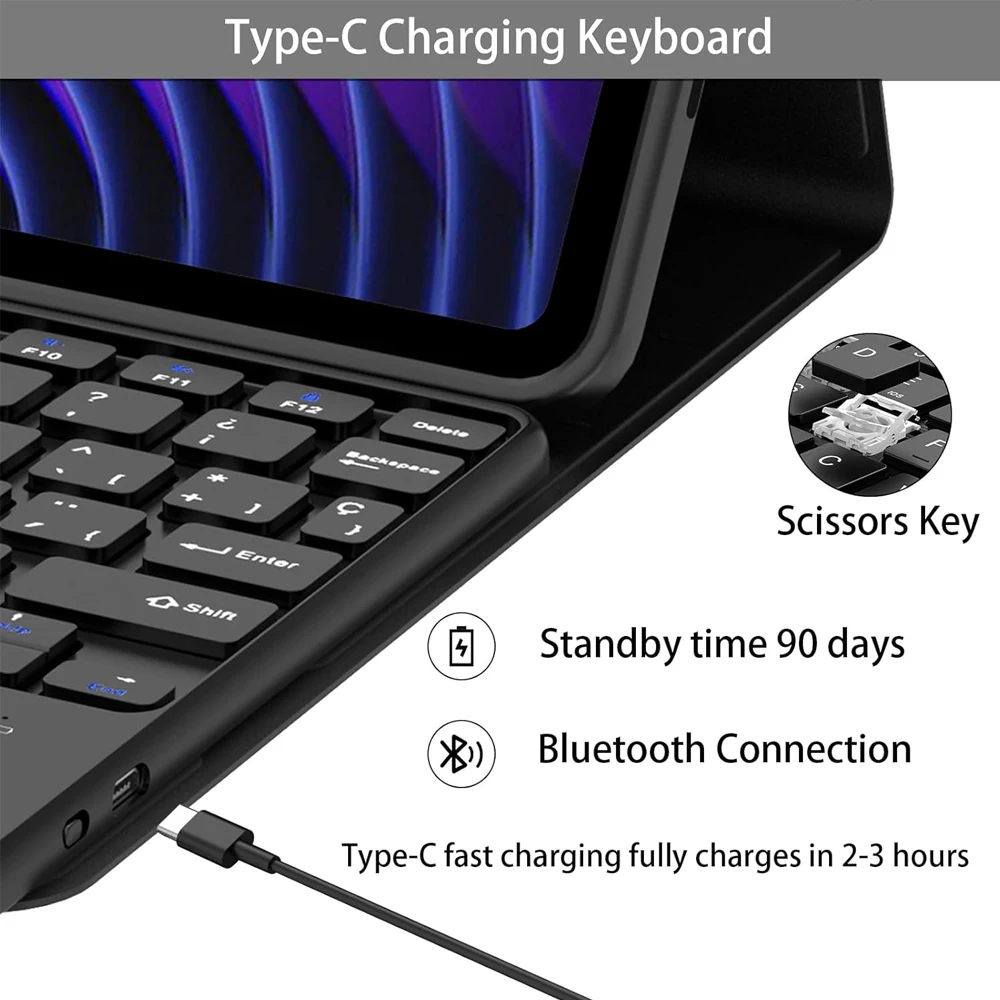
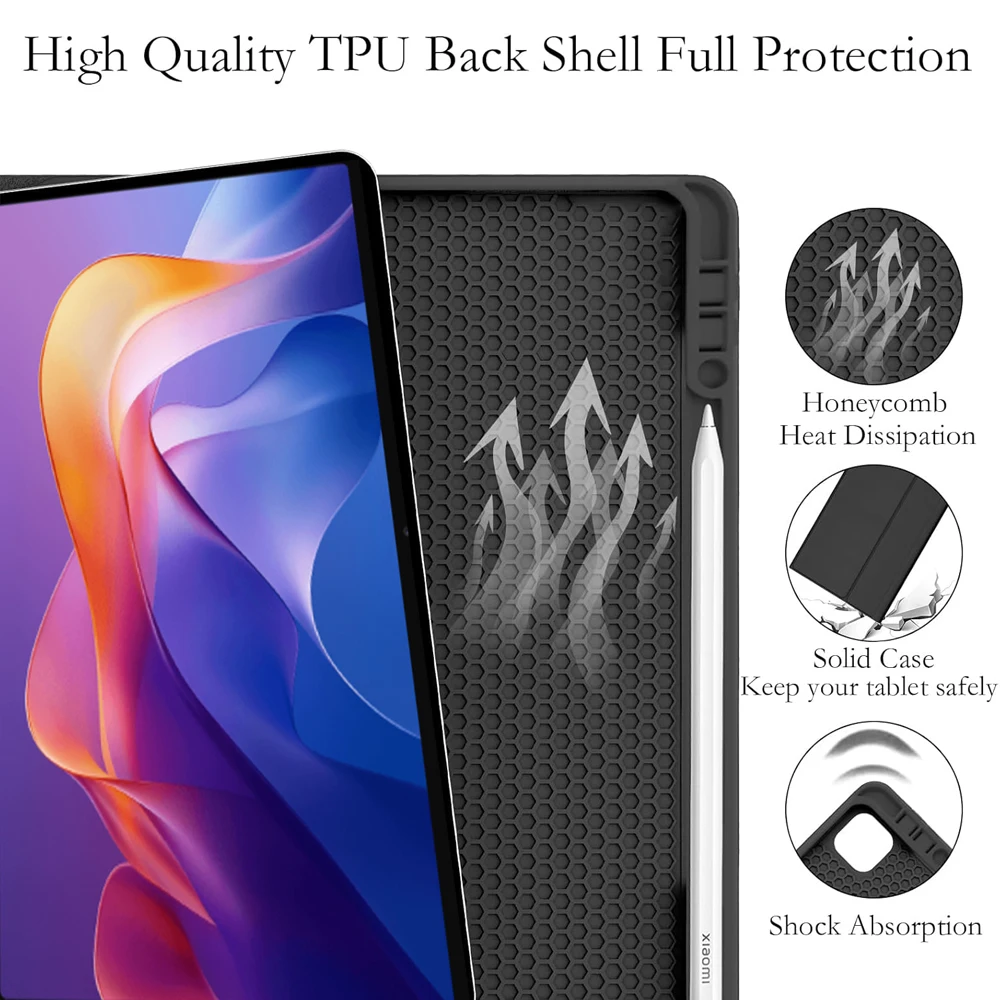
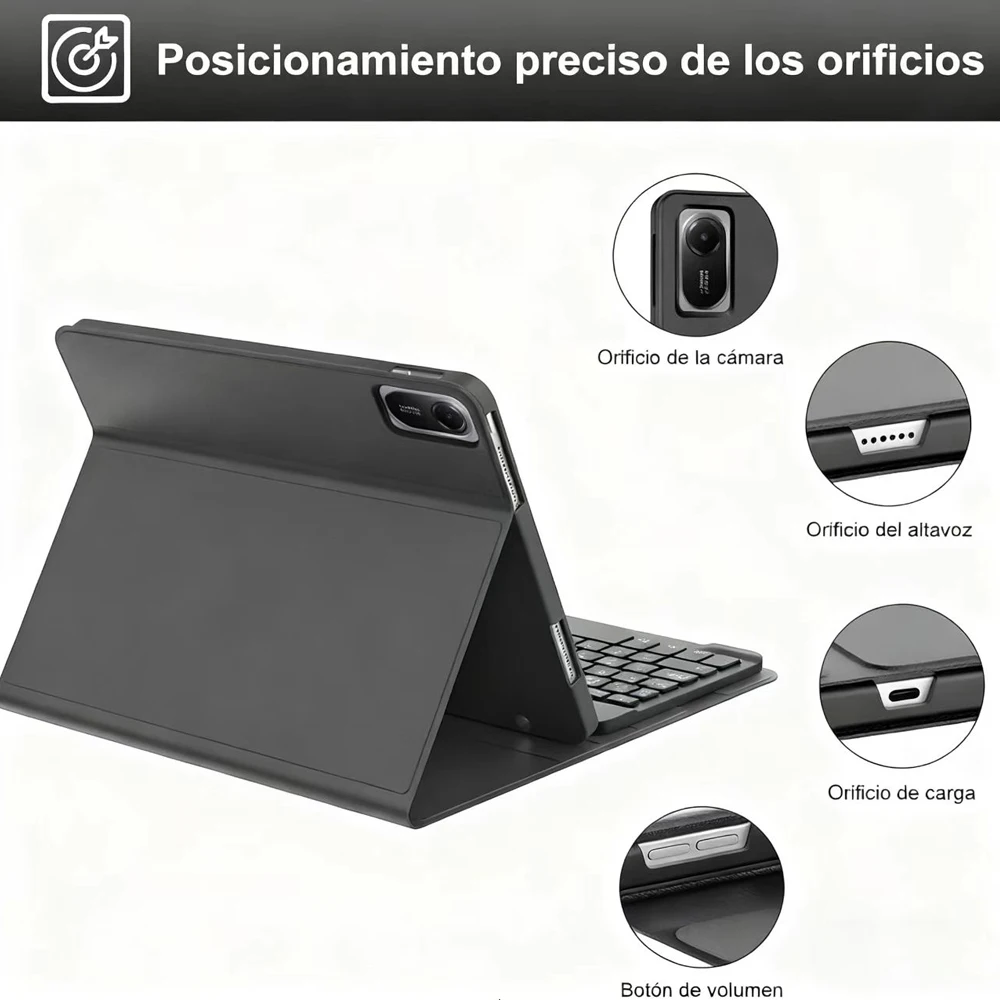
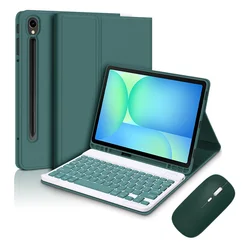
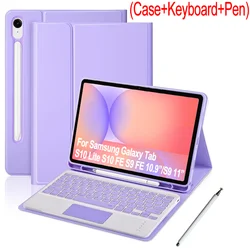
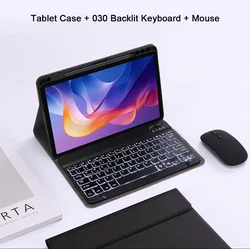
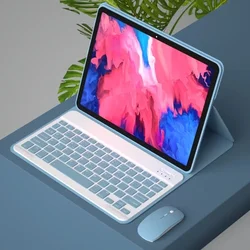
🧩 This meticulously designed keyboard case is specifically tailored for the Xiaomi Redmi Pad 2 (11-inch model 2025). It offers a perfect blend of functionality and protection, ensuring your tablet remains safe while you enjoy an enhanced typing experience.
🔧 Features:
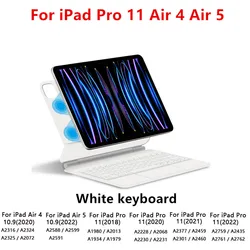
- Precision Compatibility: Ensure a snug fit and seamless use with the Xiaomi Redmi Pad 2 (2025). To verify your tablet model, simply check the information on the back or navigate to Settings > About > Model on your device.
- Integrated Pencil Slot: This case features a convenient slot for your stylus, allowing you to keep it securely stored and easily accessible when inspiration strikes.
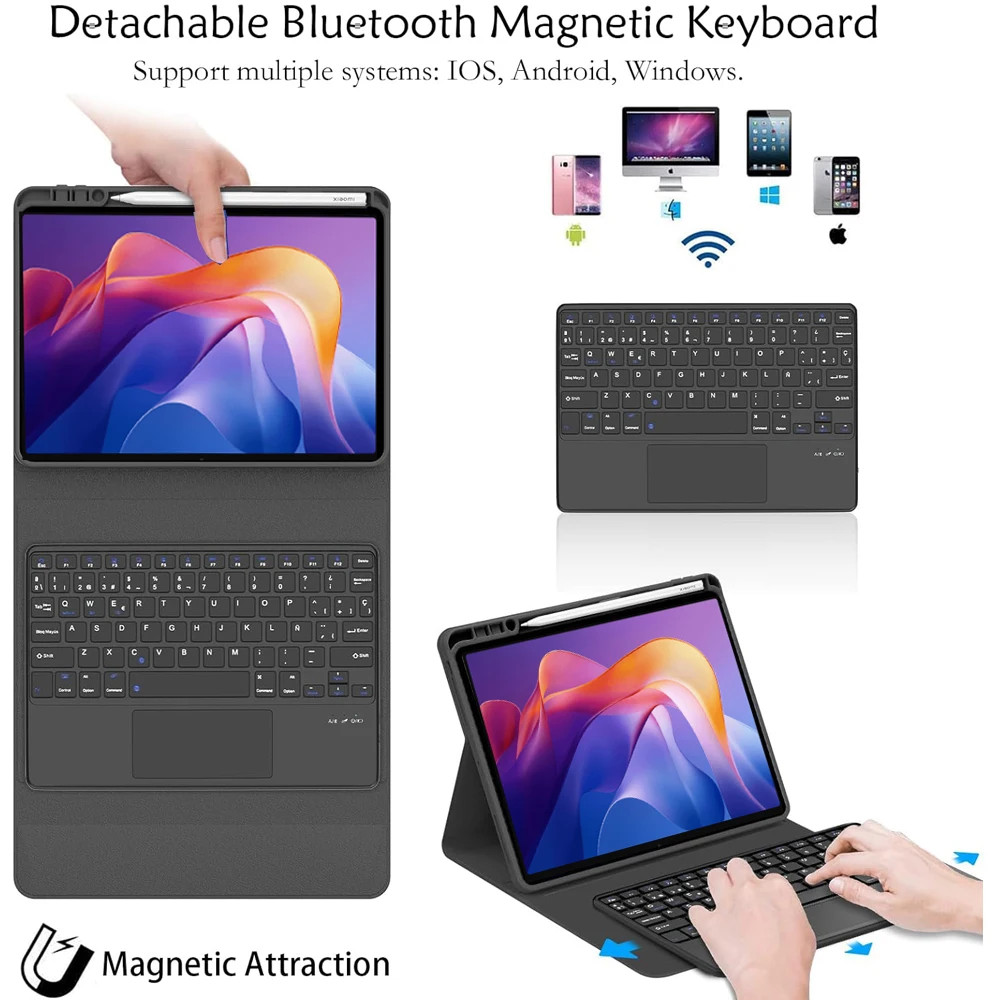
- Wireless Keyboard: The detachable keyboard connects via Bluetooth, providing a hassle-free typing experience. It is ideal for everything from note-taking to composing emails, making your tablet an efficient productivity tool.
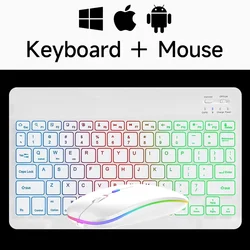
- Easy Connectivity: Connecting your keyboard and mouse is straightforward. Simply switch on the Bluetooth mode and pair each device to your tablet easily, allowing for a more efficient and traditional computing experience.
🔒 Setup Instructions:
- To connect the keyboard and mouse, start with the mouse by turning it to the Bluetooth setting, and then search for the device on your tablet’s Bluetooth list.
- Next, activate the keyboard by turning it on and pressing the connect button to pair it with your tablet.
- For touchpad functionality, open the keyboard and press Fn+C, then pair it as you would normally.
🔘 Frequently Asked Questions:
- Mouse Connection: If you're connecting the mouse for the first time, press the left button, right button, and scroll wheel simultaneously for 3 to 5 seconds to initiate pairing.
- Scroll Direction Differences: Be aware that the scroll direction differs based on connection type: USB adhesion must be akin to a traditional mouse, while Bluetooth may run counter to expectations.
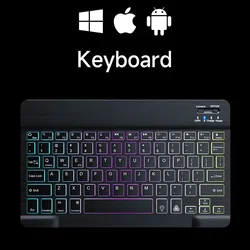
- System Switching: Easily switch between operating systems using the function keys: Fn+Q for Android, Fn+W for Windows, and Fn+E for iOS—make sure to switch before connecting your tablet.
- Keyboard Language Settings: If the keyboard letters appear incorrect, check your device's language settings. For an Android device, navigate to Settings > System > Language & input and adjust as needed.
🔘 Important Note: Please be aware that the digital tablet and stylus are not included with this keyboard case. Always refer to the specific product images and description for accuracy regarding color and design features.