
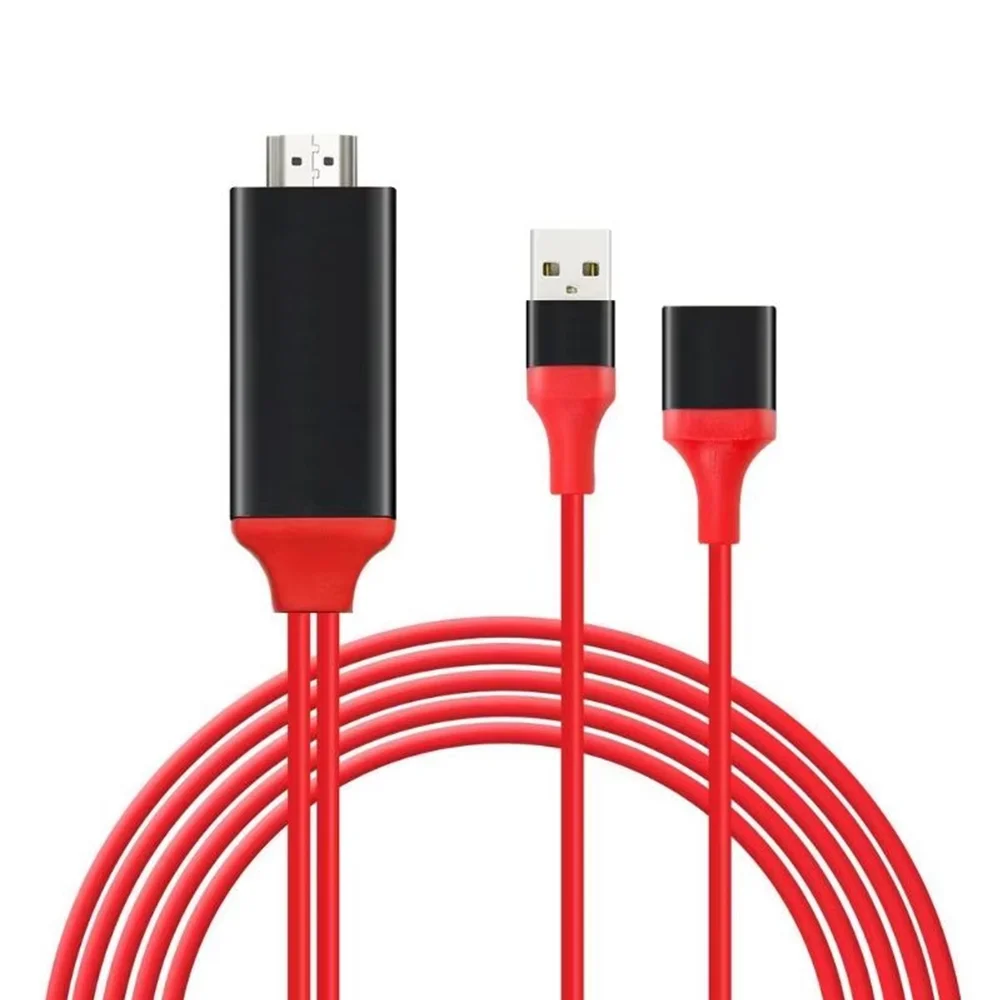
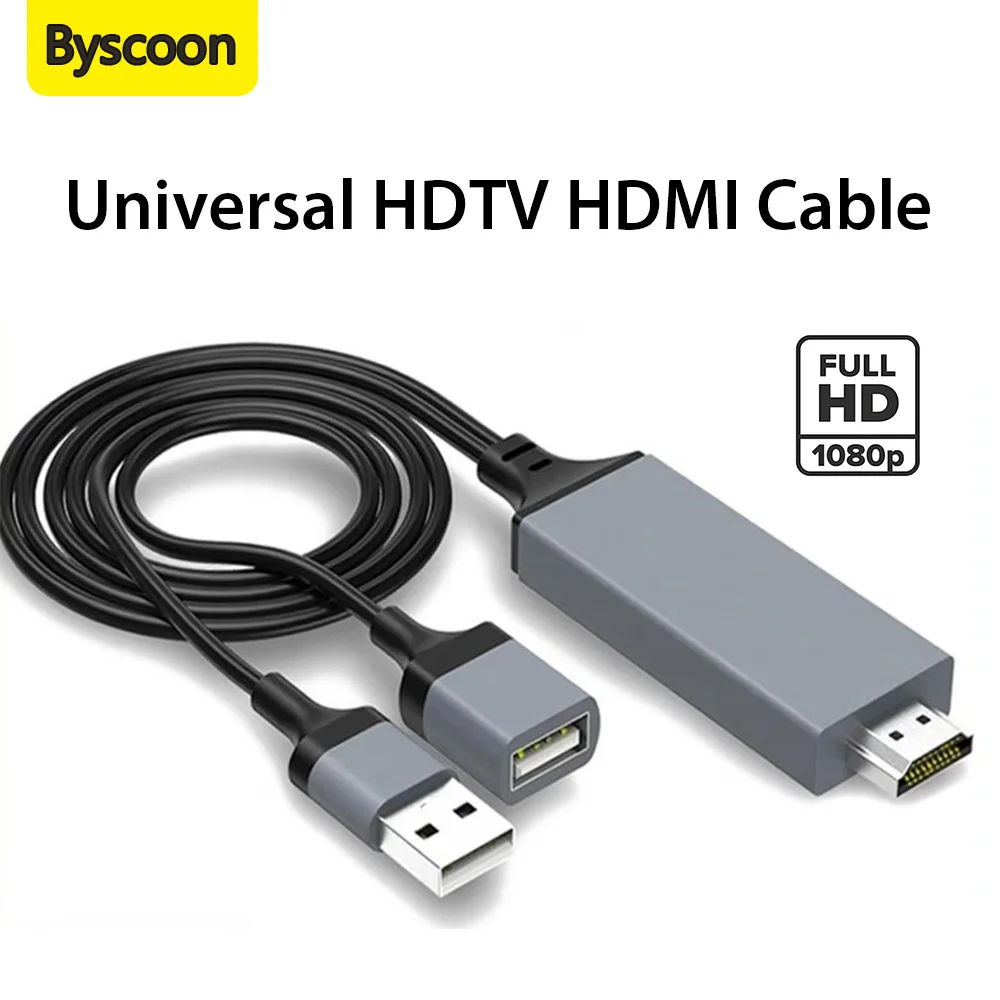
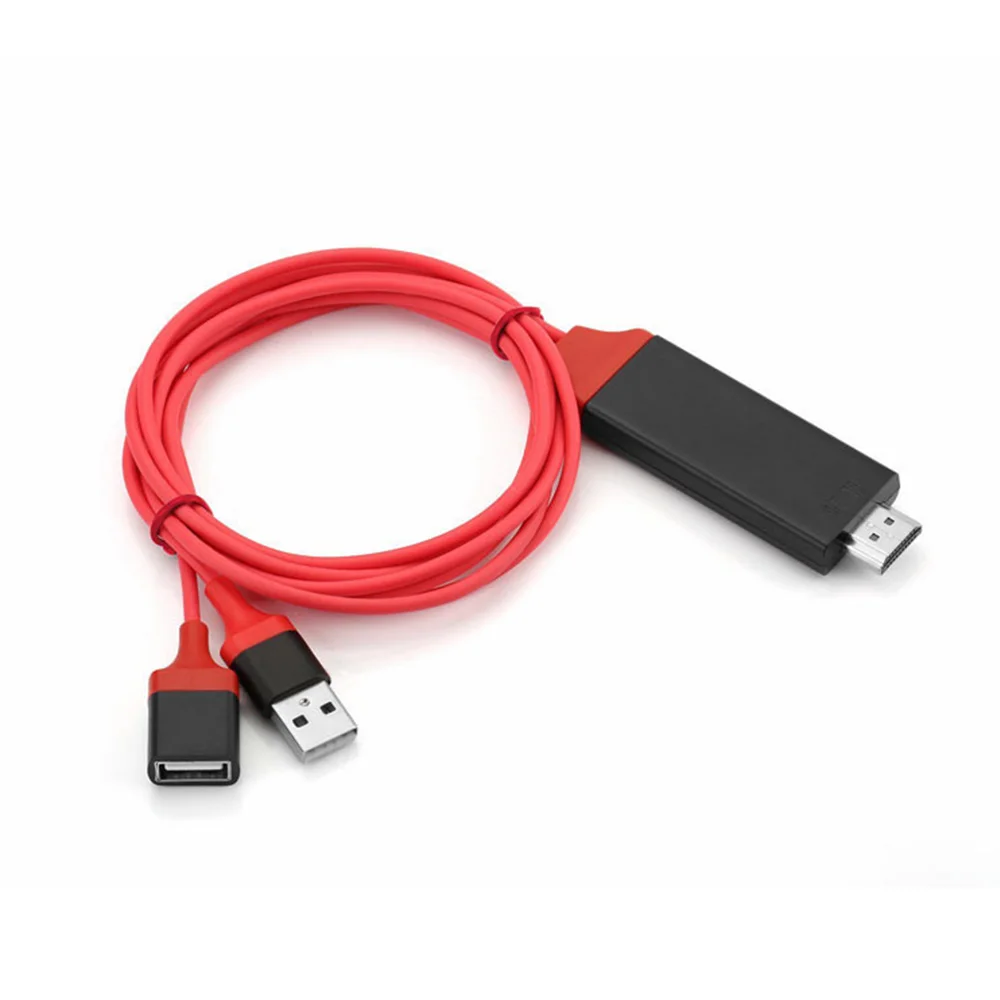
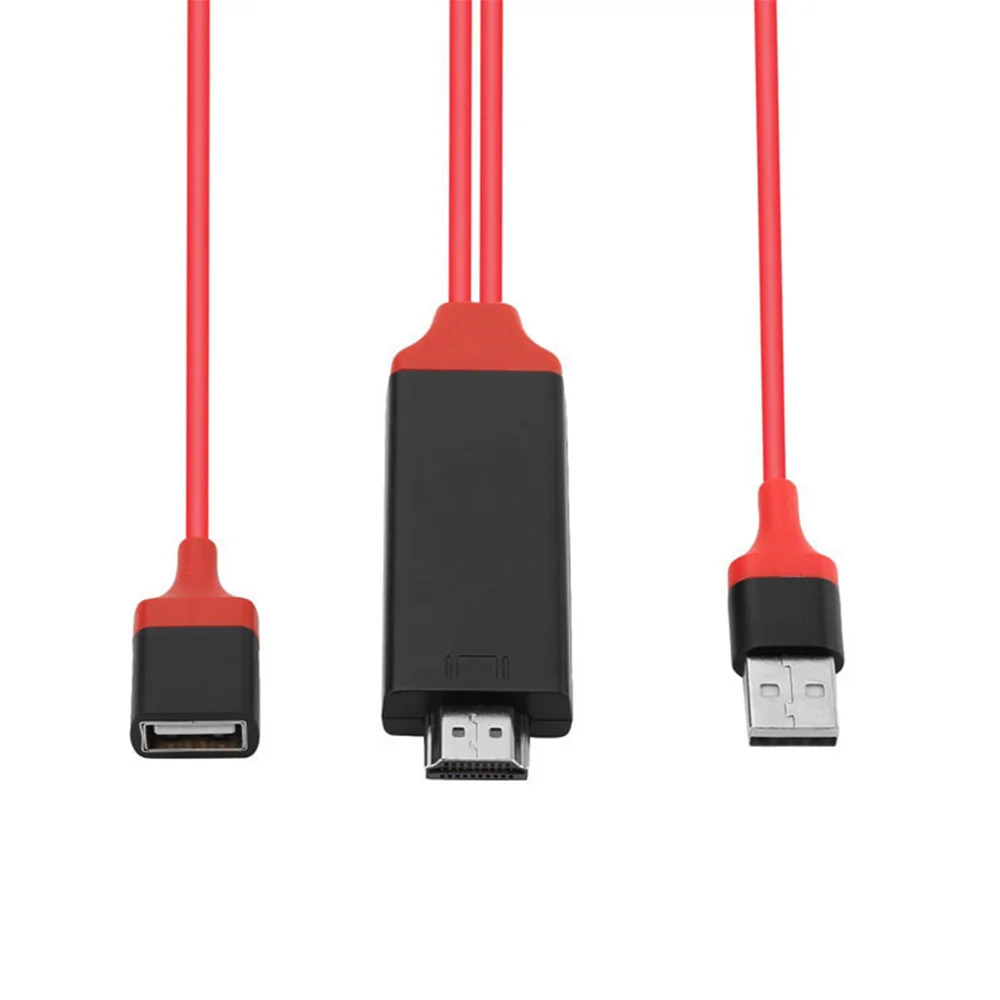
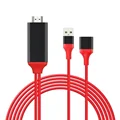
USB Android Phone to HDTV HDMI Cable - 1080P USB to HDMI Adapter for Phone, TV, Monitor, Projector
💍 Transform your viewing experience with our USB Android Phone to HDTV HDMI Cable. This flexible and high-quality adapter is designed to effortlessly connect your Android smartphone to a variety of displays, including TVs, monitors, and projectors, delivering stunning 1080P resolution for sharp visuals and vivid colors.
For iPhones:
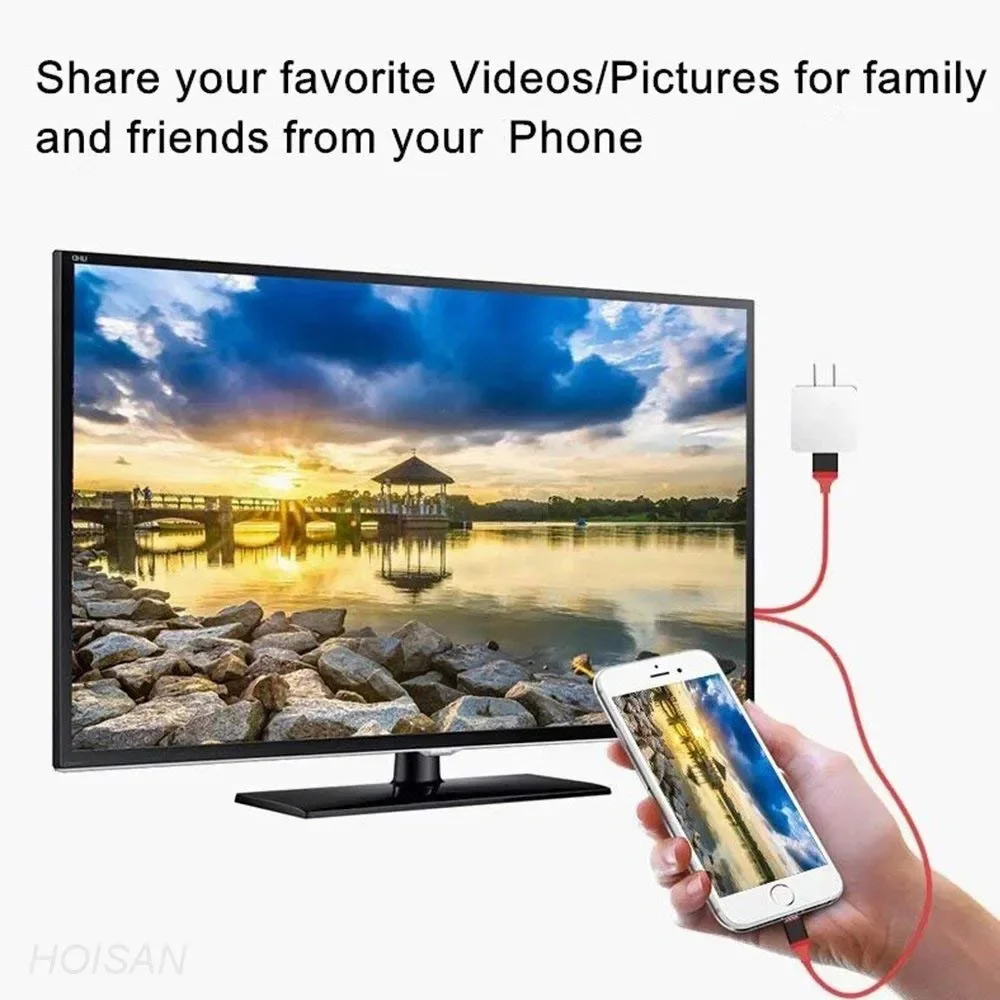
🧰 Enjoy a seamless "plug and play" experience; simply connect your iPhone to your HDTV, and you’re ready to start streaming your favorite content without any complicated setup.
For Android Phones:
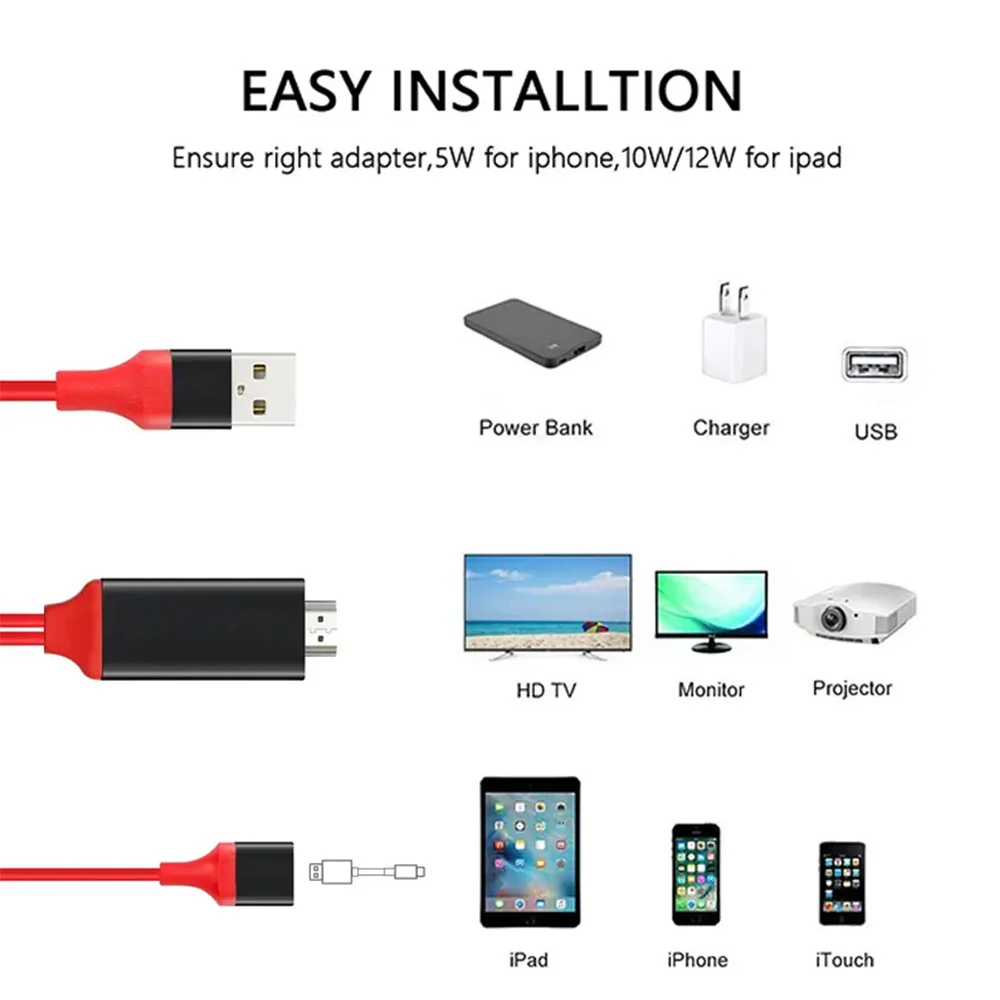
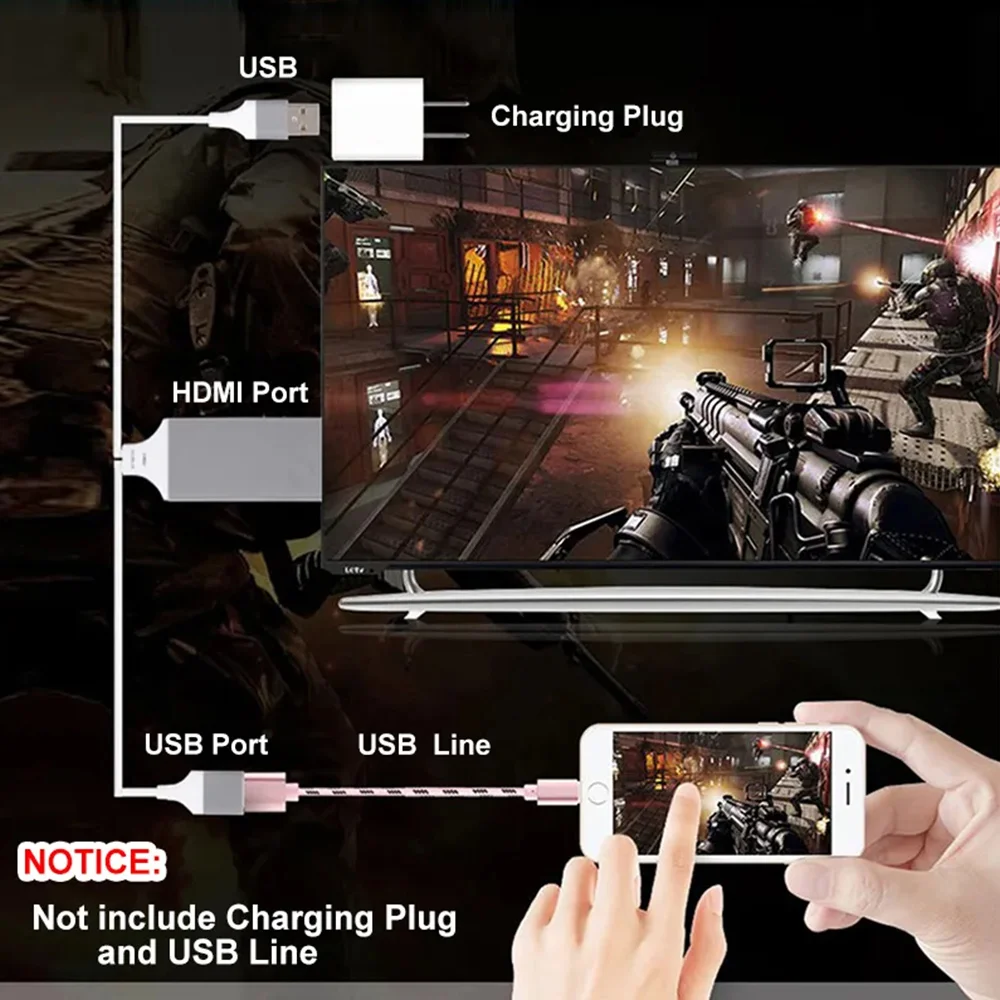
⚡ To ensure compatibility, please note that your Android device must be running version 6.0 or higher. Begin by connecting the HDMI cable to your TV and switching the input source to the corresponding HDMI port. For optimal performance, utilize a power adapter that provides 5V/1.5-2.0A to the power port of the cable.
💍 Upon connection, your TV will display a QR code via the cable. At this stage, activate USB tethering (or "USB network sharing") on your phone. This simple step will guide you to download a dedicated app needed for screen mirroring, allowing you to instantly share your phone’s screen with your TV.
⚡ Important Note:
🔊 Keep in mind that there is a wide range of Android devices available, and some may output audio through the TV while others may only transmit sound through the phone’s built-in speakers. If you find that audio is not playing through the TV, consider connecting a Bluetooth speaker for an enhanced sound experience. This audio output capability is dependent on the specific model of your phone, not the cable itself.
Elevate your media experience with our USB to HDMI Adapter—perfect for watching movies, streaming shows, or displaying photos on a larger screen with ease!