
Phone Cases
Chargers and Cables
Gaming
Gadgets
Tablet and iPad Cases
Your Account
Language
Business
Phone Data
Contact Us
4.3 Google Shopping Rating Over 2 million customers since 2013 Based in the UK Free delivery order over £30+

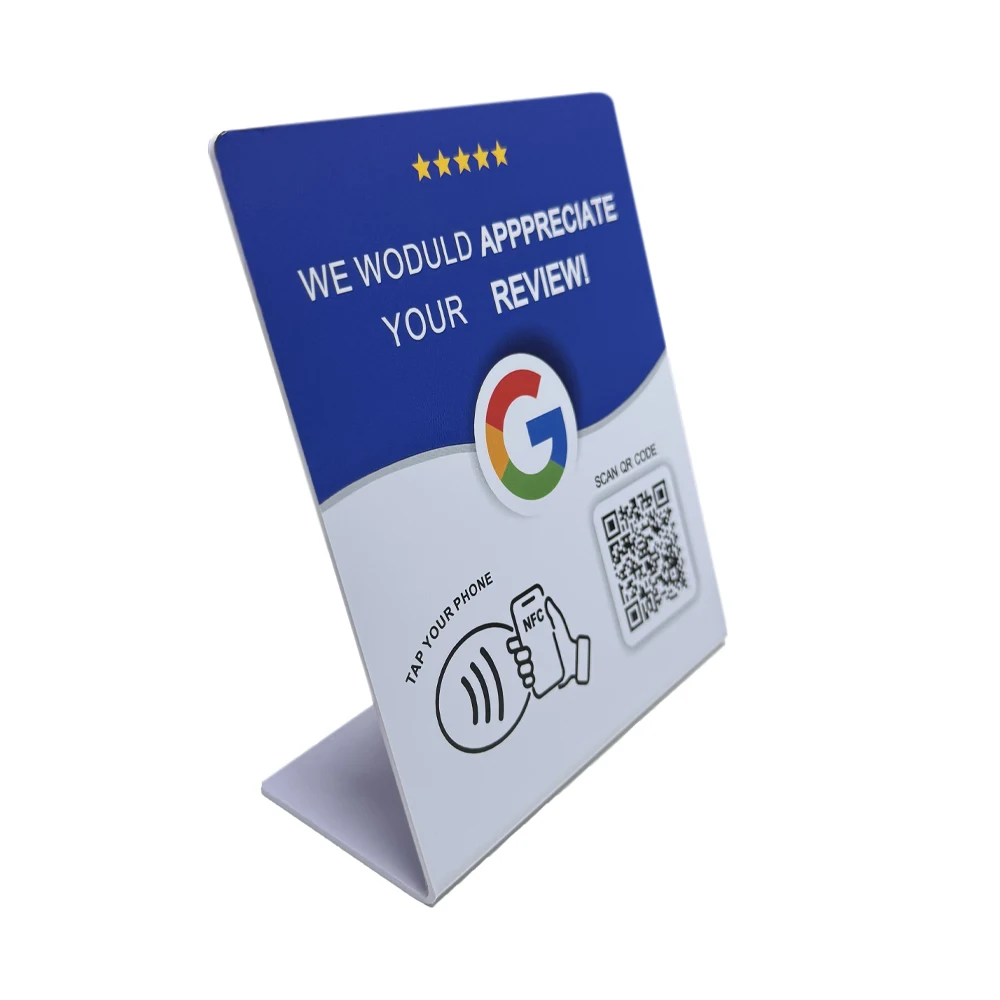
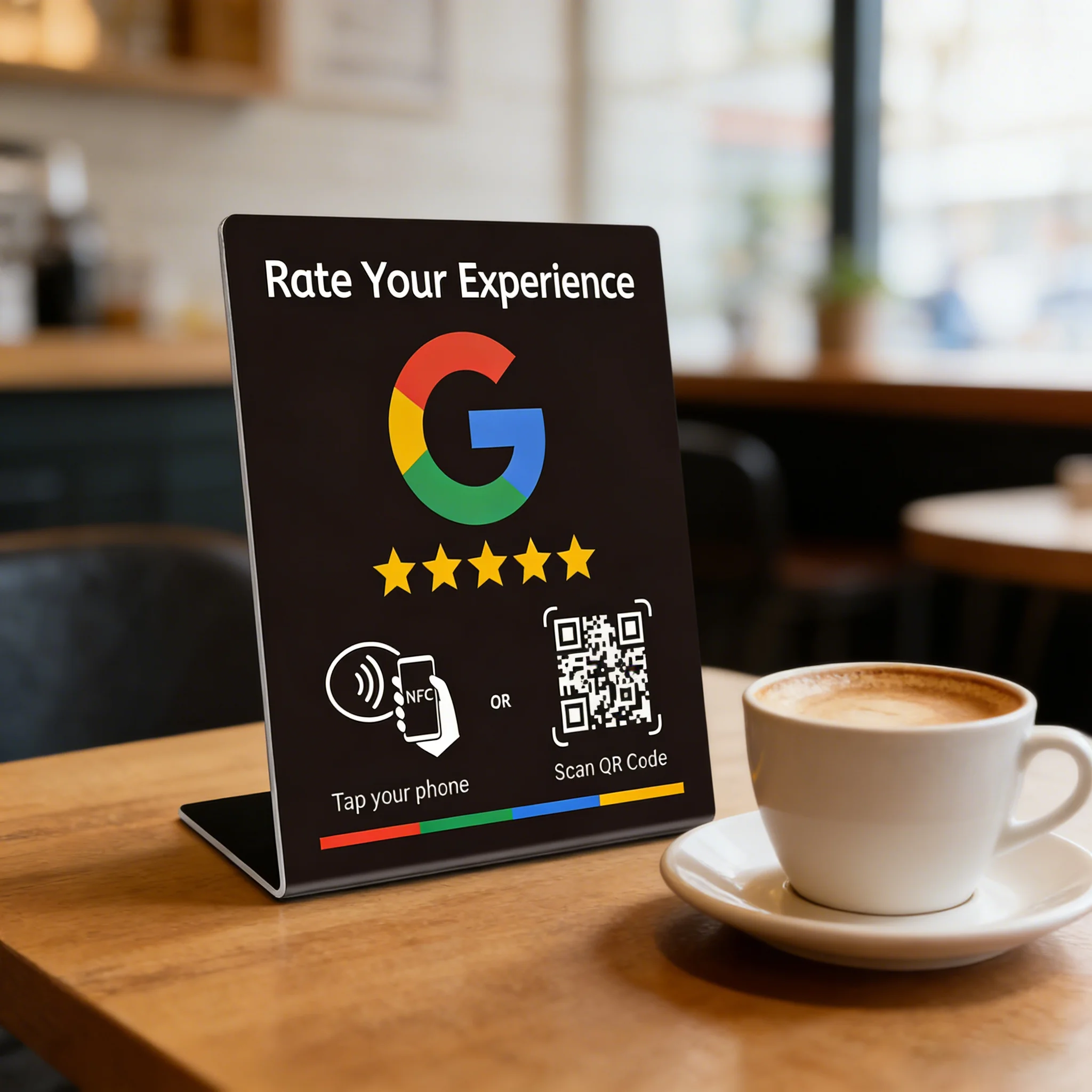
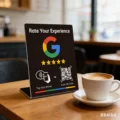
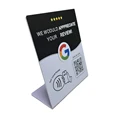
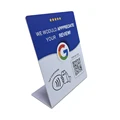
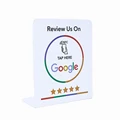
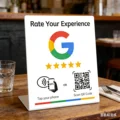
Premium NFC Display Stand for Google Reviews - Programmable 13.56MHz Card Station (Bluewith QR code)

Premium NFC Display Stand for Google Reviews - Programmable 13.56MHz Card Station
Colour: Bluewith QR code
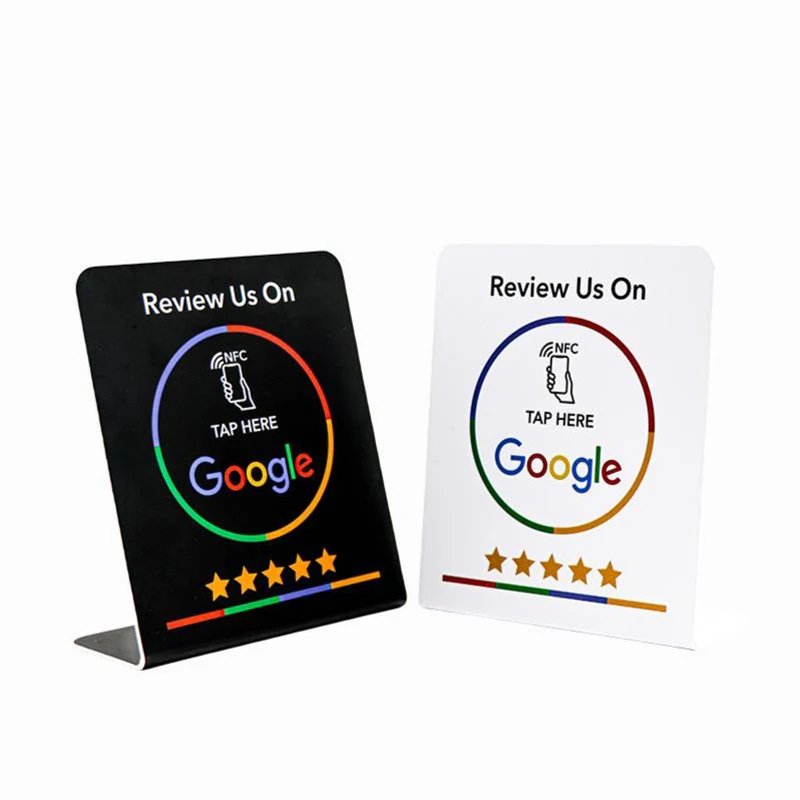
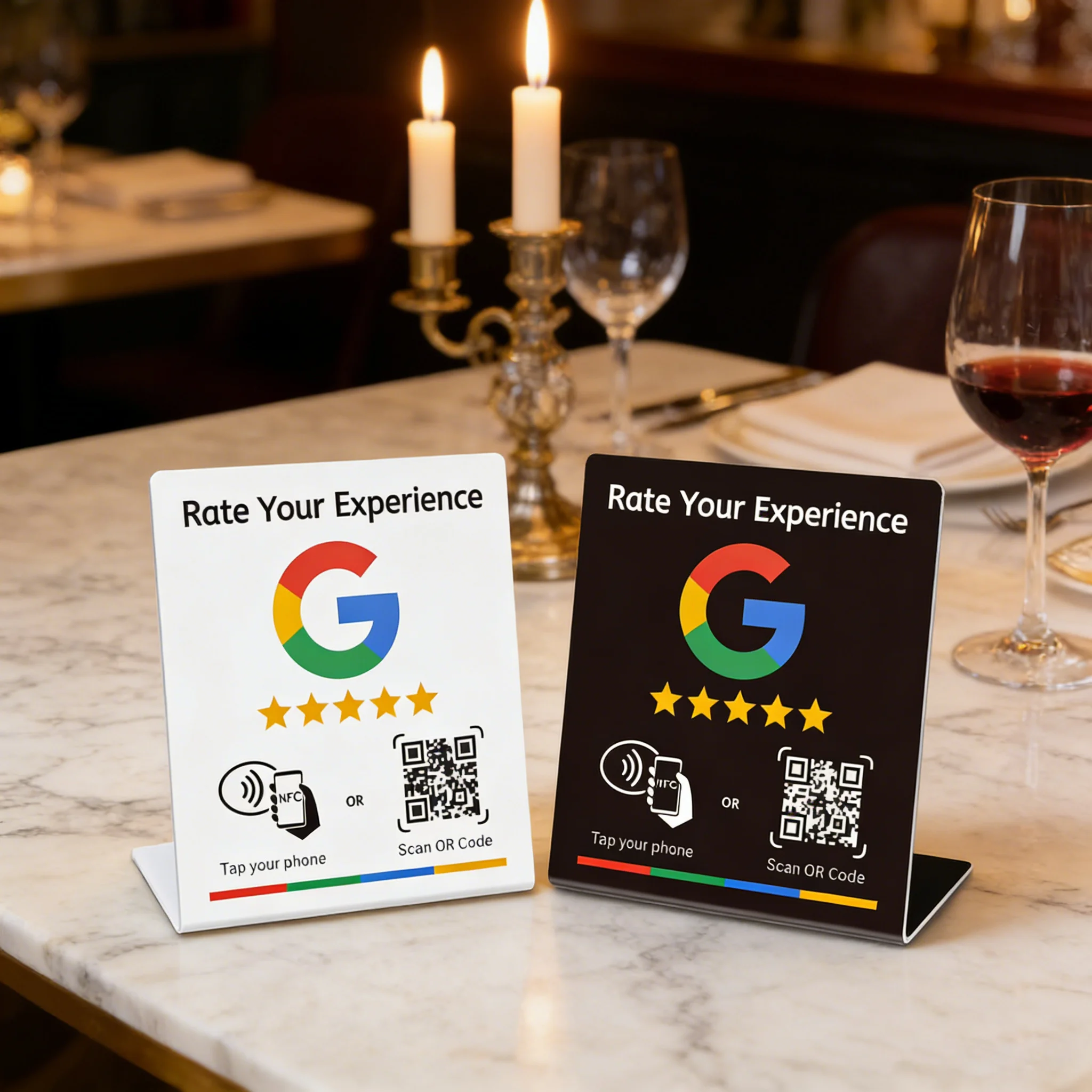
Black Black google QR code Black with QR code Bluewith QR code Facebook QR code Ins QR code Tk QR code WHITE WhatsApp QR code White google QR code

N-Tag Card for Google Review NFC Station

🛡️ Elevate your business's customer engagement with the N-Tag Card, an innovative NFC station designed specifically for Google Reviews. This versatile, programmable device operates at a frequency of 13.56MHz and features a durable NFC215 chip with a memory capacity of 504 bytes. Encased in high-quality PVC, the N-Tag Card is not only water-proof but also acid-proof and alkali-proof, ensuring reliability in various environments.

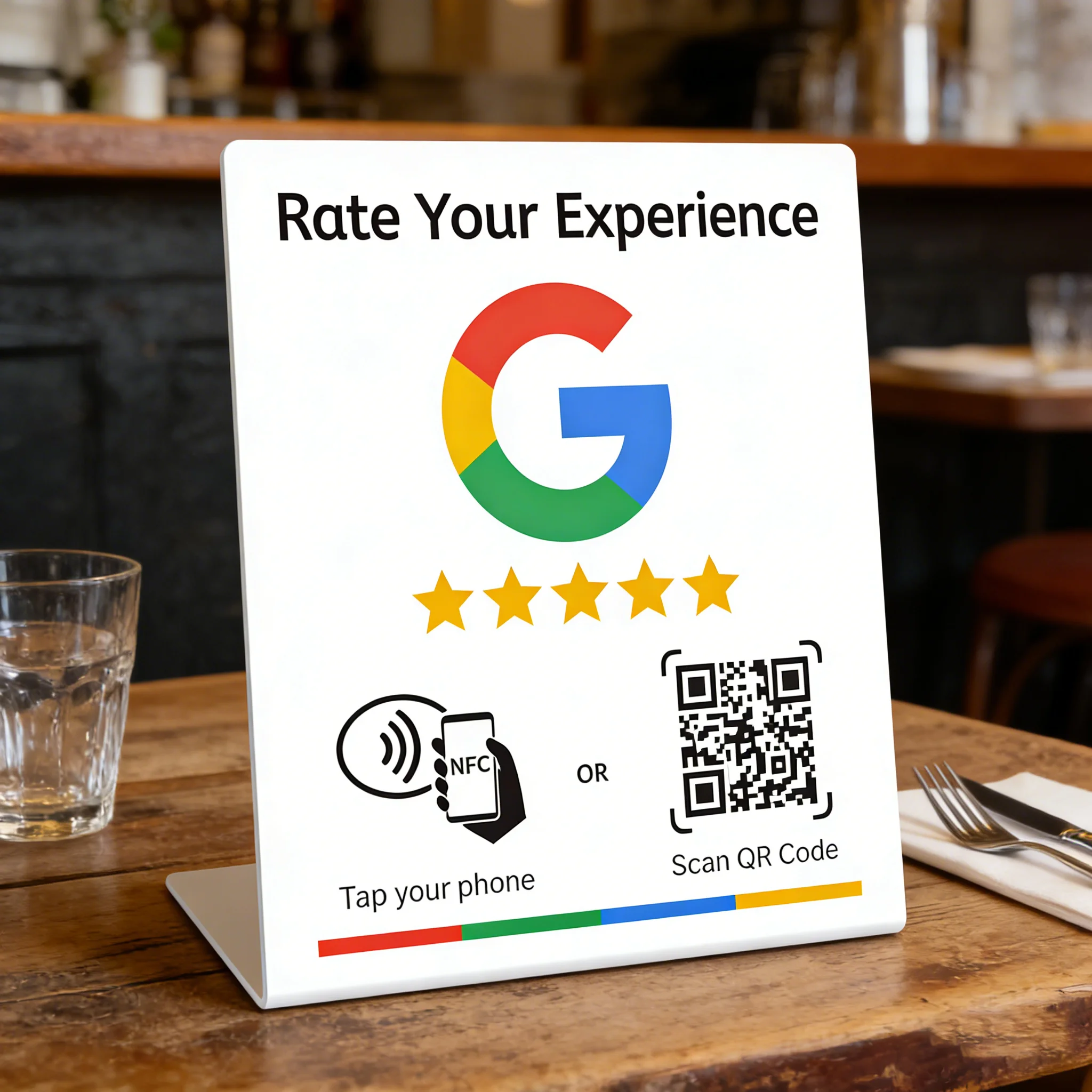
🔒 The unique bending card design allows for easy display on tables or counters, making it an ideal solution for businesses looking to enhance customer interaction and feedback collection. Simply set up the N-Tag Card in a prominent location to encourage customers to leave reviews effortlessly. The sleek brand bracket holds the card securely while providing a professional appearance.

🧩 Note: The card shell features a protective film that must be removed before use to ensure optimal functionality.

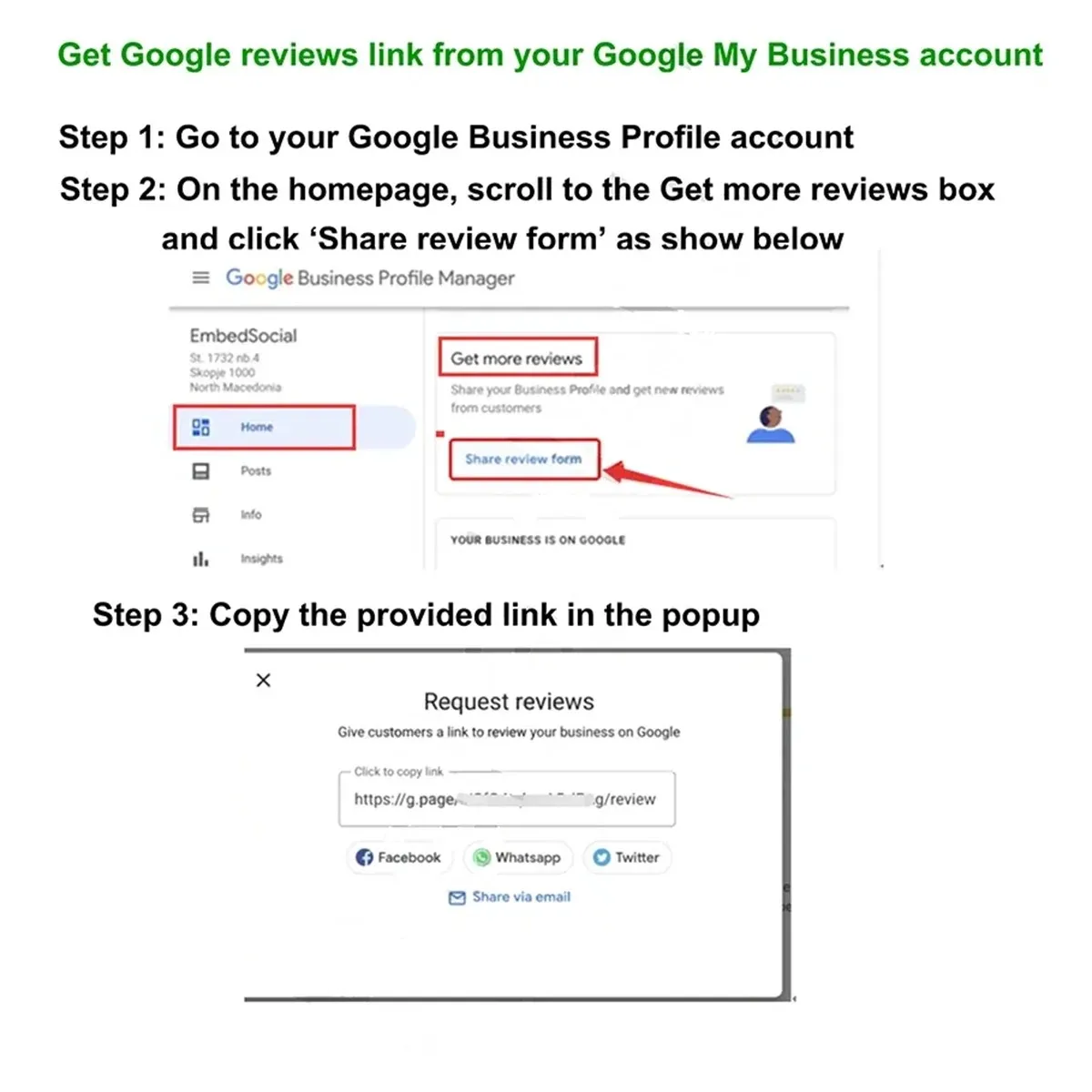
🧰 For detailed instructions on setting or changing your QR code link:

  1. Open your phone's camera and scan the QR code to enter www.nfckin.com.
  2. If you are a new user, register an account and create a secure password to help manage your QR code effectively.
  3. Access the "Activate Product" section to navigate to the QR code activation page.
  4. Scan the QR code again to automatically input the code associated with it.
  5. Input the activation code found at the bottom of the QR code or on the product itself, which contains both letters and numbers.
  6. Enter the desired webpage link you want to associate with this NFC card, ensuring to include "https://" at the beginning (e.g., https://www.nfckin.com).

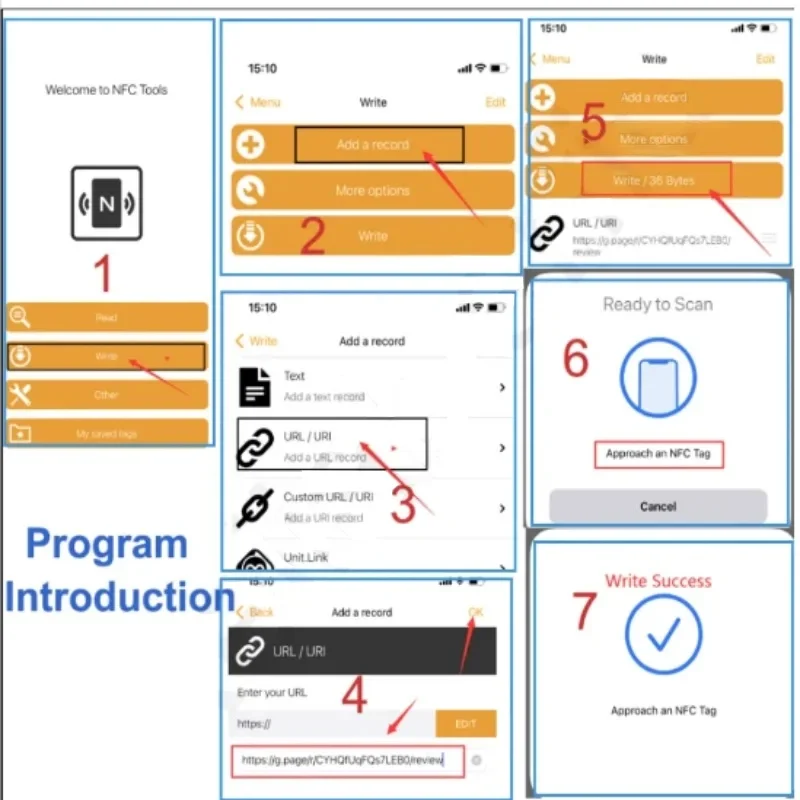
🔒 NFC Tag Writing Instructions:

To write your Google review link, download the "NFC Tools" app from the following stores:

🧩 With the N-Tag Card, you can now enhance customer experience, simplify the process of collecting feedback, and leverage digital technology to boost your online presence effortlessly!